• Competitor rules

    Please remember that any mention of competitors, hinting at competitors or offering to provide details of competitors will result in an account suspension. The full rules can be found under the 'Terms and Rules' link in the bottom right corner of your screen. Just don't mention competitors in any way, shape or form and you'll be OK.

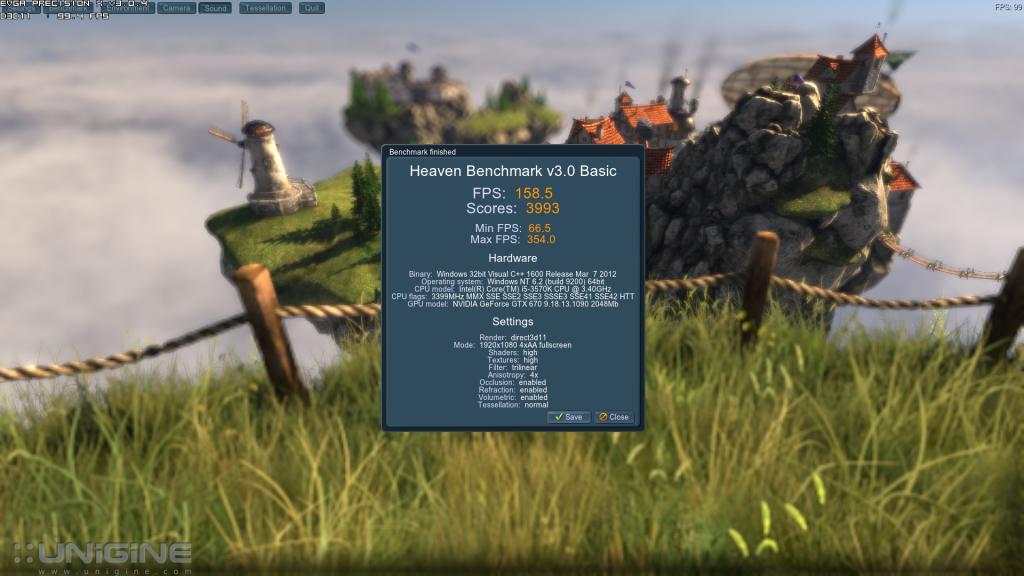
313.95 Nvidia drivers

310.90

heaven_2013_01_05_16_47_54_978_zps53486227.png


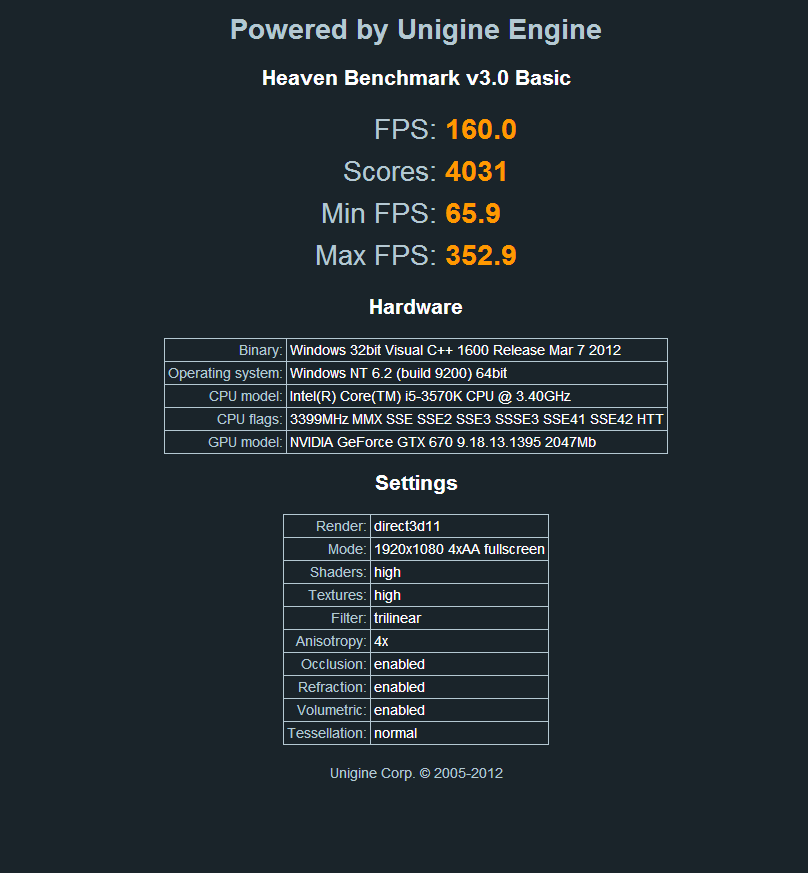
313.95

Capture-42_zps0ea3b223.png


Going to try some games now

How did you get a huge high score with gtx 670? are they sli?
 
Will these drivers clear up the graphics corruption in Windows 8? I have the GT 440 and the uptodate drivers and they dont work. I always get corruption in the windows, text, images etc.
 
I'm not sure about these.

I fired up BF3 for a test run and got awful stutter at the beginning of a map, which doesnt usually happen.

It felt like the clocks hadnt ramped up yet.
 
With these drivers my GPU and Memory clocks keep jumping up and down like a bungee while just browsing the net, this never happened on 310 or 307 branch.

I have a 680 Lightning and using Windows 8 64bit.

LE3egn5.png
 
As long as your fan isnt jumping up and down and being a pain, you probably wont even notice it. It'l be fine if you dont notice it, but it's still something that shouldnt happen so best to get it sorted if you can :)
 
As long as your fan isnt jumping up and down and being a pain, you probably wont even notice it. It'l be fine if you dont notice it, but it's still something that shouldnt happen so best to get it sorted if you can :)

I've tried shutting everything down and it still happens, I've even completely re-installed the driver using a driver cleaner (which I usually never do) and it persists. Like I said it's no big deal but it's just annoying seeing the graph go up and down on my 2nd monitor, damn you peripheral vision!
 
Back
Top Bottom