20" Widescreen Gaming Monitor

I've been looking at the OCUK one. Isn't it the one with 0ms input lag? If so, then that's excellent and would give my opponents no advantage over me in FPS games :cool: Money isn't really an issue with a monitor, so I'd rather pay extra and get a VA panel if I was to get this monitor. I just need to look over the millions of posts in the forums about this monitor, and see how it is with ghosting/blurring in-game :)
 
I've been looking at the OCUK one. Isn't it the one with 0ms input lag? If so, then that's excellent and would give my opponents no advantage over me in FPS games :cool: Money isn't really an issue with a monitor, so I'd rather pay extra and get a VA panel if I was to get this monitor. I just need to look over the millions of posts in the forums about this monitor, and see how it is with ghosting/blurring in-game :)

I ahve the OcUK 24" and i am a quake player and notice no ghosting at all. If i dont notice it on a game like quake, certainly wont be an issue on a game like CS :)
 
Ok, I've gone and changed my mind again :p

I'm definately set on getting a 20" now. I decided by sticking my 26" HDTV on my desk, and using it to play a few PC games, and it was just way too big. Anything close to 26", including 24" will be too big for me.

Have you received your Aqua yet creed. I'm very interested to know how well it works in games.

Also, anyone have any thoughts on the NEC MultiSync® LCD20WGX2 Pro? I've read 2 or 3 reviews on various websites suggesting that this is a good monitor for gamers, and shows little to no signs of ghosting. Also, I quite like the idea of the wider viewing angles over a TN panel.
 
I decided by sticking my 26" HDTV on my desk, and using it to play a few PC games, and it was just way too big. Anything close to 26", including 24" will be too big for me..

Remember though, the resolution will be much lower so the actual image overall is going to be bigger too in Windows and what not, don't let that fool you. :p

Gotta be honest though, I don't think this is much bigger over my old 20", adjusted straight away.
 
Well I forgot to take resolution into consideration, although my test was more to do with screen size :) and 24" is too big. Guess it's just a personal preference, but I've been on a 17" CRT for like 10 years now and absolutely loved it, and I think moving to a 20" widescreen LCD will be a good and suitable move.

Unless creed comes back with a good review on the Aqua, I think I may well get the NEC 20WGX2 Pro. Looking through the forums, there seem to be a lot of good comments about this particular monitor.
 
Unless creed comes back with a good review on the Aqua, I think I may well get the NEC 20WGX2 Pro. Looking through the forums, there seem to be a lot of good comments about this particular monitor.

Also like the soundbar option with the NEC if you wanted to reduced desk clutter, and didn't have a good existing speaker set-up.

I thought the Dell's were meant to be good too (not the TN budget models), but that was the 2008 models. No idea on the current release.
 
Snipr, sorry for the delay in replying. The 2053BW turned up and it is excellent, great colour reproduction and very bright (had to turn it down). I tried it next to my 206BW and the colours are much better - stronger and more vivid. No input lag or ghosting in COD4 or BF2.

I have pictures of the two next to each other which i will put up over this wknd.

Def recommend this purchase over the 206BW but not having seen the others u mention cant compare, except to say i dont think u'd be disappointed with this one ;)
 
Snipr, sorry for the delay in replying. The 2053BW turned up and it is excellent, great colour reproduction and very bright (had to turn it down). I tried it next to my 206BW and the colours are much better - stronger and more vivid. No input lag or ghosting in COD4 or BF2.

I have pictures of the two next to each other which i will put up over this wknd.

Def recommend this purchase over the 206BW but not having seen the others u mention cant compare, except to say i dont think u'd be disappointed with this one ;)


Looking forward to some pics mate as i can't make my mind up between the 2053BW and the 2043BW.
 
Looking forward to some pics mate as i can't make my mind up between the 2053BW and the 2043BW.

The 2043BW is a 5ms panel, so wouldn't go with that. Review of 2243BW here of its 22" monitor (same panel)

The 43 replaces the 53, but doesn't do as good as job it seems.

Go with what Creed said...

Creed how did your measure the lag?

can you setup your monitor in clone mode vs a CRT and use http://tft.vanity.dk/ to measure any lag ? You'll need a camera also (preferbly one with 1/1000th shutter speed). Take a few shots then subtract any time differences.
 
Last edited:
I didnt measure it i just had no issues with it...

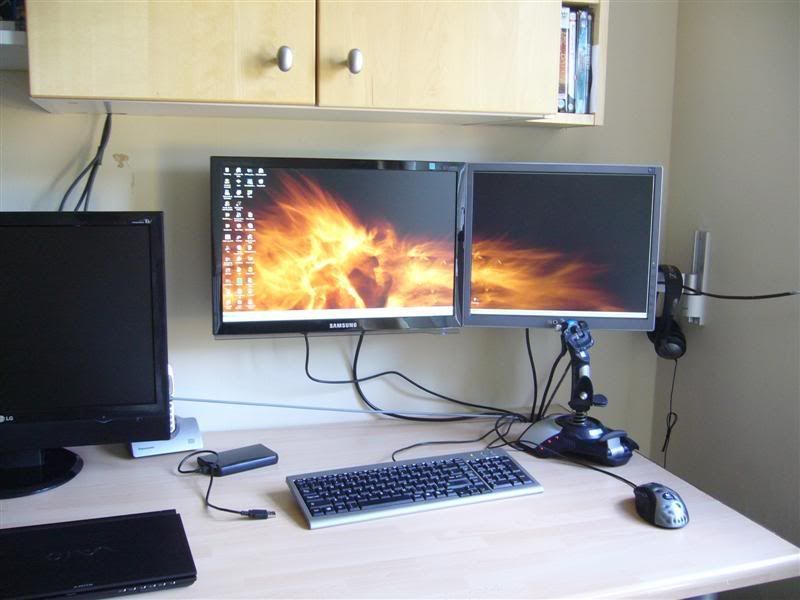
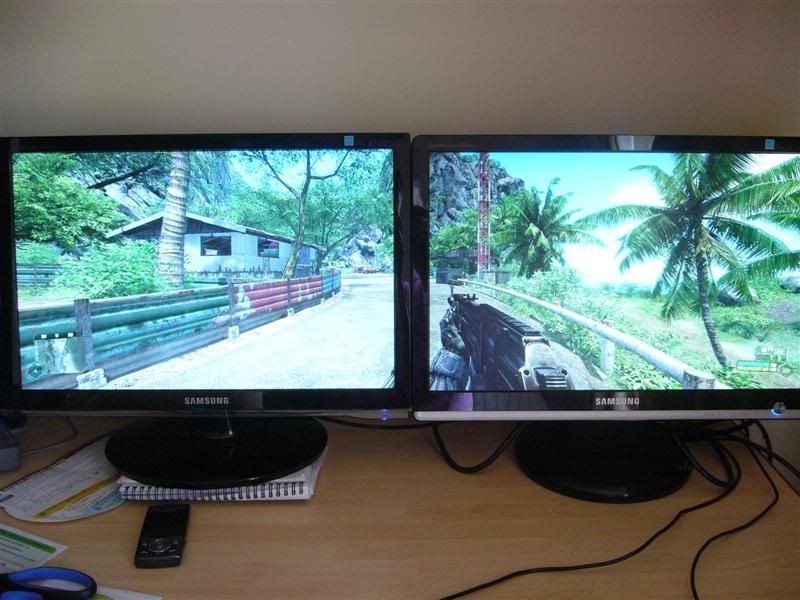
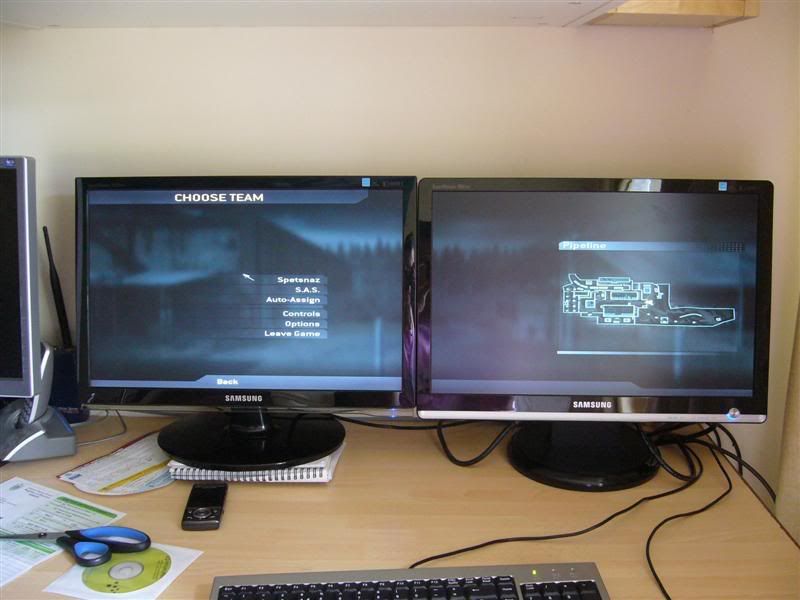
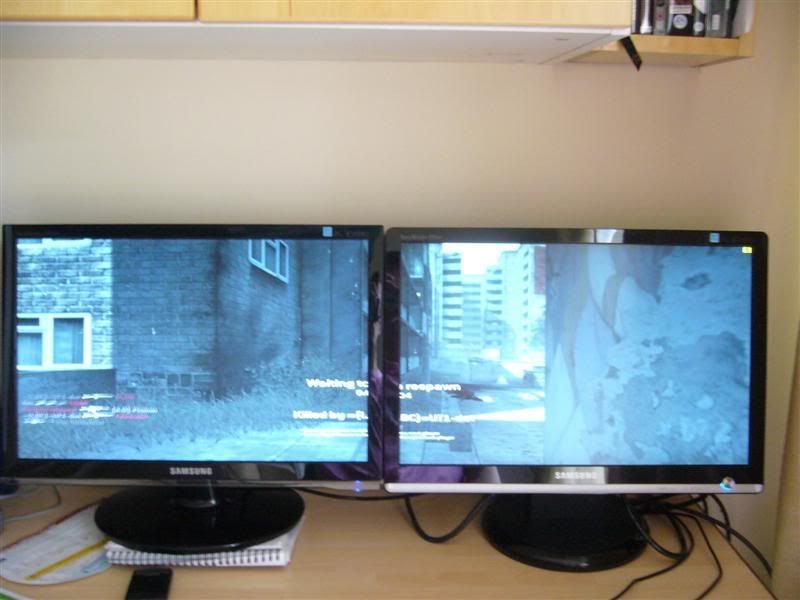
Pictures below, this is before any calibration so the Aqua is a little overbright but i have since corrected this and it looks good :D

Aqua is on the left in all pics. Having played dual screen crysis and cod4 i really want a triple monitor setup so the crosshair isnt in the split ;)

There are also good, on-the-fly adjustments using one button so u can switch between text mode, game, custom, etc, which adjusts brightness and contrast :)

P1050385Medium.jpg


P1050377Medium.jpg


P1050378Medium.jpg


P1050383Medium.jpg
 
Last edited:
How far did you turn down brightness? I have heard it can omit an electrical noise if you go below 70%.

Also, are the buttons touch sensitive on the 2053BW?
 
Cant comment on the 2043BW other than to say it has a 5ms response time whereas the 2053BW has a 2ms response time according to samsung's website and i think the 2053BW looks nicer.

The buttons are on the right underside of the panel and are click sensitive buttons.

Can confirm the monitor is currently set to 39 brightness and does not make any noise at high or low values. I turn it up to higher brightness when gaming, using the presets.
 
Back
Top Bottom