

You are using an out of date browser. It may not display this or other websites correctly.
You should upgrade or use an alternative browser.
You should upgrade or use an alternative browser.
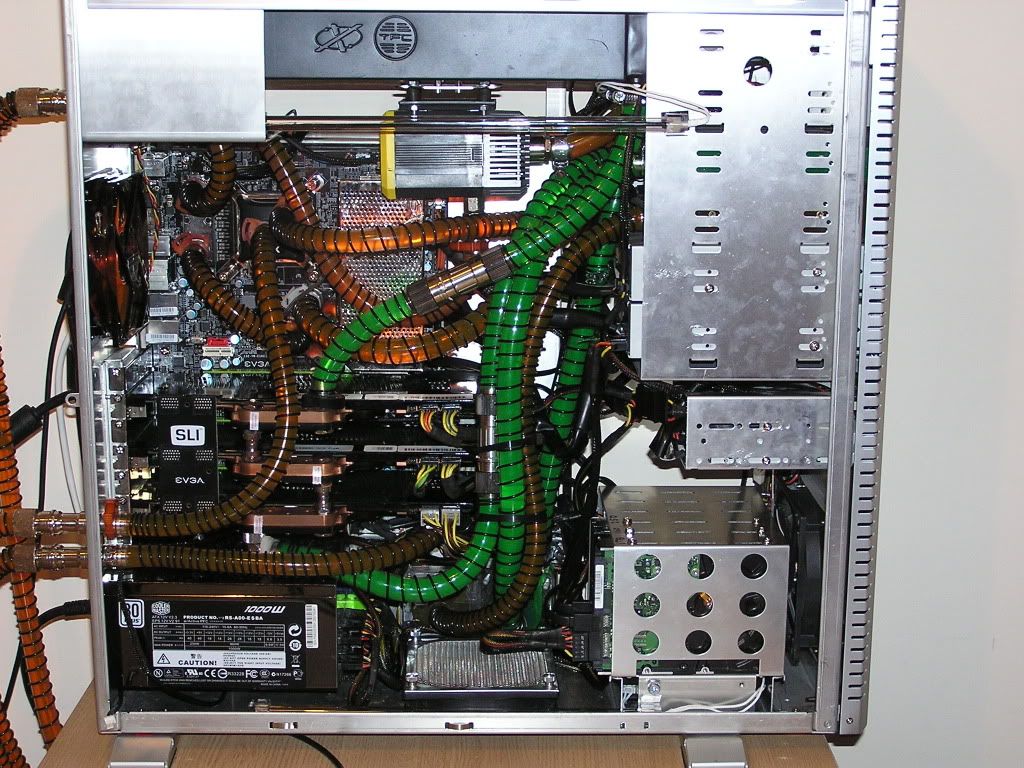
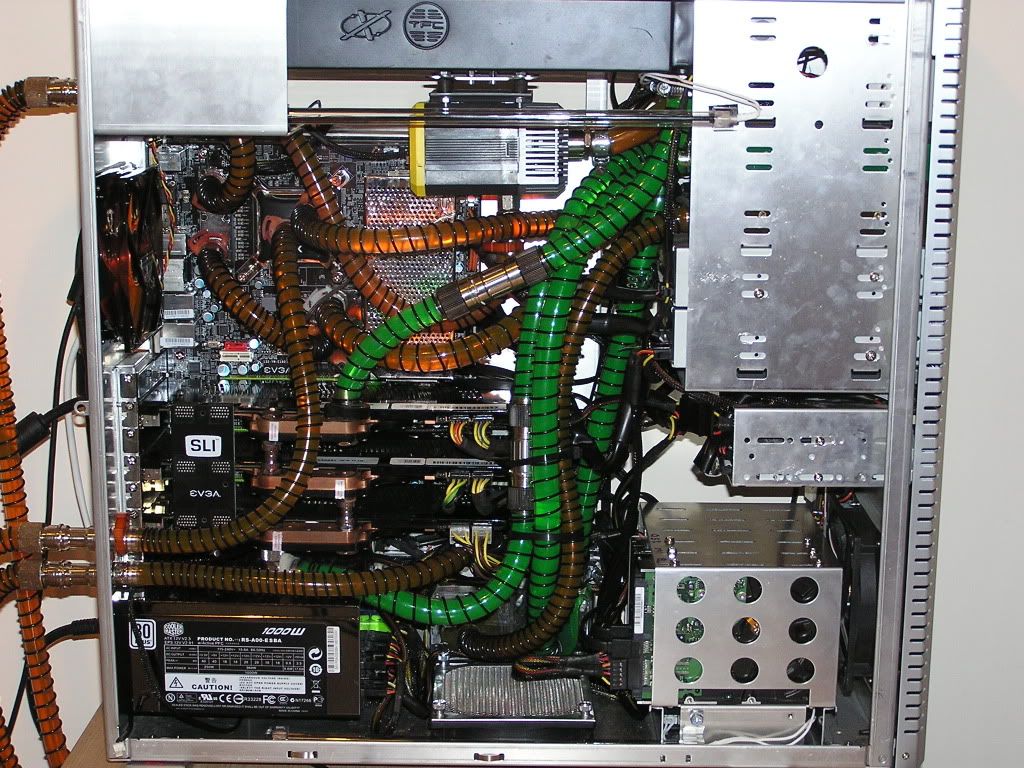
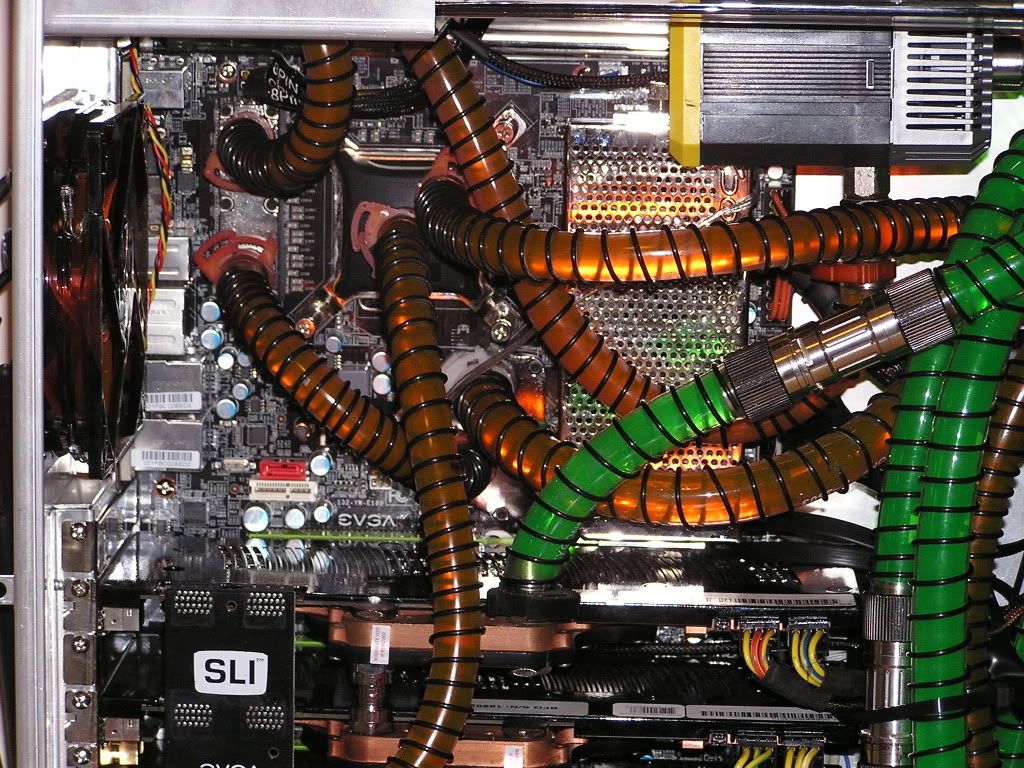
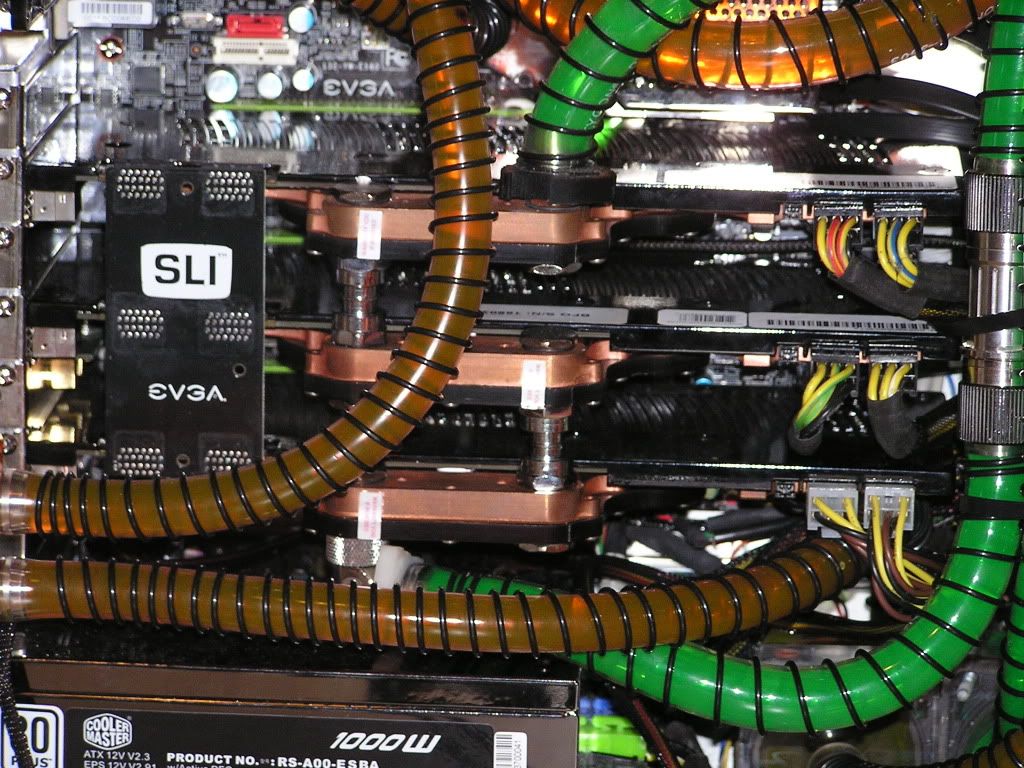
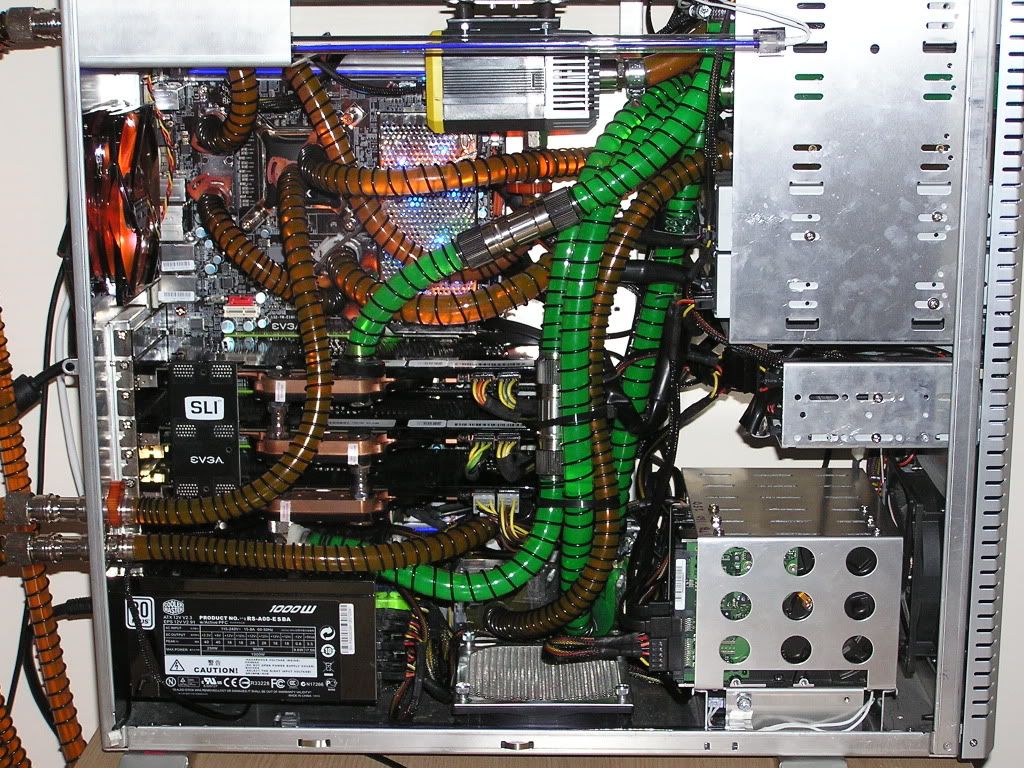
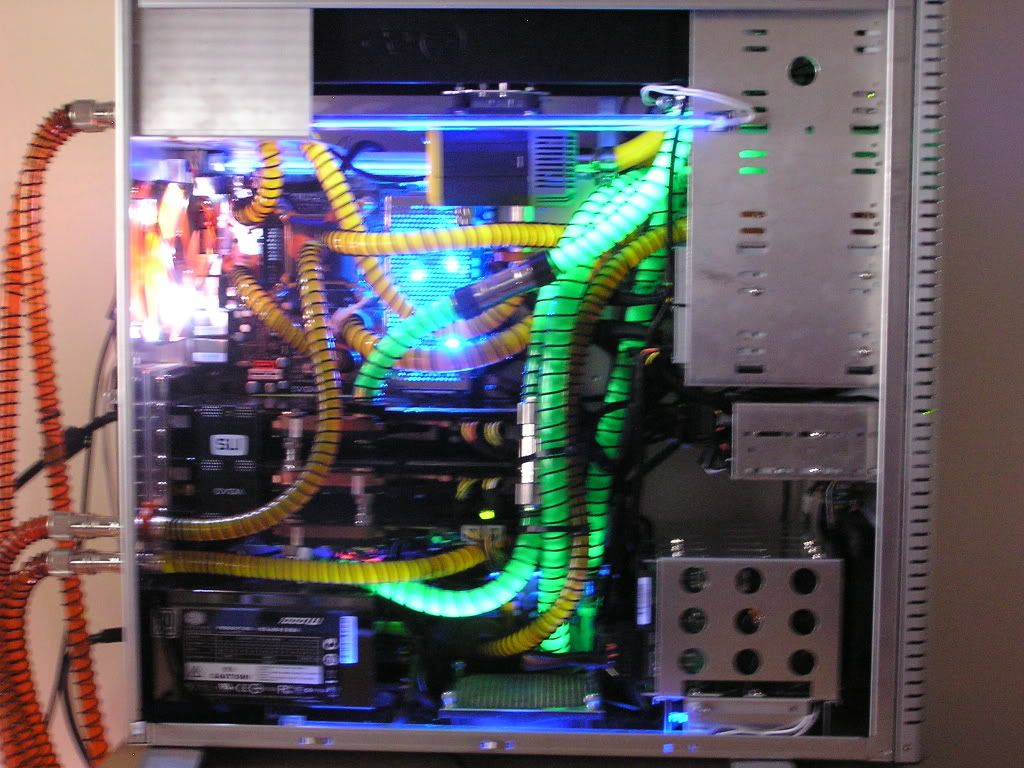
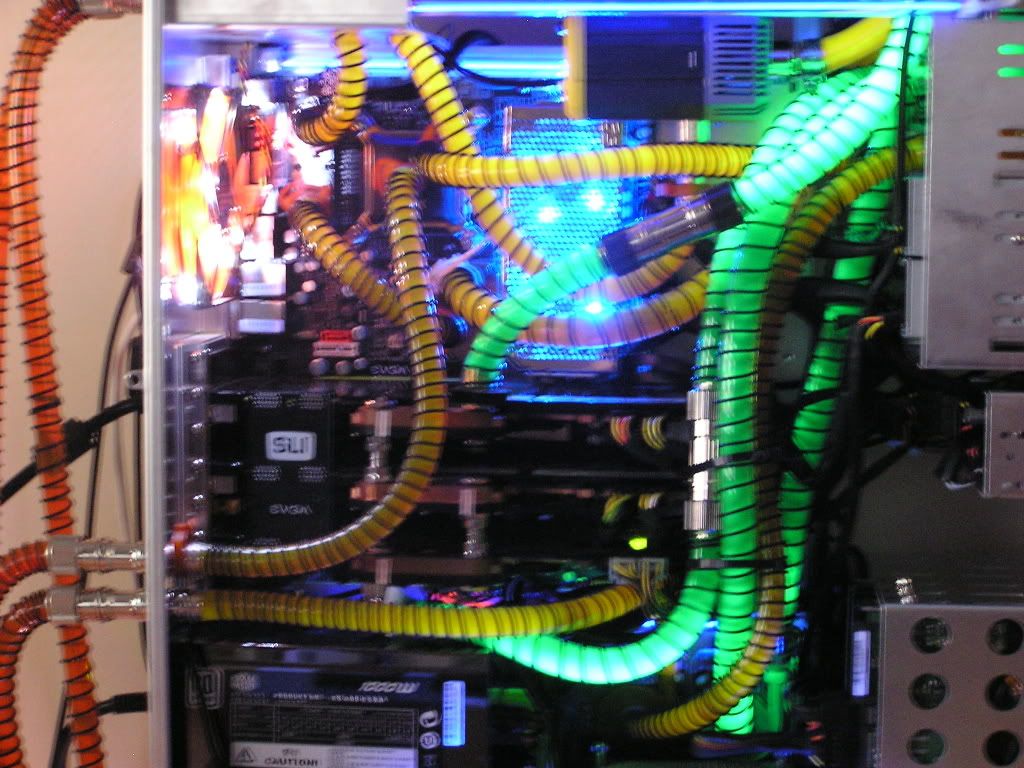
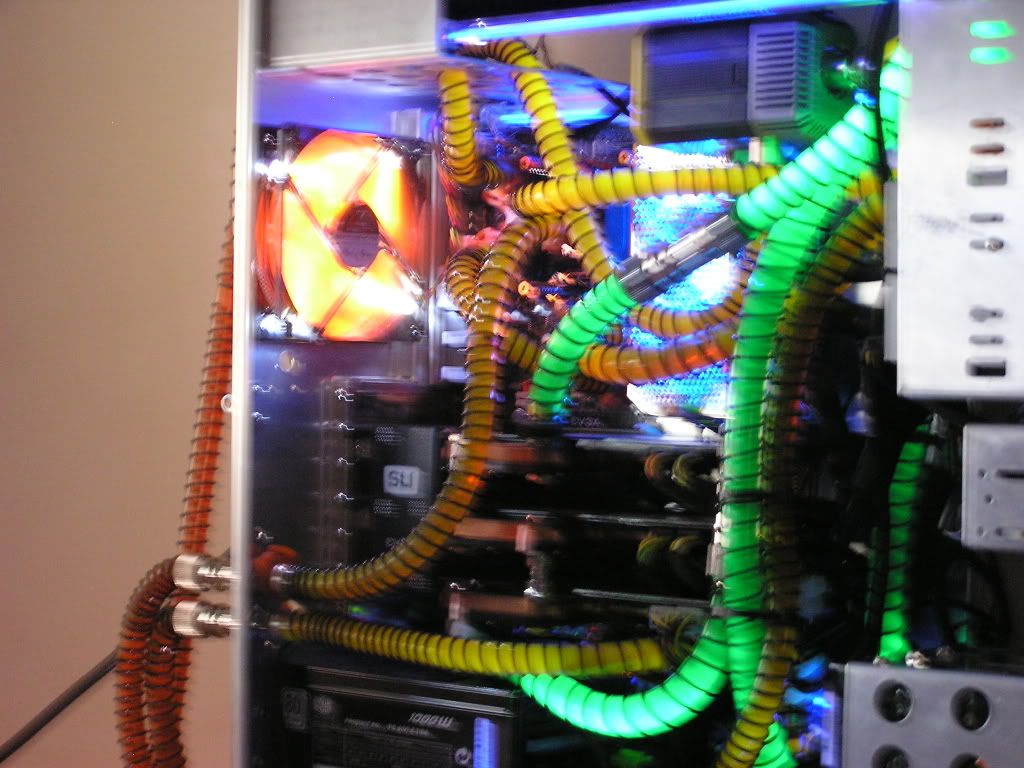
Updated pics now ive done a bit of cable tidying
- Thread starter geordie56
- Start date
More options
Thread starter's posts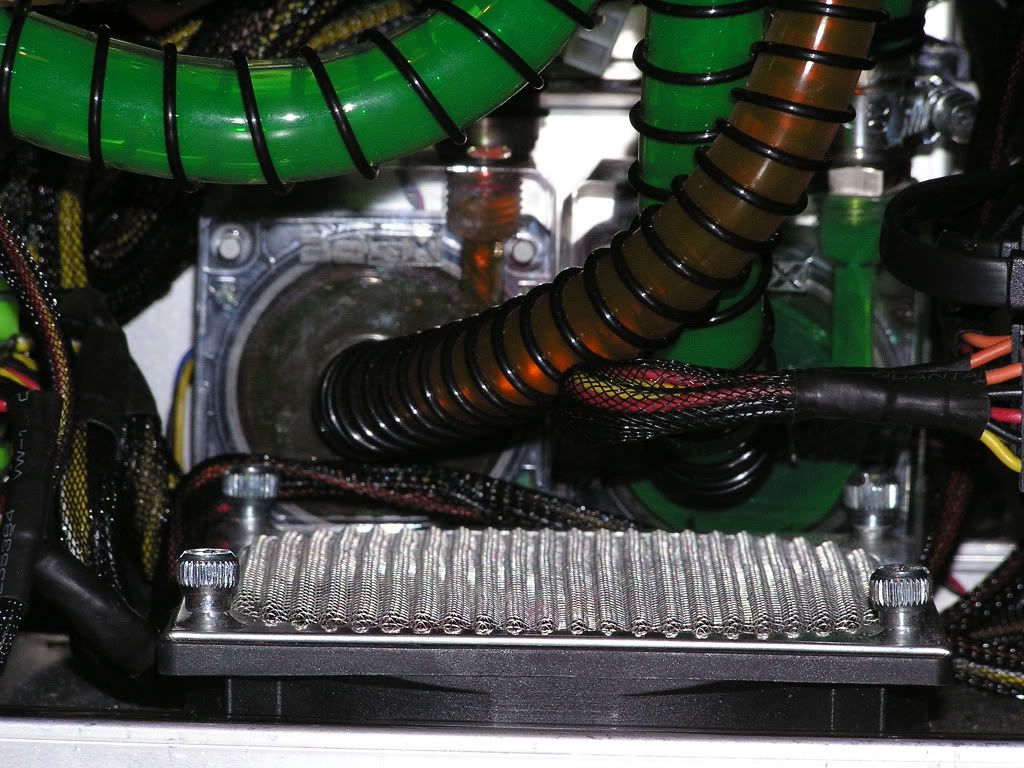

Associate
- Joined
- 6 Apr 2009
- Posts
- 346
- Location
- Crewe
oh my goddddddd thats awesome 

Associate
- Joined
- 18 Feb 2009
- Posts
- 1,253
- Location
- PorthEmmet, Cornwall
That's looking awesome in there - cabling? What cabling?
But seriously dude, you gotta put an empty line between your pics - my eyes were doing somersaults trying to figure out your loops before I realised it was 2 pics I was trying to decipher!
But seriously dude, you gotta put an empty line between your pics - my eyes were doing somersaults trying to figure out your loops before I realised it was 2 pics I was trying to decipher!

Soldato
- Joined
- 20 Apr 2008
- Posts
- 3,861
- Location
- West Midlands
that looks much better. 
Associate
- Joined
- 24 Feb 2009
- Posts
- 1,758
- Location
- Teesside
Youve just hidden all the cables behind a mass of water cooling  haha, looks great man! nice work
haha, looks great man! nice work 

The flow rate is fine, im getting temps of 32 on my North and Southbridge and Pwms and 47 on my cpu under full load and the collant in the res is moving away nicely, in fact theres not much difference between them 2 loops and the 3rd gpu loop inside my case. Dont forget they are the 18w laing pumps with ddc tops.

Associate
- Joined
- 24 Feb 2009
- Posts
- 1,758
- Location
- Teesside
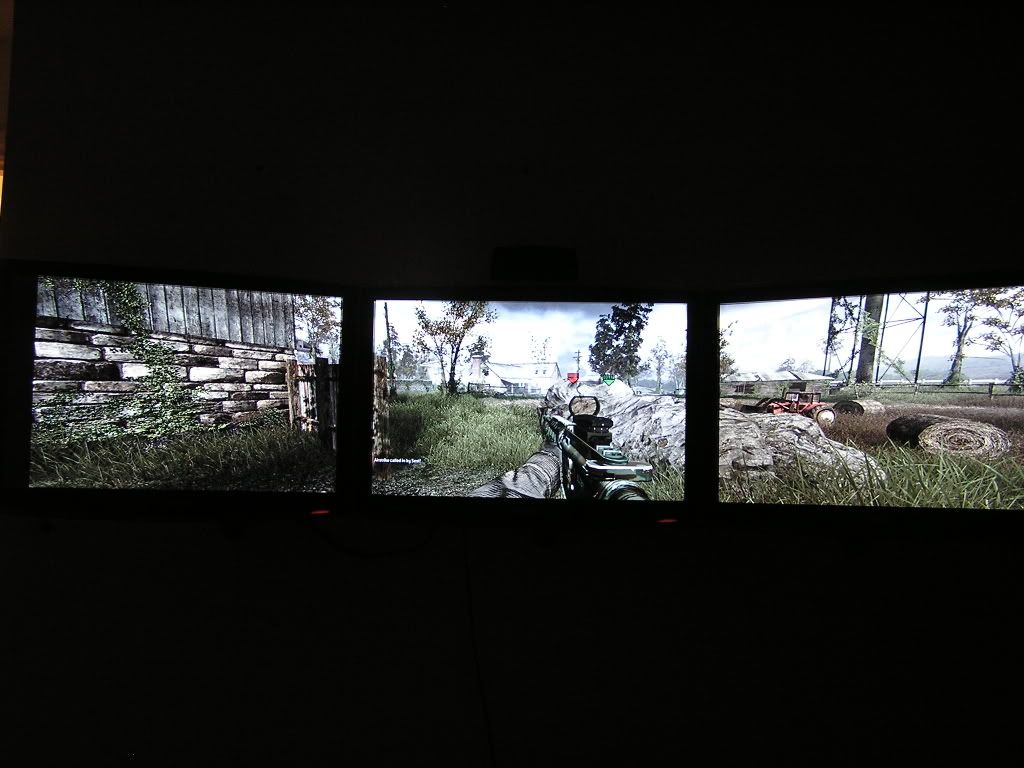
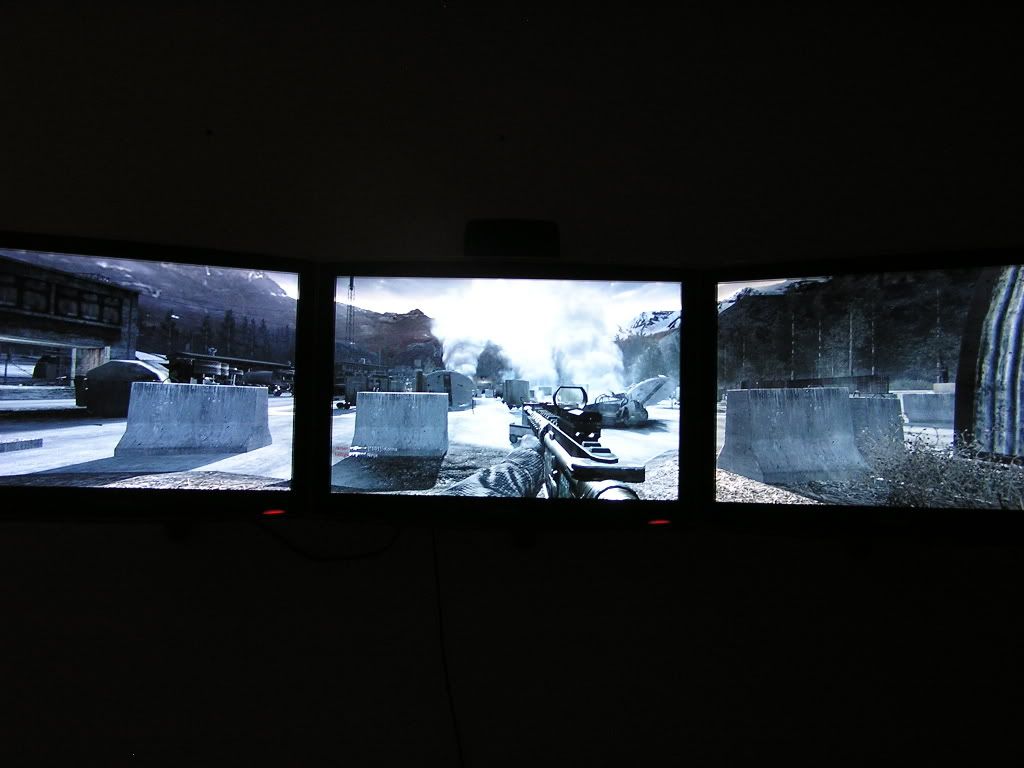
So this Is why I get my single screen ass kicked everytime I play COD4 haha, thats a sick setup man!! Like how your desk has built in cooling Do you have 3 loops in there then? 
Do you have 3 loops in there then? 
Soldato
- Joined
- 17 Sep 2007
- Posts
- 11,117
- Location
- West Yorkshire / Market Bosworth
Love the triple screen shots. What is that like in practice?

