


Hullo !
I intended to start this a couple of months ago but being busy with lots of paper work and then my health has delayed it somewhat. However, I did want to make sure it was all viable and would work before posting so I didn't look like a total belmet.
If you hadn't worked it out the title is what the Neo Geo displays on booting. However, the funny part is it says specifically "Max 330 Mega" yet over the years they made games larger than that lol.
Any way, I pre ordered a Neo Geo AES remake about a year ago. I got the noti it had been delayed for an entire year, and kinda lost my temper a bit. That said in the time since I pre ordered it I realised that a multi cart I had in my dreams that would cost maybe £60 on AliExpress not only didn't exist but when it did it was over £300. It also did not work very well. I have no idea why it is such a sod to make a multi cart for the Neo Geo but immediately I realised that it would end up being a display piece (I am still getting it, and have bought WH2 Perfect for it !) but yeah. As such I figured I would use my Rasp Pi 0 to emulate the Neo Geo on.
Since then I have messed around a bit with another Pi (an original a mate gave me) to make a Pihole and realised it was so much faffing around that it would probably better to find something with the OS on it already and go from there. Hence, £23 Android box from Ali.
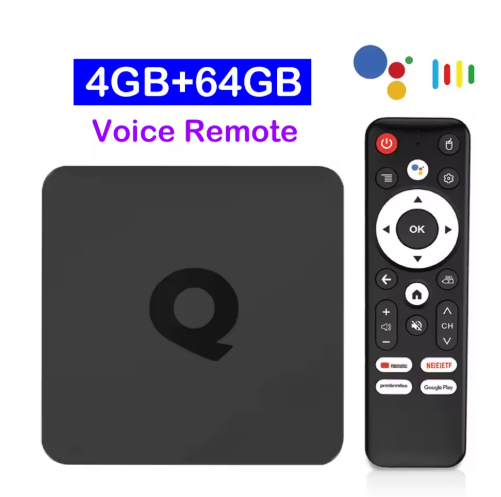
I have a 180gb SATA SSD on an adapter (USB) for extra storage.
The box arrived a couple of days back and I started to mess around with it. I installed Retroarch, then spent many many hours trying to get it to see the hard drive. It dawned on me after about four hours that with the remote it is impossible. I switched it to mouse mode and sorted. However, then Final Burn would not launch the roms I had. Apparently they are Neo RageX roms for the AES and the Final Burn emu only loads MVS roms ffs. With that sorted I loaded a game up.... and..... Terrible. The image was super but the audio was stuttering like a pig. Many hours later fiddling with settings and I have it perfect. So perfect I hooked up a game controller and spent the rest of last night gaming.
So now with the idea tested and working I started to think about what I want it to look like. I want to put everything inside a CNC machined shell that looks awesome. Not decided on the design or the colours just yet, but it will be reasonably large. Mostly as I want to mount an IEC socket...
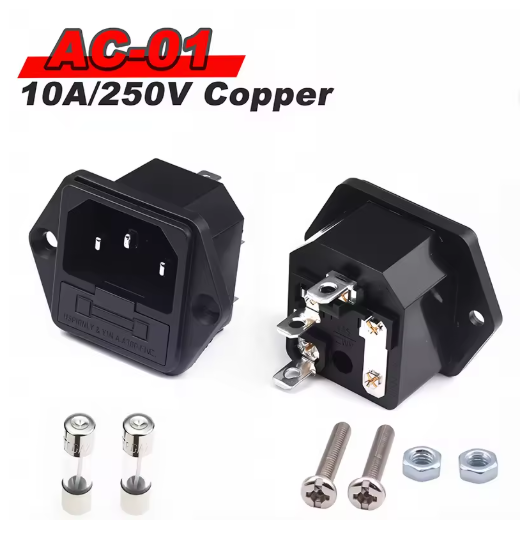
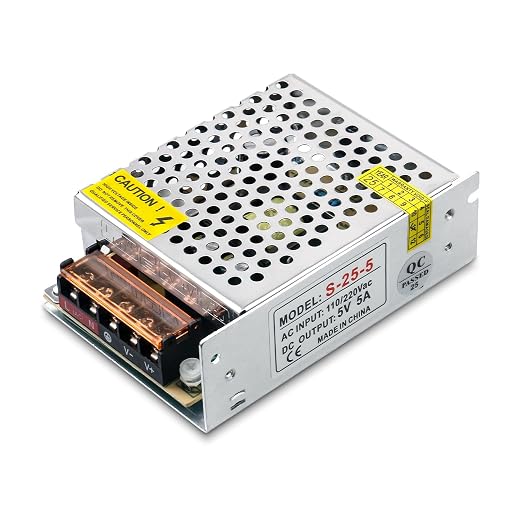
That is fused and grounded, as well as an internal power supply. This has been ordered also, 5v 5a.
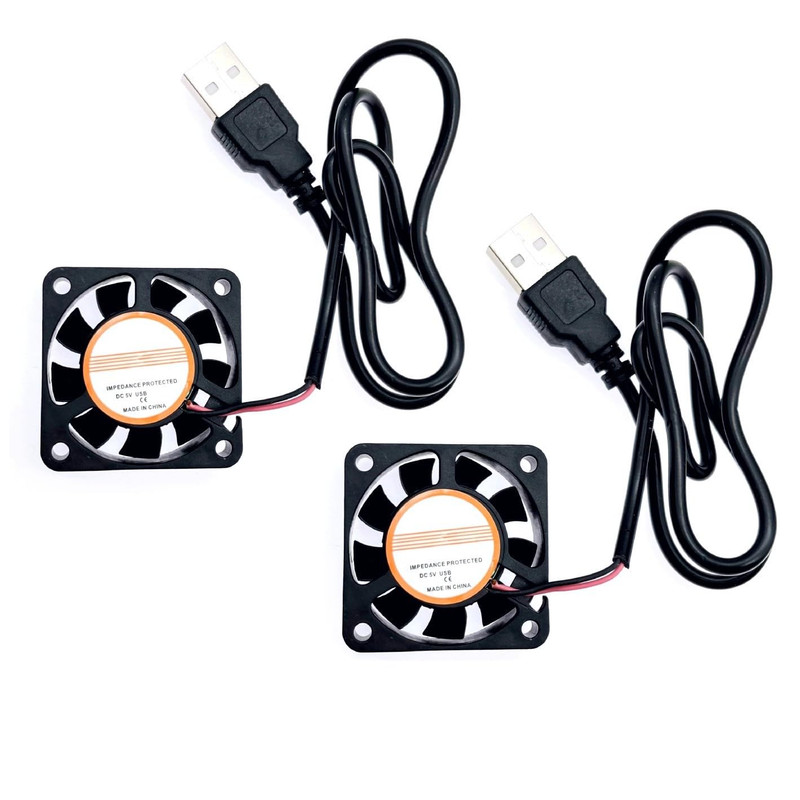
I bought a pair of 5v fans. I will chop off the USB connectors and wire them into the power supply to free up more USB ports.
I'm also going to de-shell the android box and put a small cooling solution on the main chip. So then it was time to find a suitable controller. Mostly as a Dpad doesn't feel right an an analogue stick feels even worse. Like stirring porridge. This was the hardest part to find, and I am not even sure it will work yet. I may need to open it up, fit a suitable input to USB board and add a cable but hopefully it may work as ordered. This is a limited edition controller meant to pair with the Neo Geo arcade mini.
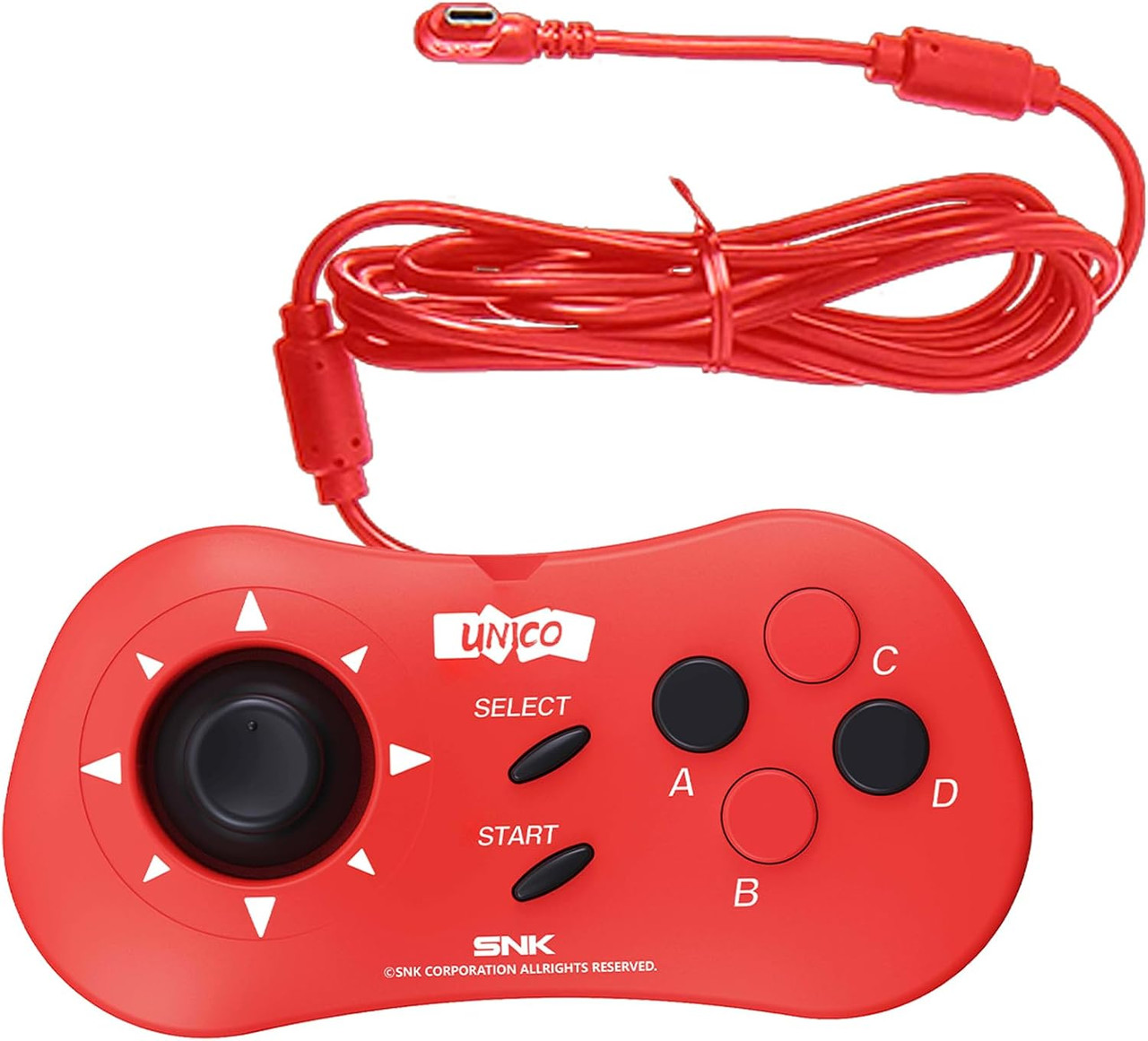
Being USB C it may work? no idea. I did weight up the pros and cons of making my own proper stick, but it would run me over £60 and be quite unwieldly. I always found the Neo Geo CD pads (which is what that is modelled from) to be better for couch gaming.
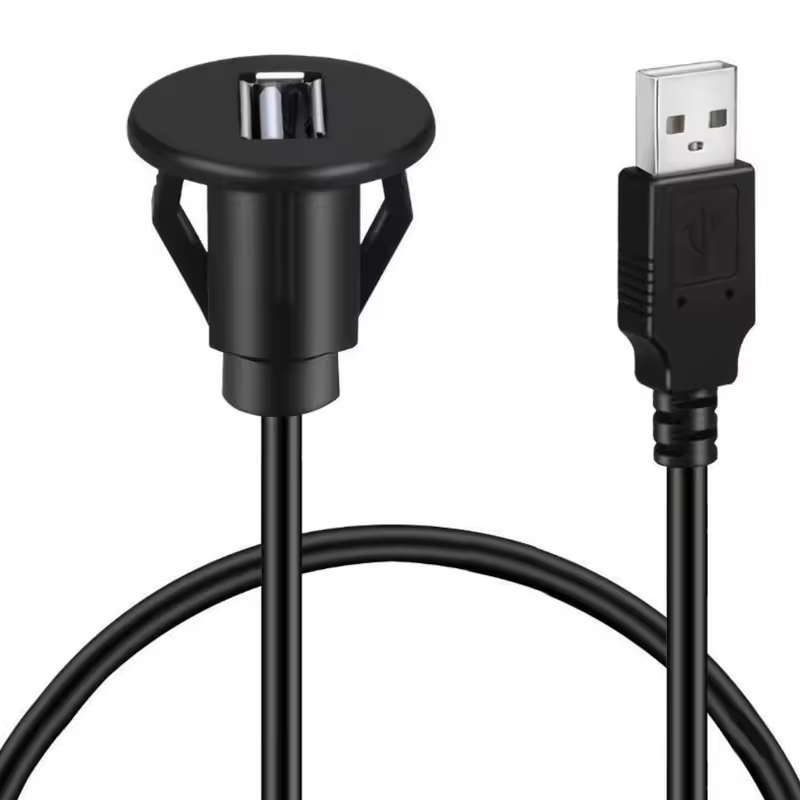
OK so then I ordered two USB sockets like so.
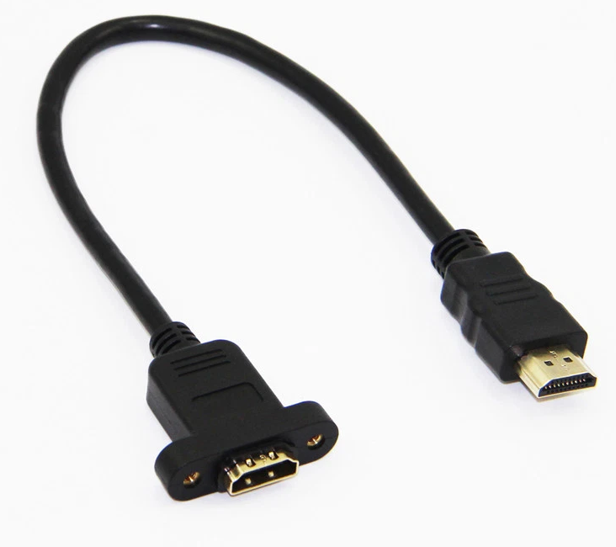
And a HDMI socket to cable.
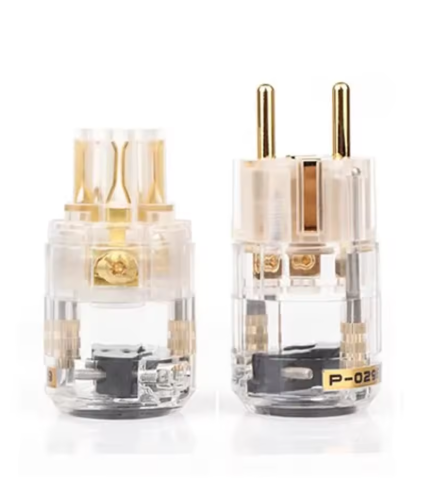
I also want to make up my own external IEC cable custom as I usually do, so I got this (I've got a euro plug here)
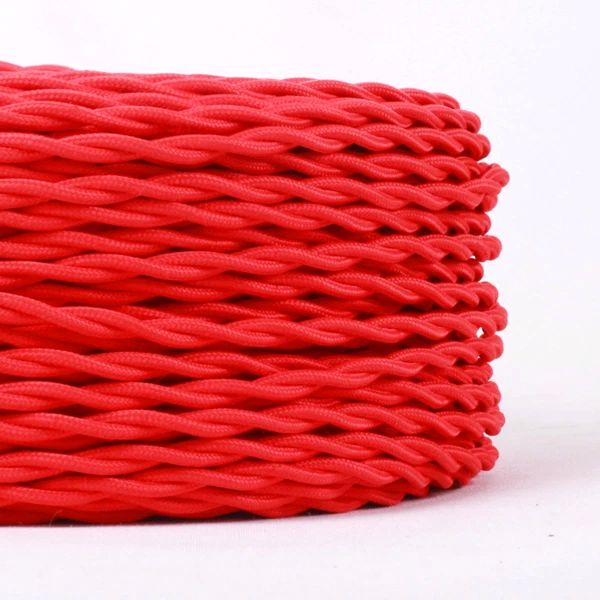
And then this triple core braided wire.
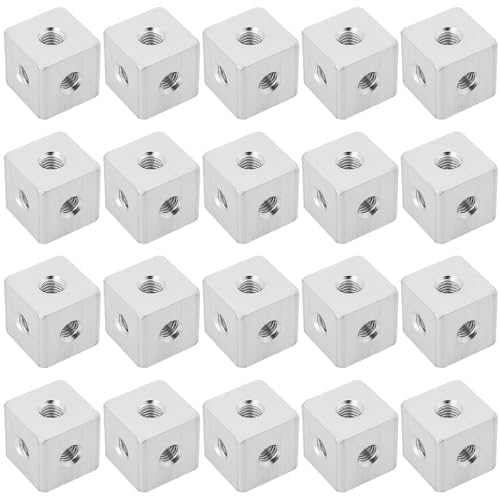
Lastly for now I have ordered the blocks to hold it together
As I said, not ordered the plastic yet but will next week once the other parts have all arrived. Probably red and black? but who knows?
I intended to start this a couple of months ago but being busy with lots of paper work and then my health has delayed it somewhat. However, I did want to make sure it was all viable and would work before posting so I didn't look like a total belmet.
If you hadn't worked it out the title is what the Neo Geo displays on booting. However, the funny part is it says specifically "Max 330 Mega" yet over the years they made games larger than that lol.
Any way, I pre ordered a Neo Geo AES remake about a year ago. I got the noti it had been delayed for an entire year, and kinda lost my temper a bit. That said in the time since I pre ordered it I realised that a multi cart I had in my dreams that would cost maybe £60 on AliExpress not only didn't exist but when it did it was over £300. It also did not work very well. I have no idea why it is such a sod to make a multi cart for the Neo Geo but immediately I realised that it would end up being a display piece (I am still getting it, and have bought WH2 Perfect for it !) but yeah. As such I figured I would use my Rasp Pi 0 to emulate the Neo Geo on.
Since then I have messed around a bit with another Pi (an original a mate gave me) to make a Pihole and realised it was so much faffing around that it would probably better to find something with the OS on it already and go from there. Hence, £23 Android box from Ali.
I have a 180gb SATA SSD on an adapter (USB) for extra storage.
The box arrived a couple of days back and I started to mess around with it. I installed Retroarch, then spent many many hours trying to get it to see the hard drive. It dawned on me after about four hours that with the remote it is impossible. I switched it to mouse mode and sorted. However, then Final Burn would not launch the roms I had. Apparently they are Neo RageX roms for the AES and the Final Burn emu only loads MVS roms ffs. With that sorted I loaded a game up.... and..... Terrible. The image was super but the audio was stuttering like a pig. Many hours later fiddling with settings and I have it perfect. So perfect I hooked up a game controller and spent the rest of last night gaming.
So now with the idea tested and working I started to think about what I want it to look like. I want to put everything inside a CNC machined shell that looks awesome. Not decided on the design or the colours just yet, but it will be reasonably large. Mostly as I want to mount an IEC socket...
That is fused and grounded, as well as an internal power supply. This has been ordered also, 5v 5a.
I bought a pair of 5v fans. I will chop off the USB connectors and wire them into the power supply to free up more USB ports.
I'm also going to de-shell the android box and put a small cooling solution on the main chip. So then it was time to find a suitable controller. Mostly as a Dpad doesn't feel right an an analogue stick feels even worse. Like stirring porridge. This was the hardest part to find, and I am not even sure it will work yet. I may need to open it up, fit a suitable input to USB board and add a cable but hopefully it may work as ordered. This is a limited edition controller meant to pair with the Neo Geo arcade mini.
Being USB C it may work? no idea. I did weight up the pros and cons of making my own proper stick, but it would run me over £60 and be quite unwieldly. I always found the Neo Geo CD pads (which is what that is modelled from) to be better for couch gaming.
OK so then I ordered two USB sockets like so.
And a HDMI socket to cable.
I also want to make up my own external IEC cable custom as I usually do, so I got this (I've got a euro plug here)
And then this triple core braided wire.
Lastly for now I have ordered the blocks to hold it together
As I said, not ordered the plastic yet but will next week once the other parts have all arrived. Probably red and black? but who knows?


