Advice

Associate
Joined
23 Dec 2024
Posts
14
Location
UK
Hi,

I'm looking to upgrade my current custom built PC that my friend built for me and was after some advice on what I will need to upgrade. I currently have AMD Ryzen 7 3700x, RTX2060 Super, B450 Tomahawk ddr4 atx board, Corsair LPX 16GB memory, Wifi 6 card, 5ooW power supply, Samsung 970 Evo tTB PCIe.

I have been looking at getting a 4060TI graphics card and an Ryzen 7 9700x processor, are these good choices? also what else would I need to upgrade, motherboard and memory etc? I also have a Kolink Void Midi tower case

Thanks
 
So my budget to upgrade is maybe £1200 for it all, i am going to buy the LG Ultrawide monitor after Christmas.
So games I play are Civ 6 so will be buying the new one and FM manager, i do use the PC generally and for pictures etc. my power supply is Aero cool integrator 500W 80 plus. Also my fan is only one that came free with the processor
 
thanks all.

If I was just to upgrade the graphics card and chipset to see a big improvement on my current set up what’s the best option that push motherboard/power supply etc to the limit?
 
The easiest route would be to keep your existing motherboard and upgrade some of the components.

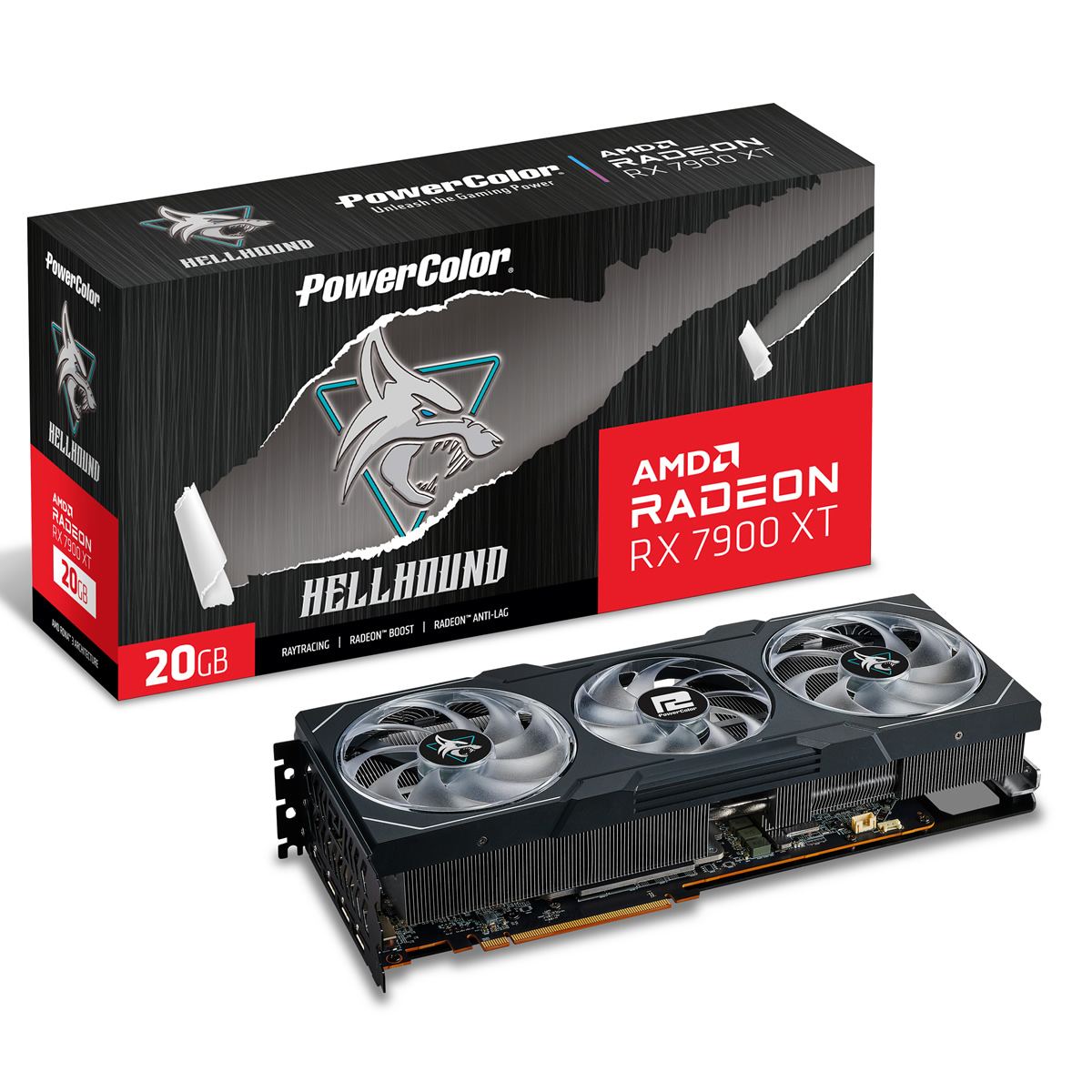
This would work well and be a pretty huge upgrade:

My basket at OcUK:

Total: £958.94 (includes delivery: £7.99)​
You'll probably need to update your bios, the other option would be waiting on the new Nvidia cards coming out in a month or two.​
The 4060ti is terrible for the price, switching to AM5 will give you more overall longevity but you'll have a slower gaming system until your next big GPU upgrade.​
Im just in the process of ordering the above but seen the power unit is OOS. I currenlty have a fan that i got with my processor oringally, will this suffice or do i need the cooler you mention above? Also one more question, sorry, how does the graphics card you mention above compare to the 4070TI?
 
What exact fan HSF is on your current CPU? If it's the stock AMD one I'd highly recommend spending £15-20 on something better.

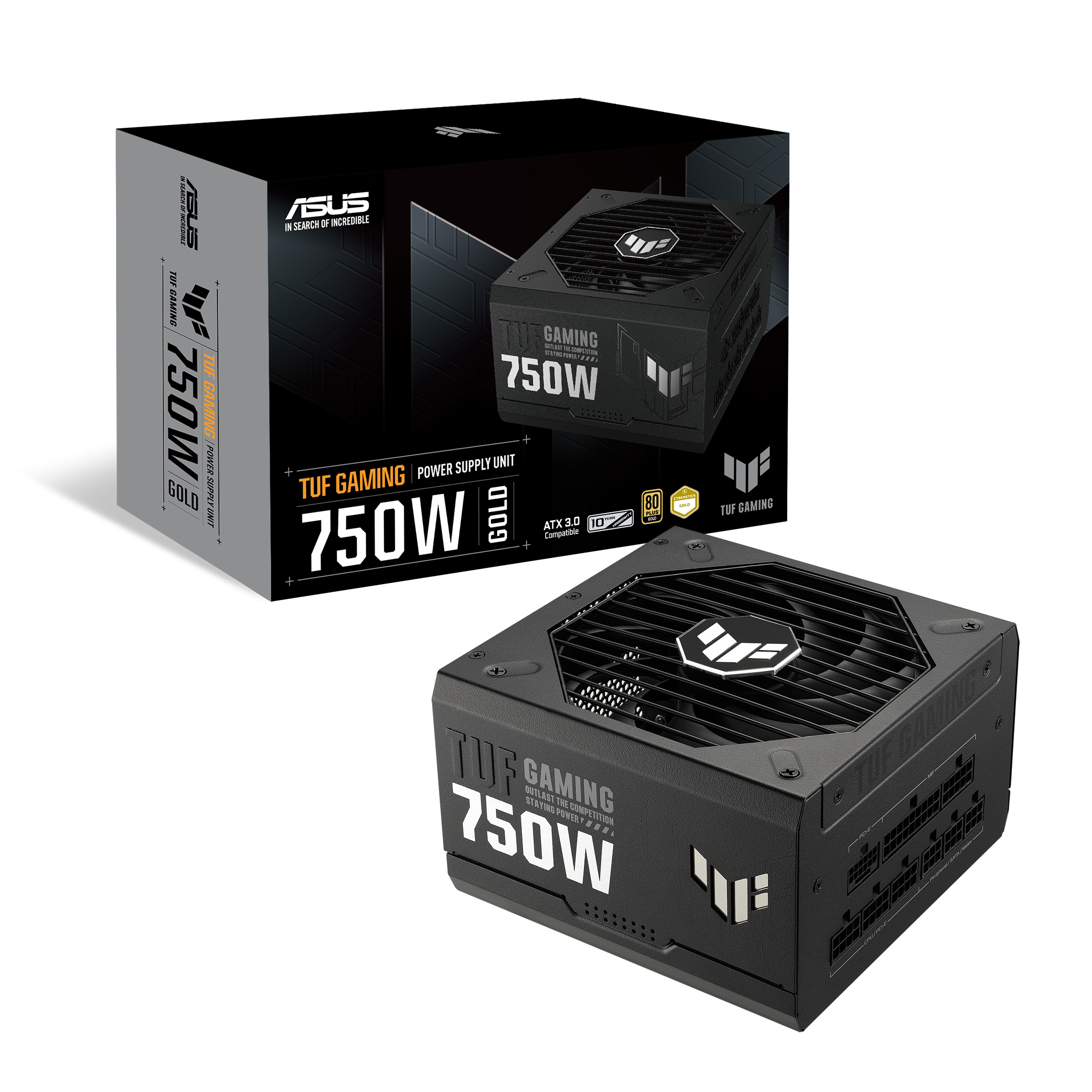
If the Asus isn't in stock either of these would work:

My basket at OcUK:

Total: £192.89 (includes delivery: £7.99)​

The System Power 10 gold isn't great, the two above are decent options and meet the new ATX standards.

The 4070ti Super would be the comparable card, they perform similarly although the Nvidia option handles RT better and has the benefits of DLSS. If you want to go Nvidia I'd highly recommend waiting to buy the GPU as the new 5000 series is due to launch in Jan and Feb.
So i purchased the 4070 Super in the end and https://www.overclockers.co.uk/be-q...850w-80-plus-gold-power-supply-ca-14x-bq.html.

The fan i currenlty have is the AMD fan that came with the system, i was told The Noctua fans are good for the Tomahawk 450 max & Ryzen 7 57003xd... i only paid £130 for the CPU, which fan is decently priced that would work with the new CPU? appreciate all your help and advice BTW
 
Can I ask a question on bios flashing. I have downloaded the latest driver to a memory stick, do I flash the bios with the old cpu in then once it’s all done and turns back on then remove the old cpu and put new one and memory, graphics card in etc? Or do I flash it with new cpu in first
 
Thank you that’s how I read you had to do it. I’m guessing it’s safe to turn it on before you remove all parts to make sure it works?

Sorry when you say revert to factory settings, when would you do that?
 
Your current CPU will work fine with the updated bios.
Oh ok, so flash bios then once everything working, then replace CPU, memory, Graphics card and power unit then turn on and all should be good? Well apart from installing latest drivers. Am I right in thinking only things plugged into power unit, are CPU, graphics card, and motherboard board? That’s all I can see
 
Correct.

Replace the RAM, don't add the new 32gb to your existing 16gb, AMD can be a little fussy at times when running mixed memory and 32gb should be ample.

If you've never changed a CPU before, there should be guides for AM4 CPU installation on youtube that will guide you through step by step. I'm pretty sure there's guides for the exact heatsink you've purchased too, which can be helpful if you're unsure.
Watched a few videos shows you use paste to make 5 dots then for fan use extenders then thermalight on top and fans. Power supply looks a lot easier than my one as everything is labelled. Motherboard supply easy, I’m guessing one CPU for CPU and other labelled CPU with two 8 connectors goes into graphics card…. Main thing I took from videos was make sure you use two separate 8 pin wires from power intel graphics card splitter and not the one wire that goes into two 8 from a single wire if that makes sense
 
Seems like you're doing your research, which is good, I'm sure it'll all go well.

Going to be a huge difference over your current setup.
Yeah I’m excited to see it in all its glory, I did buy a new monitor today, purchased the msi mag341cqp oled wide 34 inch monitor which had really good reviews so buzzing to show of the new graphics card on it
 
Back
Top Bottom