Hi there!
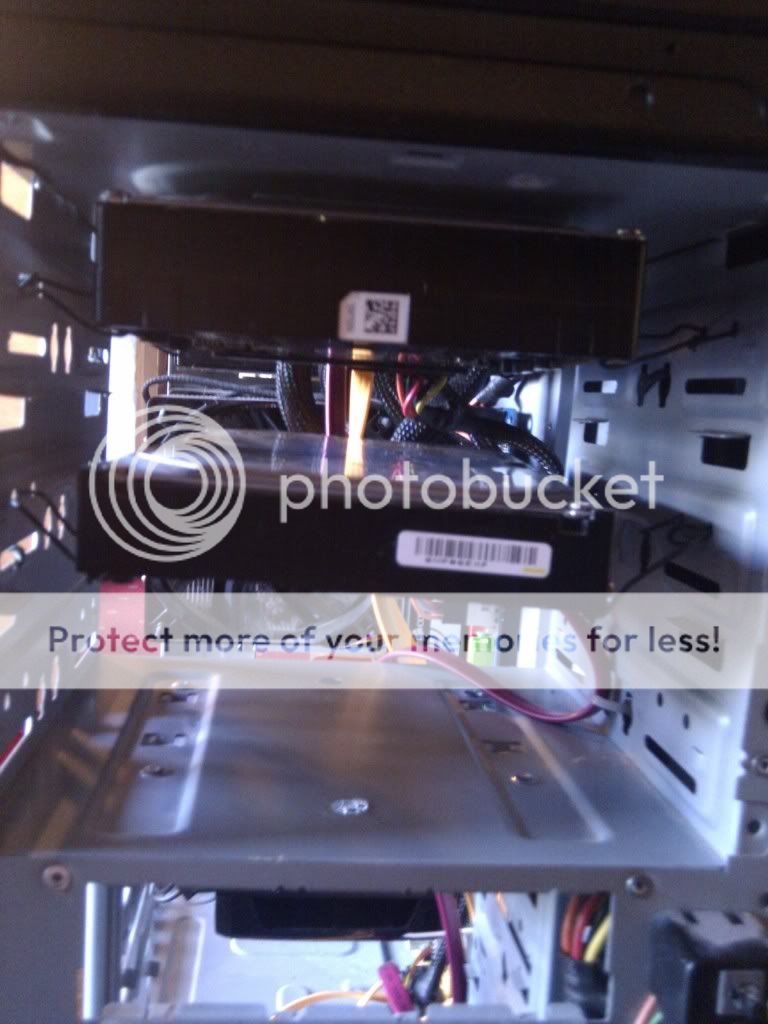
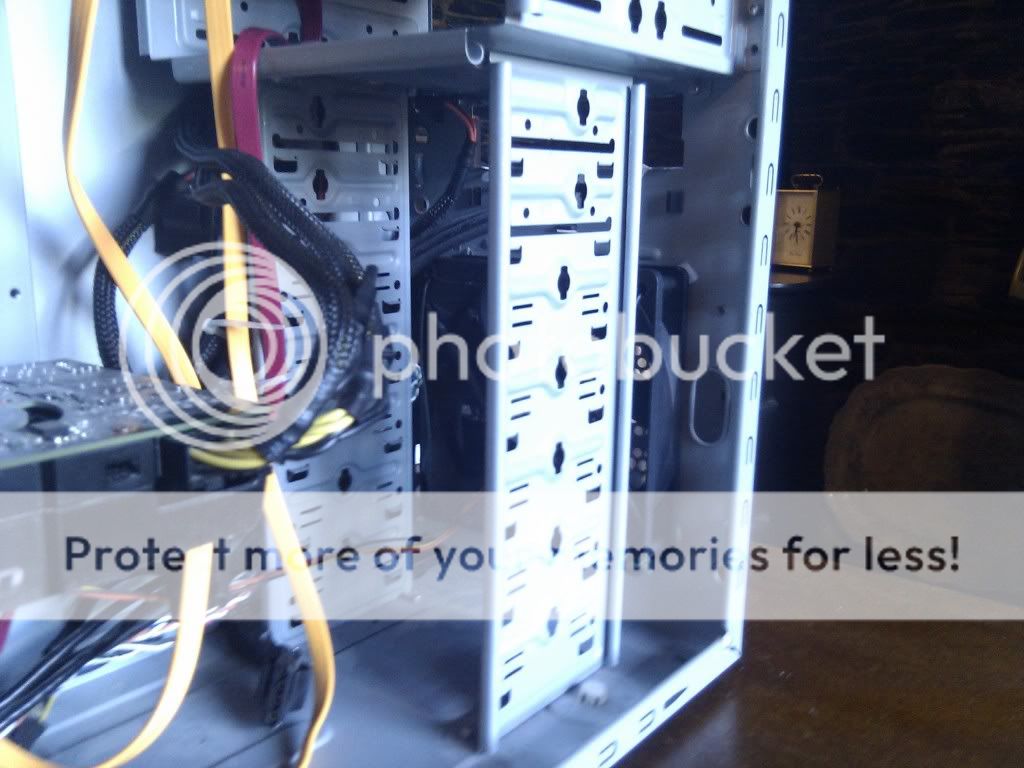
So then, I have a Cooler Master Elite 335 Case, and with a fair amount of stuff crammed into it, 4 HDD, and a GTX470 which is fits fairly far back, and I had a tough job of working the HDDS around it. So, my gtx470 gets really hot, and I’m talking around 70 degrees celsius on idle. My friend was like, “Dude, you need a new case” but I don’t really have the money for a new case at the moment. So I was thinking about putting more fans in, now then, as this case can’t support fans in some of the places I need them, I was thinking about just drilling screw holes in the case, and putting a fan even where it’s not supposed to go.
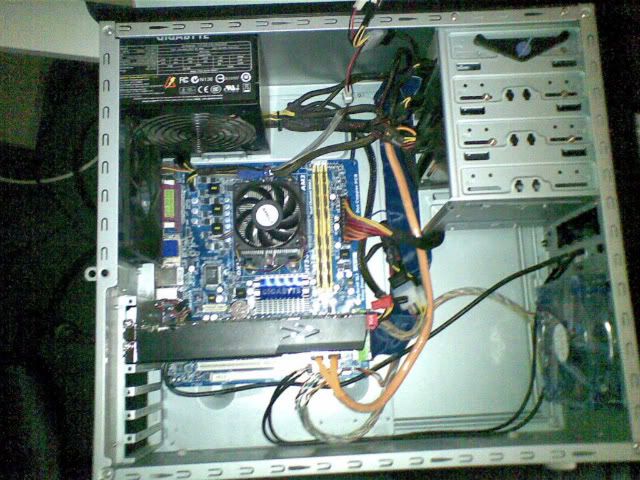
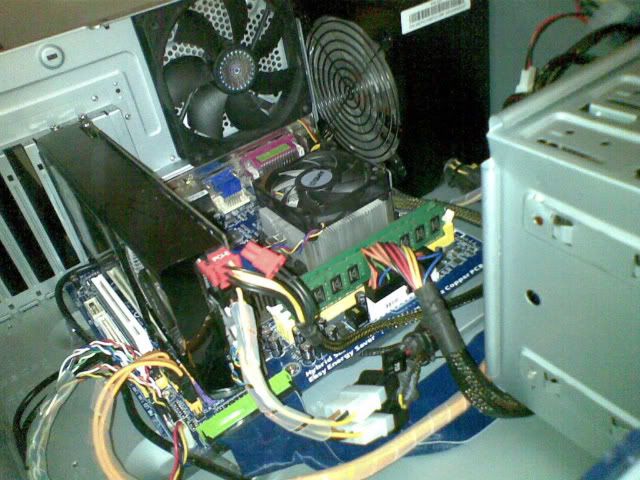
Firstly, here is a nice picture of my case at the moment, if you see anything else that could be done to improve the airflow, feel free to tell me.
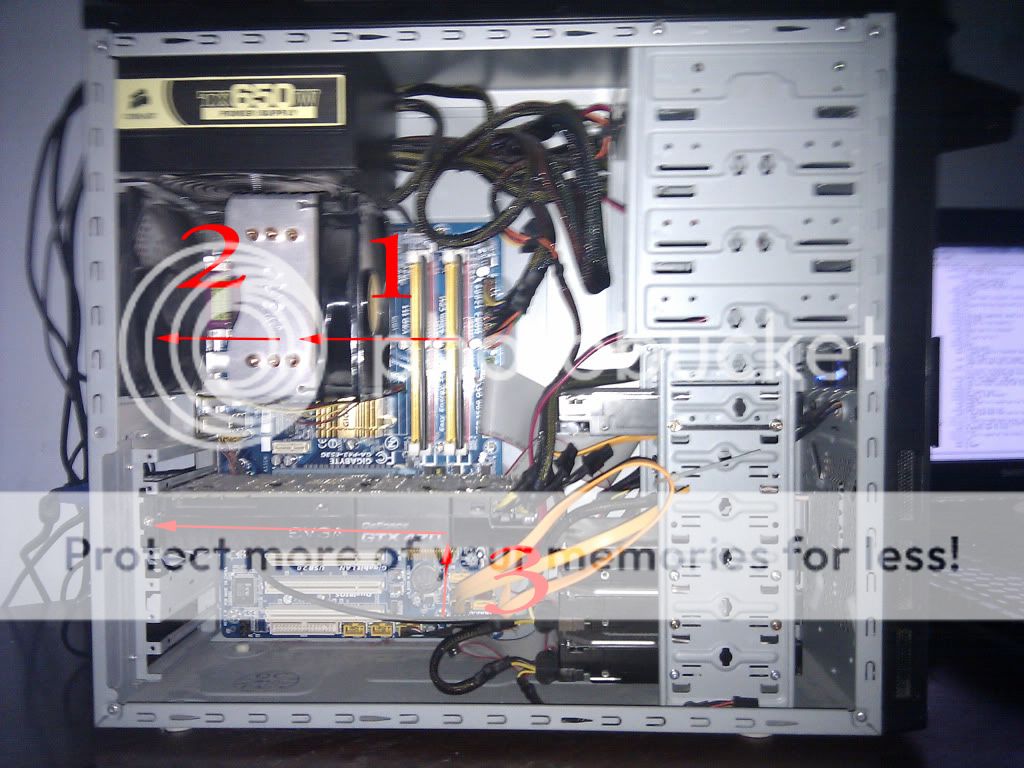
In that, you can see 2 fans (1 & 2) which use up 2 of the 3 fan ports on my mobo. (3) shows the air flow of the fan on the GTX470.
Here is what I would like to do:

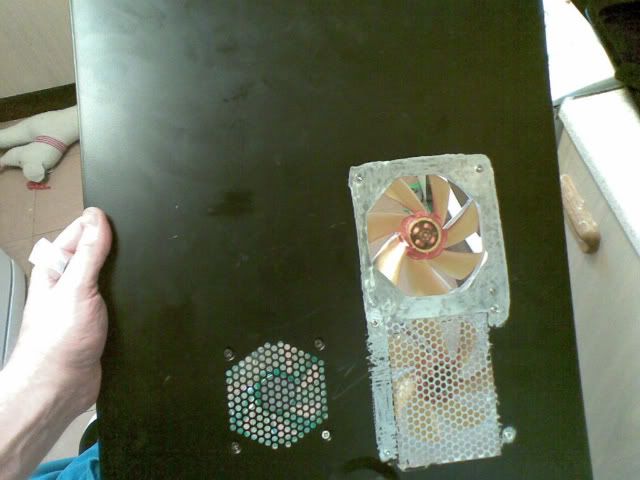
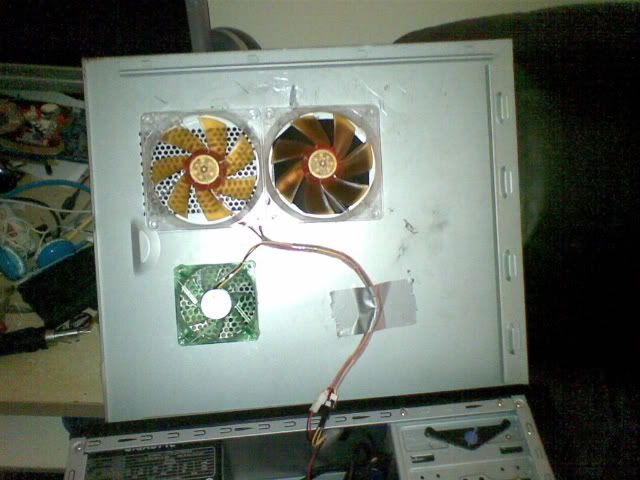
At (4), I plan to put a fan there, because I have 4 HDD's, they are probably getting hot.
At (5), what I want to do is cut a hole, along with 4 screw holes around it, and have a fan their blowing air up into the GTX470. I have not decided on what size etc of the fan to go there (recommendations please). What I will also need to do is raise the bottom, the 4 rubber circles only raise it about a centimetre above the desk, I will probably use some Lego blocks there.
As I only have 1 spare fan port on the mobo, one of the fans (4 or 5) will have to use a Molex connector or something else.
I think that is all, I will be happy to provide any more information about my system. Please give me recommendations on fans, tools (for cutting) etc.
Thanks!
Tonux
So then, I have a Cooler Master Elite 335 Case, and with a fair amount of stuff crammed into it, 4 HDD, and a GTX470 which is fits fairly far back, and I had a tough job of working the HDDS around it. So, my gtx470 gets really hot, and I’m talking around 70 degrees celsius on idle. My friend was like, “Dude, you need a new case” but I don’t really have the money for a new case at the moment. So I was thinking about putting more fans in, now then, as this case can’t support fans in some of the places I need them, I was thinking about just drilling screw holes in the case, and putting a fan even where it’s not supposed to go.
Firstly, here is a nice picture of my case at the moment, if you see anything else that could be done to improve the airflow, feel free to tell me.
In that, you can see 2 fans (1 & 2) which use up 2 of the 3 fan ports on my mobo. (3) shows the air flow of the fan on the GTX470.
Here is what I would like to do:
At (4), I plan to put a fan there, because I have 4 HDD's, they are probably getting hot.
At (5), what I want to do is cut a hole, along with 4 screw holes around it, and have a fan their blowing air up into the GTX470. I have not decided on what size etc of the fan to go there (recommendations please). What I will also need to do is raise the bottom, the 4 rubber circles only raise it about a centimetre above the desk, I will probably use some Lego blocks there.
As I only have 1 spare fan port on the mobo, one of the fans (4 or 5) will have to use a Molex connector or something else.
I think that is all, I will be happy to provide any more information about my system. Please give me recommendations on fans, tools (for cutting) etc.
Thanks!
Tonux
Last edited: