

You are using an out of date browser. It may not display this or other websites correctly.
You should upgrade or use an alternative browser.
You should upgrade or use an alternative browser.
An Old Friend
- Thread starter danza
- Start date
More options
Thread starter's posts


Associate
- Joined
- 25 Oct 2002
- Posts
- 1,707
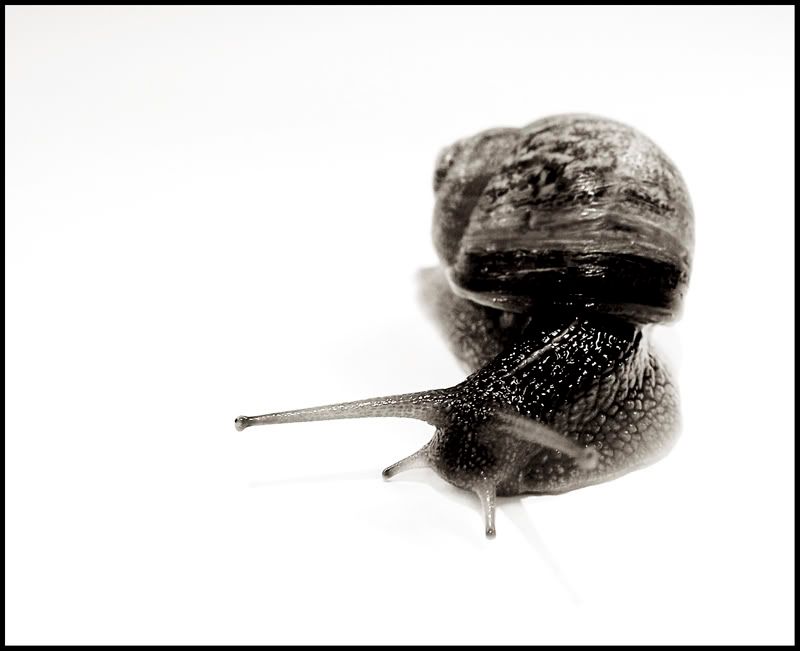
tiz a good capture imo possibly the only negative would be that it would have been nice to have the snails left eye (i cant remember the correct name) infocus / within the dof
actually after another look im liking it the way it is... some people eh?
just out of interest was the shot setup using a white background or have you very carefully and very effectively cut the snail out?
actually after another look im liking it the way it is... some people eh?
just out of interest was the shot setup using a white background or have you very carefully and very effectively cut the snail out?

Amp34 said:How do you get the clear background? I always wondered this and have tried using paper or similar but it never comes out the same.
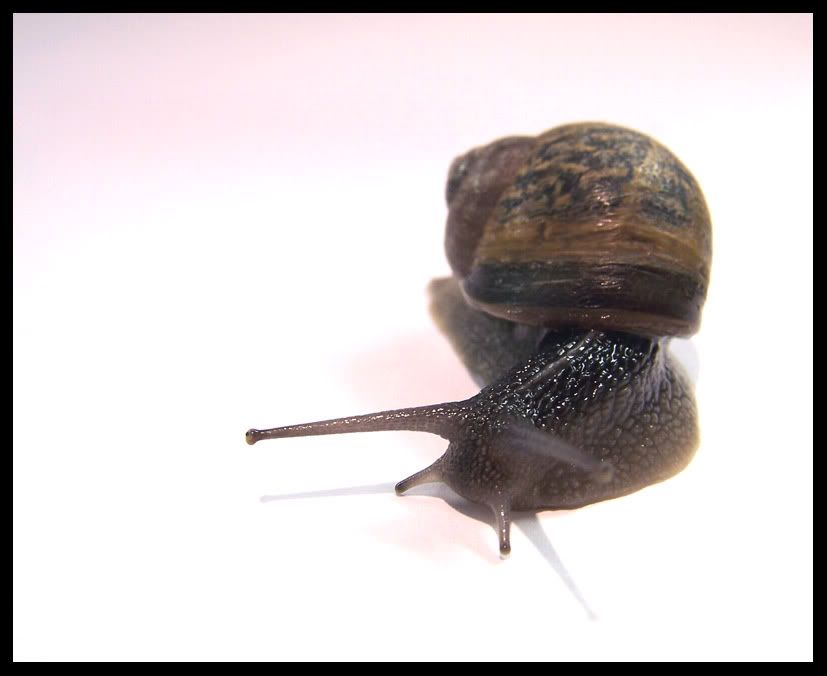
I did shoot it against a white background, and processed it using the B&W action Cykey posted up ages ago.
/looks for link....
http://forums.overclockers.co.uk/showpost.php?p=7604998&postcount=5
^^ There.
Works very well for portraiture in particular.
Original
 :
:
I see what you're saying on the DOF side too Gord. The snail was on the move, so much lower a shutter speed would've given motion blur in it's head end!
Cheers for the link to the process you used, always good to see how a picture was put togeather.
The DOF is a minor point, I still think you have a good shot there.
Just wondering what a colour snail and BW shell would look like.
The DOF is a minor point, I still think you have a good shot there.
Just wondering what a colour snail and BW shell would look like.
Associate
- Joined
- 1 Feb 2006
- Posts
- 2,240
- Location
- Newcastle upon Tyne
B+W defo works better

danza said:I did shoot it against a white background, and processed it using the B&W action Cykey posted up ages ago.
/looks for link....
http://forums.overclockers.co.uk/showpost.php?p=7604998&postcount=5
Awesome pic, and thanks for the link, quick question how do i use or where do i put the said file lol?
Load PS up, and you should have an "Actions" window open. If you don't then Alt-f9 will open it.
Below the x to close the window there is a triangle pointing to the right, click it.
Click on "Load Action" and browse to the file you download.
Click "Load"
Done.
Below the x to close the window there is a triangle pointing to the right, click it.
Click on "Load Action" and browse to the file you download.
Click "Load"
Done.
Fireskull said:Awesome pic, and thanks for the link, quick question how do i use or where do i put the said file lol?
There is a small arrow at the top right of the actions pallete. Choose 'Load actions...' and select the file you have downloaded
 now i need to learn to use it