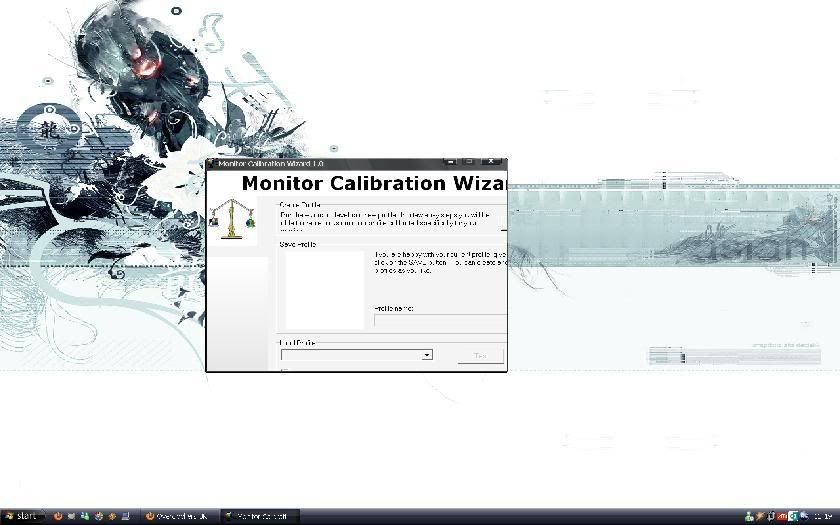
could someone please point me in the direction of a guide on exactly how to set it up
currently got a 6800 LE but am looking at getting something like an ati x800 or something else around £50 secondhand AGP instead
i need a lower profile card as case is cramped and access to ram slots is inhibited as the 6800 LE is massive
WHAT AGP card should i try to find VIVO would be a bonus obviously needs DVI
if there arent any setup guides could someone please talk me through it or email screenshots of exactly what settings i need to alter to achieve a good picture as at present the background appears a little blotchy
want to persevere as it is awesome for films
thx
currently got a 6800 LE but am looking at getting something like an ati x800 or something else around £50 secondhand AGP instead
i need a lower profile card as case is cramped and access to ram slots is inhibited as the 6800 LE is massive
WHAT AGP card should i try to find VIVO would be a bonus obviously needs DVI
if there arent any setup guides could someone please talk me through it or email screenshots of exactly what settings i need to alter to achieve a good picture as at present the background appears a little blotchy
want to persevere as it is awesome for films
thx
Last edited: