• Notice regarding image hosts and attachments. See here.

External SSD / Enclosure options?

Soldato
Joined
19 Oct 2002
Posts
5,283
Location
Pembrokeshire
I need a new External SSD for my M5 MacBook Pro.

It doesn't need to be portable as it's mainly used at a desk (I already have a small SSD for travel and temporary storage).

Looking at minimum 2TB or a 4TB.

What is the best option currently for performance and value?

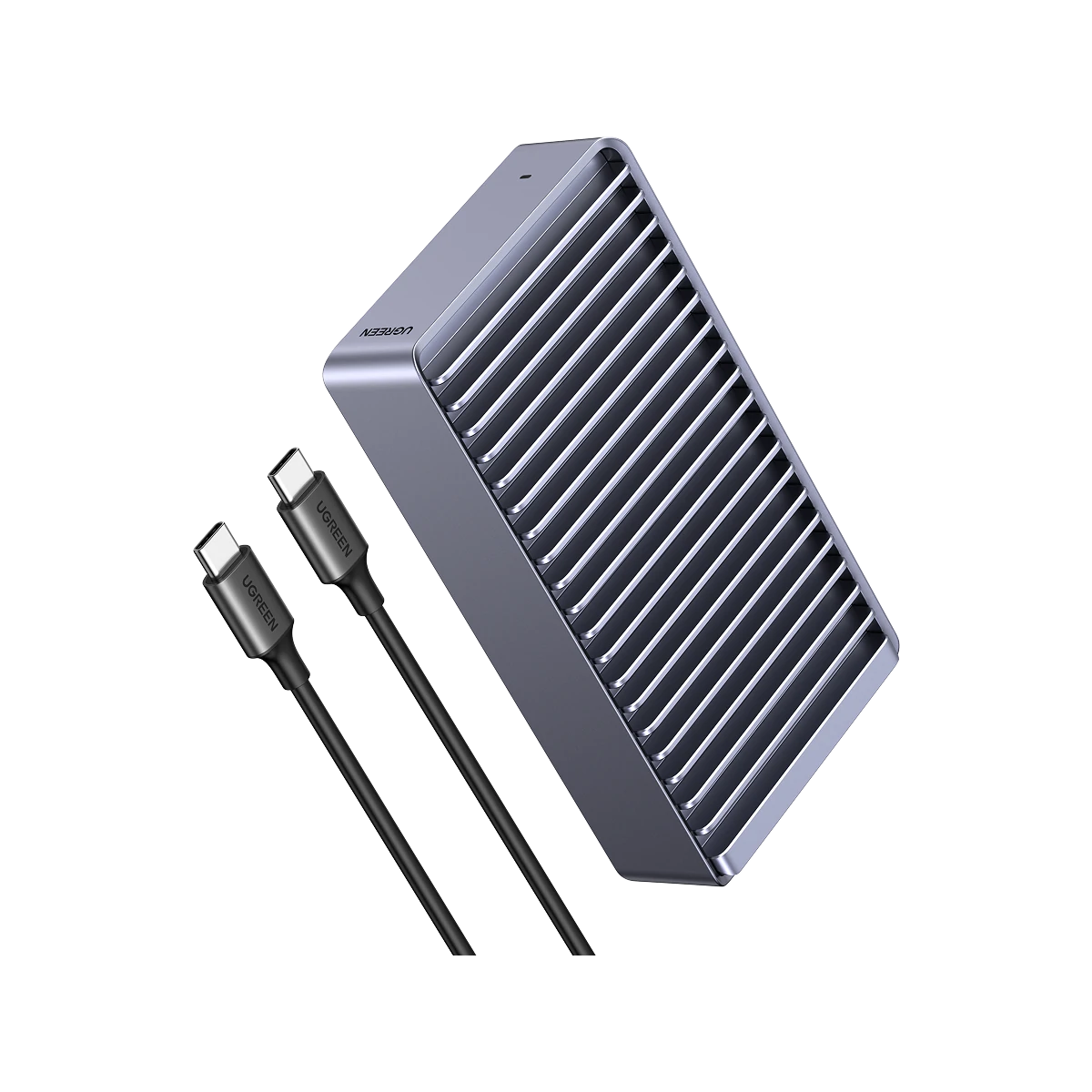
I was thinking of getting an enclosure such as the OWC Express 1M2 Thunderbolt 5 enclosure and a M.2 to put in it but no idea what a good combo would be or if there are better options.

It's used mainly for Photo editing and video so maybe the above is overkill? I'd like to keep cost down as much as possible.

Also if I go the exclosure route are there any options for an enclosure that can take multiple SSD's so that if I got an SSD now I could add another later?

 
This is the one have for my for Mac Studio, using an 2TB WD850 NVMe.

 
Thunderbolt 5 is faster but I think Thunberbolt 4 is more than adequate if you want to keep cost down.

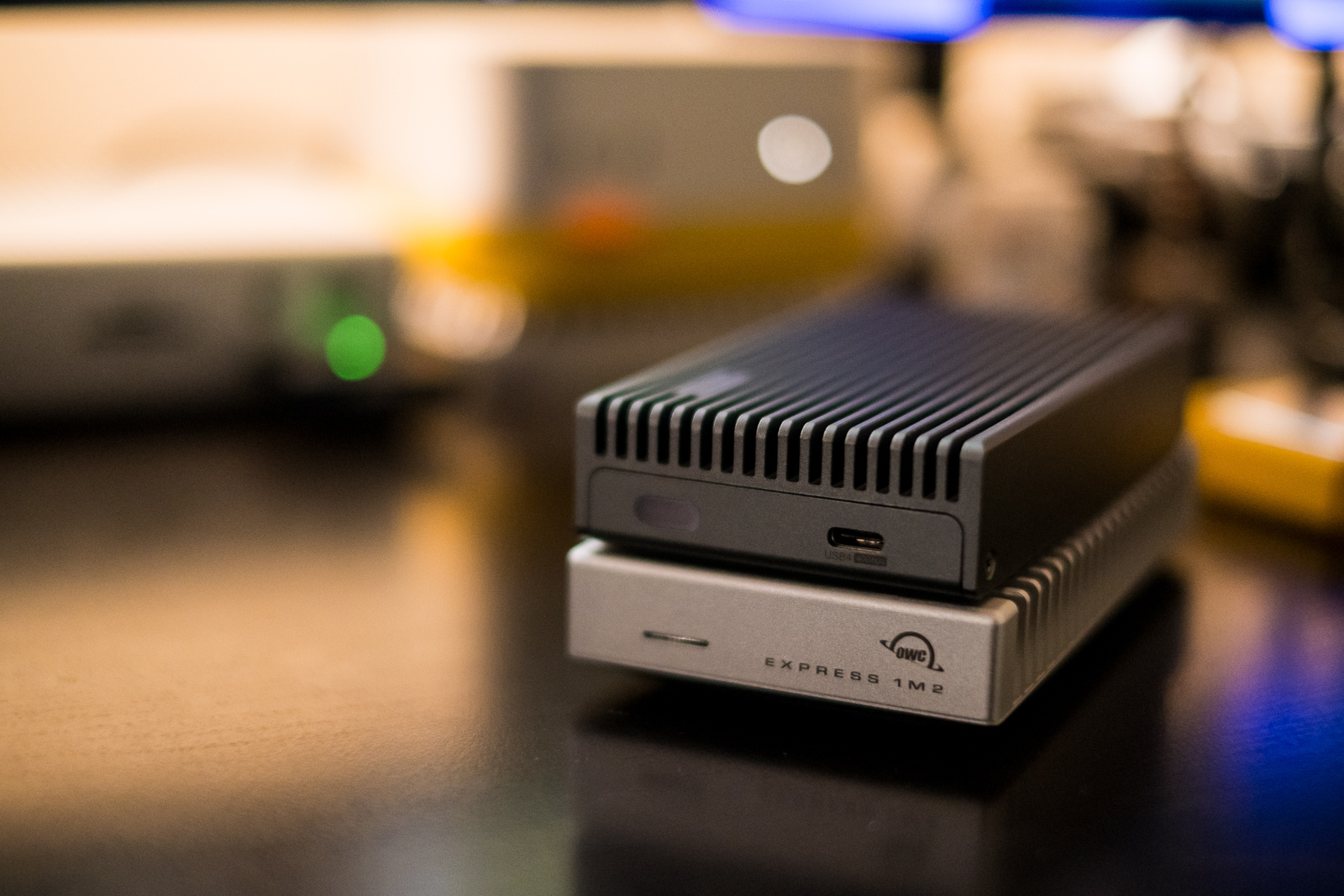
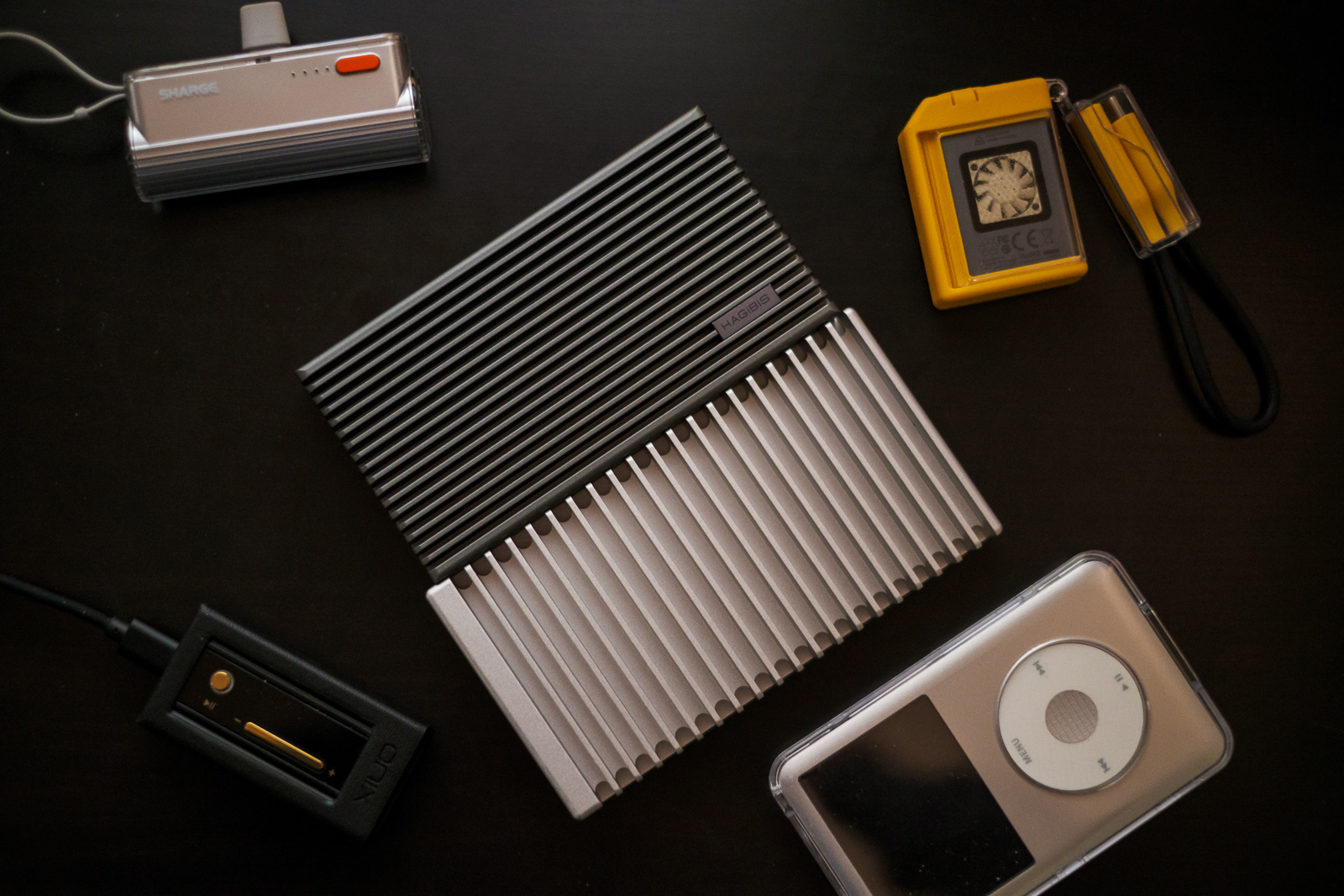
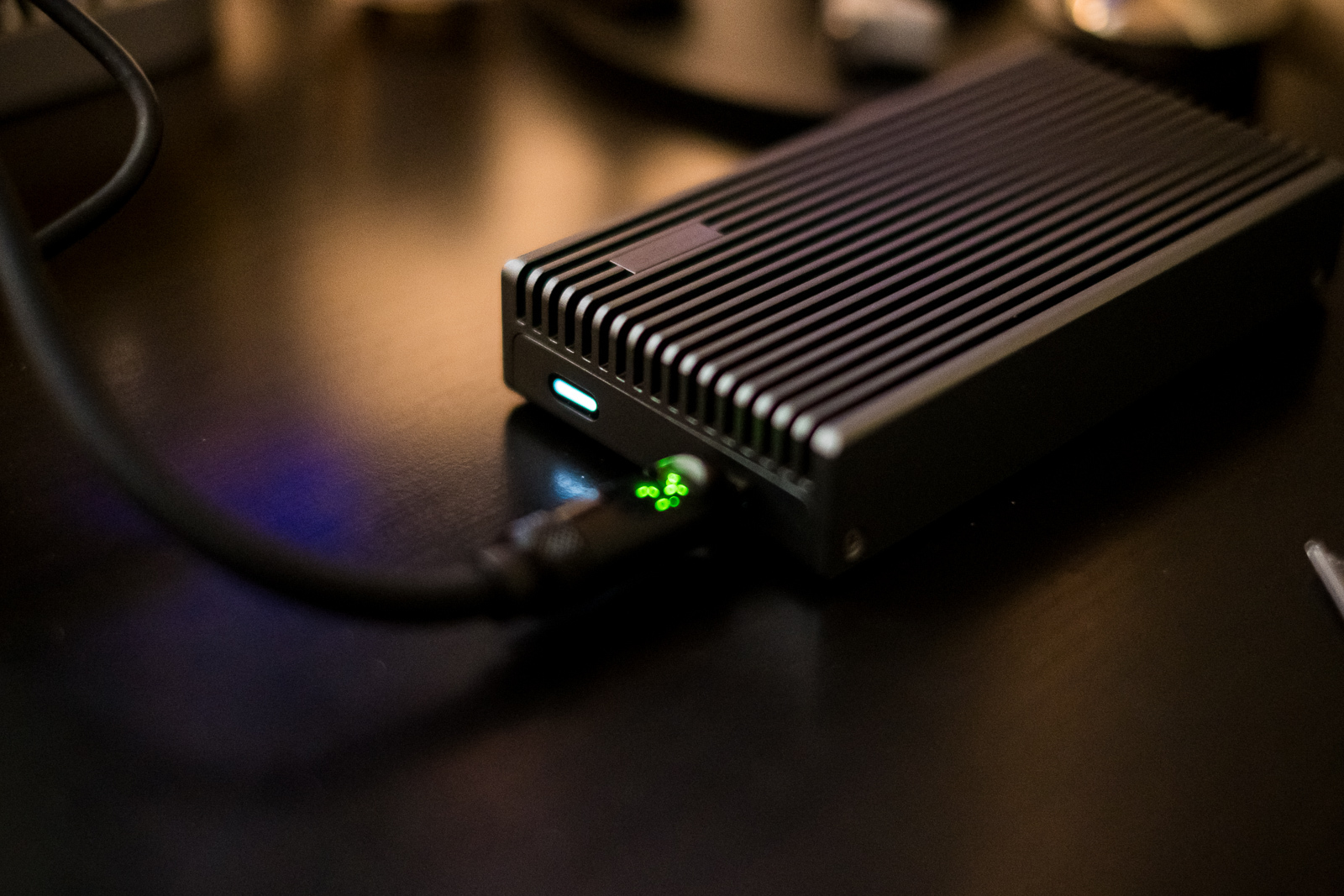
The most important thing is get a Thunberbolt 4 or 40gbps one. OWC is the gold standard but not the only option. I have a Haggibis one and a OWC one, the Haggibis was £50 and the OWC was £110. They perform the same. The other thing is make sure to get a fanless heatsink design.

e86547f20d25.jpg


9614a3e3bb3f.jpg


90c376e32c54.jpg
 
Last edited:
Thunderbolt 5 is faster but I think Thunberbolt 4 is more than adequate if you want to keep cost down.

The most important thing is get a Thunberbolt 4 or 40gbps one. OWC is the gold standard but not the only option. I have a Haggibis one and a OWC one, the Haggibis was £50 and the OWC was £110. They perform the same. The other thing is make sure to get a fanless heatsink design.

e86547f20d25.jpg


9614a3e3bb3f.jpg


90c376e32c54.jpg

Thanks, I finally decided and went for the OWC Thunderbolt 5, it's not arrived yet but will arrive tomorrow. Perfect timing to test the thermals as it going to be a very hot day tomorrow!
 
Thunderbolt 5 is faster but I think Thunberbolt 4 is more than adequate if you want to keep cost down.

The most important thing is get a Thunberbolt 4 or 40gbps one. OWC is the gold standard but not the only option. I have a Haggibis one and a OWC one, the Haggibis was £50 and the OWC was £110. They perform the same. The other thing is make sure to get a fanless heatsink design.

e86547f20d25.jpg


9614a3e3bb3f.jpg


90c376e32c54.jpg

The OWC arrived but it does seem to get hot, do you have the Thunderbolt 4 or 5 version?
 
Mine is TB4 since I only have a M4 Mac Mini when I got it.

Thanks :)

I tried 2 enclosures that day, and although I said it was going to be the hottest day I forgot it was so probably not a fair test.

Just a question if you know (save me starting a new thread).

I'm currently using my M5 MacBook Pro as a desktop more than portable. As such everything is is constantly on and plugged into the docking station.

I currently just leave it and assume it goes to sleep as turning it off means I need to take MacBook out of it's vertical base to turn it back on and plug in cable again etc.
But I'm thinking, now that I'll have an external SSD connected to the docking station all the time if that is a good idea and maybe I should be ejecting the SSD and turning the MacBook Pro off each time.

Is there any general rule/guidance for this sort of thing?
 
Personally, for a laptop I would turn it off and unplug. I had a 2015 MBP that was left plugged in 24/7 at work and after a few years I notice signs of pillowing.
 
Back
Top Bottom