

-
Competitor rules
Please remember that any mention of competitors, hinting at competitors or offering to provide details of competitors will result in an account suspension. The full rules can be found under the 'Terms and Rules' link in the bottom right corner of your screen. Just don't mention competitors in any way, shape or form and you'll be OK.
You are using an out of date browser. It may not display this or other websites correctly.
You should upgrade or use an alternative browser.
You should upgrade or use an alternative browser.
GTX 690 HELP
- Thread starter nicobass
- Start date
More options
Thread starter's posts


Soldato
- Joined
- 9 Mar 2009
- Posts
- 2,877
- Location
- -
I would first suggest not using kombustor (basically furmark) as it's very taxing in a wholly unrealistic way
secondly, do you need to enable SLI in the nvidia control panel with a 690? under 3d settings - configure sli, surround, phsyx you should have 'maximise 3d performance' checked.
secondly, do you need to enable SLI in the nvidia control panel with a 690? under 3d settings - configure sli, surround, phsyx you should have 'maximise 3d performance' checked.

I would first suggest not using kombustor (basically furmark) as it's very taxing in a wholly unrealistic way
secondly, do you need to enable SLI in the nvidia control panel with a 690? under 3d settings - configure sli, surround, phsyx you should have 'maximise 3d performance' checked.
Yes you need to enable SLI in the nvidia control panel. On my AMD HD 5970s I don't get the option with just one card present but with nvidia you get the option.
It can be quite fun running a GTX 690 on one core giving someones GTX 680 a run for their money.
Hi,
I think it must be something to do with the software as when I run this test all seems to be fine. Thanks for your help
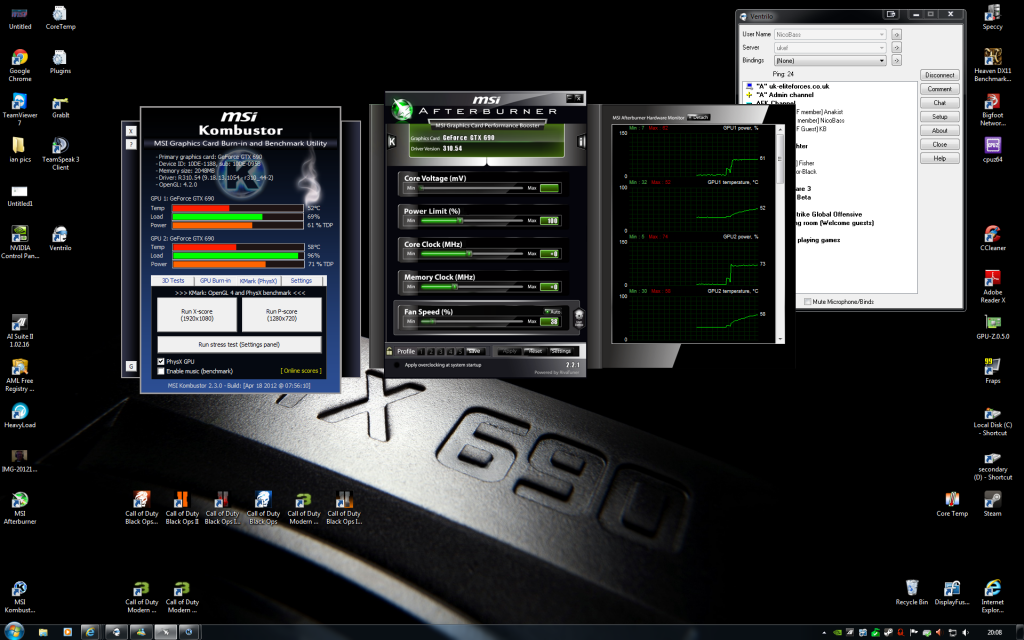
Load up the free version of 3dmark11 and give your card a run. If everything is ok you should get a graphics score of around 17000+ and if you overclock the nuts off your card anything up to 21000

Your score looks fine for a GTX 690 running at stock clocks. You can see sli is working where it says # of cards = 2. If sli is disabled 3dmark11 just reports 1 card, I sometimes do this delibrately to give the GTX 680/HD 7950/70 cards a run for their money on this benchmark.

Permabanned
- Joined
- 9 Dec 2010
- Posts
- 7,442
I have no idea why you'd overclock a 690. If anything you should overclock the 3820K, now!
Thank you very much - I feel a lot happier now. So OC settings using Afterburner?
Also is the final sore ok for not OC system...using a 3820k stock with 16 gigs of quad.
Cheers..Nick
Running the CPU at stock the physics and combined scores are fine.
I don't use Afterburner (I use Asus GPU tweak and the numbers are different)so I can not give you the figures.
As a guide GTX 690s are usually very good ocers, and often better on the vram than GTX 680s.