


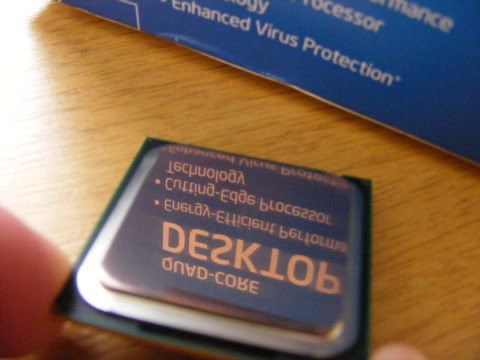
I decided to lap my Q9550 as I had already lapped my TRUE Black. Bit of a strange feeling rubbing a £200 CPU against some sandpaper. Anyway on to the pics.
To start with I put the black plastic backing on to protect the rear of the CPU. I then stuck some duck tape over it to keep it sealed.
This was after a few passes of 400grit. As you can see the IHS was a bit concave.
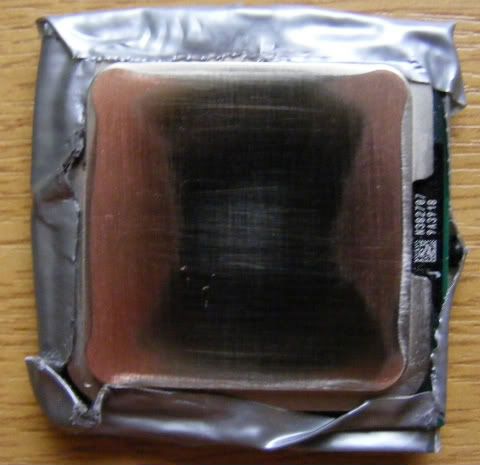
After 400grit
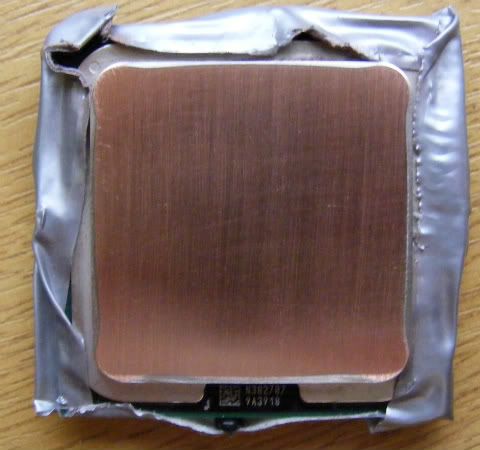
After 600 and 800grit
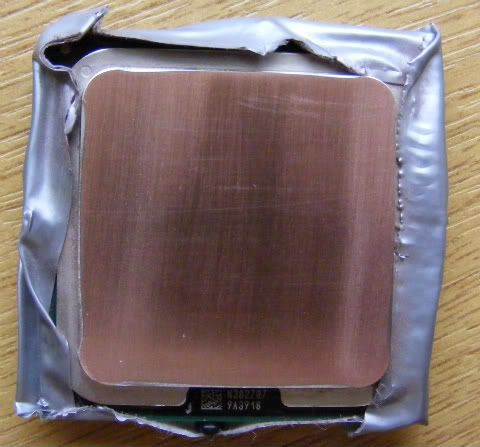
After 1000 and 1500grit
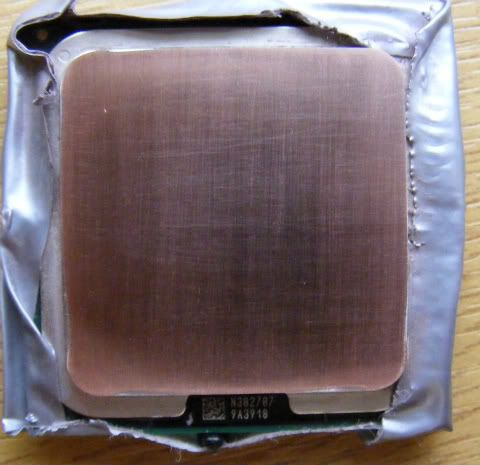
Now at this point I could have stopped as the IHS was flat, but as I had some 2000 and 2500grit wet and dry, I decided to go for the obligatory shiny shot
After 2000 and 2500grit
Now on to the temps. Q9550 is at 3.4GHz. This was before the lapping after a prime95 overnight run.
http://img22.imageshack.us/img22/4125/34ghz8hoursprime95stabl.jpg
Idle 37-37-43-39 (obviously before the run)
Load 60-59-64-60
After lapping with a quick 15min prime95 run with small fft's
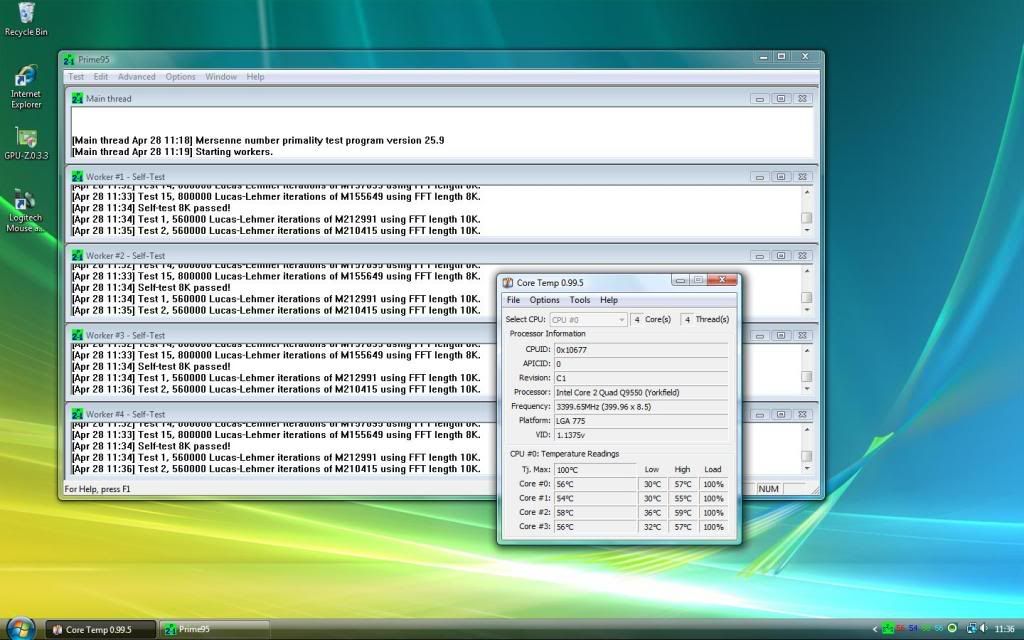
Idle 30-30-36-32
Load 57-55-59-57
So for a couple of hours of work I've knocked 7c off the idle temps and 3-5c off the load temps.
To start with I put the black plastic backing on to protect the rear of the CPU. I then stuck some duck tape over it to keep it sealed.
This was after a few passes of 400grit. As you can see the IHS was a bit concave.
After 400grit
After 600 and 800grit
After 1000 and 1500grit
Now at this point I could have stopped as the IHS was flat, but as I had some 2000 and 2500grit wet and dry, I decided to go for the obligatory shiny shot
After 2000 and 2500grit
Now on to the temps. Q9550 is at 3.4GHz. This was before the lapping after a prime95 overnight run.
http://img22.imageshack.us/img22/4125/34ghz8hoursprime95stabl.jpg
Idle 37-37-43-39 (obviously before the run)
Load 60-59-64-60
After lapping with a quick 15min prime95 run with small fft's
Idle 30-30-36-32
Load 57-55-59-57
So for a couple of hours of work I've knocked 7c off the idle temps and 3-5c off the load temps.




 , make sure to use a flat surface, piece of glass is ideal, also when lapping, dont put to much weight on the cpu to force it into the sand paper, to check that its leveling properly use a new craft knife blade on the surface while held up to the light, as seen above, place the cpu in its protective cover and tape round the edges to prevent dust getting inside the chip.
 ill try take some pictures when i do it still dont know how too upload them lol