Oblivion Remastered - Mods

Caporegime
Joined
8 Sep 2006
Posts
39,801
Location
On Ocuk
Keeping the main thread clean, with the latest release of Oblivion Remastered, it's time to look into MODS!

Firstly Oblivion is using a much older version of DLSS V3.7.20
  • Use DLSS Swapper and change to the latest for improved DLSS quality and performance, which I think is v310.2.1!

Secondly, (create a ~mods folder if you don't have it located below)
  • Oblivion Remastered\OblivionRemastered\Content\Paks\~mods

MODS

Makes compass widget smaller. Places gauges vertically in the left corner.

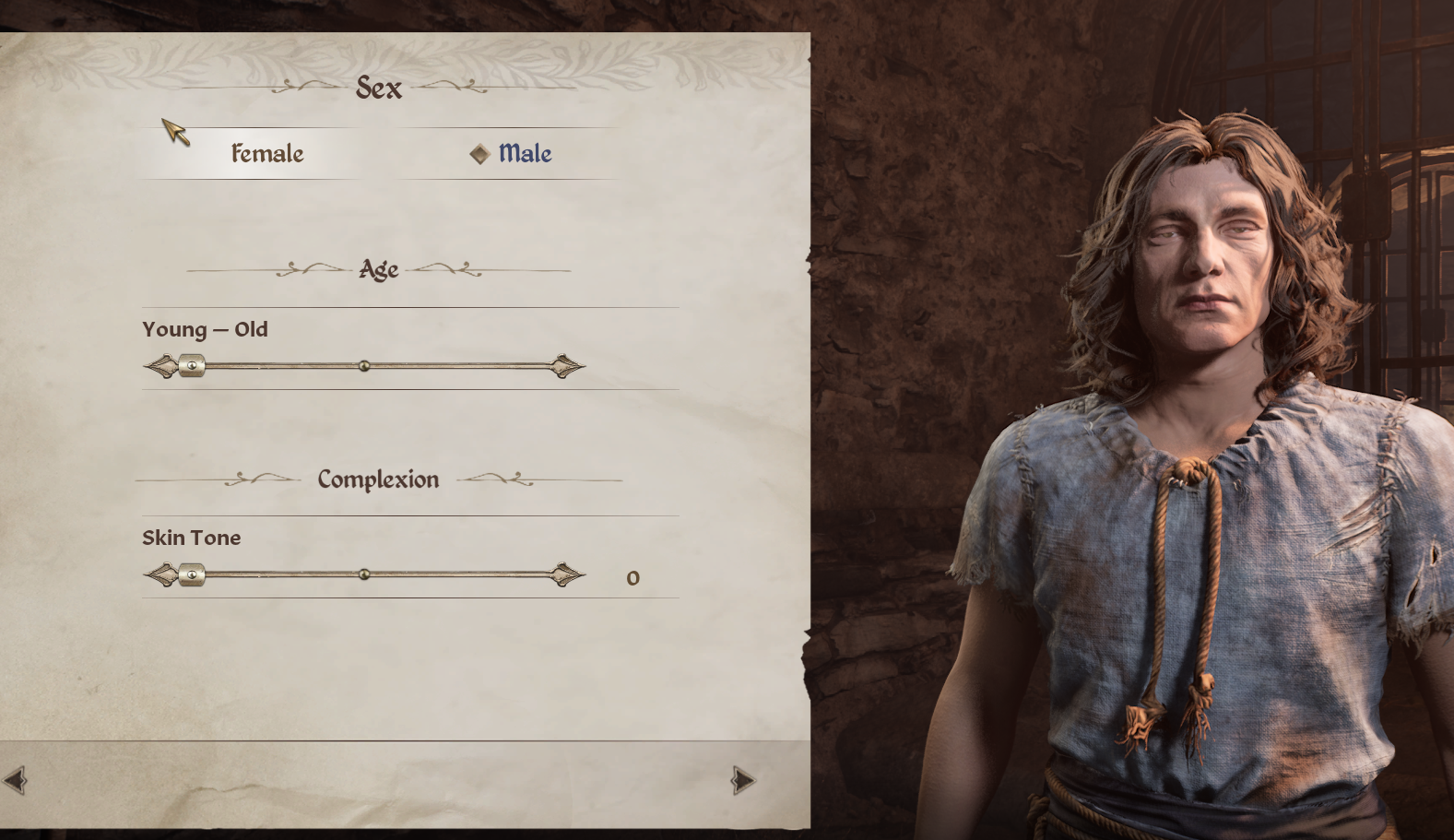
Oblivion Remastered Male/Female body type
 
Last edited:
Stupid question but I don't often mod. Is there a difference between the Steam version and the PC Game Pass version when it comes to modding?
 
Ultimate Engine Tweaks (Anti-Stutters - Lower Latency - No Film Grain - No Chromatic Aberration - Lossless)

Stupid question but I don't often mod. Is there a difference between the Steam version and the PC Game Pass version when it comes to modding?

Can't say there's any difference other than ini file locations...

See my link above for a mod I'm going to try later :)
 
Last edited:
Ultimate Engine Tweaks (Anti-Stutters - Lower Latency - No Film Grain - No Chromatic Aberration - Lossless)


Can't say there's any difference other than ini file locations...

See my link above for a mod I'm going to try later :)
Awesome! Thank you.
 
From my experience testing these so called " GAME TWEAKS " , they all make my game a stuttering mess. Seems best suited to much lower end systems. So removed them
 
Welp, I'm reinstalling all 120Gb just to try out that game tweaks mod. If it can make 19-20 frames up to 50 or 60 (as someone in the mod comments said), I'd carry on playing it.
 

Didn't have any instructions on main site but reading comments

"
  • Download ReShade , once its downloaded and you double click it it'll pop up with a window that'll say "Reshade Stepup v6.4.1" and underneath that it will say "select a game or application:" (see image 1)
  • Scroll until you find "OblivionRemastered-Win64-Shipping (OblivionRemastered-Win64Shipping.Exe)" on the bottom there will be an address bar with the path file, you should copy that, open file explorer and put that path in the file explorer it will take you to the files.
  • Once you highlighted that select Microsoft DirectX 10/11/12 (it should default to this) click next.
  • Now it'll ask you what effects you want to install, I personally always just "uncheck all" then click on "check all" because it installs all of the effects to change the reshade so if in the future you want a new one you can just plug in the reshade. (I will explain this)
  • ReShade is done installing. Next unzip this mod, inside is just a single file called "ayleid.ini" drag that over into the Win64 folder (This is the location you opened up earlier in file explorer from step 2) where the OblivionRemastered-Win64Shipping.Exe is.
  • Once installed you will get a ReShade UI box right as you launch the game. It will take time to compile.
  • Once its complied click the home button on your keyboard. You can go through the tutorial or skip it. (honestly skip it)
  • There is a bar right next to the two arrows that says "ReShadePreset" if you click that it will give you a drop down folder. (Image 2)
  • Highlight ayleid.ini and click select. It will activate the reshade. Click home again to exit out of the UI. (Image 3)
"

Will give it a go, cheers!

Gave it a try and it's not a nice experience, doesn't like Frame Gen making the game very jittery!
 
Last edited:

Holy crap dude, NICE RESHADE!! Really makes the game look so much better! - Keeping this one :)

Although just like the other one, I get severe hitching/stuttering with Frame Gen on if DLSS is anything other than Performance. Even if my FG FPS is showing 120-130

So for now I'll run DLSS performance with the latest DLSS/K setting until the game matures and I can change it back :D
 
Last edited:
Decided to take the Reshade off, it just affects the game too much for my liking in terms of performance/latency...

There is also a known bug with the latest Reshade that can drop frames by 5-15fps in certain areas
 
I can confirm that the 'Ultimate engine tweak' did indeed make the game playable on my laptop but it looked so bad (well, not that bad but bad enough) that I decided to shelve it until I could play it properly on my main pc.

If I had no alternative I would have carried on but seeing as the main reason for this remaster seems to be purely cosmetic I'd better play it looking nicer.

Still waiting for Skyblivion to appear as I feel that might the rewrite I'd want, and yes, I will start a new game and do all this again :)
 
Back
Top Bottom