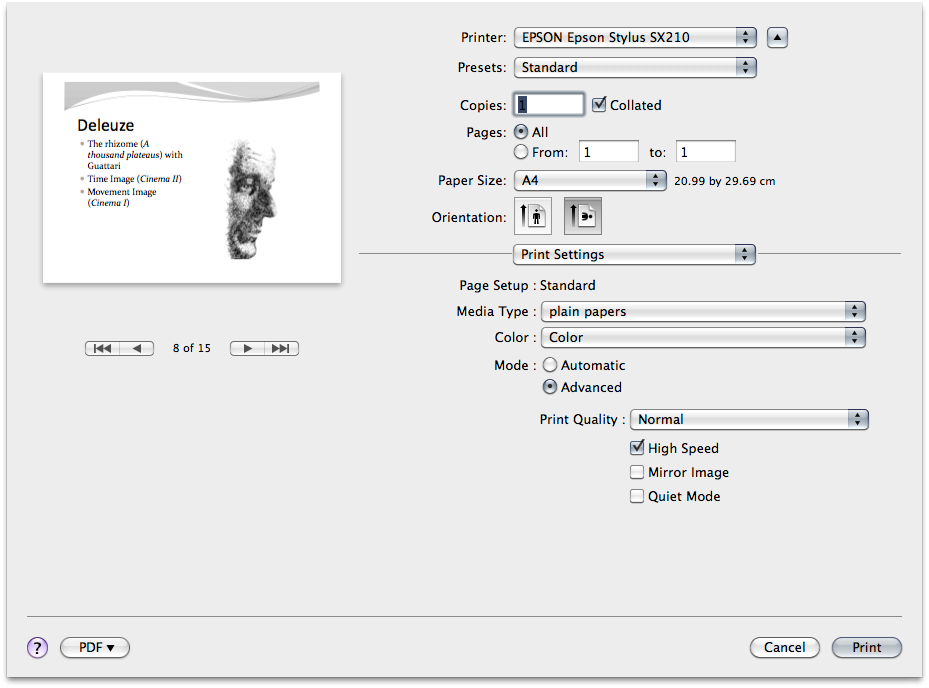
On pressing print you are presented with a dialogue box thus;
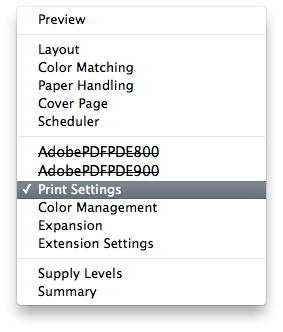
In the centre drop down box select print settings thus:
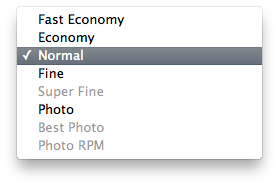
From within the print settings dialogue box you can both change to black and white, (its noted as grayscale), also if you clicked advanced the print quality thus:
You can select economy (draft if ya like) which uses far less ink.
This site uses cookies to help personalise content, tailor your experience and to keep you logged in if you register.
By continuing to use this site, you are consenting to our use of cookies.