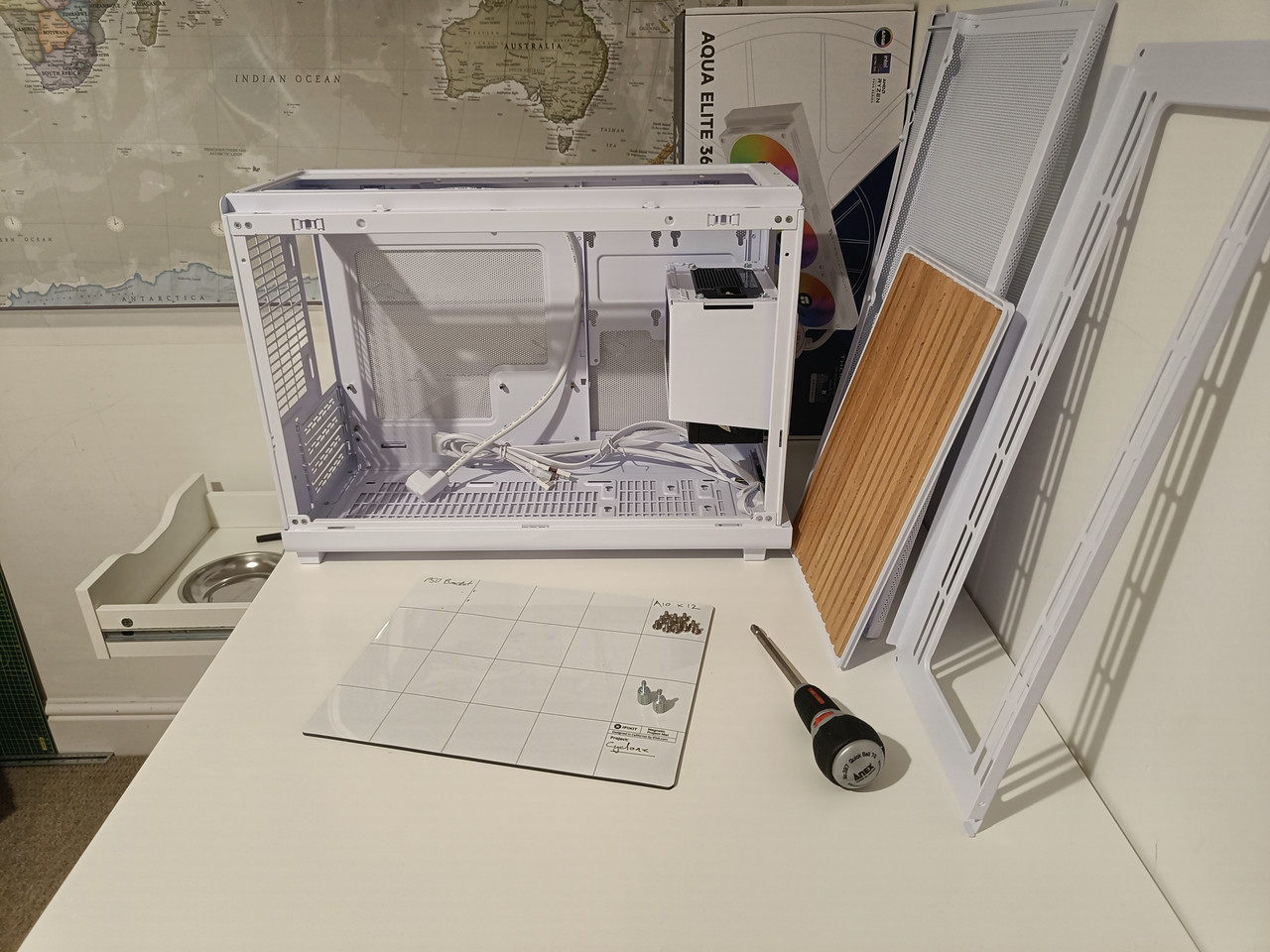
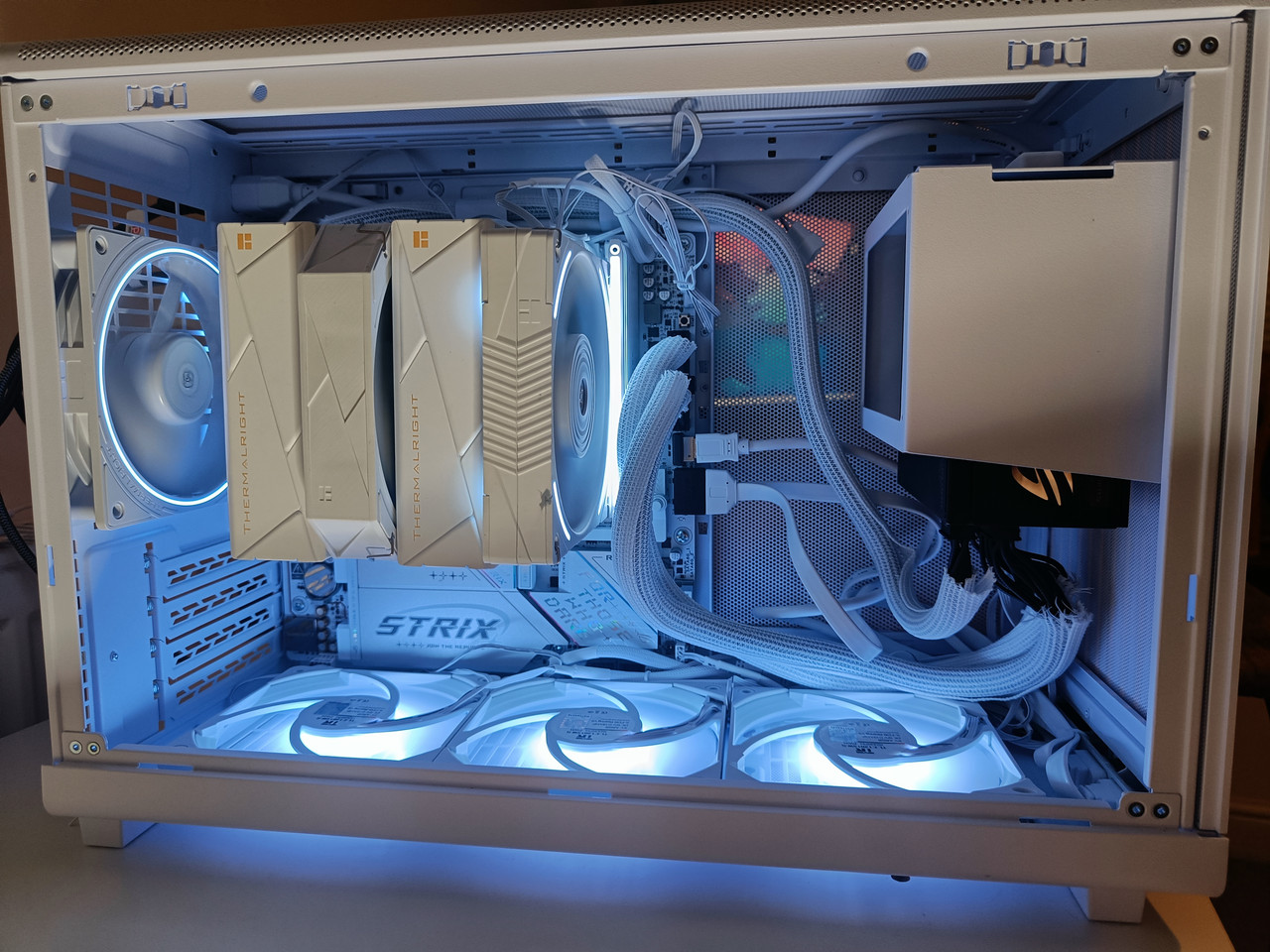
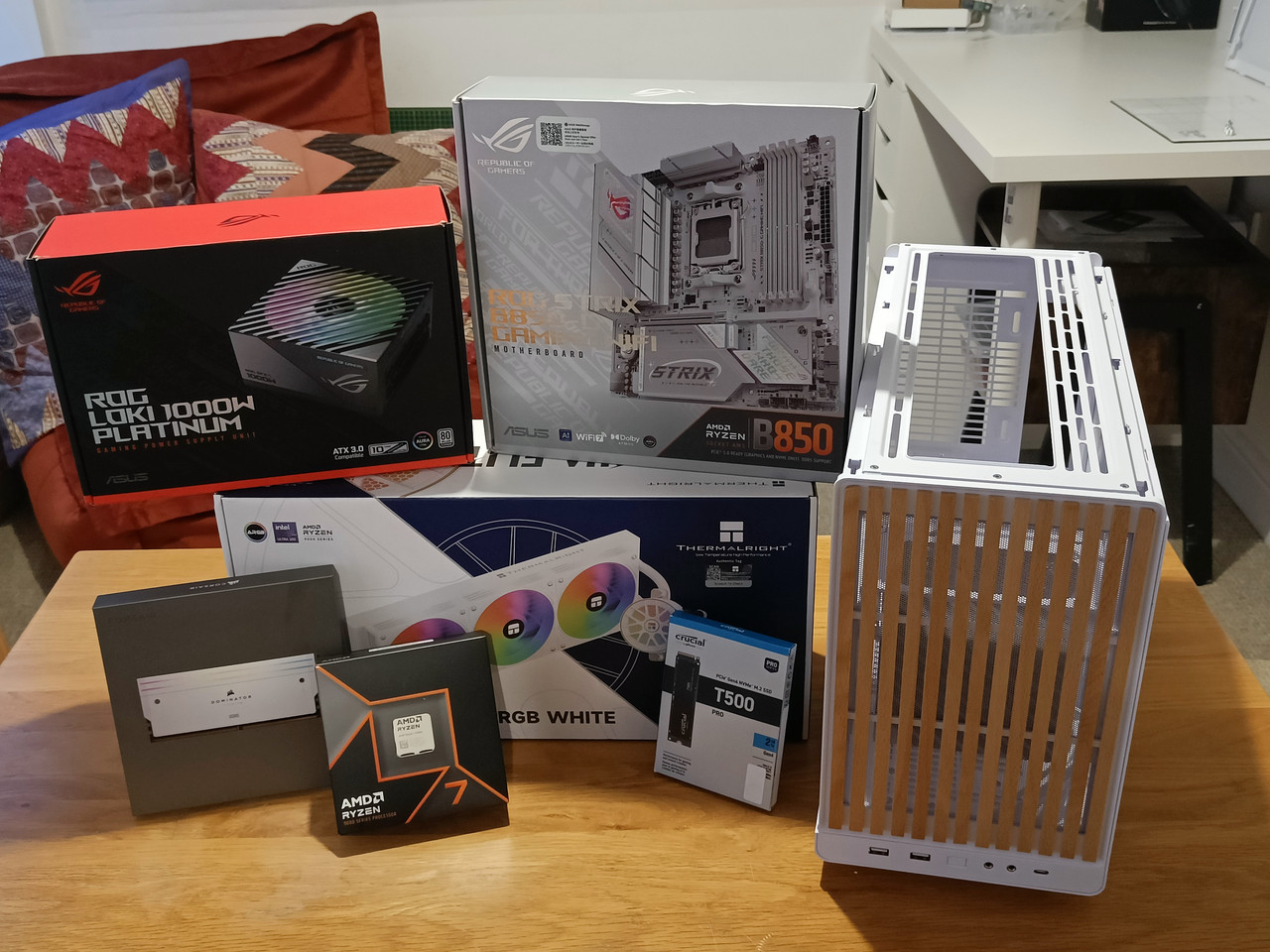
I spent yesterday sorting this thing out. Switching the cooler back and re wiring up the fans and then doing a fresh install of Windows because I've had a number of issues with it.
I have a fun hub thing which I thought might help tidy the cables, but its Lian Li and I wasn't sure about connecting it to the Asus PSU, so left additional cable tidying for another day.
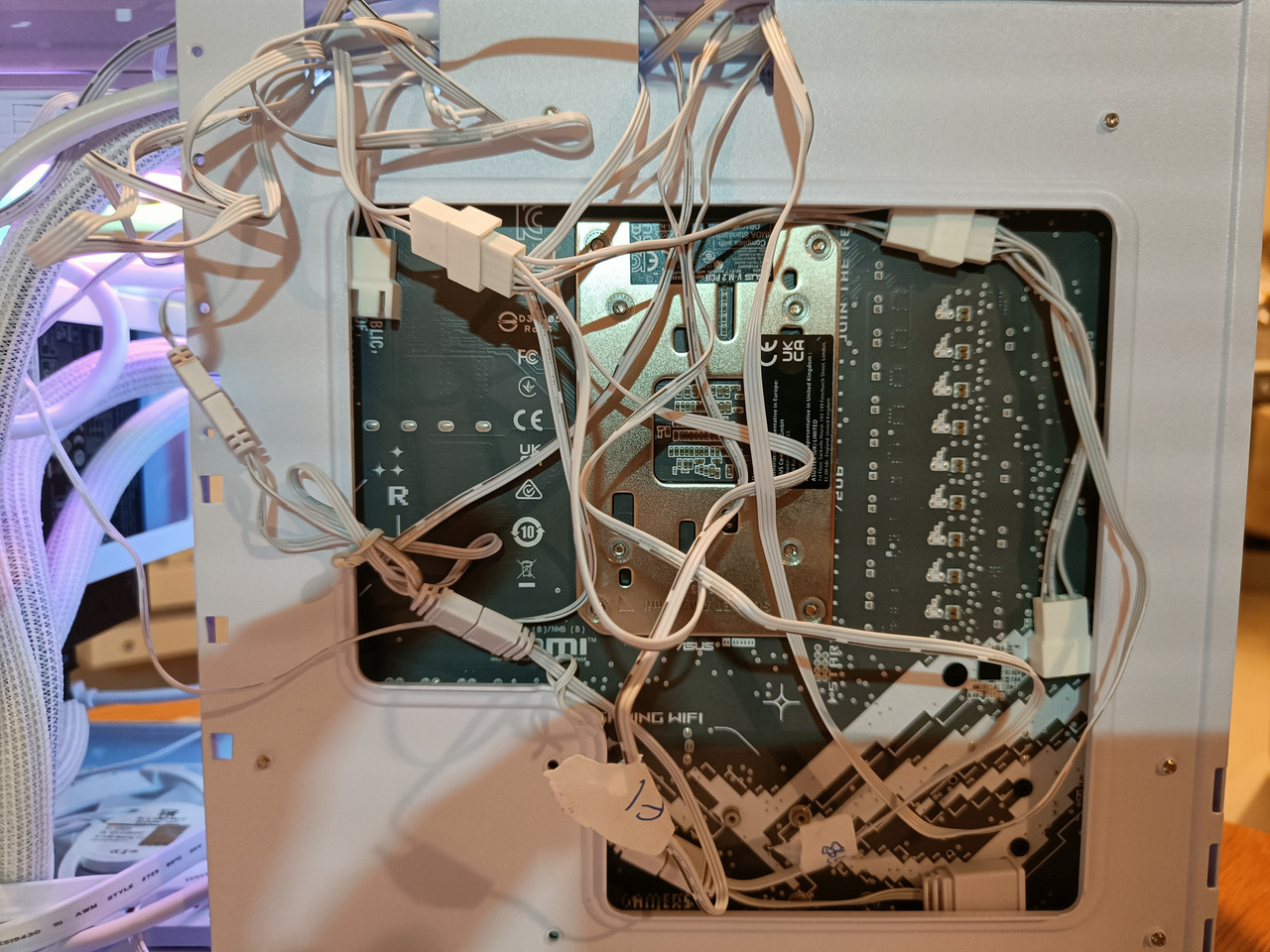
The upper fan wires are all around the back, as below, should be okay I think, it wasn't much pressure to clip the side panel back on:
The top fans have daisy chainable PWMs, so that helps keep them out of the way. And as long there're not causing an issue there around the back that's where I'll keep them.
Cables at the bottom are still messy. The three fans there don't have daisy chainable PVMs. So perhaps one way that can be tidied up is by replacing them with ones that are or is even a
whole single unit. But I'll open it up again and see what I can do with what I've got before buying more stuff I might not even need.
Happy to finally have it 'finished enough'

The issues I ran into were caused...... over to Chat GPT here:
What initially appeared to be a software issue turned into a valuable lesson in systematic PC troubleshooting. My system began showing strange and inconsistent behaviour — intermittent freezes, devices disconnecting, Bluetooth cutting in and out, and occasional slow boots with warning LEDs on the motherboard. At first, the symptoms pointed toward driver corruption or even faulty RAM, especially when display problems and missing audio appeared simultaneously.
After reinstalling chipset and graphics drivers, the machine briefly stabilised, but the freezes returned. The breakthrough came during a physical inspection: lightly touching the CPU cooler caused the entire system to lock up. On closer examination, two of the cooler mounting screws were noticeably loose. This uneven mounting pressure likely caused microscopic movement at the CPU socket, disrupting the memory controller and other critical connections — a reminder that modern PC components operate at extremely tight electrical tolerances.
Once the cooler was evenly secured, stability improved dramatically. I then performed a clean Windows installation using Rufus to eliminate any lingering driver corruption and start from a known-good baseline.
The experience reinforced an important principle: not all “software-looking” problems are software. Sometimes the root cause is mechanical, and careful, methodical troubleshooting is far more effective than immediately reaching for drastic solutions.
*****
Thanks, Chat GPT.
Bluetooth has been a right pain in the back side.
I noticed yesterday that my PC came with an aerial, which I assumed I might not need. I plugged that in, reinstalled the drivers and the Bluetooth stayed connected. I was also using a dongle as well previously rather than the onboard. This was one of those things that was silly to not to figure out sooner. I believe I did the same with my last PC which I had for about six years, and was using a dongle for all that time - der
So, after switching the cooler I then did a fresh install of Windows via Rufus on a Flash drive. Everything seems fine now.
I want to buy a GPU and perhaps switch to a 240 cooler instead. But I also have got my eye on a Steam frame and a Projector would be awesome too. And I can't buy them all!
There was a lot of choices to be made when buying this thing, and I wanted to keep my options open. The lucky side of that was that I bought 64GB of DDR Ram right before the price hikes. Or maybe its unlucky because I am not even using it to its full potential. At least I got some before the prices went stupid.
So, for now I wont do anything else and wont buy a GPU or switch the cooler.
Will do a RAM test later, and then keep an eye on things for the time being.