


Hi everyone, I recently upgraded my old system to something a bit quicker after getting advice on here about what to get. Everything has been working fine for about a month, so I know it was all working together.
Yesterday, I did a windows update which required a restart. Since then the PC wont post or even make it past the DRAM check. I removed everything from the motherboard that wasn't required to get to the BIOS and it still did nothing. As a last resort I removed all but one stick of RAM and it worked, I got to the BIOS. Everything in there looked fine and only has the standard settings with nothing overclocked.
To cut a long story short, it will now only post if I have nothing in slots A1 and B1. I checked all 4 sticks of RAM and they all work fine so I don't think the issue is there. After a bit more searching it seems that I have bought some RAM that is not on the compatibility list for the motherboard. That said, it was all working fine for about a month. Could this be a compatibility issue or something else?
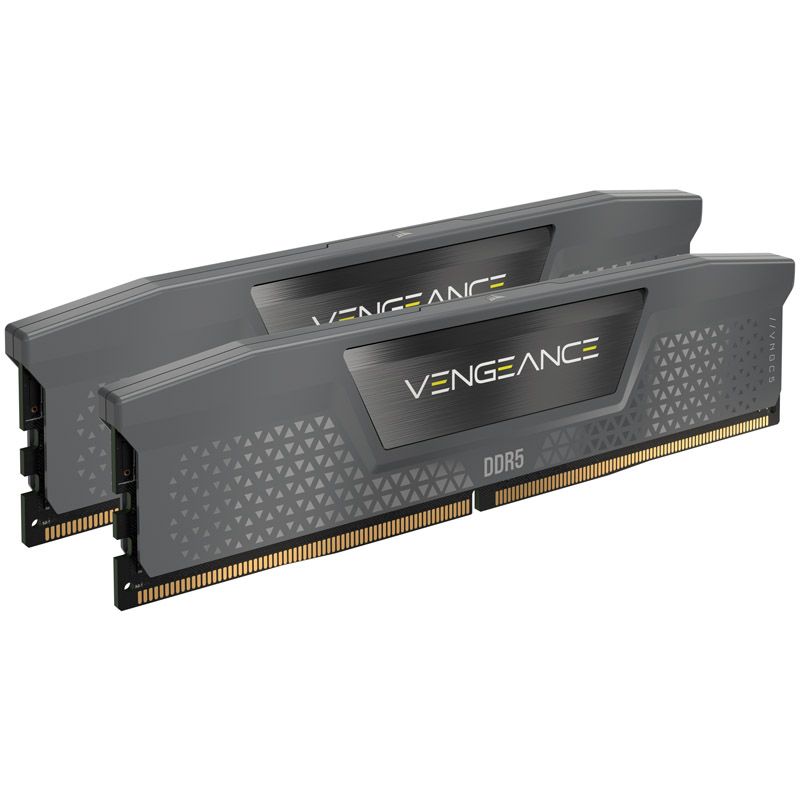
Corsair Vengeance EXPO 64GB (2X32GB) DDR5 PC5-4800040 6000MHz Dual Channel (I have two sets of this to give me 128GB)
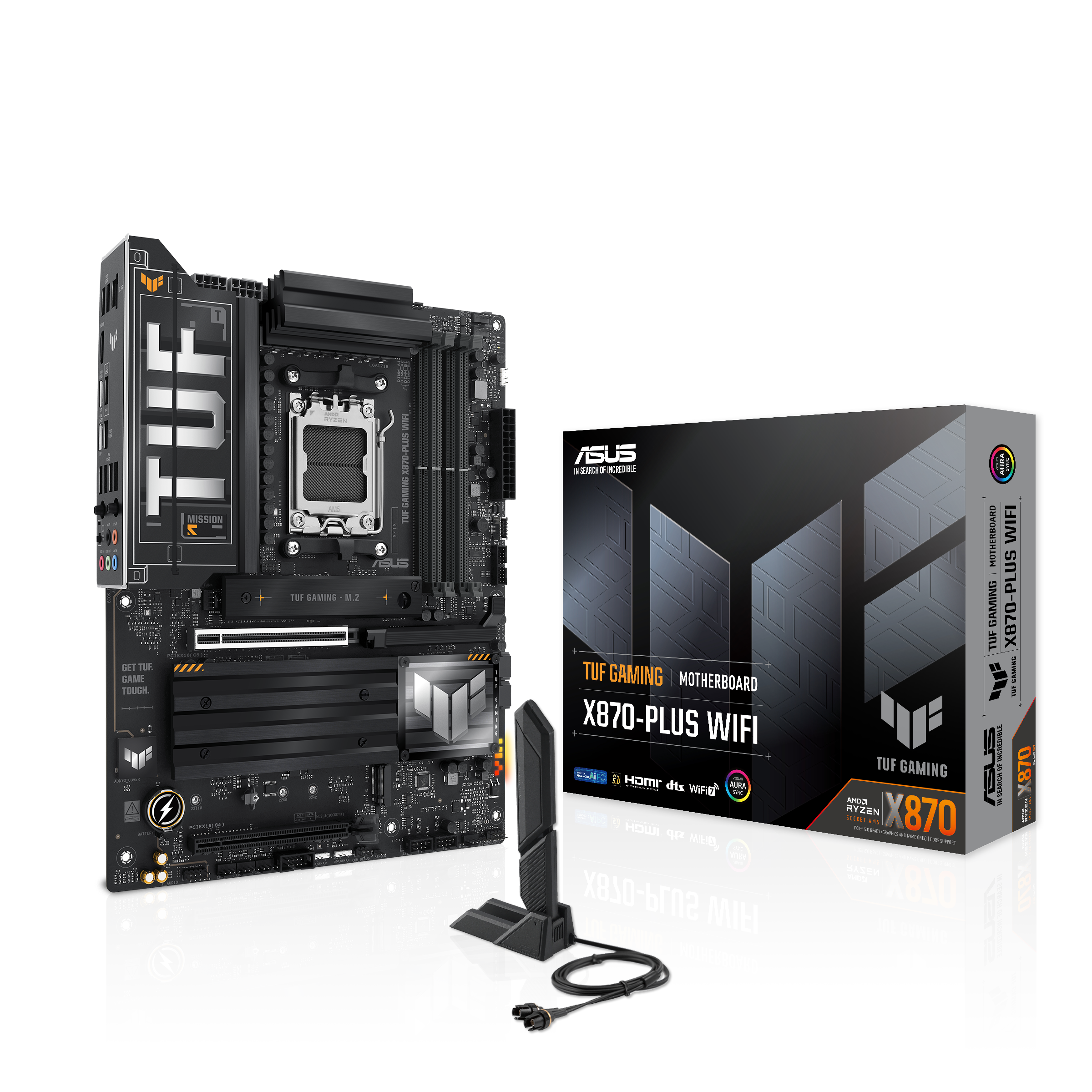
Asus TUF GAMING X870-PLUS WIFI (Socket AM5) DDR5 ATX Motherboard
AMD Ryzen 9 9950X Sixteen Core 5.70GHz (Socket AM5) Processor
Any help will be greatly appreciated as I don't really want to spend more money on RAM unless I really need to (although I might be cheaper to replace the motherboard lol)
Yesterday, I did a windows update which required a restart. Since then the PC wont post or even make it past the DRAM check. I removed everything from the motherboard that wasn't required to get to the BIOS and it still did nothing. As a last resort I removed all but one stick of RAM and it worked, I got to the BIOS. Everything in there looked fine and only has the standard settings with nothing overclocked.
To cut a long story short, it will now only post if I have nothing in slots A1 and B1. I checked all 4 sticks of RAM and they all work fine so I don't think the issue is there. After a bit more searching it seems that I have bought some RAM that is not on the compatibility list for the motherboard. That said, it was all working fine for about a month. Could this be a compatibility issue or something else?
Corsair Vengeance EXPO 64GB (2X32GB) DDR5 PC5-4800040 6000MHz Dual Channel (I have two sets of this to give me 128GB)
Asus TUF GAMING X870-PLUS WIFI (Socket AM5) DDR5 ATX Motherboard
AMD Ryzen 9 9950X Sixteen Core 5.70GHz (Socket AM5) Processor
Any help will be greatly appreciated as I don't really want to spend more money on RAM unless I really need to (although I might be cheaper to replace the motherboard lol)
£800
(incl. VAT)
£280
(incl. VAT)
SAVE 30%

£660
(incl. VAT)
£459
(incl. VAT)