Upgrade Advice

Associate
Joined
21 Apr 2013
Posts
1,557
Hi so I feel like I want a bit of an upgrade to my system but unsure on what my money is best spent on...

I currently have:

5600x
16gb 3200 Vengeance RAM
3070 GPU
Corsair 750w PSU
M.2 SSD for storage.

I play on a 1440p monitor.

Main games I play are Tarkov and DayZ with some COD and FIFA chucked in. Like the odd AAA single player game from time to time as well.

My thinking was potentially going for a 5800x3D and another 16gb of RAM? Don't have a big budget so don't feel like I can really go for a full refresh in terms of a new gen motherboard, CPU and DDR5 for example, I may be wrong though?

Any advice appreciated,

Cheers.
 
Thanks guys. I am not really struggling for FPS but I lower the settings quite a bit so would be nice to be able to graphically make my game look better and future proof a bit with a better processor.

Budget wise is around the £300 mark.
 
Thank you for all the responses everyone!

A lot to think about there.

I was thinking what if I sold my 3070, Ram and 5600x and replaced them with a 6800xt, 32 gb of 3600 RAM and a second hand 5800x3D. Do you think budget wise I wouldn't be far out then? £300-£350.
 
Thanks for your help Noughtboy. Is there an Nvidia equivalent to the 6900xt? I have no preference really but looking up the 6900xt, there seems to be big issues with drivers for DayZ which is a game I play a lot.
 
Back again! I've had a bit of a lucky win the last couple days and have decided to put it straight back in to a passion of mine which is PC Gaming.

Having figured out my current setup is probably going to fetch me £700-1000 possibly if I sell it I have a new budget of £2500. Don't need windows or a monitor etc.

Do your best guys!

Cheers.
 
Last edited:
Not sure but will fit in your budget.

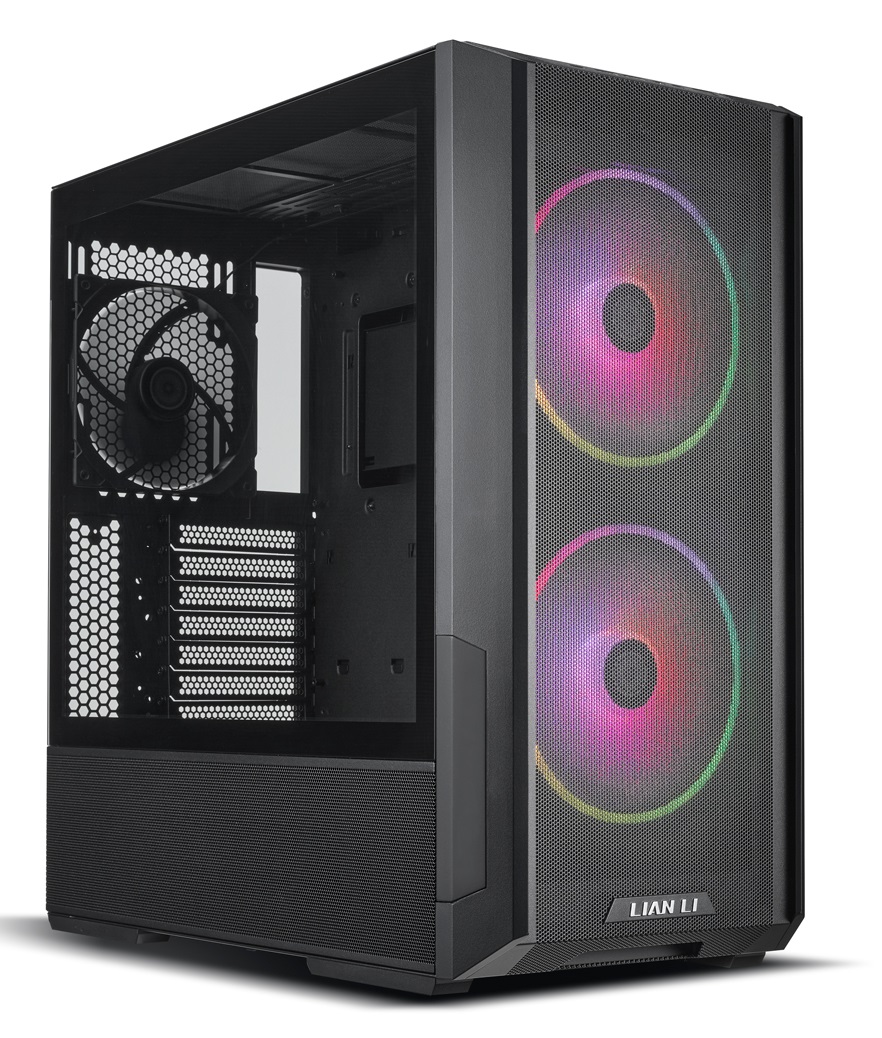
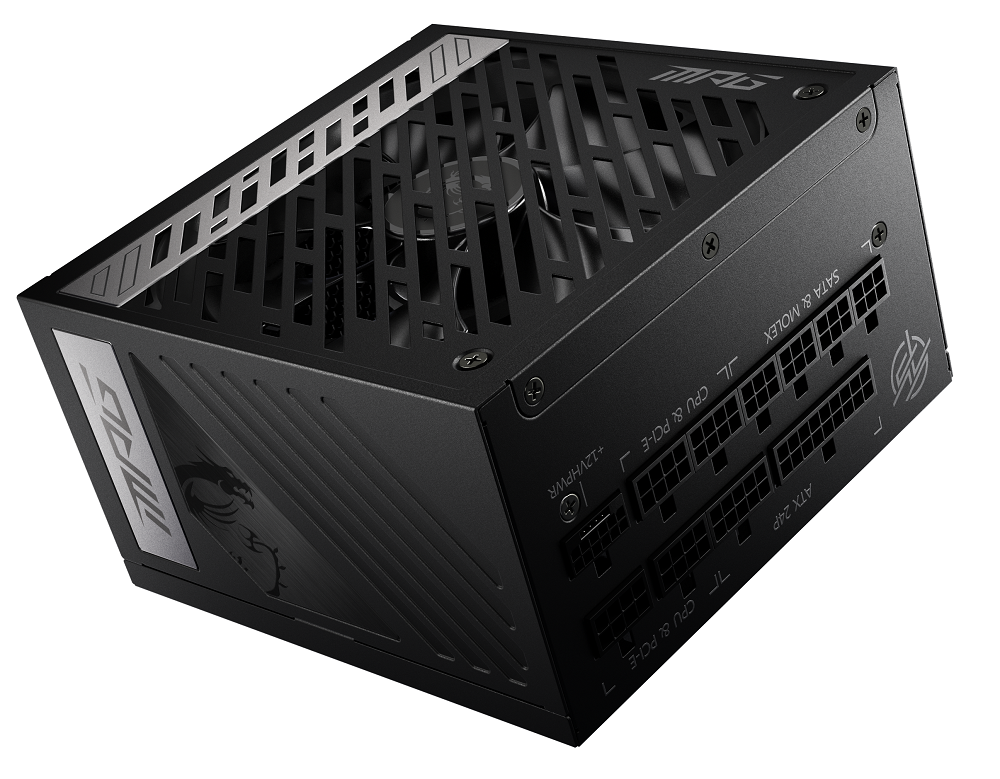
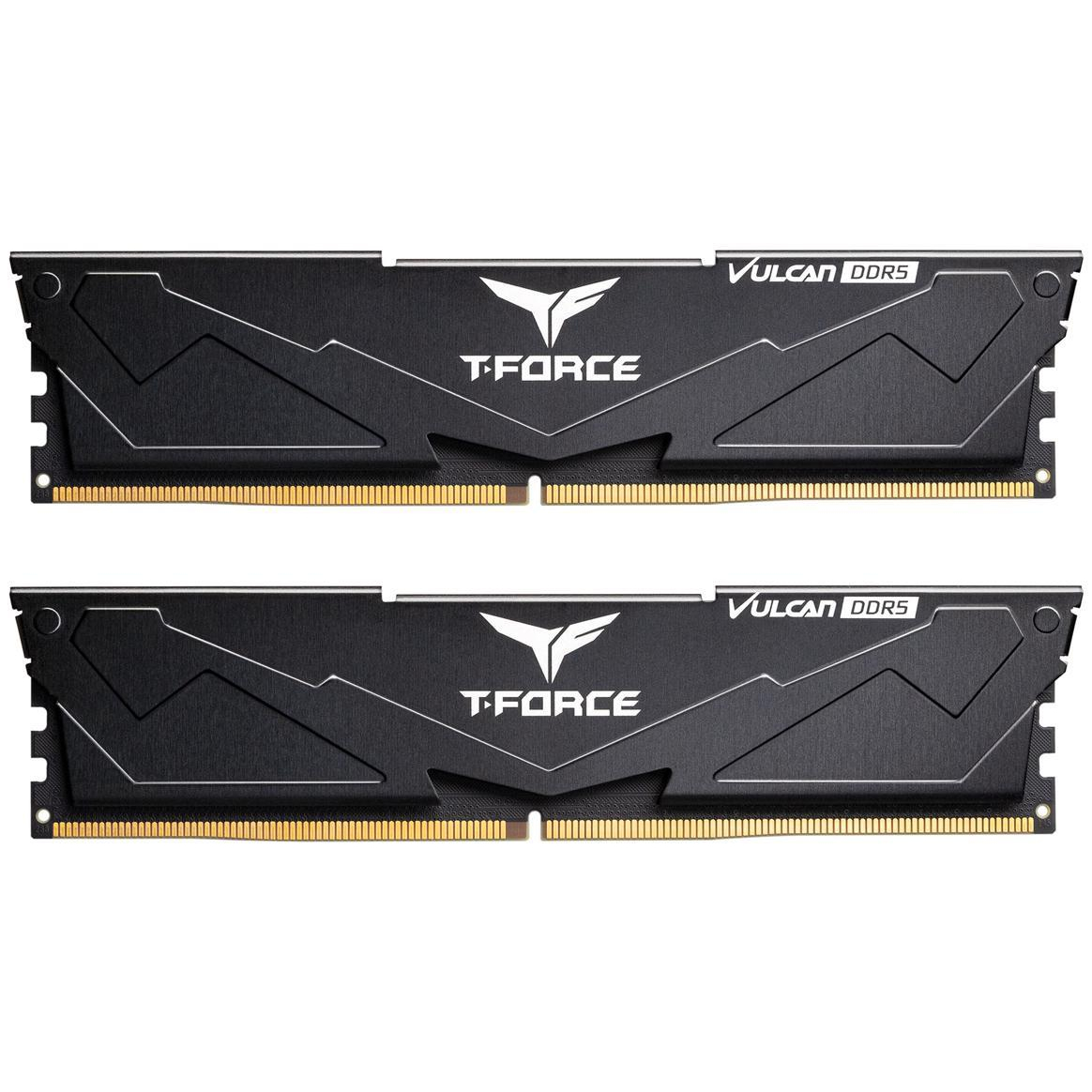
I've done some squeezing to fit a 4090 in the build to get the best gpu but you need to add £100 , this will give you 4k gaming and high 1440p FPS.

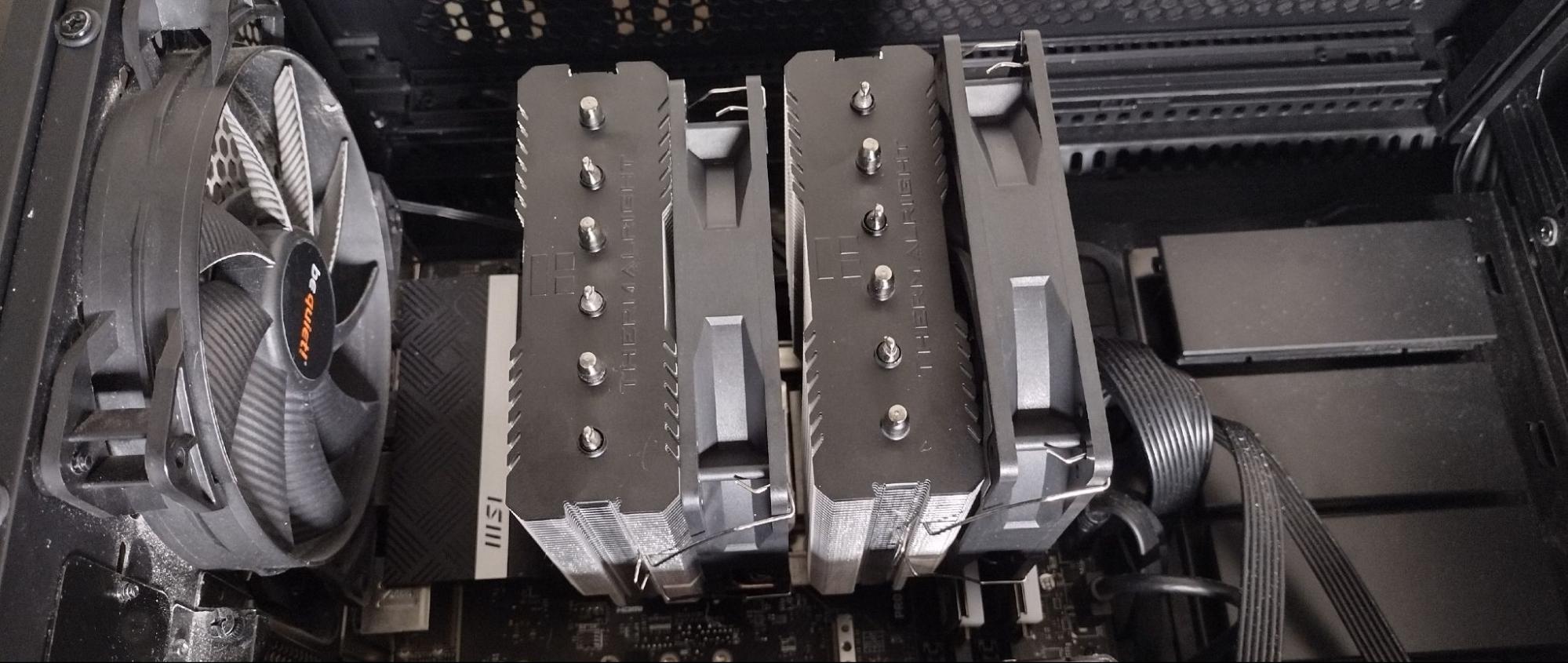
Cooler get the Thermalright Phantom spirit 120 for £30 it's the performance king.

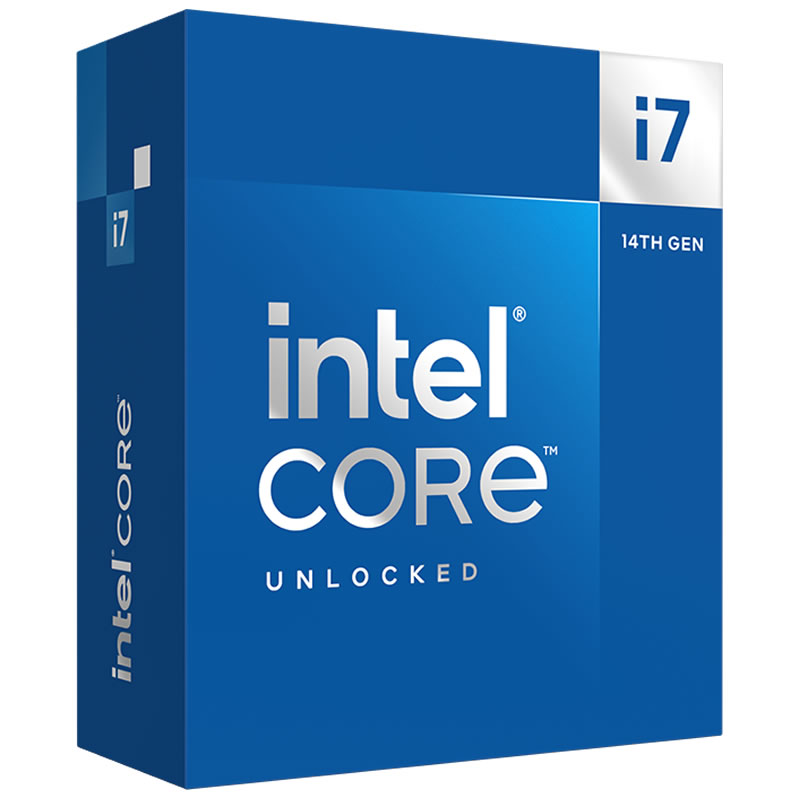
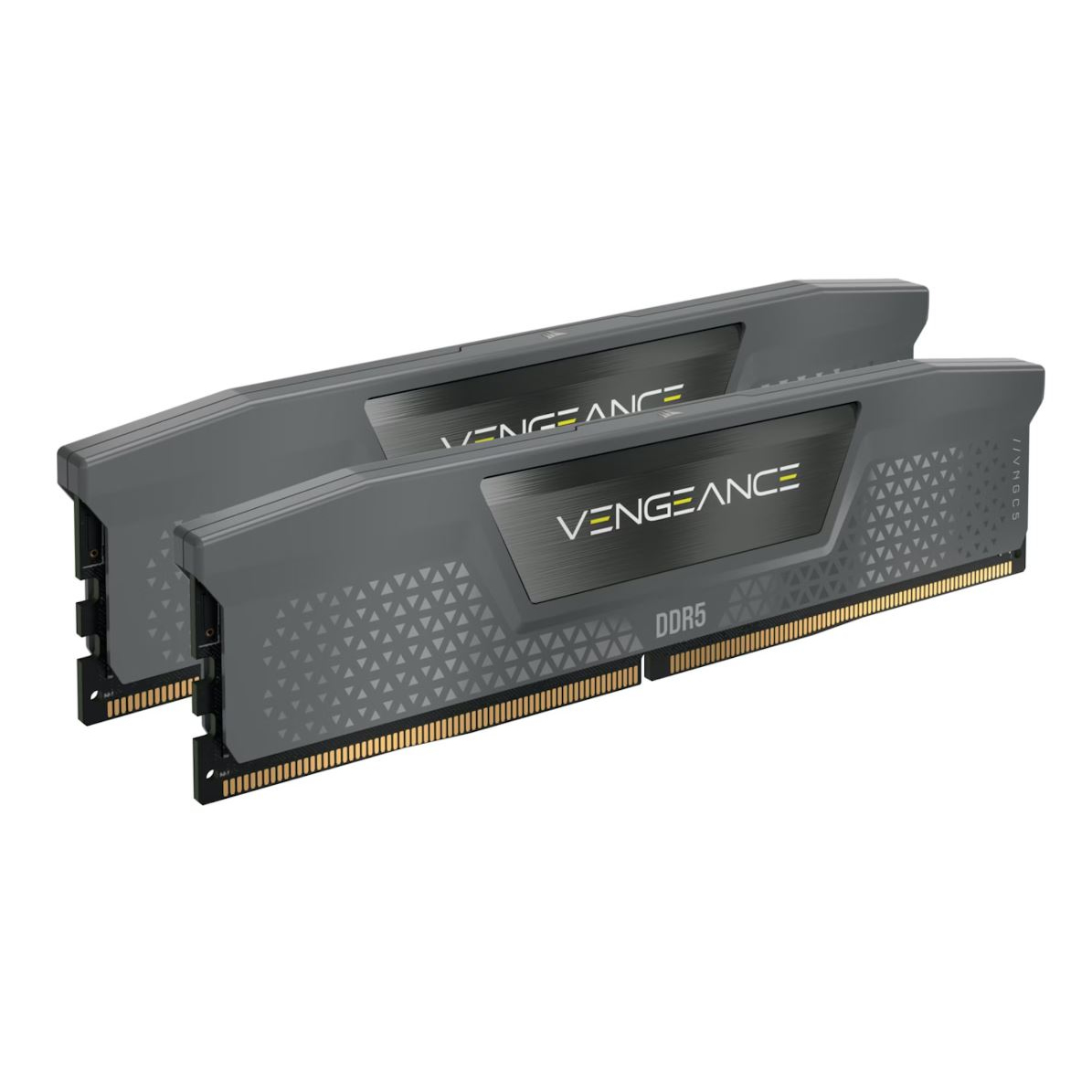
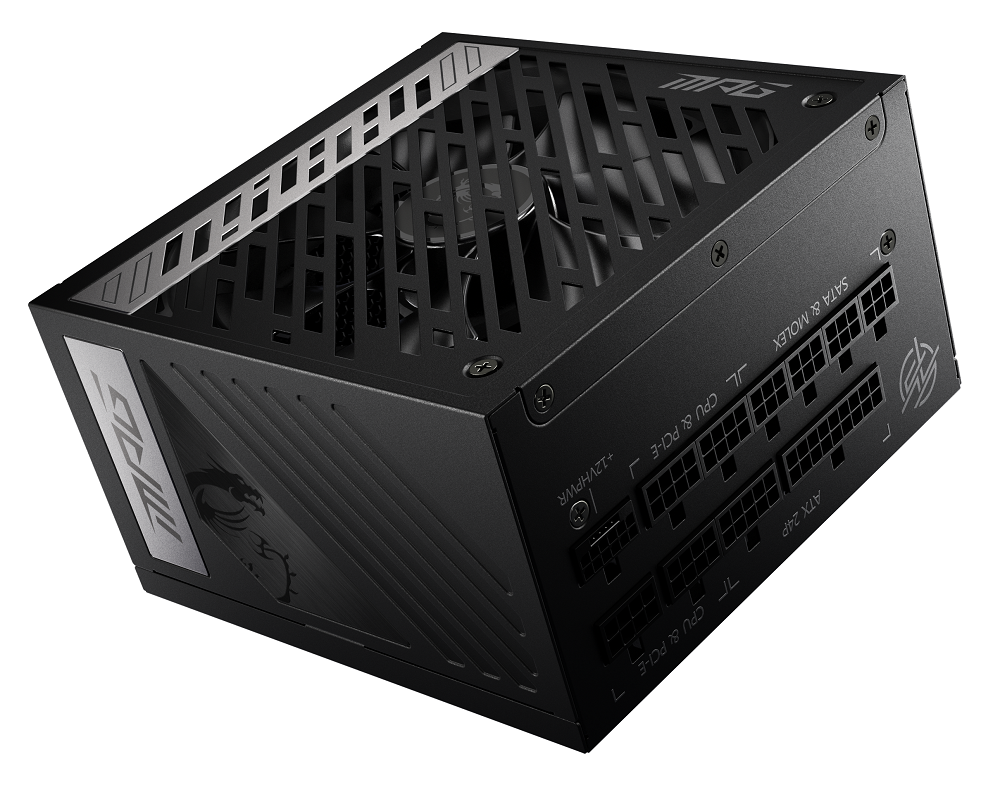
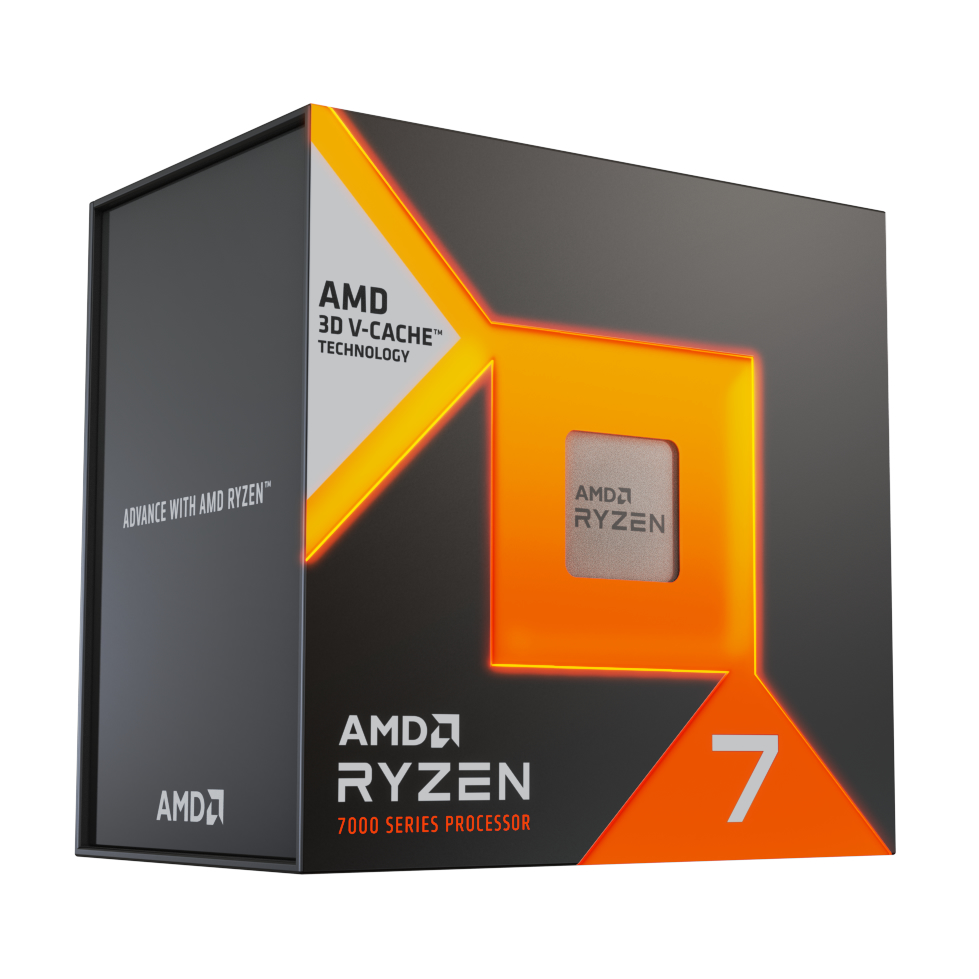
My basket at OcUK:

Total: £2,607.84 (includes delivery: £7.99)​
I think after watching some benchmarks I'd be more inclined to go this route with the 7800x3D, seems a bit better for gaming. I like the inclusion of the 4090. So the only thing I'd need to add to this would be an air cooler? Would that be sufficient?
 
Not sure but will fit in your budget.

I've done some squeezing to fit a 4090 in the build to get the best gpu but you need to add £100 , this will give you 4k gaming and high 1440p FPS.

Cooler get the Thermalright Phantom spirit 120 for £30 it's the performance king.

My basket at OcUK:

Total: £2,607.84 (includes delivery: £7.99)​
I think after watching some benchmarks I'd be more inclined to go this route with the 7800x3D, seems a bit better for gaming. I like the inclusion of the 4090. So the only thing I'd need to add to this would be an air cooler? Would that be sufficient?
 
Not sure but will fit in your budget.

I've done some squeezing to fit a 4090 in the build to get the best gpu but you need to add £100 , this will give you 4k gaming and high 1440p FPS.

Cooler get the Thermalright Phantom spirit 120 for £30 it's the performance king.

My basket at OcUK:

Total: £2,607.84 (includes delivery: £7.99)​
So I've gone ahead and bought this build, thanks very much for your help.

I have a question, I'm probably over complicating this a lot. I want to move my 1tb Samsung M.2 drive in to my new build so it gives me a bit more storage. It currently has windows 10 on my current PC, I want to wipe that drive before moving it to my new build so it's fresh but want to keep my current PC functional so I can sell it is a full build with Windows. The plan is to install Windows on one of my 2.5 SSDs so my current PC still boots in to Windows for sale.

What is the best way to go about all this?
 
Last edited:
Is your windows key oem or a retail version if retail you can use it on your new pc but will need a new key for your old


You can Clone the m2 drive to your SSD with macrium reflect choosing what you want to move over , say just windows.

Or do a fresh install and drivers then activate again or let them buy a new key, there cheap enough.
I never activated my Windows, it's just installed using a USB stick.
 
I'm guessing the easiest way is to just move my m.2 in to my new PC with Windows on and then just format it once I've installed Windows 11 on the 2tb drive you've specced me?
 
Last edited:
Back
Top Bottom