XP install

Soldato
Joined
1 Mar 2007
Posts
4,795
Location
Portsmouth
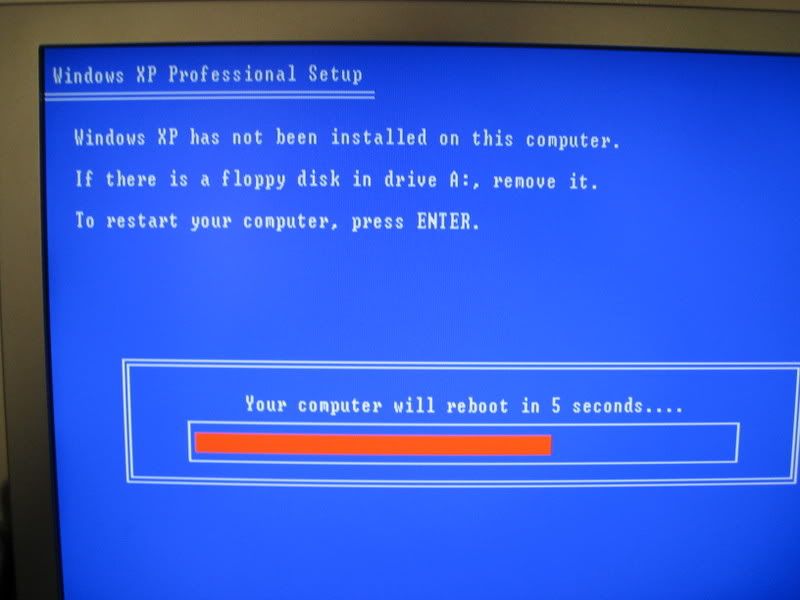
Trying to re-install XP Pro on my fathers PC, and apon booting into the windows setup, this appears.
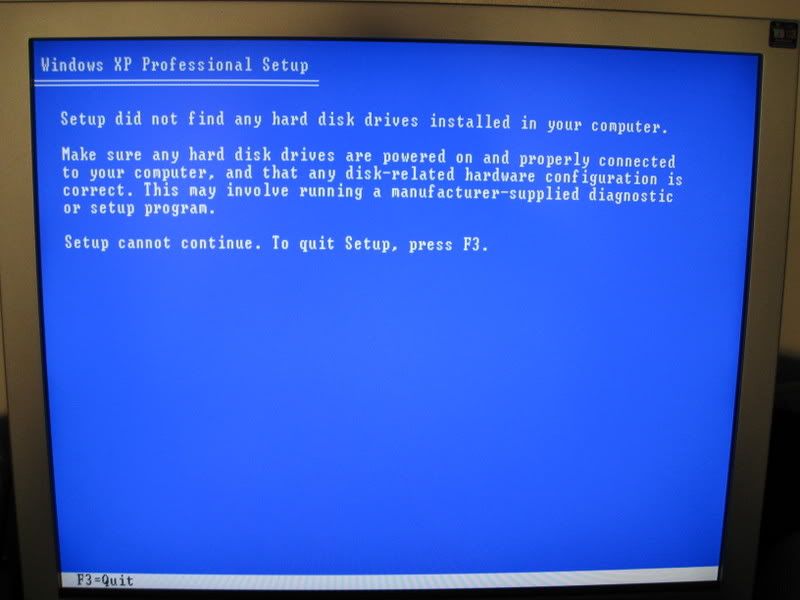
IMG_0006.jpg


then

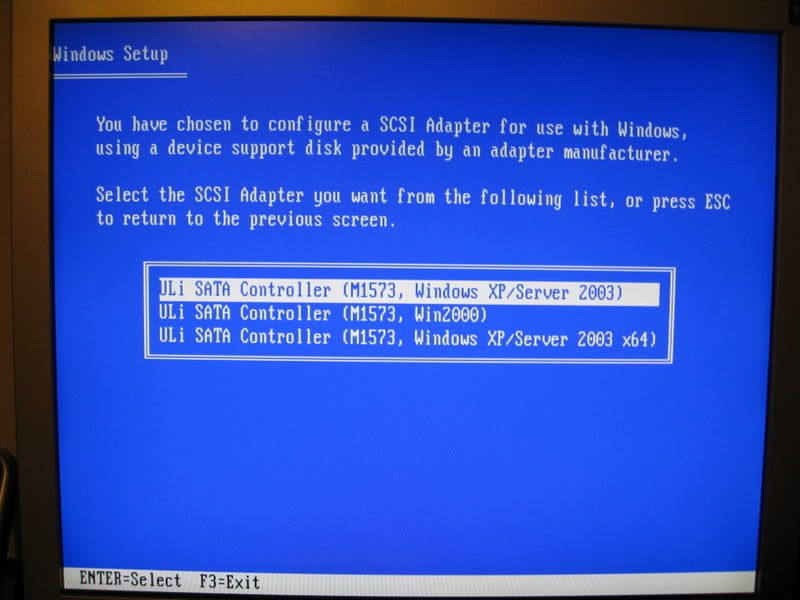
IMG_0007.jpg


Now on my old PC, I didnt get this message come up. My dads PC does have X2 HDD's the back-up has been disconnected and the main one with a current install off XP on it is connected and working ok when booting into windows.
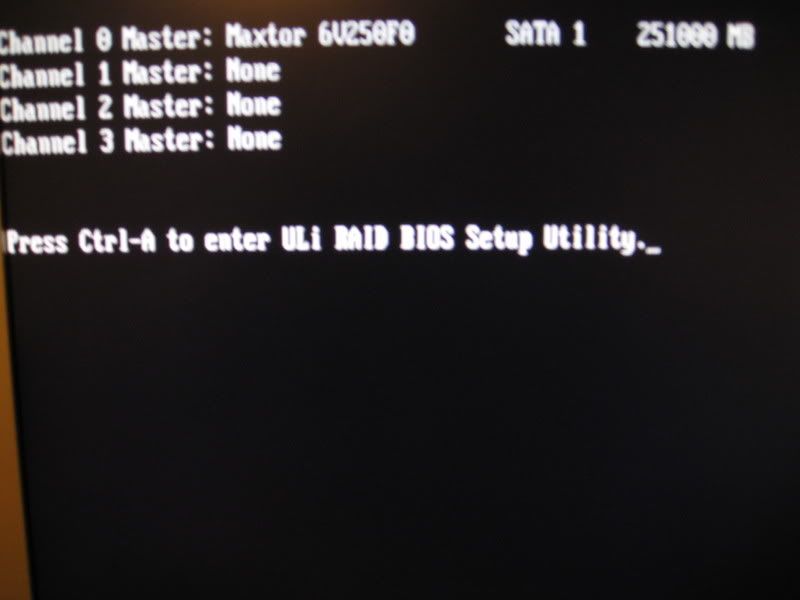
 
Its probably just needing the hard drive controller drivers. You'll need a floppy with them on, then just hit F6 when prompted.

Ive heard off this method before, his PC does have a floppy drive. Can you explain in a bit more detail what I need to do please?
 
Or, as most motherboard manufacturers are doing now, enter the BIOS and change the HDD mode from SATA to Legacy IDE or similar

And then after the install change it back again?


Here is the spec off his PC, its over a year old so not sure I can do as you sugguested or not?

INTEL P4 775 5.3Ghz Power System
NEW 775Pin smithfield Core(2x2.66ghz) with 2x1mb L2 cache
INTEL P4 775 PIN CPU PENTIUM D
TOP END CPU WITH HYPER THREADING TECHNOLOGY
THE VERY LATEST & MOST POWERFUL IN ITS CLASS

MOTHERBOARD
775Twins-HDTV

- LGA 775 for Intel® Dual Core Pentium® XE and Pentium® D / Pentium® 4 / Celeron® D processor
- FSB 1066/800/533 MHz
- Supports EM64T CPU
- Supports Hyper-Threading Technology
- Supports United Overclocking Technology

ASRock motherboard
 
Cheers for the help, installed all ok. Only queery is all the programs are still on the C drive even though I re-installed a fresh copy off XP on to it :S
 
If you want it blank you would have to delete the c: partition and recreate it (do this on the blue setup screen as above). This will remove all data on it though!

Yer iam sure I did that. The HDD has about 4 partition, I selected C then deleted C then installed....odd
 
Back
Top Bottom