Soldato
- Joined
- 22 Mar 2009
- Posts
- 7,754
- Location
- Cornwall
ok, finally got round to ordering my Silver Arrow cooler from OCUK (thanks for your help 5UB) and i found a cheap Corsair 60GB Nova Series 2 SSD.
i have never seen or used an SSD before, so i have a few questions about everything.
in my previous installs i have :
- fitted mobo, cpu, ram, dvd drive and OS hard drive.
- install windows, all drivers and no software.
- fit my 2xHD6850 cards
- install drivers
- install lucid virtu
- fit all my data drives
- complete windows updates
- install games/apps
is this the same for the SSD (as its only 60GB i will be using a 1TB samsung F3 for games/apps).
also, any hints on fitting the SA?
also, what do i have to do to get the best out of the SSD? like TRIM, disable hibernate/pagefile/system restore (i know how to do pagefile/system restore but not hibernate), and are there any other tips/tricks i should know about?
i also read that defrag can kill SSDs? do i just check in the windows services that its disabled?
i have never seen or used an SSD before, so i have a few questions about everything.
in my previous installs i have :
- fitted mobo, cpu, ram, dvd drive and OS hard drive.
- install windows, all drivers and no software.
- fit my 2xHD6850 cards
- install drivers
- install lucid virtu
- fit all my data drives
- complete windows updates
- install games/apps
is this the same for the SSD (as its only 60GB i will be using a 1TB samsung F3 for games/apps).
also, any hints on fitting the SA?
also, what do i have to do to get the best out of the SSD? like TRIM, disable hibernate/pagefile/system restore (i know how to do pagefile/system restore but not hibernate), and are there any other tips/tricks i should know about?
i also read that defrag can kill SSDs? do i just check in the windows services that its disabled?



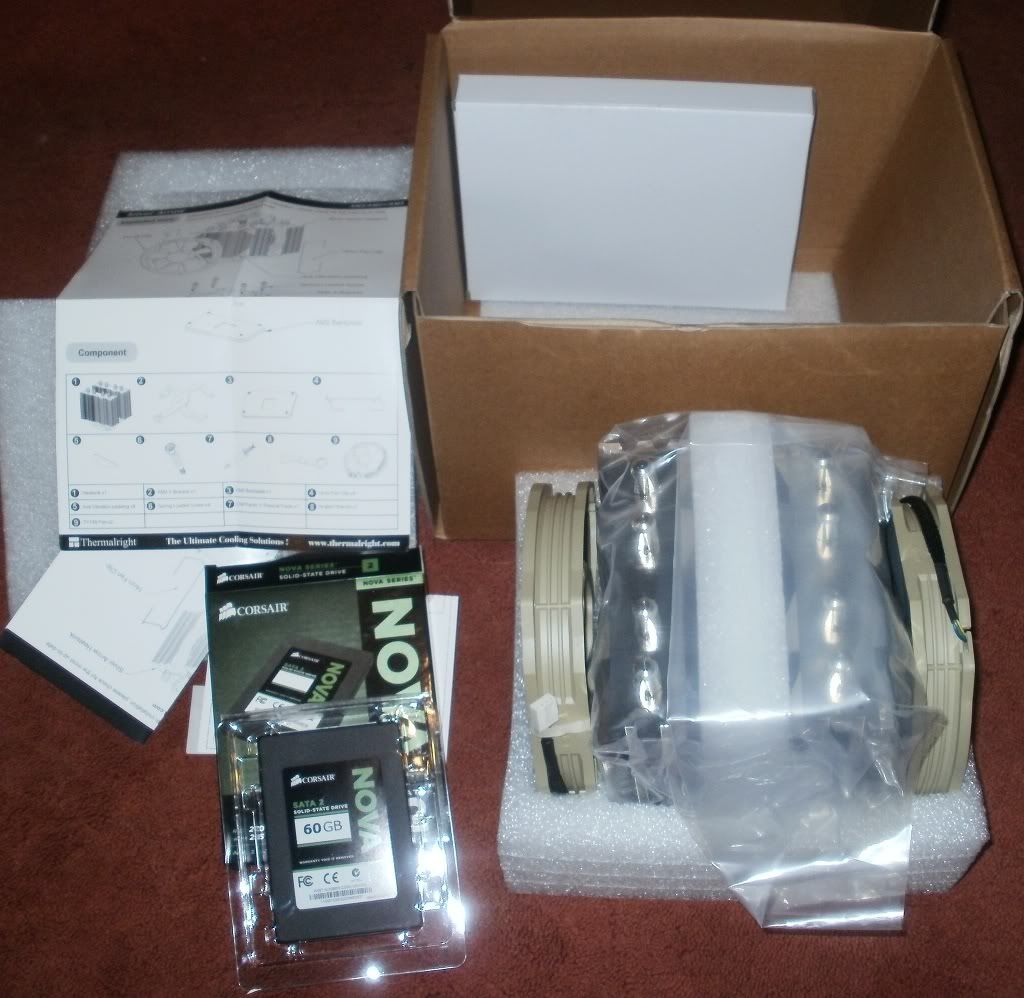
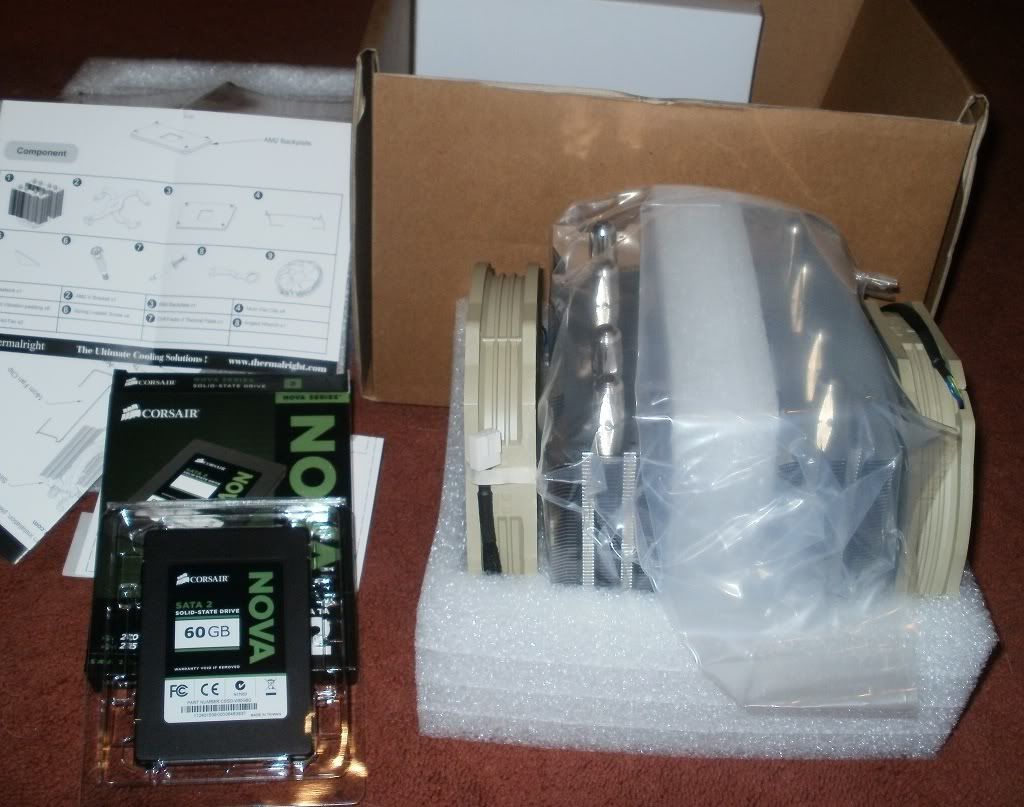


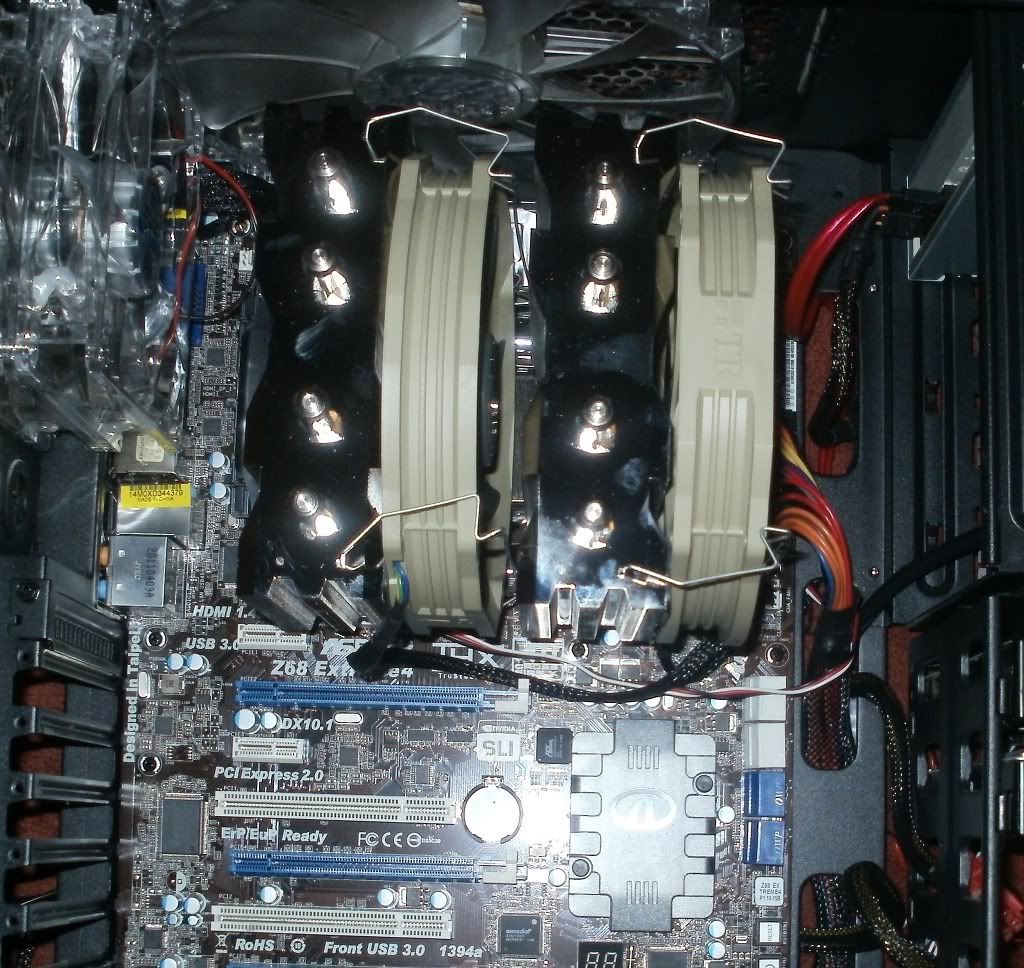


 . Buying an SSD was the best purchase I'd ever made for my PC! Booting up and being able to do things straight away after around 30 seconds from hitting the On button is amazing.
 need to install all the drivers for that, then fit the gfx cards so i can use lucid virtu