• Notice regarding image hosts and attachments. See here.

Samsung Odyssey G80HS thread

Soldato
Joined
1 Apr 2014
Posts
21,047
Location
Aberdeen
Yes, 6k is here. As ever, I'm having a huge early adopter problem

The box:
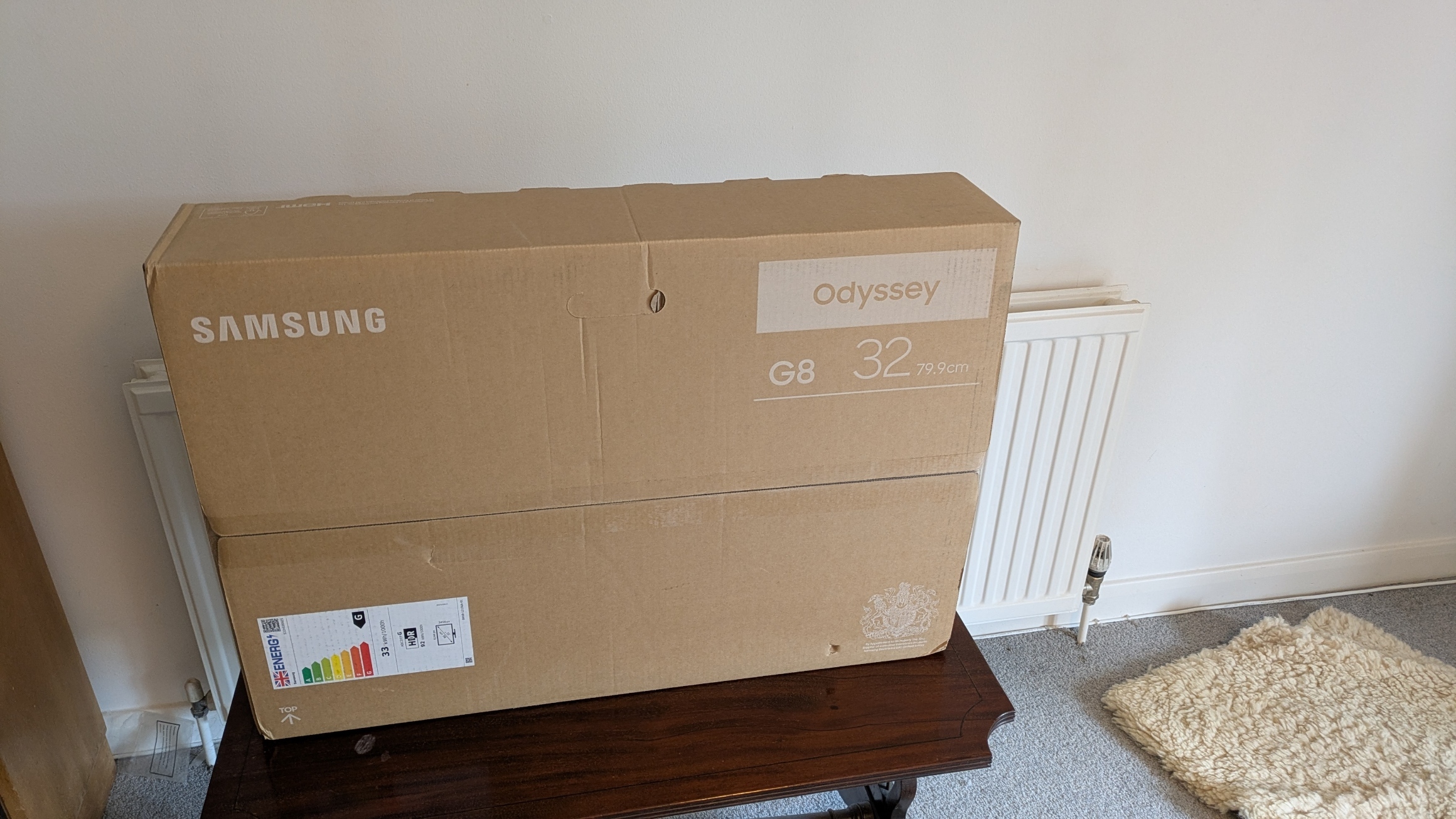
57de19ce3616.jpg


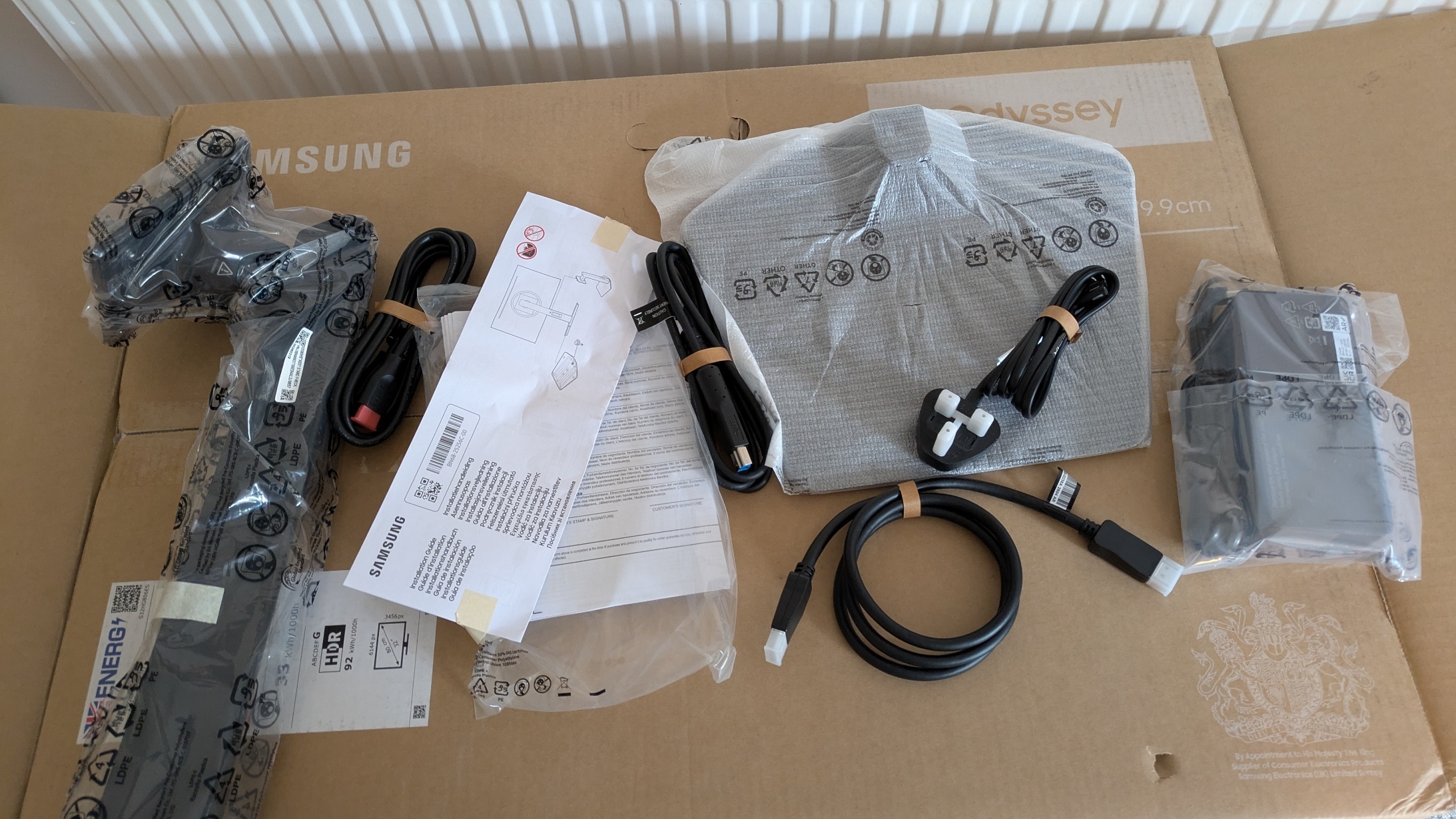
The accessories:

71f2efe53053.jpg


That's a 1m DP 2.1 cable. The power brick feels substantial but the connecting wires are thin. The VESA arm arrives tomorrow.

Assembled and peeled:
9f7c4a178fc9.jpg


The problem is that while I've installed the software and driver from Samsung's website but the thing is resolutely stuck at 60 Hz when it should do 165 Hz in 6k mode. Nothing above 60 Hz is visible. I'm using the supplied DP 2.1 cable to connect the monitor to my RTX 4090. All drivers and Windows are fully updated.

 
Will need someone a little smarter than me, could it be 4090 that is holding the display back? On the 4090 you are limited by the DP1.4 port so will need DSC on the monitor enabled, but even then the refresh rate at 6K would need to be below 175Hz.

For DP2.1 you need a 5090 or newer…..when we get there.
 
I've managed to make progress: the refresh rates are now available, but when I select over 60 Hz the display changes to 4k.
 
I’m afraid the bandwidth required is far beyond DP 1.4 with DSC. You need a DP 2.1 GPU to support anything higher than you’re seeing
 
It's not working over the HDMI 2.1 link either. According to the documentation I should get full resolution at full refresh.
 
I'm getting ~80 fps in Tiny Tina's Wonderlands on medium settings and 40 fps in Black Myth Wukong on medium settings (no RT) and DLAA, both at 6k.
 
It's not working over the HDMI 2.1 link either. According to the documentation I should get full resolution at full refresh.
it should be within the BW limitations for that, but if it's not working then i expect it's probably a cabling problem. that usually causes issues, it needs to be a high-end certified Ultra High Speed HDMI 2.1 cable
 
it should be within the BW limitations for that, but if it's not working then i expect it's probably a cabling problem. that usually causes issues, it needs to be a high-end certified Ultra High Speed HDMI 2.1 cable

It's the cable supplied with the monitor. It's good and thick.
 
I've switched to my Arc B580 which has one UHBR 13.5 connection (the middle of the three DP ports) and I can get the full 165 Hz.
 
It's the cable supplied with the monitor. It's good and thick.
I'd try another one. No guarantee they've provided a proper certified HDMI 2.1 cable. check the OSD menu as well in case there's a setting for HDMI to switch between v2.0, v2.1 and so on, or between PC and Video/AV or something like that
 
I've just benched Shadow of the Tomb Raider with XeSS balanced and Medium settings at 6k and am getting over 40 fps.
 
And Horizon Zero Dawn on slightly tweaked Medium settings (turned motion blur off) with AMD super-resolution set to balanced gets 66 fps. No XeSS, unfortunately.
 
I've just tried my RTX 3090 and while it will only go to 60 Hz at 6k, I can play Sniper Elite 4 at max settings at over 70 fps (obviously the screen only displays 60 fps). The 3090 is very noisy unlike the B580 - and the 3090 is 8 feet away whereas the B580 is 2 feet away. Both were running at 100%. Time to swap back the 4090.
 
Back
Top Bottom