Monitor replacement

Soldato
Joined
5 Nov 2014
Posts
9,512
I've got 2 monitors I need to replace

Monitor 1 - LG 27GP850-B

This is my sons monitor and has a max budget of £300. I could buy the same monitor again for this price but wondered if there was any cheaper\better options.

This has had a bug kill over under the screen and I am going to try and get rid of it but would like to see other options in case it needs replacing. Would need to be a 27" monitor, 1440P and an IPS display. I would prefer to avoid OLED because he has a bad habit of just leaving his PC on and walking away from it

Monitor 2 - Dell S2721DGF

This is my monitor and has started to get image retention if windows are left on screen for too long. I have tried all the features to get it to try and clear but nothing has worked.

I would love a 32" 1440P monitor but I know that at this size its all 4K.

I have a budget of £600 and I cannot decide if I should get a 1440, 27" OLED or get anther OPS screen.

I work from home and spend 9 hours a day working so burn in is a big worry with OLED and also I have heard text clarity is also is not great so I am stuck in 2 worlds of what to get.

Cheers for any suggestions

 
The latest 500Hz OLEDs using the same panel as the Asus XG27AQDPG, Gigabyte GO27Q5P and there are also MSI and other brands using it, and any of the 4/5th generation OLEDs have acceptable text clarity, it could be better but it is perfectly fine for general use in that respect, though you might need to dabble with ClearType. (I spend hours in Visual Studio on mine and have no problems with text clarity after adjusting it with ClearType).

Personally on the fence with OLED though - there are still a lot of crutches when it comes to general use and you can still see the stuff like pixel orbiting in action, etc. which is necessary for them to have any decent lifespan outside of purely games and movie use, the jury is still out on these enhanced 3rd gen and 4/5th gen panels and how long they really last in general use.

There are lots of ways they are very impressive but there are still lots of caveats as well, also OLED and G-Sync/VRR still has problems with flicker - while a minor annoyance it is still not in an ideal place and quite noticeable when you've got an older TN or IPS panel with a proper G-Sync module side by side :s

EDIT: Most of the newer OLED panels have built in protection for if you just leave the monitor and walk away - after a period they will dim the display and/or increasingly dim the most static parts and start to utilise other features more aggressively to protect the screen - which can be a little annoying if you aren't actually AFAIK (usually if you have a movie playing, etc. it will prevent those features kicking in).
 
Last edited:
The latest 500Hz OLEDs using the same panel as the Asus XG27AQDPG, Gigabyte GO27Q5P and there are also MSI and other brands using it, and any of the 4/5th generation OLEDs have acceptable text clarity, it could be better but it is perfectly fine for general use in that respect, though you might need to dabble with ClearType. (I spend hours in Visual Studio on mine and have no problems with text clarity after adjusting it with ClearType).

Personally on the fence with OLED though - there are still a lot of crutches when it comes to general use and you can still see the stuff like pixel orbiting in action, etc. which is necessary for them to have any decent lifespan outside of purely games and movie use, the jury is still out on these enhanced 3rd gen and 4/5th gen panels and how long they really last in general use.

There are lots of ways they are very impressive but there are still lots of caveats as well, also OLED and G-Sync/VRR still has problems with flicker - while a minor annoyance it is still not in an ideal place and quite noticeable when you've got an older TN or IPS panel with a proper G-Sync module side by side :s

EDIT: Most of the newer OLED panels have built in protection for if you just leave the monitor and walk away - after a period they will dim the display and/or increasingly dim the most static parts and start to utilise other features more aggressively to protect the screen - which can be a little annoying if you aren't actually AFAIK (usually if you have a movie playing, etc. it will prevent those features kicking in).
Thank you, some good points to keep in mind.
 
That 34-inch size sounds tempting, especially without an overly aggressive curve. The reviews seem reassuring too.
That's 1 of the things that put me off as I didn't like the huge curve on them but this looks ideal.

Need to check the desk space as I've not got a lot of room! lol
 
Thankfully my son's monitor is now ok.

Went to use the PC today and the dead bug is nowhere to be seen so no need to replace that now.

I think 34" is going to be a bit too big for the distance I would be away from it so thinking of sticking to 27" monitors.

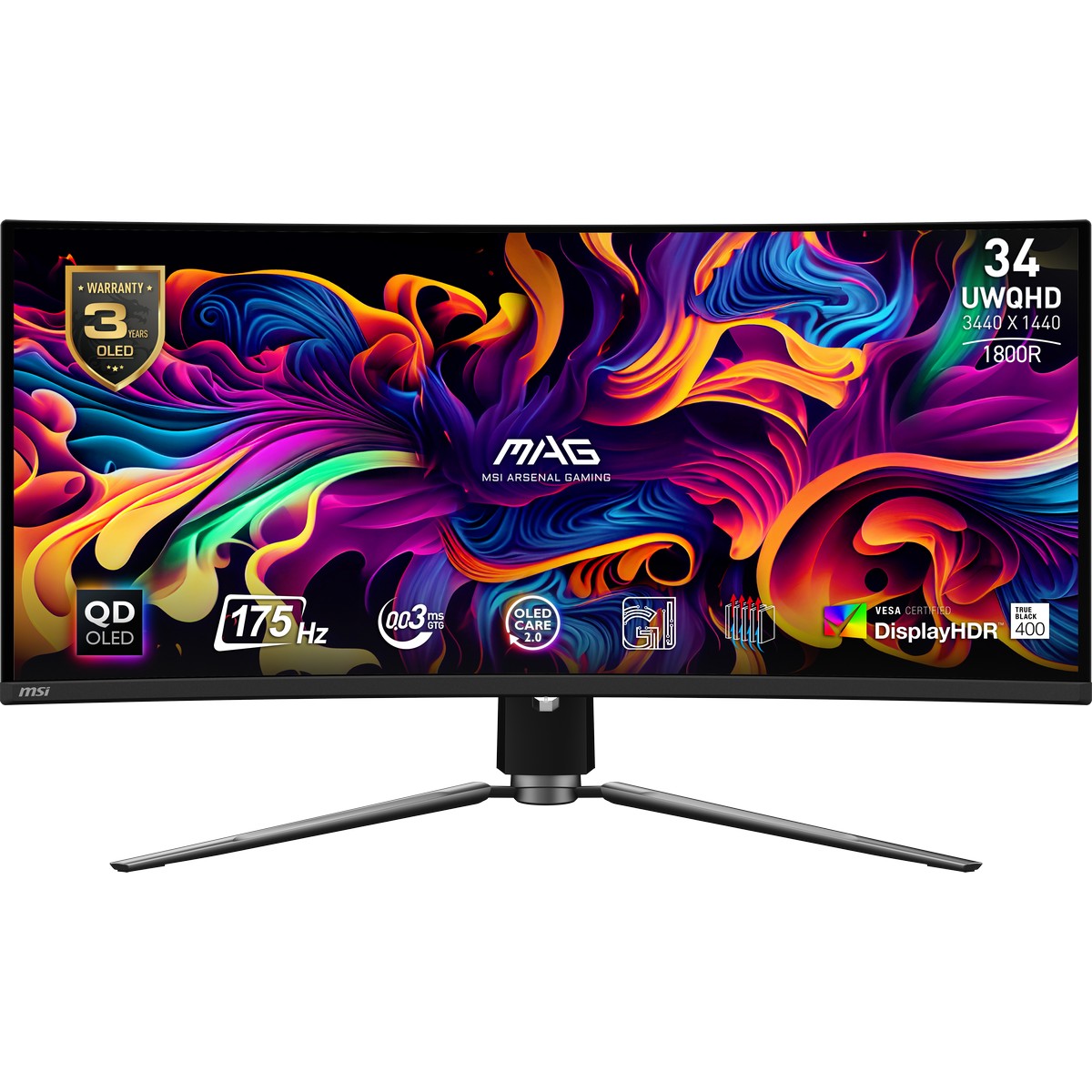
Benn looking at this QD-OLED screen


Need to look at some reviews on it
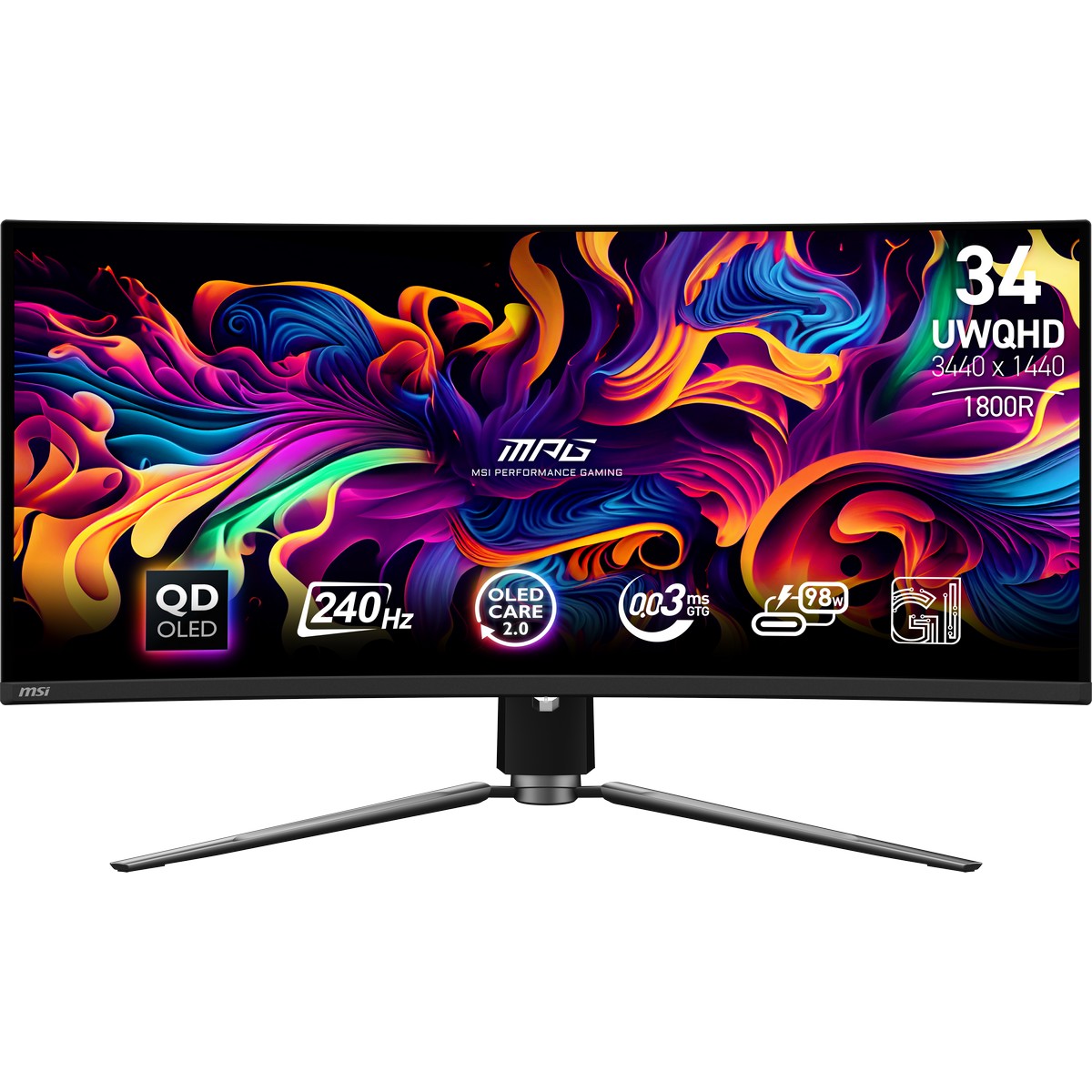
If it helps I just got the 34 inch ultra wide version of this from Bgrade.

Only 24 hours of use in, but it's blooming lovely.
 
341cqpx qd-oled
How do you find the text on it?

I've read that some OLEDs have issues with text clarity and as I would be using it daily for work as well would prefer not to have that issue

Edit - just had a look around and can get it for £600 so £100 more than the 34" earlier up
 
Last edited:
Personally in my short time with it so far, not an issue.

I work from home 2 days a week, mainly on spreadsheets and emails, but yet to use it for a full day of work, but I personally cant see it being an issue.
 
How do you find the text on it?

I've read that some OLEDs have issues with text clarity and as I would be using it daily for work as well would prefer not to have that issue

Edit - just had a look around and can get it for £600 so £100 more than the 34" earlier up
did you pick anything in the end?
 
did you pick anything in the end?
I'm still looking at the moment.

The OLED world is a minefield. OLED, WOLED, QD-OLED then its depending if your in a well lit room as QD-OLED can show a purple film\grey blacks due to light.

I keep looking and then never pick.

On top of that there is text clarity as I would be using it for work during the day and gaming at night\weekends.

Sometimes I think I should just get an IPS panel as that is what I have but then prices for OLEDs are about the same now for budget panels.

Currently looking at


Or


Oh, and on top of all the above there is different gen OLED screens as well.

When did it get so complicated to buy a bloody monitor lol

Also wondering if a 34" would be too big as I do not have a big desk and sit close to the monitor so also looking at this

 
£799 (incl. VAT)
£499 (incl. VAT)
FREE DELIVERY
£899 (incl. VAT)
£699 (incl. VAT)
FREE DELIVERY
£399 (incl. VAT)
£369 (incl. VAT)
FREE DELIVERY
Last edited:
I felt the same when I had to look for one.

Too much choice. But I ended up just trusting my gut. set yourself a set of specs that matter to you, the rest is irrelevant.

Most things reviewers complain about are very "nit picky" especially when it comes to top end tech. Most average users wont even notice these features anyway. I was concerned about text clarity before i got the MPG 341cqpx - and to be honest, since using it I haven't even noticed it. And its the thing most people complain about that type of OLED panel....
 
Last edited:
Back
Top Bottom