It’s defo not.Suspect it’s a taxes thing.
It’s €59 on a French website which includes 20% VAT.
Rip off Britain innit? Damn you Brexit! Damn you straight ta hell! C’mon Andy! Gerrus back in wiv the frogs Jerries! Etc.It’s defo not.
It’s €59 on a French website which includes 20% VAT.

I’ve always thought of Z-wave as an American thing so maybe it’s more for that market?
Joking aside, I was always under the impression Zwave was a yesterday technology roundly usurped by Zigbee and Matter. I’m a bit surprised at this new Nabu Casa hardware but nothing wrong with catering for all marketsNah mate .... Z-Wave is for posh people not for the likes of u n me
Flipping heck

Skybox + TV in standby consumes between 18 and 33W
Flipping **** That's a shocking eye opener. In contrast my whole network including servers consumes just 60-70W
ssh [email protected]
Alpine Linux v3.24 [running via Linux Deploy]
fire7:~$How do I do thatYou could ssh in with your root login
I hopefully remember the password. I don;t know if i am getting the username wrong, password wrong or both wrong..On a Mac or Linux, open a terminal and type in ssh root@YOURHASERVERIPADDRESS On Windows I think you can do this from a command prompt but I’m sure. You’ll need your root password of course
 community.home-assistant.io
I'm not sure why there's not much traction on this project
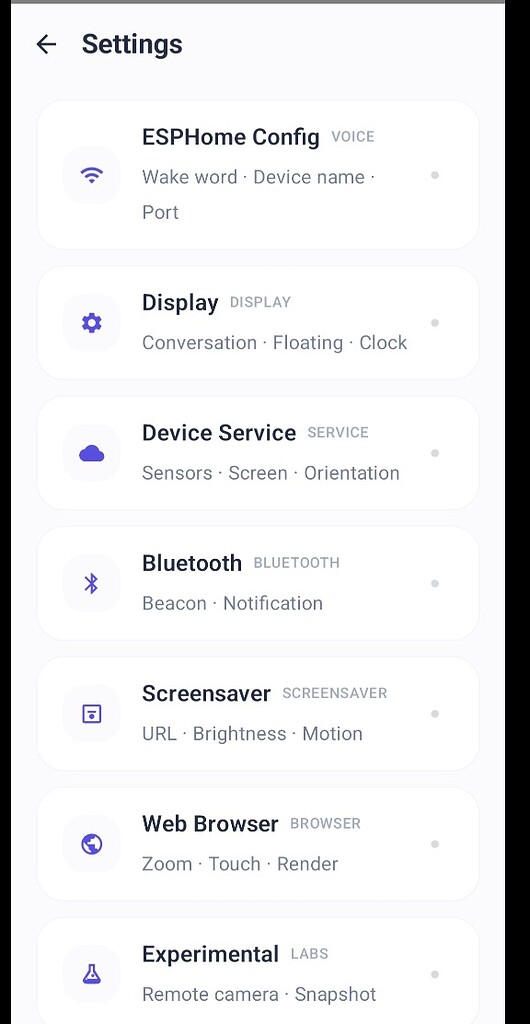
Turn Any Android 7-16 Device into a BLE Smart Home Control Panel
I want to share a project I’ve been working on: Ava, an Android voice assistant app that transforms spare tablets and old phones into powerful smart home control panels. Background This project is based on brownard/Ava, which I’ve heavily modified and expanded. The original is a great ESPHome...
I'm going to give it a try
Swapped my Zigbee system over from ZHA to zigbee2mqtt as some of my new devices were not working correctly on ZHA
It was quite a painless task, took about 30mins to repair around 25 devices and re configure some automations.
Ive got a lot more control now over the devices via zigbee2mqtt, it was worth the swap over.