


Soldato
- Joined
- 10 Nov 2006
- Posts
- 8,578
- Location
- Lincolnshire
You just need MSI Afterburner 
Please remember that any mention of competitors, hinting at competitors or offering to provide details of competitors will result in an account suspension. The full rules can be found under the 'Terms and Rules' link in the bottom right corner of your screen. Just don't mention competitors in any way, shape or form and you'll be OK.
Stupid Question how do I set the fans to do that


 Not my first choice of brand / card, but was the first modded PCB card I could get my hands on.
It should be way more than that, i would expect that from the card in 4K. Do you have half refresh rates enabled or something? Or adaptive VSYNC.....
ha I think that's it then ive got Vsync on has my monitor doesn't do G-Sync

Def use the Fastsync option with 1080p too. It's in the Sync options in the Control panel
Time to join the club
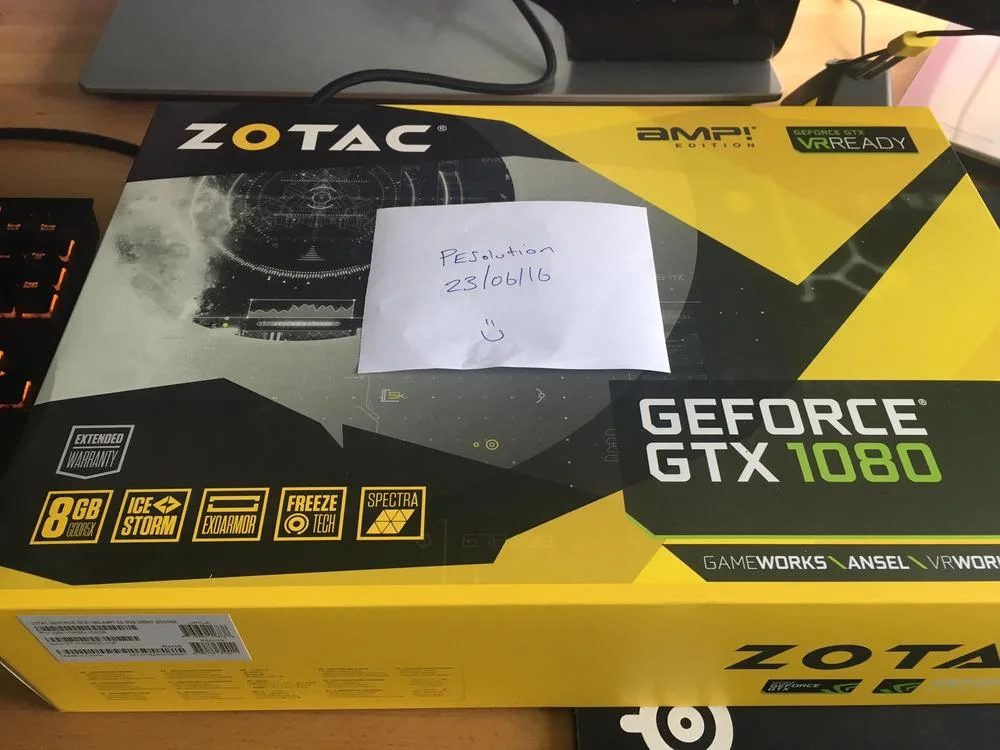

well I cant get my pc to boot with my new 1080 in it
I'm running an Asrock Z68 Extreme 4 Gen 3 motherboard, and I get debug code 62 when booting up the new card, but boots fine without. I think the motherboard might not support the cards? There doesn't appear to be an update though...
Sooo frustrated if I've waited this long and it's DOA
From your older posts, I see you were running an AMD card in wait for your 1080 to arrive. Other people have had error 62 from not removing the AMD display drivers prior to booting up with their 1080.
Also I can't even get to bios with it installed, so it's not even loading into windows before erroring so I dont think it's an OS driver issue. It's gotta be DOA or a motherboard bios thing I think. I've just spoken to their support and they have referred it onto their taipei guys to hopefully advise and provide a custom bios if needed.



