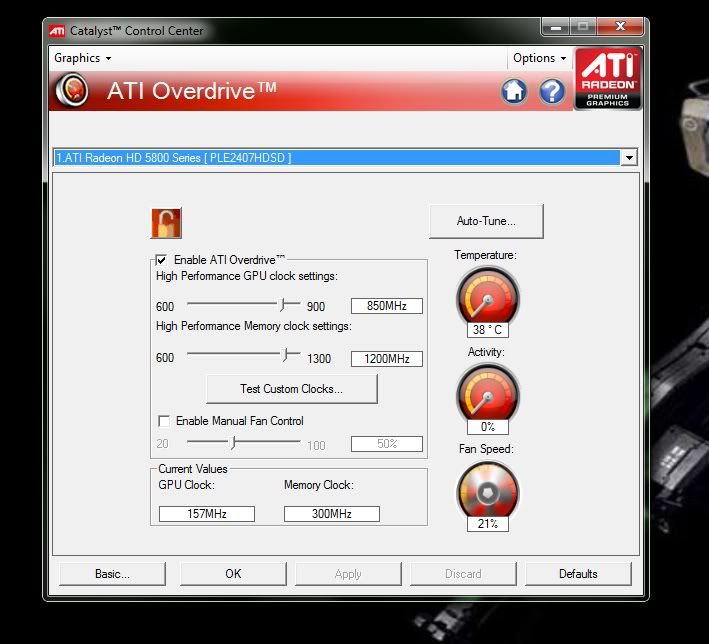
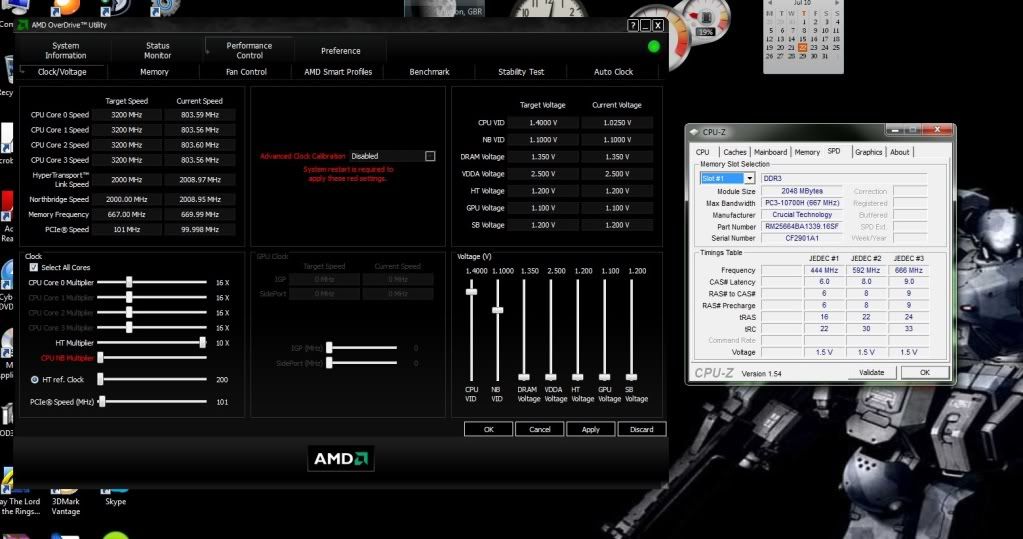
I THINK I MAY HAVE SOLVED IT!
Okay so reading from my other thread i did those tests and i got results finally! My computer does post by the way, i can hear it logging into windows everytime, was just not getting display so i can safely say my computer is posting but with no display from monitor.
It's good news and bad news i suppose but i could also do with some more advice on this matter with anyone thats good with Memory?
So this is what i did:
a) I uninstalled my old graphics drivers for the 5670 and then uninstalled the 4200 onboard vga via device manager and rebooted.
b) Back into windows again and ran drive cleaner and wiped all ATI drivers from my computer period!
c) Okay so powered off, reset CMOS via jumper and cleared everything system dates and anything that was there is cleared.
d) Installed my 5870 and booted up but still nothing on screen! Damn!
e) Okay time for a ram check, took out 4 gigs of ram from A1 and A2 slots and fired her up! Still nothing! So tried again and WOLLAH! it booted up with normal fan speed, it didn't even go full speed it just stabilised straight away! Installed drivers by itself via the web and then asked me to reboot.
f) So i rebooted, and omg nothing again the fan just screams at me! So by now im thinking what the hell is going on here. Is it the RAM or is it my CORSAIR power supply? Because i can safely say my motherboard is fine and its between the RAM and PSU now.
g) So finaly test, i took out my cheapo 750W Evo labs crap psu and hooked everything up using the molex to 6 pin connectors cos this doesn't have enough 6 pins, all plugged in and ready to go. Fired her up AND OMG IT POSTS AND I GET DISPLAY AND EVERYTHING!! baring in mind i still only have 4 gigs or 2 sticks of ram in here. I thought to cancel any chances or coincidences i rebooted 3 times and all 3 times it displayed perfectly! But the psu was whining and squealing abit. The psu was probably barely pumping out 450w hence the whining and struggling?
h) So to try and eliminate the fact that it could be my ram i stuck in all 4 sticks of ram i.e. 8 gigs and fired her up and nothing, the fan just spins at full kick but my computer is still posting, just no display from the 5870 cos i can hear the windows log in sound.
i) Took 2 gigs out or 1 stick and fired her up again and it seems to be going okay for about 3 seconds because the fan is spinning at normal speeds but then after 3 seconds its like its given up and the fan goes to max speed with no display again. Took out 4 gigs of ram and left 4 gigs in and it runs no probs but like i said psu is squealing and whining abit.
CONCLUSION:
Is it true that this card the 5870 only runs with 4 gigs of ram? But if so why would the 5870 try and post at normal fan speeds but then give up half way? This points to not enough power being provided by the psu hence trying to power up but then unable to and the fan hitting max speed.
If its not the memory then it has to be the psu, i have 7 years warranty on this corair unit and it is modular so which leads me to believe that even though the 24 pin and 4 pin motherboard connectors are working aswel as the 4 pin peripheral connectors are working doesn't mean there is sufficient power being delivered to the 2 x 6 pin connectors.
If you was in my situation now, what would you do? RMA the psu to corsair and ask them to check it out? Get another psu and hope it works with the new psu although im not sure what to get now if i do take this route. Or leave it down to the memory configurations that it just won't post with 8 gigs or 6 gigs and only on 4 gigs?
I have to ask though, how much wattage does memory actually take? And has anyone else ever experienced this sort of problem?
Thank you for reading and i hope this helps other people out, i just wish i did more research before i made my purchase.
Jay
Okay so reading from my other thread i did those tests and i got results finally! My computer does post by the way, i can hear it logging into windows everytime, was just not getting display so i can safely say my computer is posting but with no display from monitor.
It's good news and bad news i suppose but i could also do with some more advice on this matter with anyone thats good with Memory?
So this is what i did:
a) I uninstalled my old graphics drivers for the 5670 and then uninstalled the 4200 onboard vga via device manager and rebooted.
b) Back into windows again and ran drive cleaner and wiped all ATI drivers from my computer period!
c) Okay so powered off, reset CMOS via jumper and cleared everything system dates and anything that was there is cleared.
d) Installed my 5870 and booted up but still nothing on screen! Damn!
e) Okay time for a ram check, took out 4 gigs of ram from A1 and A2 slots and fired her up! Still nothing! So tried again and WOLLAH! it booted up with normal fan speed, it didn't even go full speed it just stabilised straight away! Installed drivers by itself via the web and then asked me to reboot.
f) So i rebooted, and omg nothing again the fan just screams at me! So by now im thinking what the hell is going on here. Is it the RAM or is it my CORSAIR power supply? Because i can safely say my motherboard is fine and its between the RAM and PSU now.
g) So finaly test, i took out my cheapo 750W Evo labs crap psu and hooked everything up using the molex to 6 pin connectors cos this doesn't have enough 6 pins, all plugged in and ready to go. Fired her up AND OMG IT POSTS AND I GET DISPLAY AND EVERYTHING!! baring in mind i still only have 4 gigs or 2 sticks of ram in here. I thought to cancel any chances or coincidences i rebooted 3 times and all 3 times it displayed perfectly! But the psu was whining and squealing abit. The psu was probably barely pumping out 450w hence the whining and struggling?
h) So to try and eliminate the fact that it could be my ram i stuck in all 4 sticks of ram i.e. 8 gigs and fired her up and nothing, the fan just spins at full kick but my computer is still posting, just no display from the 5870 cos i can hear the windows log in sound.
i) Took 2 gigs out or 1 stick and fired her up again and it seems to be going okay for about 3 seconds because the fan is spinning at normal speeds but then after 3 seconds its like its given up and the fan goes to max speed with no display again. Took out 4 gigs of ram and left 4 gigs in and it runs no probs but like i said psu is squealing and whining abit.
CONCLUSION:
Is it true that this card the 5870 only runs with 4 gigs of ram? But if so why would the 5870 try and post at normal fan speeds but then give up half way? This points to not enough power being provided by the psu hence trying to power up but then unable to and the fan hitting max speed.
If its not the memory then it has to be the psu, i have 7 years warranty on this corair unit and it is modular so which leads me to believe that even though the 24 pin and 4 pin motherboard connectors are working aswel as the 4 pin peripheral connectors are working doesn't mean there is sufficient power being delivered to the 2 x 6 pin connectors.
If you was in my situation now, what would you do? RMA the psu to corsair and ask them to check it out? Get another psu and hope it works with the new psu although im not sure what to get now if i do take this route. Or leave it down to the memory configurations that it just won't post with 8 gigs or 6 gigs and only on 4 gigs?
I have to ask though, how much wattage does memory actually take? And has anyone else ever experienced this sort of problem?
Thank you for reading and i hope this helps other people out, i just wish i did more research before i made my purchase.
Jay
Last edited:
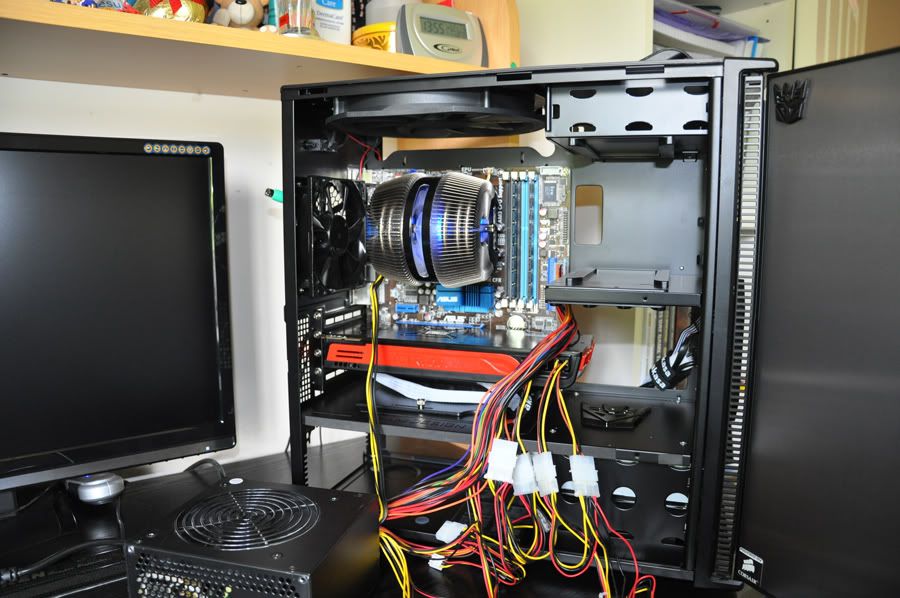
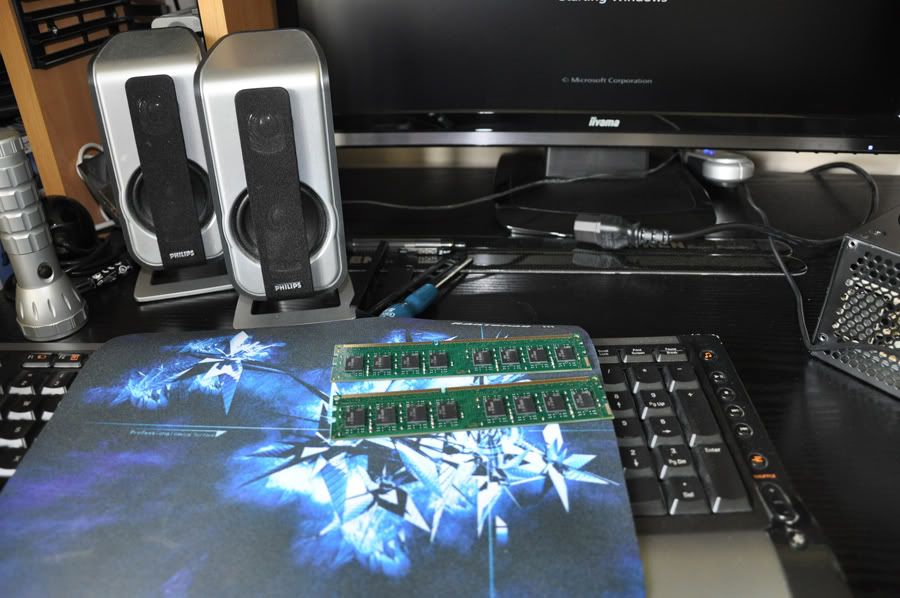
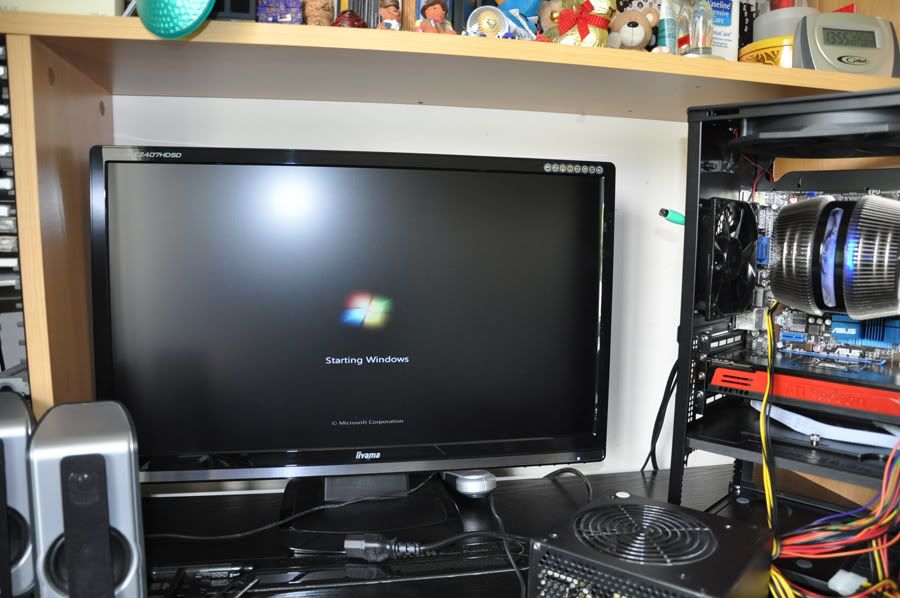
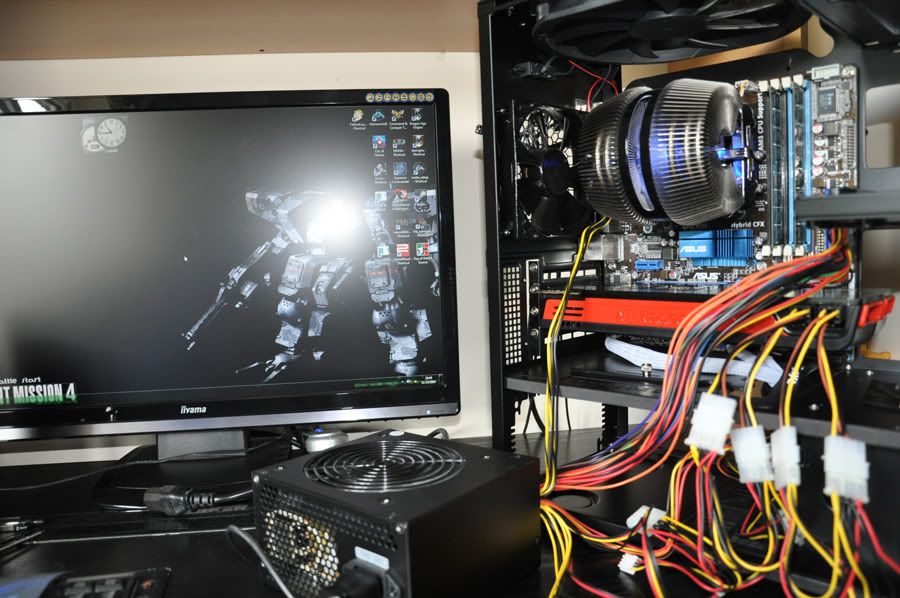
 wouldnt hurt to go for a 750 or 850 to be future proof
 . It's just weird how the corsair right now is powering my rig but as soon as i plug in the pci power connectors to the card it's like its not giving enough power through the cables. Could it be possible that i have faulty cables or pci slots on my psu so its not providing the maximum amount of power?
 I updated my bios already, its the latest at the moment 2201 with the Asus M4A785T-M.