


Hi guys. I was looking to squeeze more out of my AM4 build but looks like i've waited too long and the x3d processors are out of stock. I would be looking to upgrade to AM5 with the current black friday deals. My max budget is £2000 but im looking for a top price to performance build. If the 9950x3d can go in, that would be icing on the cake. I have a Samsung G7 odyssey from 4 years ago but if there's a better gaming monitor that I can also plug my macbook in from time to time without resolution issues, that would be amazing. I have a corsair 1000D case that I can move my am4 build out of. Very grateful for your advice.
You are using an out of date browser. It may not display this or other websites correctly.
You should upgrade or use an alternative browser.
You should upgrade or use an alternative browser.
AM5 build black friday £2000 max
- Thread starter sanadsaad
- Start date
More options
Thread starter's posts
It'd be helpful if you could fill in the template found here:
 forums.overclockers.co.uk
We'll be able to give a better response.
Read first: Build and Upgrade Advice + Template!
Disclaimer: Are you intending to build the PC yourself? Please let us know what your intentions are: (1) You are building your own PC, or will have someone doing this for you (2) You want OCUK to build your custom PC (3) You want an off-the-shelf PC As computer enthusiasts, we normally...
forums.overclockers.co.uk
We'll be able to give a better response.
Last edited:
My apologies!
Purchase Timeframe: Black Friday week
Budget: 2000
Usage: Gaming and some photo/video editing
Preferences: AM5 socket
Current Hardware:
CPU: AMD Ryzen 7 2700X
Motherboard: ASUS ROG Crosshair VII
RAM: Team Group Xtreem "8Pack Edition" 32GB (4x8GB) DDR4
PC4-25600C14 3200MHz Quad Channel Kit - Black
GPU: Sapphire Vega 64
Case: Corsair Obsidian 1000D
PSU: Superflower 850W
Boot drive: Samsung 970 EVO Polaris 500GB M.2 2280 PCI-e 3.0 x4 NVMe
HDD: Seagate 3TB BarraCuda 7200RPM 256MB Cache Internal HardDrive (ST3000DM007)
Air Cooler: Noctua NH D-15
Monitor: Samsung G7 Odyssey
Peripherals: OLeD monitor needed that works with windows and Mac and great for gaming
Special Needs/Requirements (inc Wi-Fi): Already have a WiFi 7 card so WiFi board not necessary.
Purchase Timeframe: Black Friday week
Budget: 2000
Usage: Gaming and some photo/video editing
Preferences: AM5 socket
Current Hardware:
CPU: AMD Ryzen 7 2700X
Motherboard: ASUS ROG Crosshair VII
RAM: Team Group Xtreem "8Pack Edition" 32GB (4x8GB) DDR4
PC4-25600C14 3200MHz Quad Channel Kit - Black
GPU: Sapphire Vega 64
Case: Corsair Obsidian 1000D
PSU: Superflower 850W
Boot drive: Samsung 970 EVO Polaris 500GB M.2 2280 PCI-e 3.0 x4 NVMe
HDD: Seagate 3TB BarraCuda 7200RPM 256MB Cache Internal HardDrive (ST3000DM007)
Air Cooler: Noctua NH D-15
Monitor: Samsung G7 Odyssey
Peripherals: OLeD monitor needed that works with windows and Mac and great for gaming
Special Needs/Requirements (inc Wi-Fi): Already have a WiFi 7 card so WiFi board not necessary.

Does your photo/video editing benefit more from core count or is it GPU accelerated? If so you might be better off with a 5070ti over the 9070XT, I've listed a 9800X3D as it'll still be a big uplift over your 2700X for any work related tasks but if you really feel the extra cores will help bump up. For gaming the 9950X3D won't offer any real benefit over the 9800X3D outside of extremely rare instances.
You should be able to reuse everything else, psu//hsf/case etc, but depending on the age of the supply it might still be worth replacing, although Superflower make some damn good units.
I would have considered more RAM but the prices are shocking at the moment for 32gb, let alone 48 or 64.
My basket at OcUK:
You should be able to reuse everything else, psu//hsf/case etc, but depending on the age of the supply it might still be worth replacing, although Superflower make some damn good units.
I would have considered more RAM but the prices are shocking at the moment for 32gb, let alone 48 or 64.
My basket at OcUK:
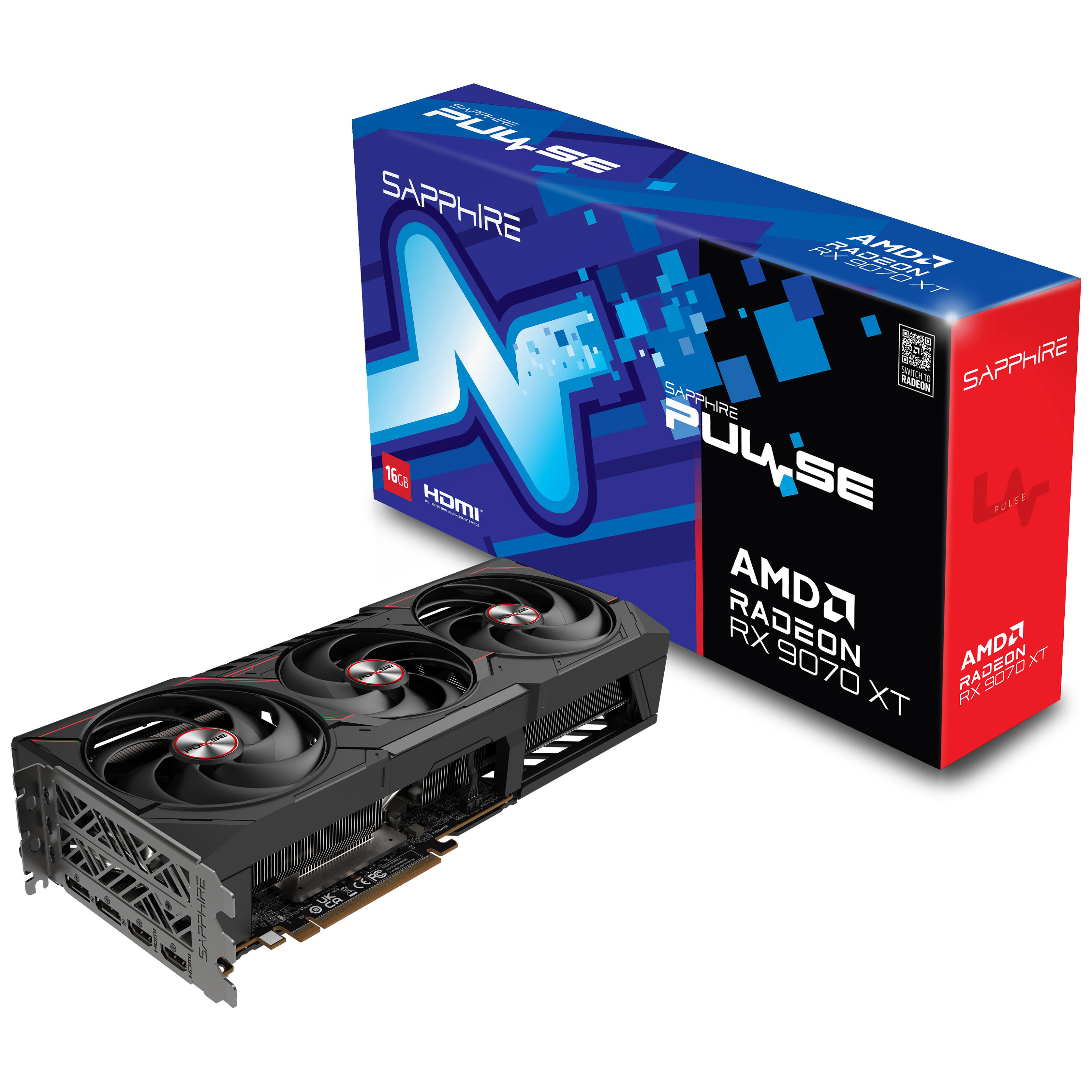
- 1 x Sapphire Pulse Radeon RX 9070 XT Gaming 16GB GDDR6 PCI-Express Graphics Card (SKU: GRA-SPR-03983) = £539.99
- 1 x Sapphire Nitro+ B850A WiFi 7 (Socket AM5) DDR5 ATX Motherboard (SKU: MOT-SPR-05688) = £157.99
- 1 x Crucial Pro OC 32GB (2x16GB) DDR5 PC5-48000C36 6000MHz Dual Channel Kit (SKU: MEM-CRU-02219) = £169.99
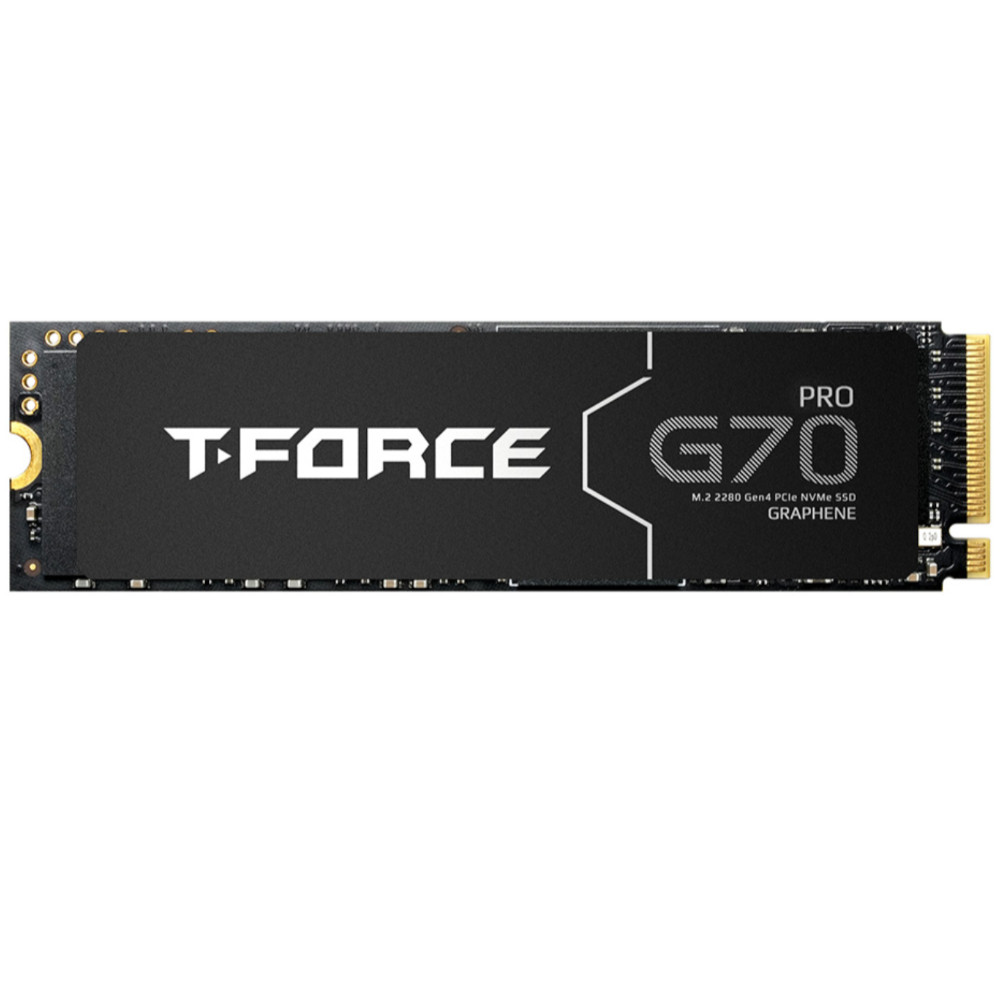
- 1 x Team Group G70 PRO 2TB SSD M.2 2280 NVME PCI-E Gen4 Solid State Drive (SKU: STO-TMG-02618) = £129.95
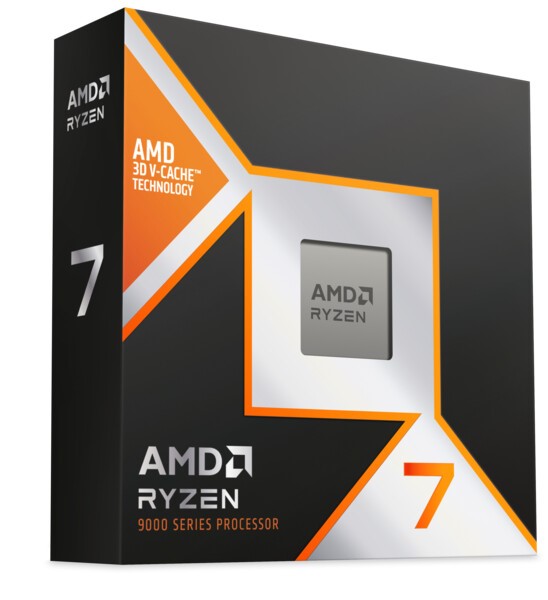
- 1 x AMD Ryzen 7 9800X3D Eight Core 5.20GHz (Socket AM5) Processor - Retail (SKU: PRO-AMD-03517) = £389.99
- 1 x AOC Agon 27" AG276QZD2 QD-OLED 2560x1440 240Hz FreeSync 0.03ms Widescreen Gaming Monitor (SKU: MON-AOC-02937) = £378.95
Total: £1,766.86 (includes delivery: £0.00)
SAVE 14%
£770
(incl. VAT)
£660
(incl. VAT)

£144
(incl. VAT)
SAVE 8%

£380
(incl. VAT)
£350
(incl. VAT)
£290
(incl. VAT)
SAVE 7%
£410
(incl. VAT)
£380
(incl. VAT)
SAVE 16%

MON-AOC-02937
£449
(incl. VAT)
£379
(incl. VAT)
FREE DELIVERY
Last edited:
If you do a lot of photo/video work and it uses the CPU much, you may want to still consider Intel's 265K. It is currently on offer at a good price (not much more than a 9600X) and competes favourably with AMD's 9900X on multithreading. If you're primarily a gamer then I'd pick the 9800X3D over the 9950X3D, unless you're certain those cores are going to be put to good use.Usage: Gaming and some photo/video editing
Preferences: AM5 socket
I would primarily be gaming on this with some editing on the side. Selling my xbox as with gamepass ultimate, that's a computer. I will probably put my current rig on sale and that should help fund the upgrade. With a 9950x3d or a 9800x3d and 32 to 64gb RAM, it should last me a while especially as my needs were almost sorted with my current rig. It has only just started to show it's age.

wow, that ram was £130 3 days ago, and now £179.99 now, so gone up another £10 from when you posted it yesterday. if op hasn't bought , I'd check daily for pricing, and don't just look at normal ram. where i am the corsair titanium ram 6000c30 went cheaper than the veangeance rgb 6000c36, which made no sense to meDoes your photo/video editing benefit more from core count or is it GPU accelerated? If so you might be better off with a 5070ti over the 9070XT, I've listed a 9800X3D as it'll still be a big uplift over your 2700X for any work related tasks but if you really feel the extra cores will help bump up. For gaming the 9950X3D won't offer any real benefit over the 9800X3D outside of extremely rare instances.
You should be able to reuse everything else, psu//hsf/case etc, but depending on the age of the supply it might still be worth replacing, although Superflower make some damn good units.
I would have considered more RAM but the prices are shocking at the moment for 32gb, let alone 48 or 64.
My basket at OcUK:
- 1 x Sapphire Pulse Radeon RX 9070 XT Gaming 16GB GDDR6 PCI-Express Graphics Card (SKU: GRA-SPR-03983) = £539.99
- 1 x Sapphire Nitro+ B850A WiFi 7 (Socket AM5) DDR5 ATX Motherboard (SKU: MOT-SPR-05688) = £157.99
- 1 x Crucial Pro OC 32GB (2x16GB) DDR5 PC5-48000C36 6000MHz Dual Channel Kit (SKU: MEM-CRU-02219) = £169.99
- 1 x Team Group G70 PRO 2TB SSD M.2 2280 NVME PCI-E Gen4 Solid State Drive (SKU: STO-TMG-02618) = £129.95
- 1 x AMD Ryzen 7 9800X3D Eight Core 5.20GHz (Socket AM5) Processor - Retail (SKU: PRO-AMD-03517) = £389.99
- 1 x AOC Agon 27" AG276QZD2 QD-OLED 2560x1440 240Hz FreeSync 0.03ms Widescreen Gaming Monitor (SKU: MON-AOC-02937) = £378.95
Total: £1,766.86 (includes delivery: £0.00)
SAVE 14%
£770
(incl. VAT)
£660
(incl. VAT)
£144
(incl. VAT)
SAVE 8%
£380
(incl. VAT)
£350
(incl. VAT)
£290
(incl. VAT)
SAVE 7%
£410
(incl. VAT)
£380
(incl. VAT)
SAVE 16%
MON-AOC-02937
£449
(incl. VAT)
£379
(incl. VAT)
FREE DELIVERY
From the sound of that, you really don't need the 16 core CPU. The 9800X3D might only have 8 cores, but they're each massively faster than the 2700X's cores.With a 9950x3d or a 9800x3d and 32 to 64gb RAM, it should last me a while especially as my needs were almost sorted with my current rig. It has only just started to show it's age.
Since you have 32GB already, I'd put the money into getting more RAM, though prices are going bonkers.
wow, that ram was £130 3 days ago, and now £179.99 now, so gone up another £10 from when you posted it yesterday. if op hasn't bought , I'd check daily for pricing, and don't just look at normal ram. where i am the corsair titanium ram 6000c30 went cheaper than the veangeance rgb 6000c36, which made no sense to me
It's getting pretty crazy, it's starting to hit GPU and storage prices too.
God help anyone needing 64gb + for something, I saw a 96gb 6000/c30 set earlier going for £900.
I waited a day as I was away and just got back. I thought it was only graphics cards but the RAM and SSD prices are going crazy. Is there any indication this is a temporary phase?
I don't expect that it's going to change anytime soon, datacentres are buying up everything they can and two of the main memory manufacturers are apparently shifting to prioritising HBM.
Unless the AI bubble pops, unlikely. There's a rush to buy at the moment which could be causing a shortage, so they might stabilise at a less extreme level, but who knows.I waited a day as I was away and just got back. I thought it was only graphics cards but the RAM and SSD prices are going crazy. Is there any indication this is a temporary phase?
So the best option then would be to buy the best you can for the task at hand and see it through to the middle of the next chipset - AM6 or whatever is best at the time. I’ve been debating this as with a 1 year old, my time has shortened quite a bit but I do enjoy destressing with a nice game to unwind. And at this stage I’d like something that I can play on settings that maximise graphics and smooth gameplay without breaking the bank too much. Up until now I’ve always gone for the budget option and turned settings down. I think the 9070xt with a 9800x3d would fit that bill right?
So the best option then would be to buy the best you can for the task at hand and see it through to the middle of the next chipset - AM6 or whatever is best at the time. I’ve been debating this as with a 1 year old, my time has shortened quite a bit but I do enjoy destressing with a nice game to unwind. And at this stage I’d like something that I can play on settings that maximise graphics and smooth gameplay without breaking the bank too much. Up until now I’ve always gone for the budget option and turned settings down. I think the 9070xt with a 9800x3d would fit that bill right?
Should do, kinda like a long term last hurrah before life gets in the way for the next 15-20 years?

I don't see things improving going forward, it's just RAM at extremes right now but we're starting to see hikes with storage drives and GPU pricing is set to skyrocket too for similar reasons. If you want to do it I'd bite the bullet now, I'd not be surprised if you'd need to spend another £300-500 for the same kit come 2026.
Last edited:
Haha yeah. I’ll probably be looking at a father-son rig at that time  Ok so I think my mind is made up. Let’s remove the monitor for now to free up some budget. Is the motherboard good for I/O? The Corsair 1000D has 4 x usb A and 2 x usb C ports at the front. The ASUS board I have didn’t have enough connections for them all. Happy to pay more for a decent board that can take upgrades down the line. I don’t mind if there is no WiFi as I already have a great MSI WiFi pci-e card that gets me blazing fast internet on my current rig. For cooling, should I stick with the noctua or invest in water cooling?
Ok so I think my mind is made up. Let’s remove the monitor for now to free up some budget. Is the motherboard good for I/O? The Corsair 1000D has 4 x usb A and 2 x usb C ports at the front. The ASUS board I have didn’t have enough connections for them all. Happy to pay more for a decent board that can take upgrades down the line. I don’t mind if there is no WiFi as I already have a great MSI WiFi pci-e card that gets me blazing fast internet on my current rig. For cooling, should I stick with the noctua or invest in water cooling?Should be good from a quick gander at the sheet:
I'd stick with the Noctua, the 9800X3D is easily cooled by a D15.
AM4 and AM5 use the same bracket so you don't need to worry about that either.
It does have wifi and bluetooth baked in, but I'd argue at less than £160 it's the best B850 on the market right now unless you desperately need certain features.
| CPU Power Supply | 1x 8-Pin |
| USB 3.0 / 3.1 / 3.2 (internal) Type C Header | 1 |
| USB 3.0 / 3.1 / 3.2 (internal) Type C Possible Ports | 1 |
| USB 3.0 (internal) Header | 1 |
| USB 3.0 (internal) Possible Ports | 2 |
| USB 2.0 (internal) Header | 1 |
| USB 2.0 (internal) Possible Ports | 2 |
| RGB / LED connectors | 1x RGB (4-Pin 5050 12VGRB), 3x Digital RGB (3-Pin 5VDG) |
| Front Panel Audio Header | Yes |
| SPI TPM Header | No |
| USB 3.1 (external) Type C | 1 |
| USB 3.1 (external) Type A | 3 |
| USB 2.0 (external) Type A | 4 |
| Display Connectors | HDMI (1x), Display Port (1x) |
I'd stick with the Noctua, the 9800X3D is easily cooled by a D15.
AM4 and AM5 use the same bracket so you don't need to worry about that either.
It does have wifi and bluetooth baked in, but I'd argue at less than £160 it's the best B850 on the market right now unless you desperately need certain features.
Last edited:
Thanks mate! So from what I can see, it would cover all external type A and one type C leaving one type C external disconnected. Not the end of the world. If this is the best price to performance board, that’s the one I will buy. Looks like the RAM price has gone up by 20 quid!!
Thanks mate! So from what I can see, it would cover all external type A and one type C leaving one type C external disconnected. Not the end of the world. If this is the best price to performance board, that’s the one I will buy. Looks like the RAM price has gone up by 20 quid!!
If you buy nothing else today, get the RAM ASAP because it's going to keep going up until sold out.
Do not buy any RAM that's pre-order status, you'll be waiting months, @Gibbo verified this in another thread.
Last edited:
All in basket. Pulling the trigger now as I might not upgrade if prices go any higher. Still the best RAM with current price? I haven’t added a psu as I can repurpose the superflower for now and upgrade later if it gives trouble. And any recommendations for thermal paste?
Last edited:
If you're re-using the Noctua from your old rig there's no need to replace it. You're good to go already for a 9800X3D.For cooling, should I stick with the noctua or invest in water cooling?
Up until now I’ve always gone for the budget option and turned settings down. I think the 9070xt with a 9800x3d would fit that bill right?
You could step down to a 7800X3D and 9070 non-XT and still get very good performance, to free up some funds elsewhere. Personally, I'd be happy with keeping the G7.Let’s remove the monitor for now to free up some budget.
Last edited: