Broken PC fix

Associate
Joined
15 Dec 2007
Posts
126
My old mans PC just died, we suspected it was the SSD but with a new one in it still wont boot (sometimes it does but then it wont see any drive) and I can't even get it to let me to the BIOS with no drives so I'm assuming it's the motherboard so I need to replace that, CPU and RAM.

He actually has my old 2080Ti (and the most he plays is Civilization VI :cry:) so he's good there.

I just didn't know if it was worth buying current gen stuff or maybe going for last gen to save some money as he really doesn't push it much. I assumed i5 in either would do fine. Then with whichever generation people think is best which motherboard/RAM is best to pair with it that's at a good performance to price point.

Cheers.

 
If the old RAM is ddr3 then a sense to replace it, if its ddr4 then might be worth just keeping hold of it...

Personally I would go for current gen stuff, I don't think the discount on older components is worth it considering the reduced performance (unless you find a good second hand deal somewhere).

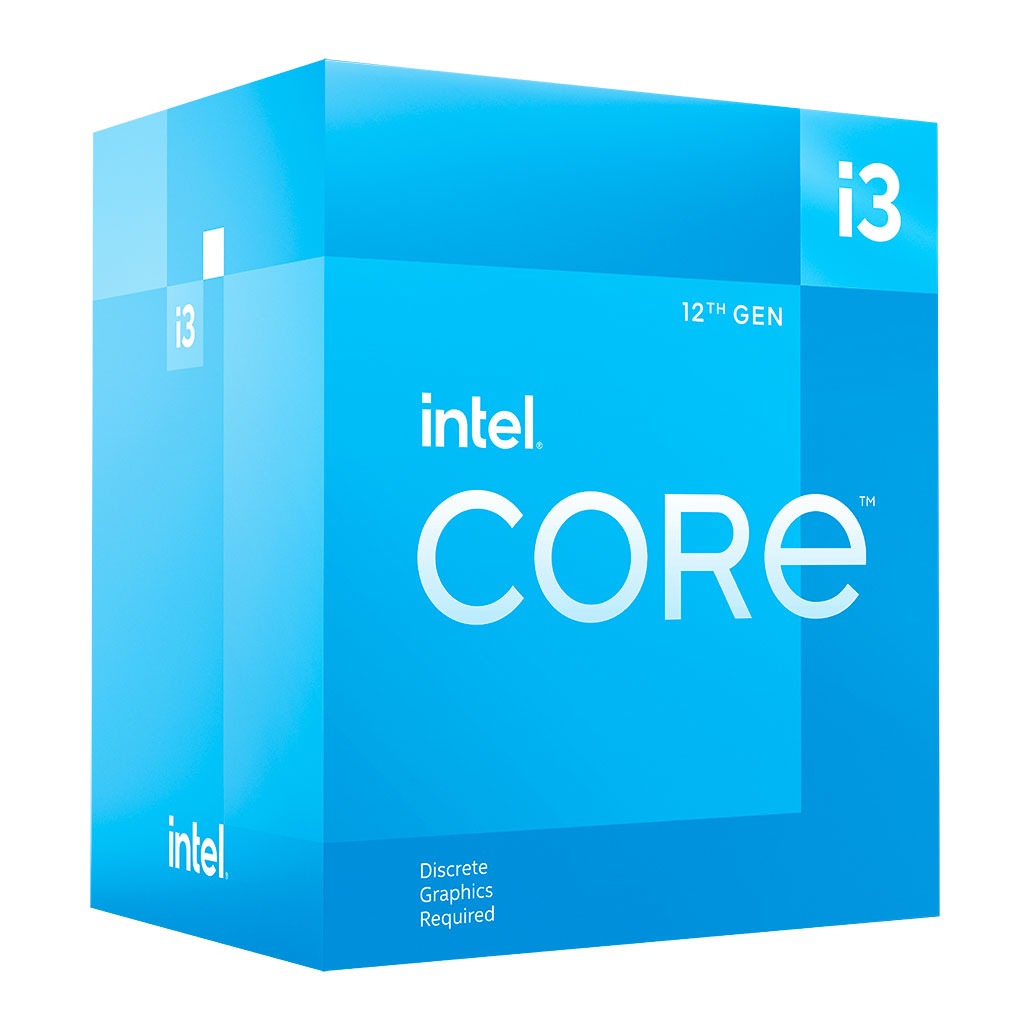
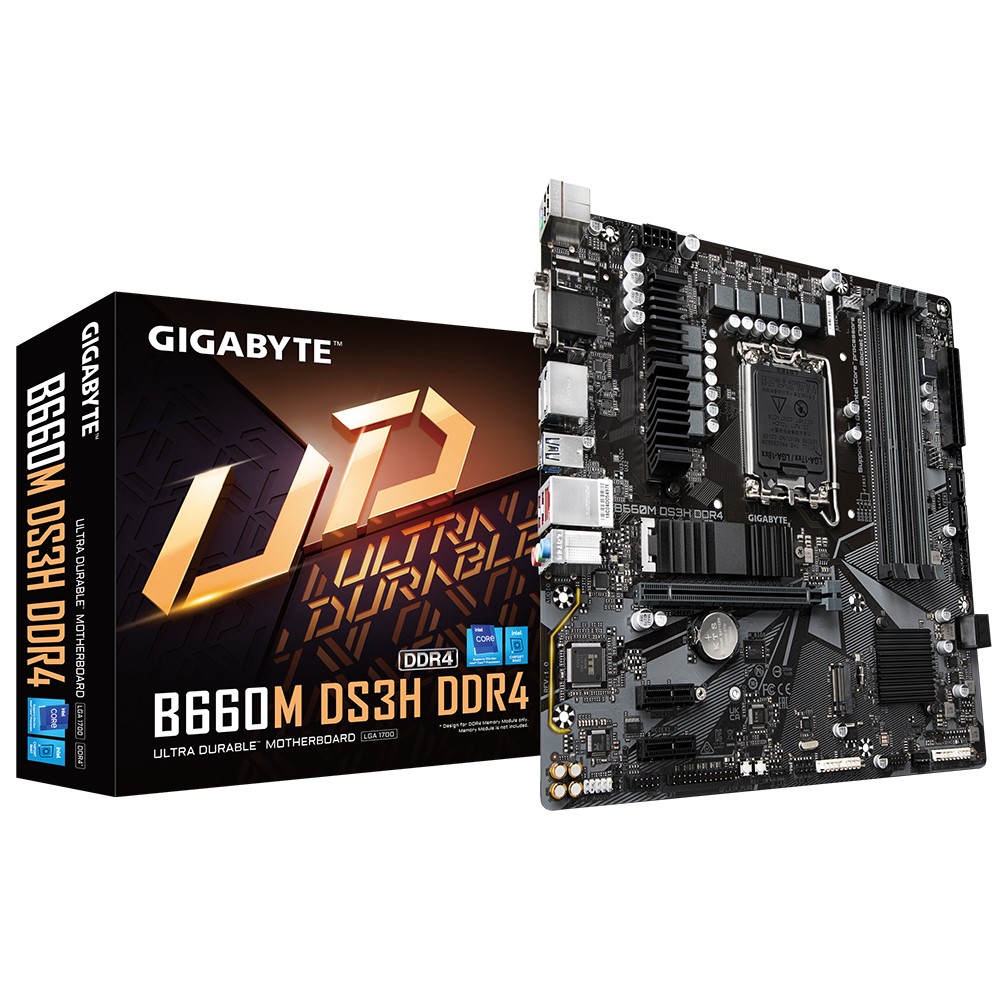
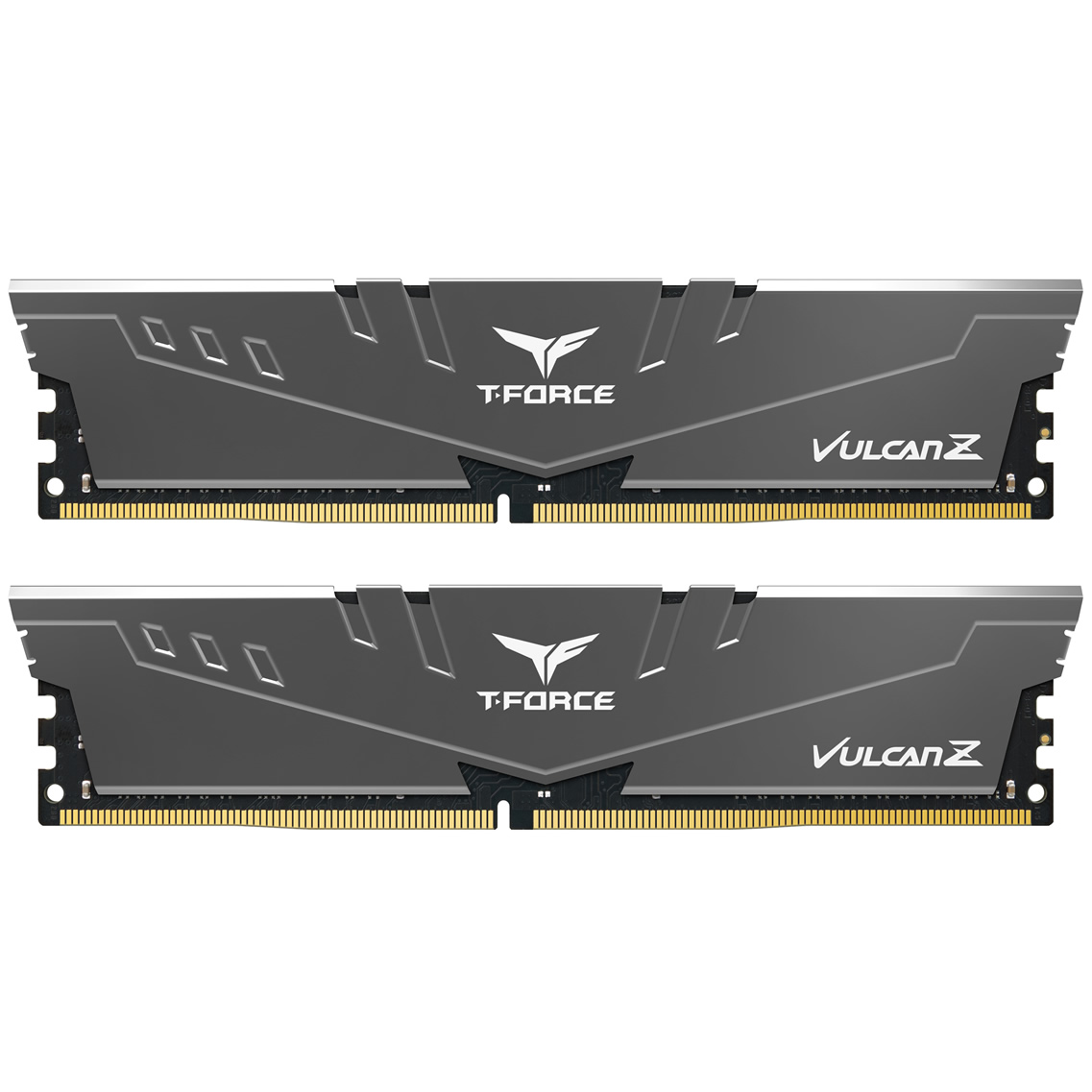
I would look at a 12100F (no internal graphics, saves £30 vs the 12100 - can be useful having internal graphics for troubleshooting, so could make your own mind up...), basic B660 motherboard, and 16GB RAM:


(not in stock at ocuk, but competitors have it. If you need WiFi/Bluetooth then the wifi version is £20 more).


Roughly £270 total

Edit: debugging-wise could try one RAM stick at a time, swapping into whichever slot is supposed to be populated first to rule out memory problems?
 
Last edited:
A couple of checks to do: check if it boots without the GPU. And if the PC is old, check the thermal paste on the CPU; if it's dried out the CPU may be overheating.
 
Yea it's an old system, now that I've thought about it I'm pretty sure it's an i5-4670K in there. I gave it to him when I upgraded last which was 3 years ago and seems I held onto that build for some time given google says the CPU came out in 2013 and I would have bought it around launch. I actually didn't know it was that old!

Given the relatively cheap price of the parts linked I'm just going to buy them for him and get him running on new. I'll try to boot the current system without the GPU just to make sure that's not the culprit given it'll be the only thing staying now.

Thanks for the help.

edit: Anyone got a good alternative on the mobo, the one above isn't in stock right now and I want to fix it asap.
 
Last edited:
Yea it's an old system, now that I've thought about it I'm pretty sure it's an i5-4670K in there. I gave it to him when I upgraded last which was 3 years ago and seems I held onto that build for some time given google says the CPU came out in 2013 and I would have bought it around launch. I actually didn't know it was that old!

Given the relatively cheap price of the parts linked I'm just going to buy them for him and get him running on new. I'll try to boot the current system without the GPU just to make sure that's not the culprit given it'll be the only thing staying now.

Thanks for the help.

edit: Anyone got a good alternative on the mobo, the one above isn't in stock right now and I want to fix it asap.

Any B660 will be a good match for the 12100f
 
Back
Top Bottom