Budget video editing build

Soldato
Joined
6 Jan 2006
Posts
3,437
Location
Newcastle upon Tyne
My PC is on its last legs so I need a new one. I only use it for office based stuff but I would like to see if I could incorporate some basic video editing if possible. I've got a crazy idea of doing some projector mapping but may never get off the ground so don't want to spend a lot at the moment.

Can I get a basic video editing pc for under £800? Happy to DIY. I only need the PC incl case, no windows, monitor etc. Software would likely be Davinci Resolve and GIMP for images.

Many thanks

 
Last edited:
Looks good thanks. Is it worth going for 64gb of RAM given the price or will that be overkill?
 
Looks good thanks. Is it worth going for 64gb of RAM given the price or will that be overkill?
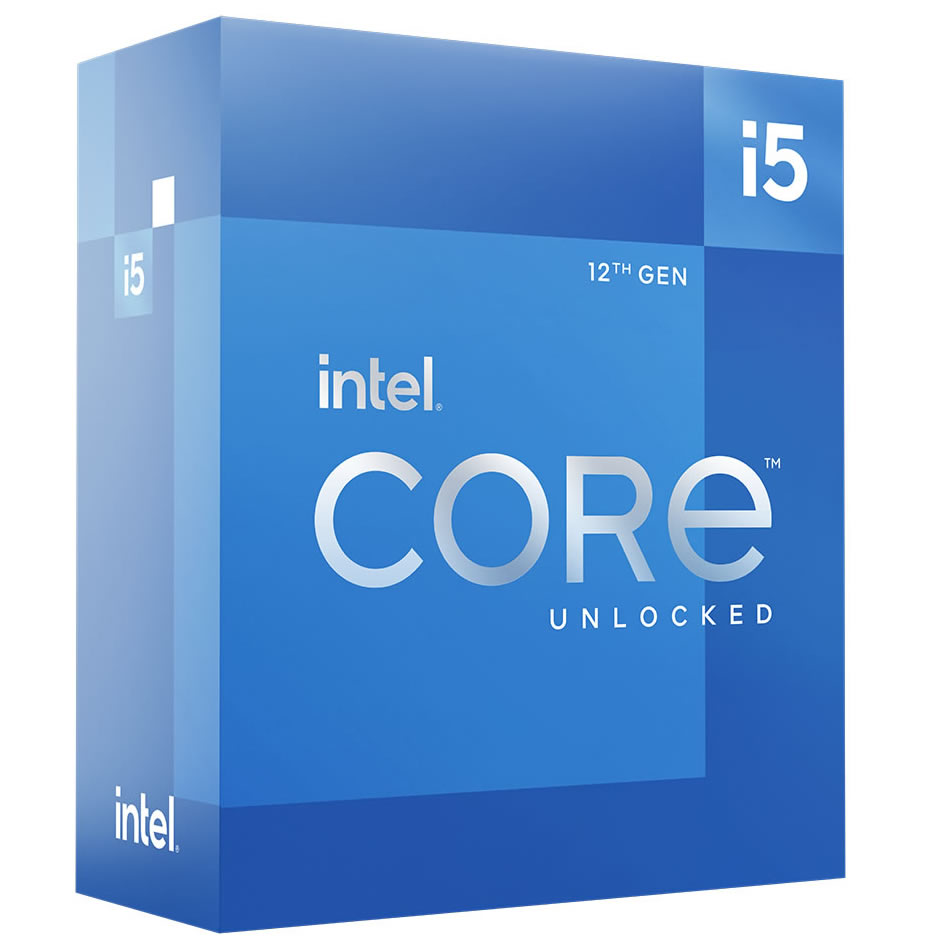
You can add more ram at anytime so I would just see how it performs, maybe put the money into the 12700k which will probably be more beneficial. Make sure you don't get the kf CPU as the f denotes no igpu especially if your not planning on buying a GPU but it's handy to have a back up solution.

You mentioned Davinci Resolve which i think the free version doesn't allow GPU rendering so relays on the cpu it's only the paid version but check this to concur

Are you tempted to get the 3060 ?
 
Last edited:
You can add more ram at anytime so I would just see how it performs, maybe put the money into the 12700k which will probably be more beneficial. Make sure you don't get the kf CPU as the f denotes no igpu especially if your not planning on buying a GPU but it's handy to have a back up solution.

You mentioned Davinci Resolve which i think the free version doesn't allow GPU rendering so relays on the cpu it's only the paid version but check this to concur

Are you tempted to get the 3060 ?
Thanks, I'll have a look at the 12700k rather than the RAM.

The 3060 looks good but if Davinci Resolve wont allow GPU rendering then it might be a waste as I wont play games on it (other than Roller Coaster Tycoon!).

One thing I noticed on the reviews of the MOBO is that it isnt compatible with Win11 I dont believe? Is there another option that might be more future proof?
 
Thanks, I'll have a look at the 12700k rather than the RAM.

The 3060 looks good but if Davinci Resolve wont allow GPU rendering then it might be a waste as I wont play games on it (other than Roller Coaster Tycoon!).

One thing I noticed on the reviews of the MOBO is that it isnt compatible with Win11 I dont believe? Is there another option that might be more future proof?
Your welcome.

Davinci resolve does use the GPU in the free version I looked into it further, apologies for the confusion. Pleases check this article to concur.

You can buy the 3060 anytime , just use the CPU igpu and see how it performs if you prefer.

Quote.

One key thing to note is that while the Free Edition of Resolve can utilize powerful cards like NVIDIA’s GeForce RTX 4090, it is limited to just a single GPU.


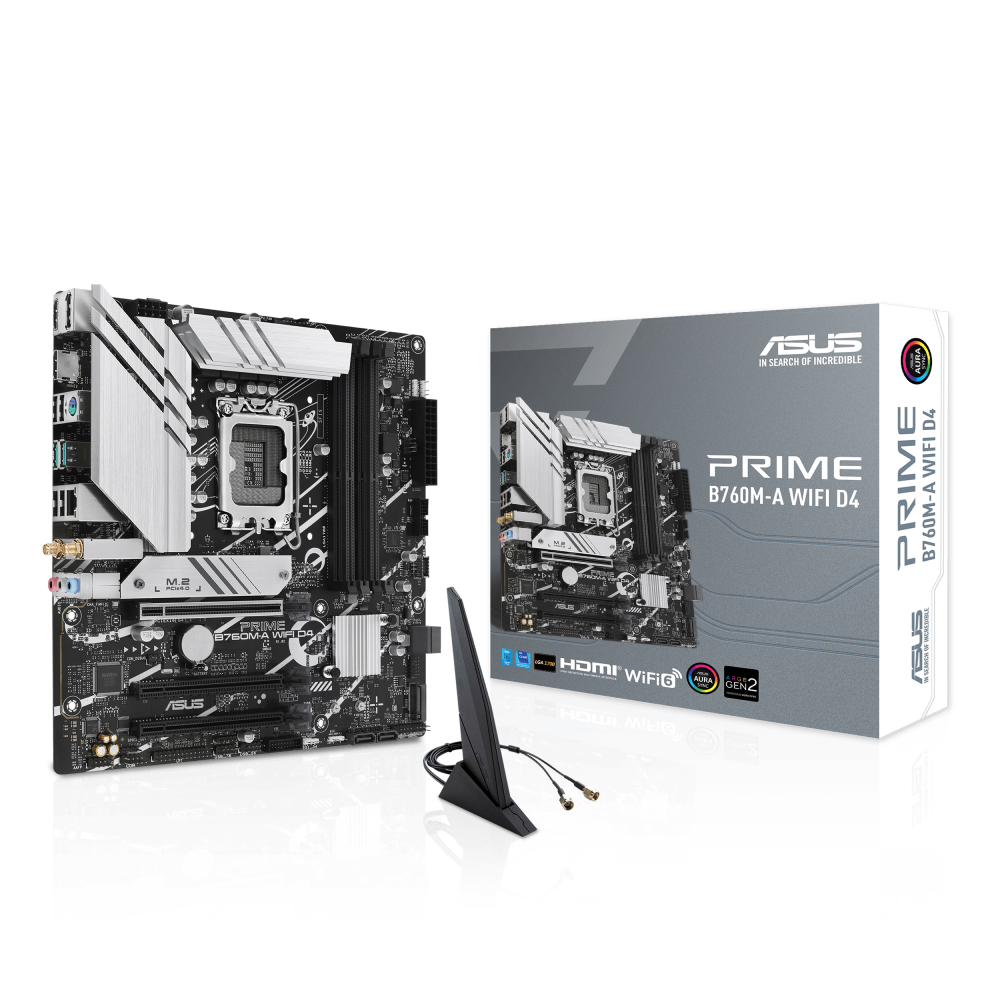
Motherboard is the latest chipset from intel which does support Windows 11 you can download Windows 11 drivers from the ASUS website.


If you want to spend a bit more on a better motherboard then let us know.
 
Last edited:
Motherboard is the latest chipset from intel which does support Windows 11 you can download Windows 11 drivers from the ASUS website.
2 of the 3 reviews mentions no TPM on the board which I thought would mean you couldn't use Win11?

If you want to spend a bit more on a better motherboard then let us know.

Is there any benefit of a better motherboard at this price point/usage?

Edit - on the internal ports spec on the OCUK page it has 1 x SPI TPM header (14-1pin). Has this been added since the reviews possibly?
 
Last edited:
2 of the 3 reviews mentions no TPM on the board which I thought would mean you couldn't use Win11?


Is there any benefit of a better motherboard at this price point/usage?

Edit - on the internal ports spec on the OCUK page it has 1 x SPI TPM header (14-1pin). Has this been added since the reviews possibly?
The guys have answered the tpm question but as for a better motherboard it's hard to beat that board for the price .

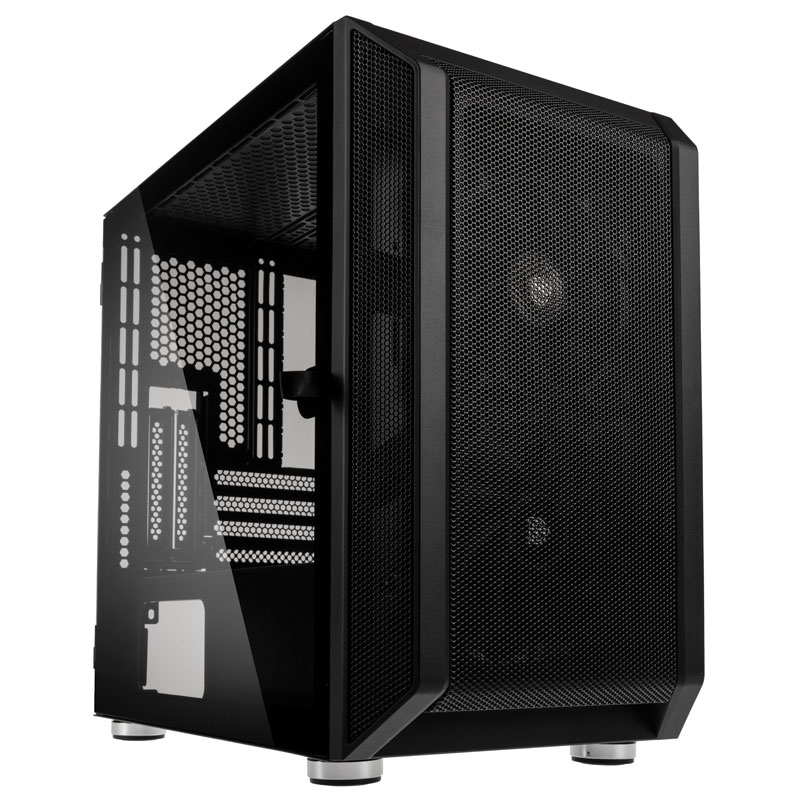
You would need to add £30 to £50 and maybe a larger case depending on board choice, best spend on the 12700k .
 
Last edited:
Back
Top Bottom