Car Pics - Post Processing Tips

Soldato
Joined
26 Jan 2003
Posts
3,704
Location
Nottm
Hello all,

Any tips or guides to create atmospheric car images? I seem to remember a Mondeo on here a while ago that had some epic images.

I am curious what kind of post processing had gone in to get the effects desired.

Cheers,

 
I haven't tried many, but from what I can see of others boosting the contrast, and either tone mapping or using HDR helps make the car stand out more.
 
I've done some colour popping which look really effective however It's more false lighting and effects of a similar vein.

I can't find the pictures of the Mondeo anymore but I seem to remember the reg plate was V6 WTF.
 
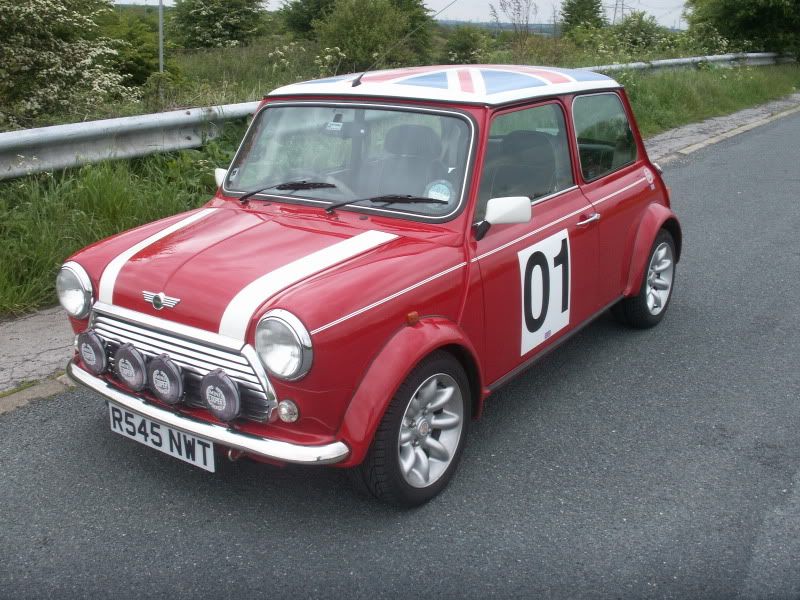
Well seeing how no one else has actually posted a photo here so i will. I dont have my Nikon D40 yet (i want to buy one soon as though) this was taken with a compact camera then edited in iPhoto:

I started off with this:
PICT0102-5.jpg


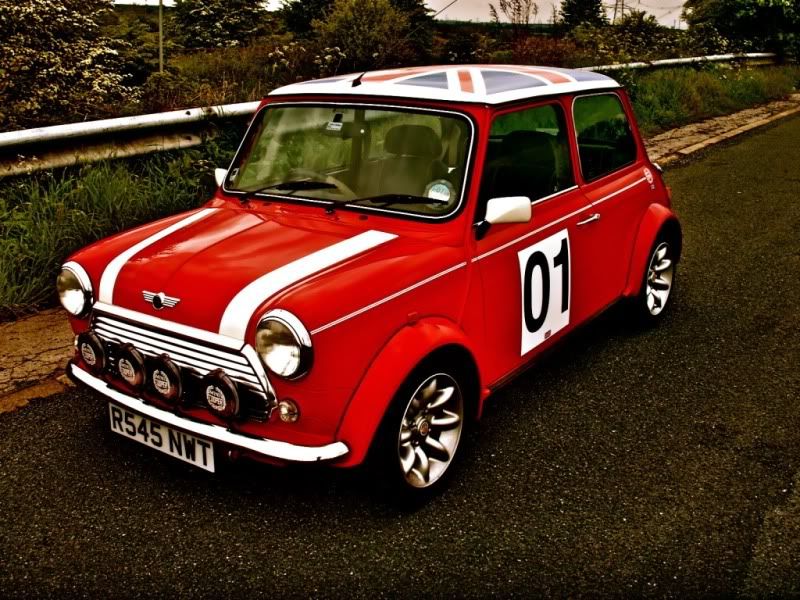
Then in iPhoto and I boosted the colour (i guess contrast) and increased the exposure a tiny bit:
untitled222.jpg


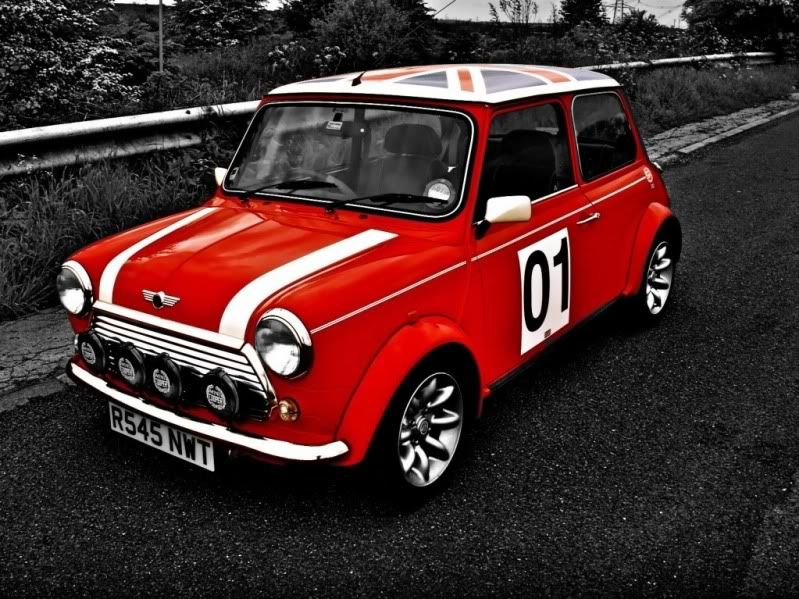
Then today I have used ColorSplash to make the photo looks even better:
MiniColourSplash.jpg
 
imo if you could desaturate the background to slightly above normal and leave it at ful levels on the car in the 2nd picture, you would have a winner.
 
wasn't my mondeo then? :(

snowdon1.jpg
:p

That isnt really processed much, this one is processed more:


leon.jpg


A triple exposure blend of Paradigm's Leon Cupra R

and again, not much processing on this other than contrast really:

2572print.jpg


Tom.
 
Last edited:
nice examples Tom! I'm quite into car photography static and moving, but they seem a little flat I've tried playing with the levels but just can't seem to bring them off the page.

Any quick tips?
 
Back
Top Bottom