Cheap and "cool" case

Upgrade!

From FX-4100 to Phenom II X6 and Raijintek got design flaw removal!
Now air goes thru the cooler and doesn't escape before even cooling it down!

img7803.jpg


Printed Raijintek logo and laminated the paper
img7804.jpg


Glued it together!
img7805.jpg

img7806.jpg


Got 10 °C lower temps with 30 more W TDP (and overclocked X6 to 4 GHz when I need it and 3.8 for regular use)!

Validation: http://valid.x86.fr/14peml
 
Last edited:
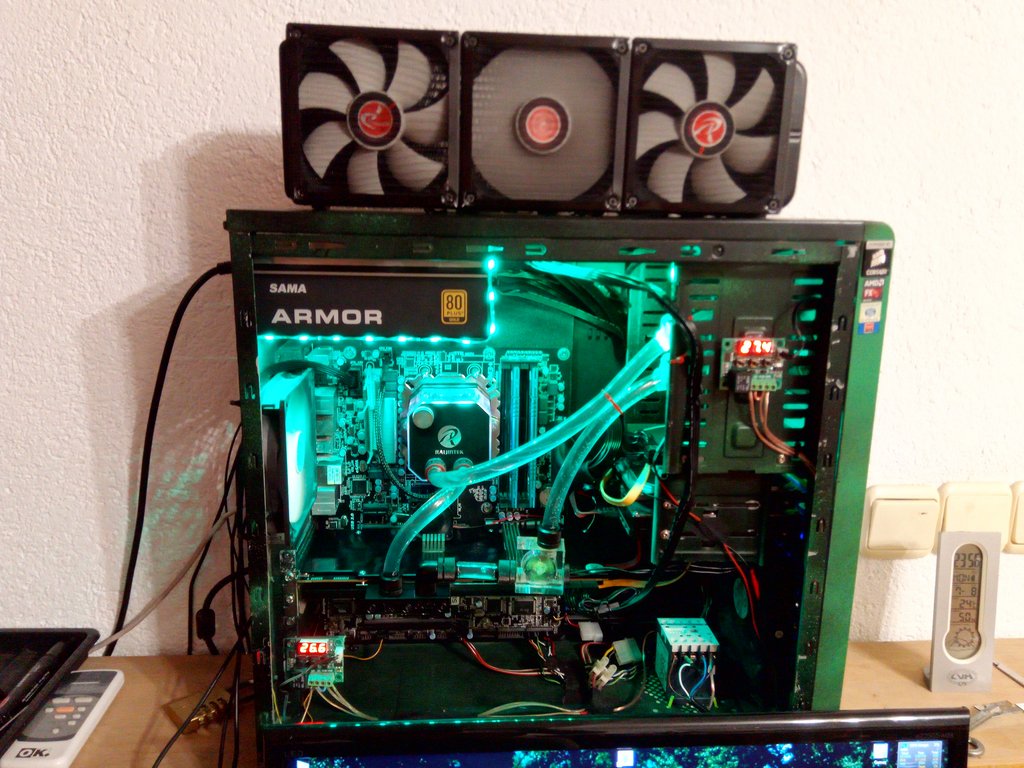
Dayum, I never updated this thread on this forum and I've made so many changes to my PC.

Anyhow, here's the "new" configuration:


MBO: Gigabyte GA-990FXA-UD3 Rev 3.0
RAM: 4x4 GB G.skill Ares 1600 MHz
CPU: AMD FX-8320E @ 4.2 GHz /w Raijintek Triton custom water cooling
GPU: Sapphire R9 290 Tri-X + EKWB full cover water block
PSU: Sama Armor 750W 80+ Gold
HDD: Kingston SSDnow 240 GB + Seagate Barracuda 500 GB + Seagate Barracuda 250 GB

Pictures of the case now:
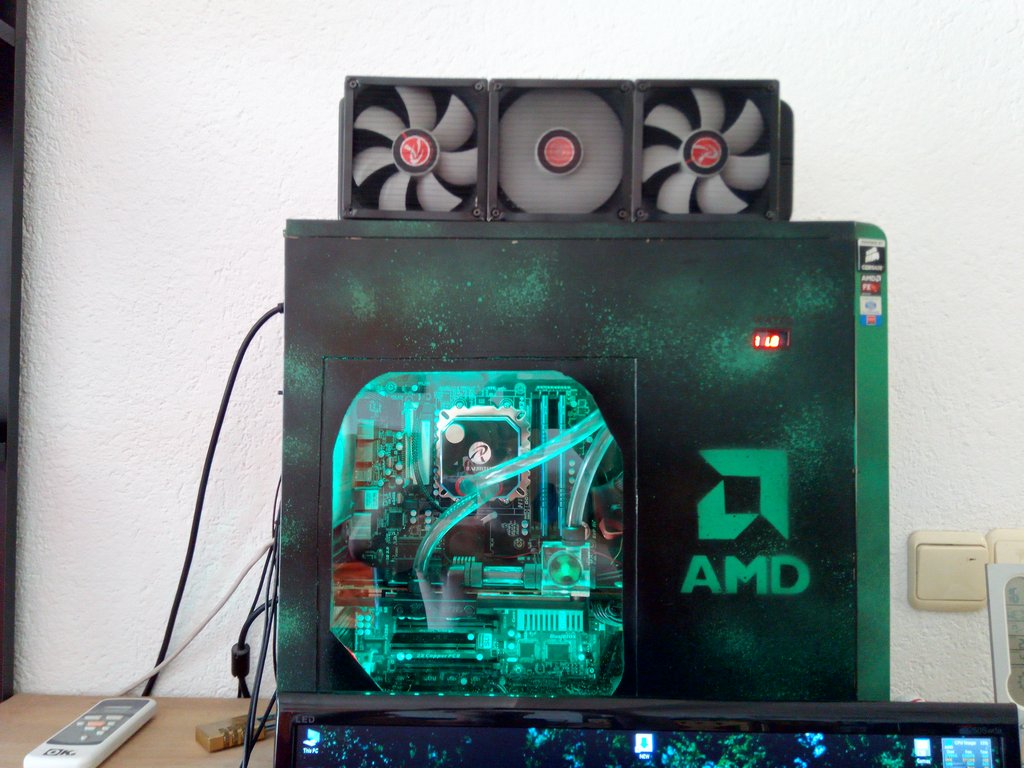
Opened:

Closed:

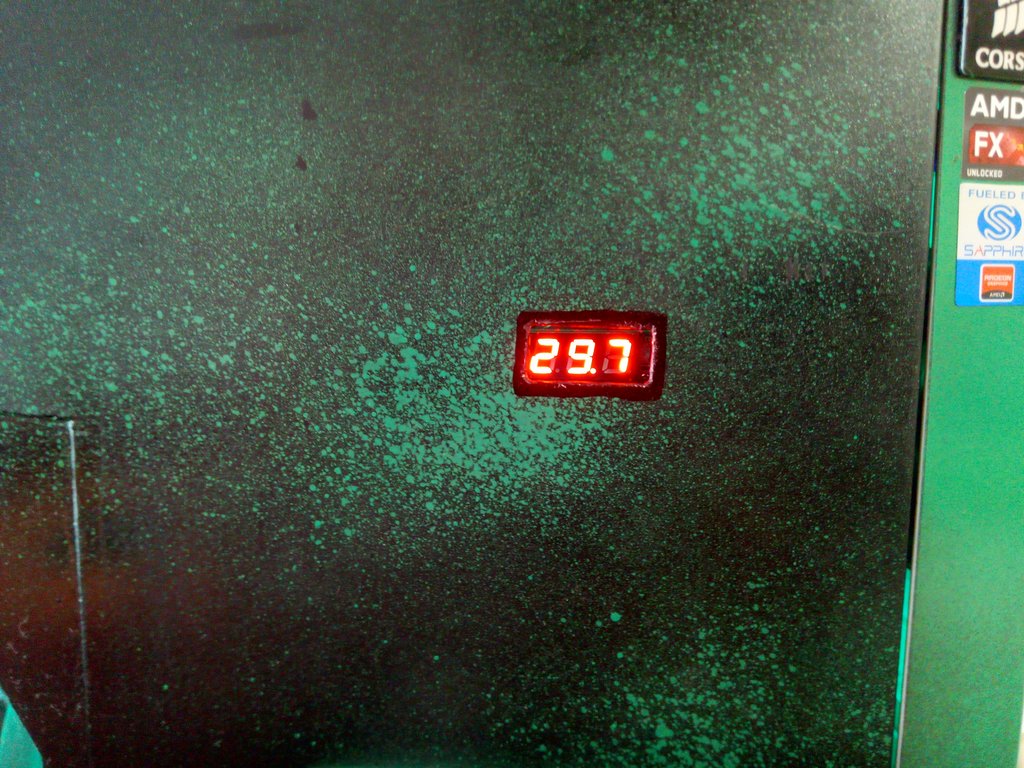
Water temperature display:

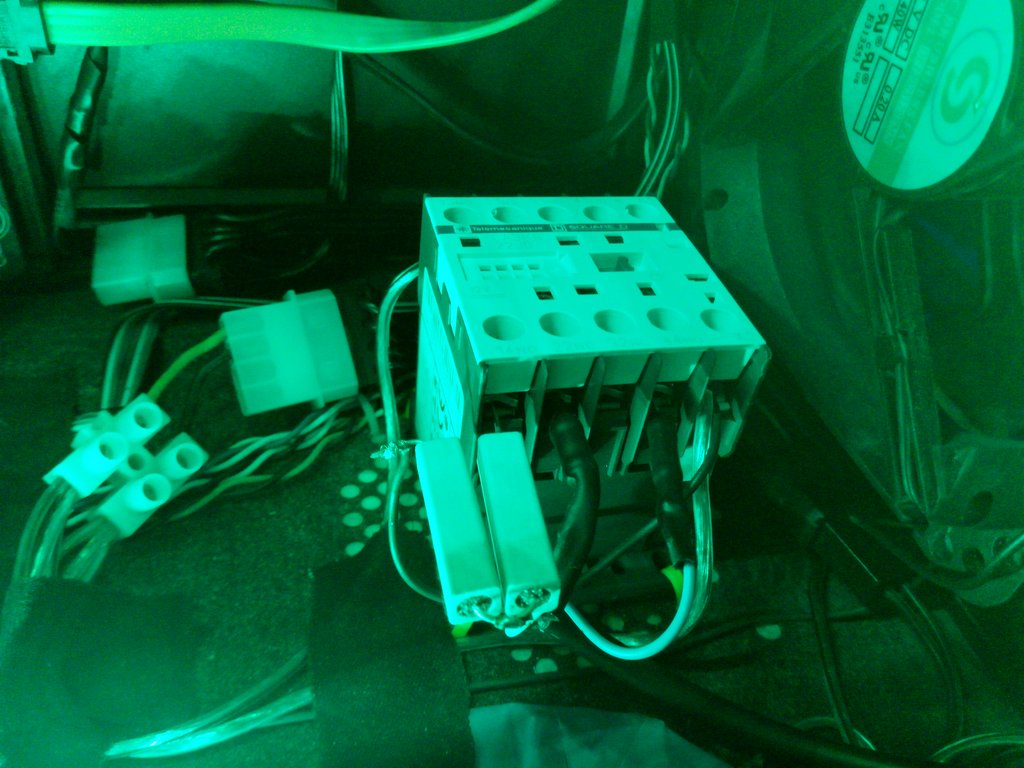
Contactor doing the "logic" for fans, one fan or all fans; just because I like the THUMP that it makes when switching:


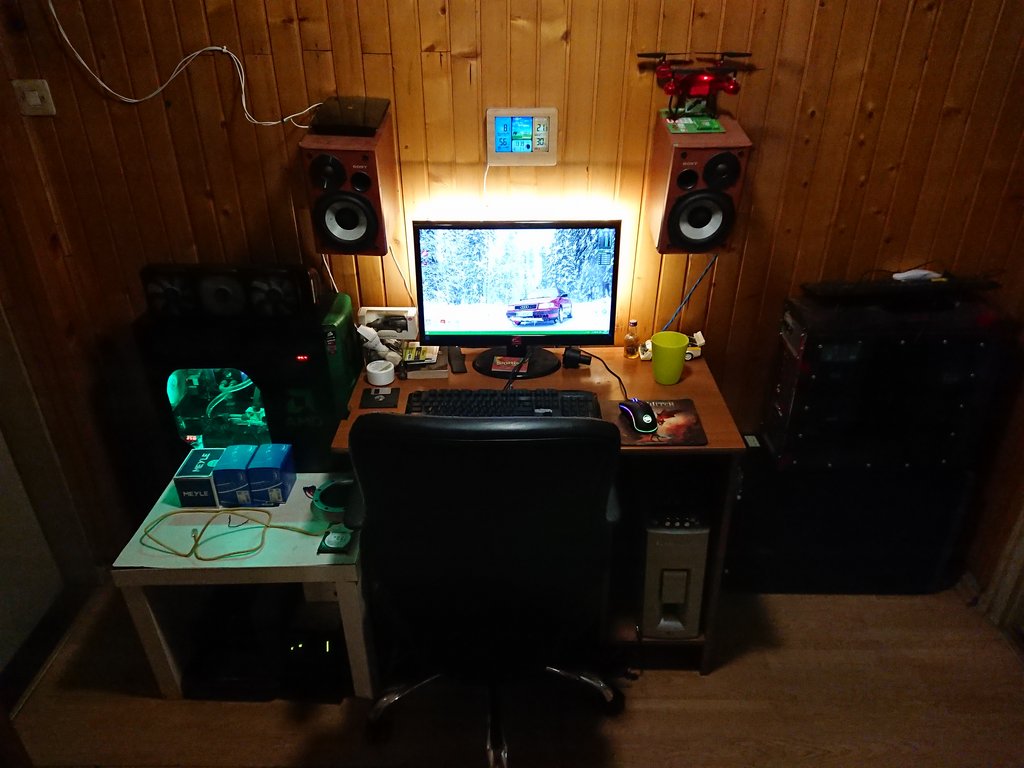
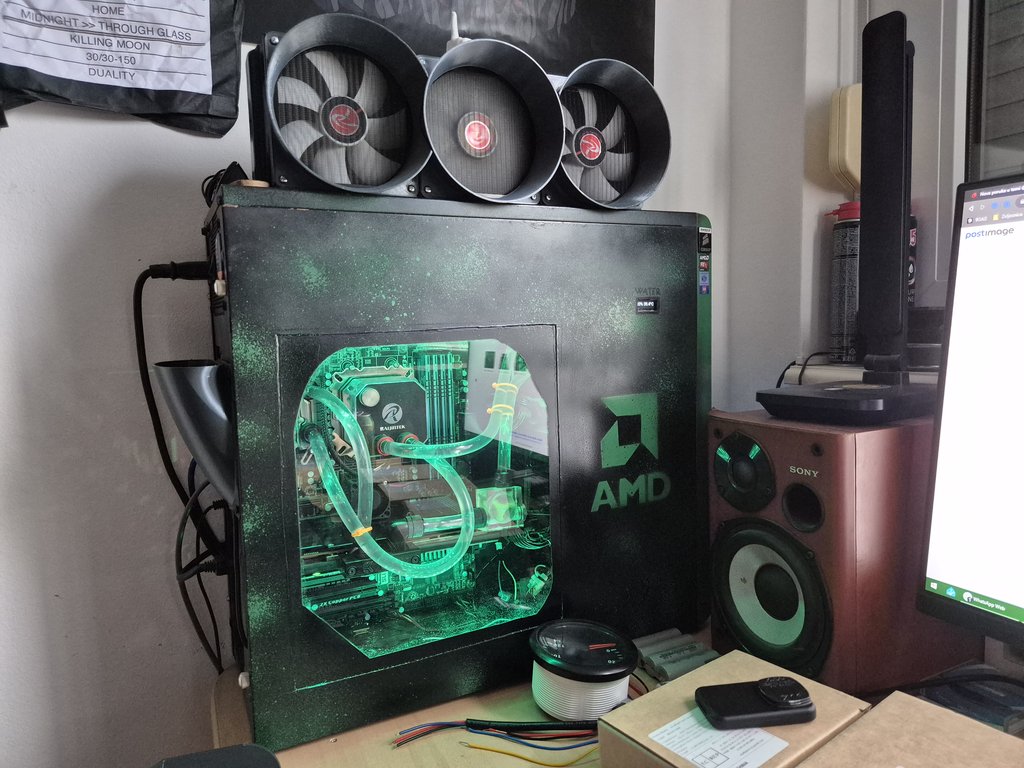
Current setup:
 
Last edited:
A few updates...
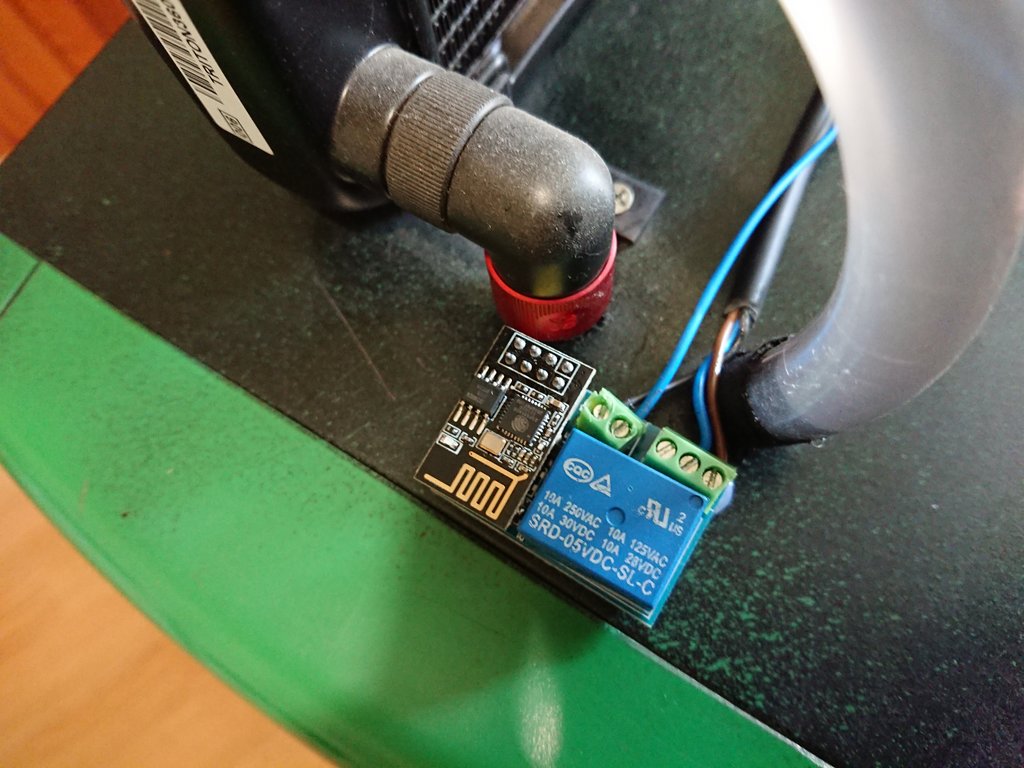
Added ESP8266 remote control for startup/shutdown/force restart


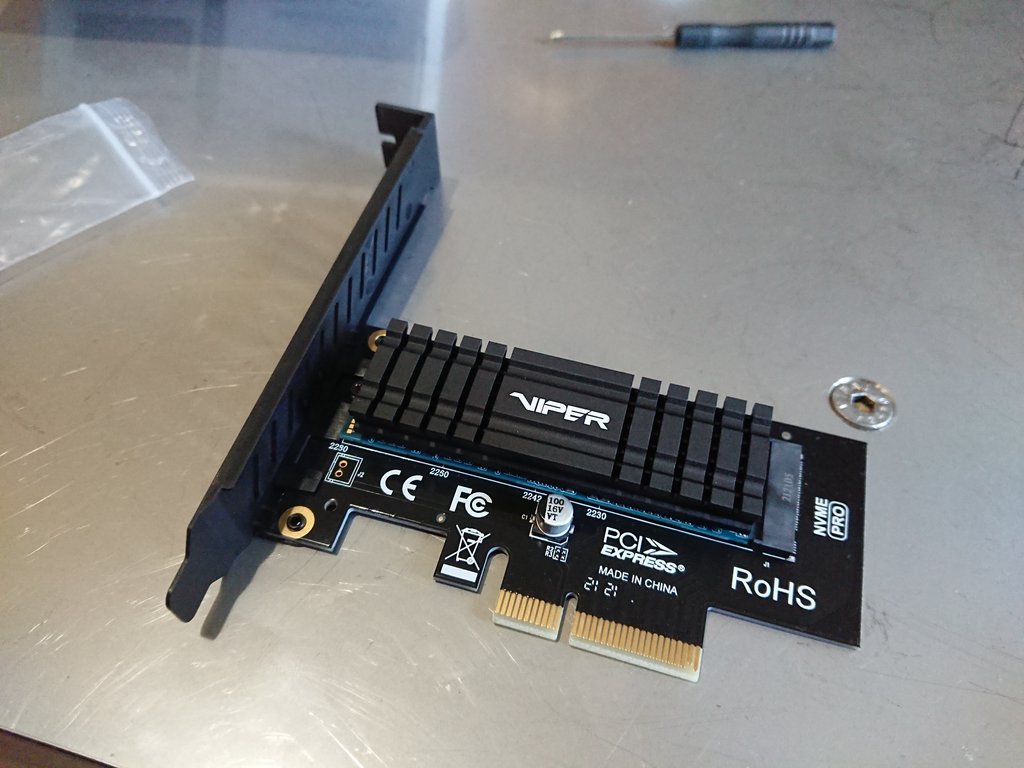
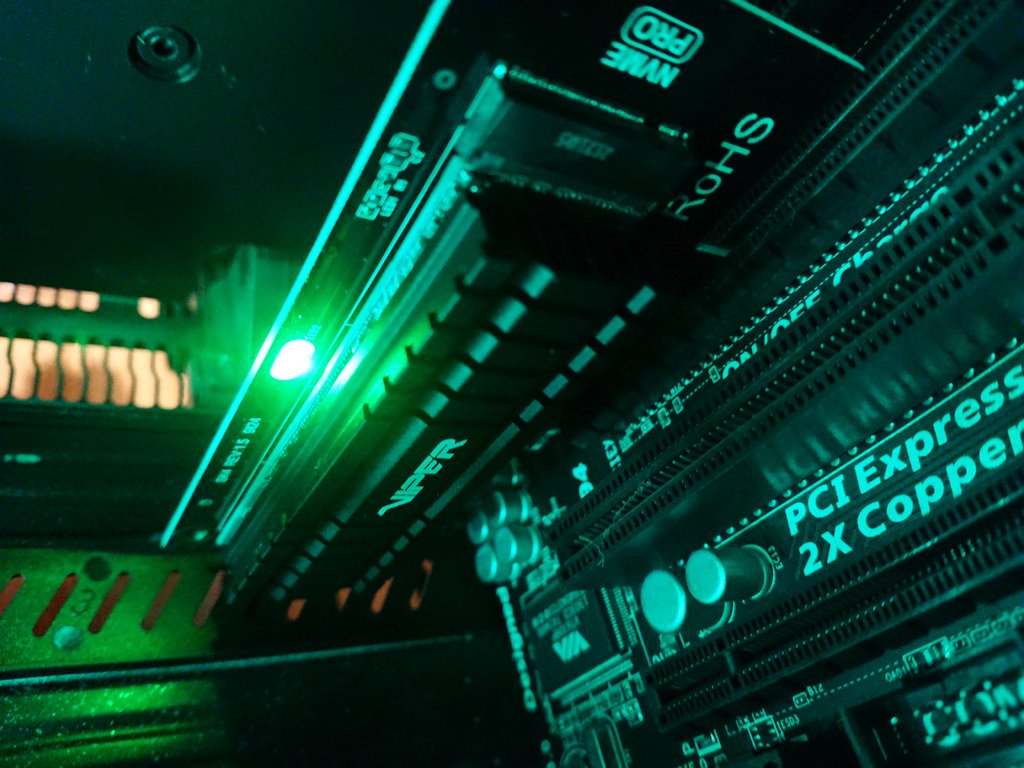
Added Viper VPN100 512GB NVMe SSD


Keeps on going :D
 
did the SSD make it feel like a new system.
I had an SSD before but it was an old Kingston SATA SSD that had read speed of not even 500 MB/s. This has cap of PCIe 2.0 which is 1.3 GB/s. System loading seems the same but games - holy smokes! Loading times are not that and even FPS is smoother. I'm loving it.
 
I had an SSD before but it was an old Kingston SATA SSD that had read speed of not even 500 MB/s. This has cap of PCIe 2.0 which is 1.3 GB/s. System loading seems the same but games - holy smokes! Loading times are not that and even FPS is smoother. I'm loving it.

yer a fast SSD make everything better. i had a sata 2 ssd in a laptop and thought it was ok till adding a sata3 one and it was like a rocket
 
Nice computer! I like that you've actually updated us, what, 6 years later? Haha.

I've done the same as you and upgraded parts here and there, not just spent a fortune on an entirely new pc.

I've just managed to buy an rx 6700 which replaced my water cooled rx 480 so I had to re-do water loop to just cool the cpu, it's been fun and I want to do more!

I like all the little extras you have done, the fan controller and temp gauge on side etc. and I bet those speakers sound mint!
 
Looking good. Always fancied doing a water cooled build but never ventured into it. Not actually touched my PC in the last 3 years until this week.. My times been taken up with starting my own business. Decided I need to take a bit of chill out time and thought about doing a wee bit of gaming. Got a ps5 in a deal I set it up and looked for games I would play.. shut it down unplugged it and set my PC back up... Next thing I know I've bought a motherboard bundle from someone local and a GPU so went from a 4790k, 16gb of ram and a 980ti to a 9700k 32gb of ram and a 1080ti over night... Gumtree and Facebook market place is a Dangerous place
 
Year is 2025.
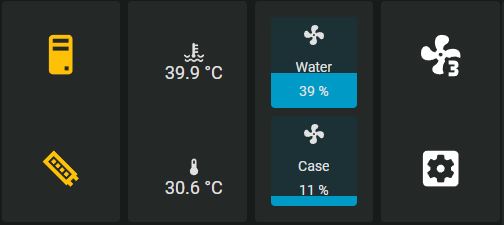
I've upgraded my water cooling and I'm also using ESP32 with ESPHome and Home Assistant to control my fans. Both case fans and water cooling fans.
Default is 1 fan and 20-40%, when water temperature gets above 40°C it switches on all fans and controls them 30-70% depending on the temperature.
Case fans are 15-50% and are almost completely silent.

20250830-174605.jpg

Capture.jpg
 
Current specs BTW:

MBO: Gigabyte GA-990FXA-UD3 Rev 3.0
RAM: 4x4 GB G.skill Ares 1600 MHz
CPU: AMD FX-8320E @ 4.2 GHz /w Raijintek Triton custom water cooling
GPU: Sapphire R9 290 Tri-X + EKWB full cover water block
PSU: Sama Armor 750W 80+ Gold
HDD: Viper VPN100 512GB + 2x 500GB 7200rpm HDD
 
Gotta love some ESPHome. My PC lurks well below the desk so power-on was a pain. Currently got an M5Stack ESP32-S3 running off USB 5V SB and set up to bridge the power pins (via a transistor) for remote turn on/sleep/wake. The M5Stack units have a built-in RGB LED and button so another one on the top of the desk (powered by multi-port charger) allows for coloured LED display of power status and convenient power on/off. I tried running the Comms between the two directly but it just wasn't responsive enough. Running via Home Assistant was actually much faster - the button click toggles the HA switch that's presented by the other ESPHome device.
Also replaces Wake On Lan function since 10 gig NICs don't do that (power draw is too high and no cooling while system asleep).
Did find that in my MB there's a big difference between USB's ground and the front panel header's ground so for power status monitoring, I had to tap 3.3V off the ATX connection and if that's high, the system is on.
 
Looking good. Always fancied doing a water cooled build but never ventured into it. Not actually touched my PC in the last 3 years until this week.. My times been taken up with starting my own business. Decided I need to take a bit of chill out time and thought about doing a wee bit of gaming. Got a ps5 in a deal I set it up and looked for games I would play.. shut it down unplugged it and set my PC back up... Next thing I know I've bought a motherboard bundle from someone local and a GPU so went from a 4790k, 16gb of ram and a 980ti to a 9700k 32gb of ram and a 1080ti over night... Gumtree and Facebook market place is a Dangerous place

Haha, I'm still rocking a 4790K and a 980ti myself . . . . I've been tempted to pull the trigger on an upgrade many times, but I can still play all the games I want too . . . so I've not bother as yet. Loving the look of that old school case/water cooling setup tho, never ventured into water cooling myself, apart from an AIO.
 
Back
Top Bottom