


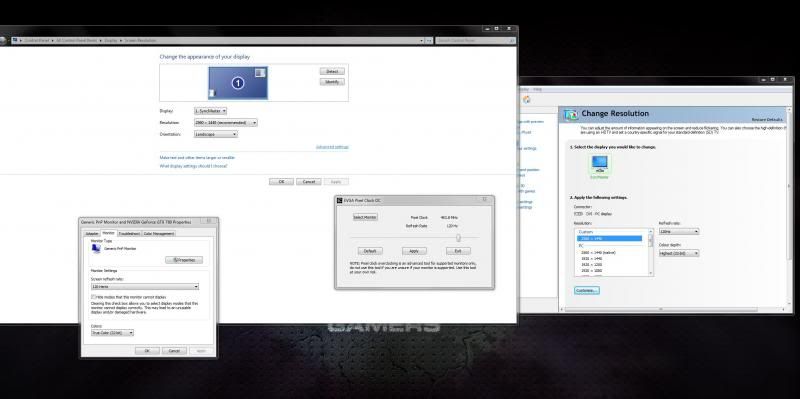
Should I have gone to specsavers? or is that screenshot just illegible?
You are using an out of date browser. It may not display this or other websites correctly.
You should upgrade or use an alternative browser.
You should upgrade or use an alternative browser.
DGM 27" Overclocking
- Thread starter LtMatt
- Start date
More options
Thread starter's posts

You'll need to test that the monitor is not dropping frames, it's possible that it will accept an input of 120hz but that doesn't mean it's displaying them.
Know of any programmes which can test this?
Managed to get 85hz out of my Hazro, would like to test to make sure it's actually worth while, though!
spec savers, plus ctrl + mouse wheel up.
its not as clear as it could be, but its just about clear enough to see the important bits
Very witty.....
I'm sorry, but it's a rubbish screenshot, poorly thought out cropping and you shouldn't need to zoom in just to make it legible!


Permabanned
- Joined
- 19 Jul 2012
- Posts
- 4,722
- Location
- Buckinghamshire
Cru is an excellent tool, I was using it to push 120Hz over single link dvi on my old lightning
May try this later see if I can turn my 120Hz into 144Hz

I have the Asus VG278HE 27" TRUE 144Hz 3D monitor. The 144hz makes a big difference.
