First ever build

Associate
Joined
8 Nov 2025
Posts
14
Location
birmingham uk
Hi all, looking to build my daughter a pc.
First off I’ve never played a pc or even turned one on let alone build one but I understand this is the way gaming is going so I need to learn, and fast.
My daughter is 10 and will use the PC for the usual games like Roblox and Fortnite but she’ll also need it for schoolwork.

I have a budget of around £700 with a bit of wriggle room if it’s better to upgrade in certain areas.
I’d appreciate your help and guidance.
Thanks

 
Ideally I wanted to link the Pc to her Tv for a few months until I could sort her a desk out to play at.
I can purchase a monitor if needed though.
 
The TV should work for awhile, you might want to hook up a wireless controller for her though as without somewhere to sit a mouse/keyboard might be a bit of a PITA for gaming.
 
She games on her PlayStation with a keyboard and mouse so we can make that work somehow. Thanks for the reply though.
Are they pretty easy to build?
 
She games on her PlayStation with a keyboard and mouse so we can make that work somehow. Thanks for the reply though.
Are they pretty easy to build?

Kinda like Lego with a bit more faff, there's some good video guides you can follow, here's a list:

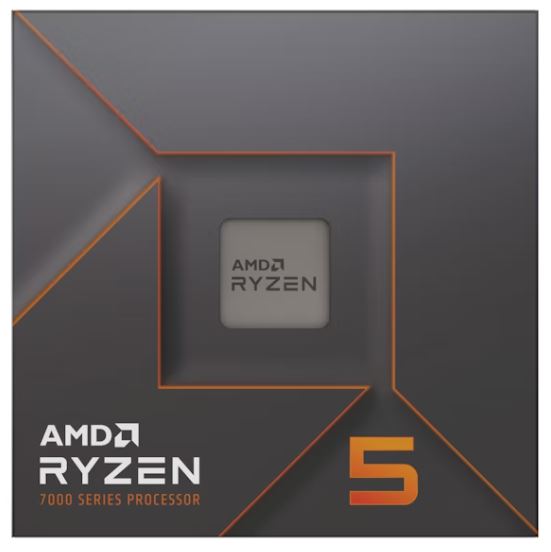
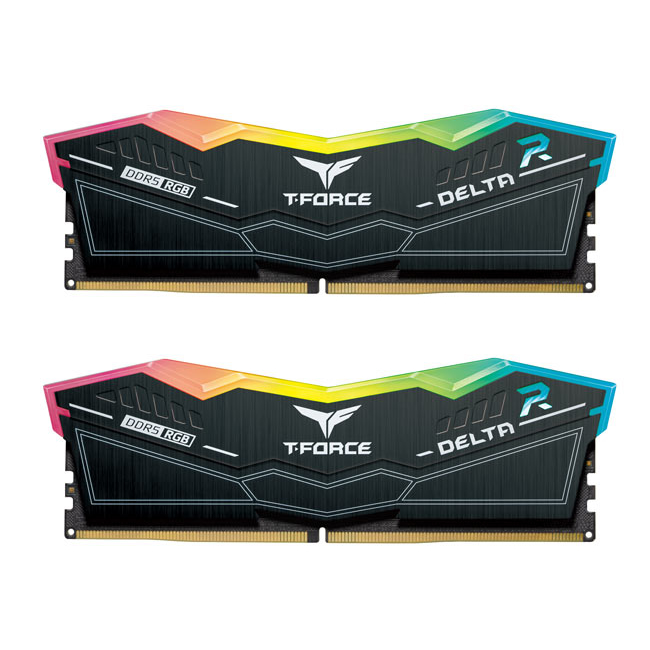
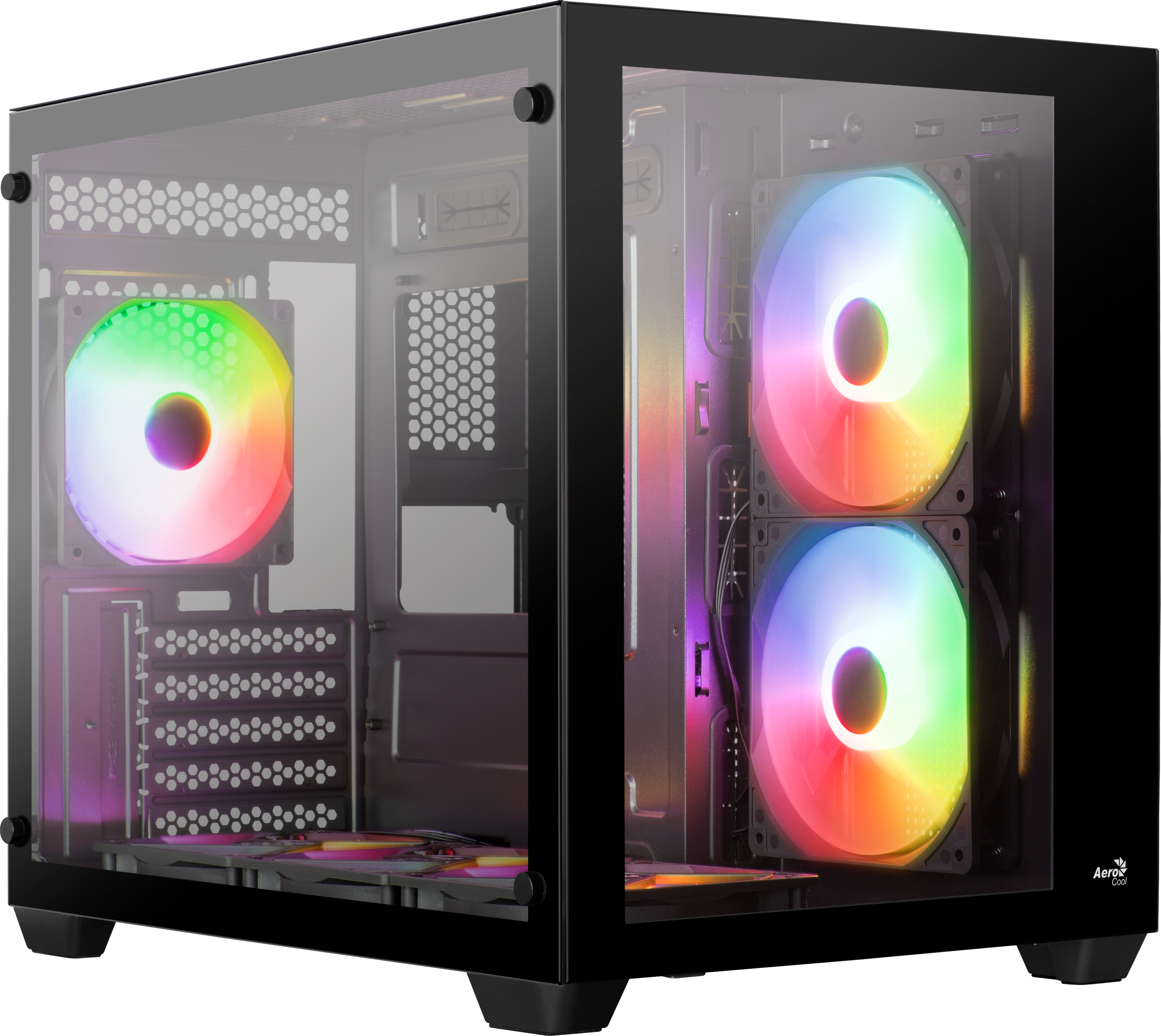
My basket at OcUK:

Total: £811.93 (includes delivery: £11.98)​

The CPU comes with an HSF (heatsink and fan), but honestly I'd fork out another £10-15 for something a bit better like a Thermalright Assassin King 120.

You can find W11 keys for £5-10, don't buy retail as it'll murder your budget.

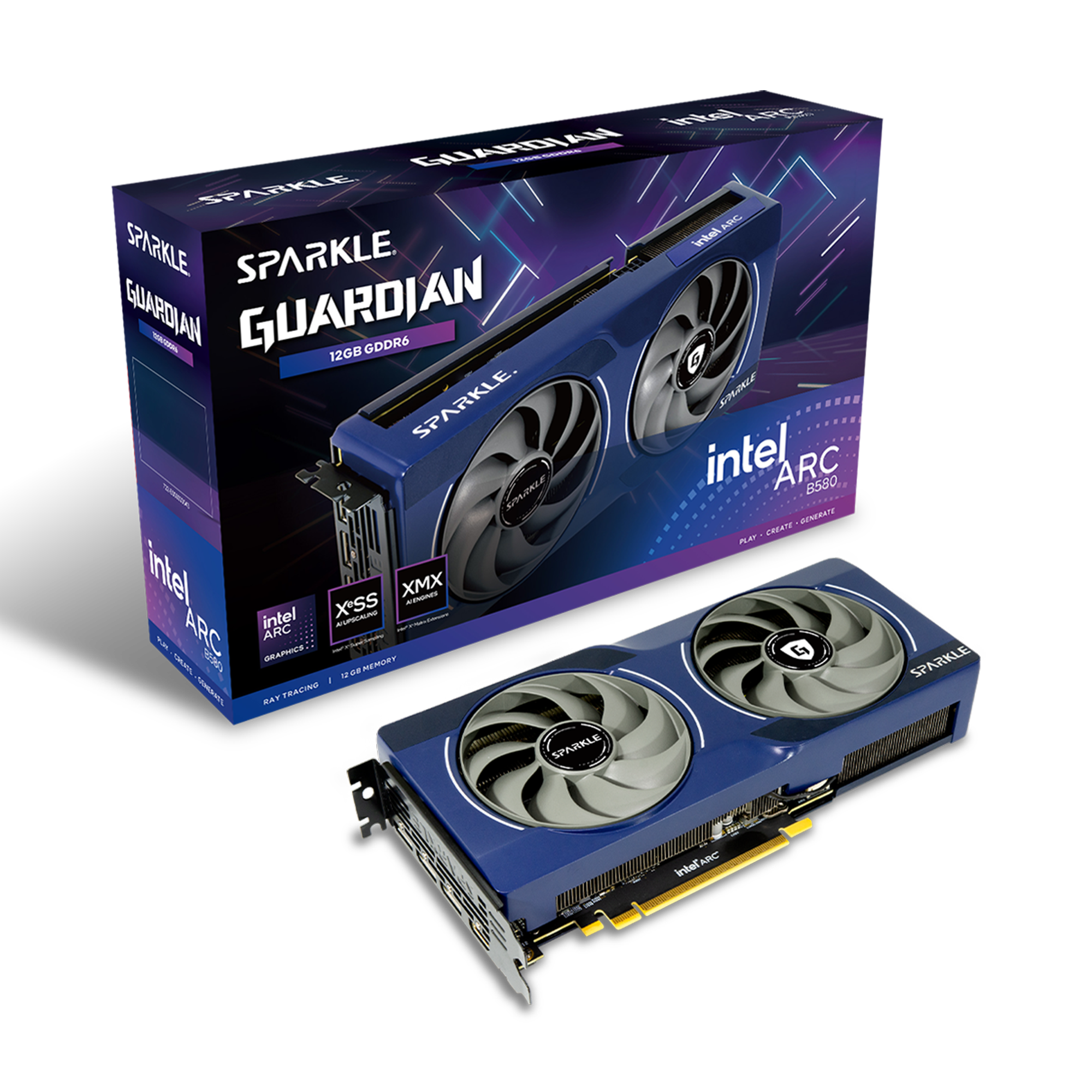
You could drop down to a Intel Arc B570 and save £50-60, you could save another £10 on the motherboard by switching to the Sapphire B850M Pulse also. Unfortunately RAM prices are sky high at the moment, you could get a set similar to the one listed for £80 not all that long ago.

Personally I'd pony up the extra for the better motherboard and graphics card if it's within your budget, it's a good bump in performance and features for not a lot more.
 
Last edited:
Thanks mate, appreciate that list and the advice. Is that all I’ll need apart from monitor and keyboard?

Pretty much, maybe a headset depending on what she's currently using? TV Speakers will work fine also for audio-out via HDMI. You'll need W11 also, but you can install that via a USB stick and as mentioned licences can be found online for £10-15.

Here's a guide for W11: https://www.tomshardware.com/how-to/clean-install-windows-11

There's some good deals on monitors right now if you really want to go all out, but as mentioned it'll be fine with her TV for awhile until you get a desk sorted out.

If you need any advice while building etc just let us know, OCUK is a good community and there's plenty on here willing to help out.
 
Last edited:
it’s her birthday in early Feb so maybe I’ll get her a monitor then. Thanks again. I’m sure I’ll need help at some point so you’ll definitely hear from me
 
Hi all, looking to build my daughter a pc.

You're getting lots of good advice here so I'll just add that building the PC with her will be a great parent-child moment for both of you and give her additional ownership of the PC. Just practice first!
 
Thanks, we’ve agreed to build it together on Xmas day. We build RC cars together so hopefully this goes well. She’ll know a lot more than I will but I’ll be on here looking for guidance.
 
Thanks, we’ve agreed to build it together on Xmas day. We build RC cars together so hopefully this goes well. She’ll know a lot more than I will but I’ll be on here looking for guidance.

I would watch some AM5 specific build guides prior (that's the platform I've suggested above) if you go for what I've recommended.

Here's one worth a look, different part choices obviously but it boils down to the same things:


I'd also suggest doing a test build and perhaps dismantling it (carefully), even if it's an out of box setup (meaning not building in the case but on a non-conductive surface like a wooden bench/table) to make sure all the parts work. It's rare things go wrong or there's a problem with X or Y part but it does happen, and Christmas day is the last time you want it to happen. If you do this you might as well buy a better HSF off the bat too, here's one I'd recommend:

My basket at OcUK:

Total: £22.98 (includes delivery: £7.99)​

Unless they changed something recently, pretty much all Thermalright heatsinks come with a syringe of thermal paste that's good for 3-5 applications depending on how you do it. The stock heatsink comes with a pre-installed thermal pad, meaning you would need to clean things up and then reapply paste, which in turn means you'd need to spend another £5-10 buying a tube.

If you go this route leave the mounting bracket for the Thermalright HSF and CPU installed, there's not much point in removing either and the less you mess around with the CPU socket the better.
 
Last edited:
Kinda like Lego with a bit more faff, there's some good video guides you can follow, here's a list:

My basket at OcUK:

Total: £811.93 (includes delivery: £11.98)​

The CPU comes with an HSF (heatsink and fan), but honestly I'd fork out another £10-15 for something a bit better like a Thermalright Assassin King 120.

You can find W11 keys for £5-10, don't buy retail as it'll murder your budget.

You could drop down to a Intel Arc B570 and save £50-60, you could save another £10 on the motherboard by switching to the Sapphire B850M Pulse also. Unfortunately RAM prices are sky high at the moment, you could get a set similar to the one listed for £80 not all that long ago.

Personally I'd pony up the extra for the better motherboard and graphics card if it's within your budget, it's a good bump in performance and features for not a lot more.
Me again, so I’ve started to look through everything and I’ve tried to find the upgrades you’ve mentioned but being completely new to this I’m struggling. Could you point me in the right direction for them please
 
Me again, so I’ve started to look through everything and I’ve tried to find the upgrades you’ve mentioned but being completely new to this I’m struggling. Could you point me in the right direction for them please


I didn't suggest any upgrades, the build I listed is pretty much the best I can put together for £800. The items I suggested were for saving money if you needed to get closer to the £700 mark.

One upgrade I could suggest for an easier time of building/better future upgrade potential would be a modular PSU as cable management is easier. I also listed a HSF in my last post for you.

Something like this:

My basket at OcUK:

Total: £92.94 (includes delivery: £7.99​
You would need to spend another £140 to get a notable graphics card update, but for Fortnite and Roblox it's really not necessary unless your daughter is looking to branch out into more demanding games, and even then.​
 
Last edited:
Yeah sorry my fault. The thermalright assasin is an add on not an upgrade.
I’ll watch the video you sent and see how confident I am. Thanks again
 
Yeah sorry my fault. The thermalright assasin is an add on not an upgrade.
I’ll watch the video you sent and see how confident I am. Thanks again

It's really just a case of taking your time, you'll be spot on mate. I doubt the better heatsink will meaningfully improve performance for gaming, but it will be quieter and look better. There is a superior cooling element too which can technically lead to superior performance, but for the use case I doubt it'd be notable.
 
I’ll order what you sent me and I’m sure we’ll be fine.
Once we have the basics can we add on and upgrade over time?
 
I’ll order what you sent me and I’m sure we’ll be fine.
Once we have the basics can we add on and upgrade over time?

Aye, that's the beauty of AMD's AM5 platform really.

You can add more storage, you can upgrade the CPU in the future if needed as there's at least another generation or two due to launch, you can also upgrade the graphics card if your daughter starts playing more demanding games.

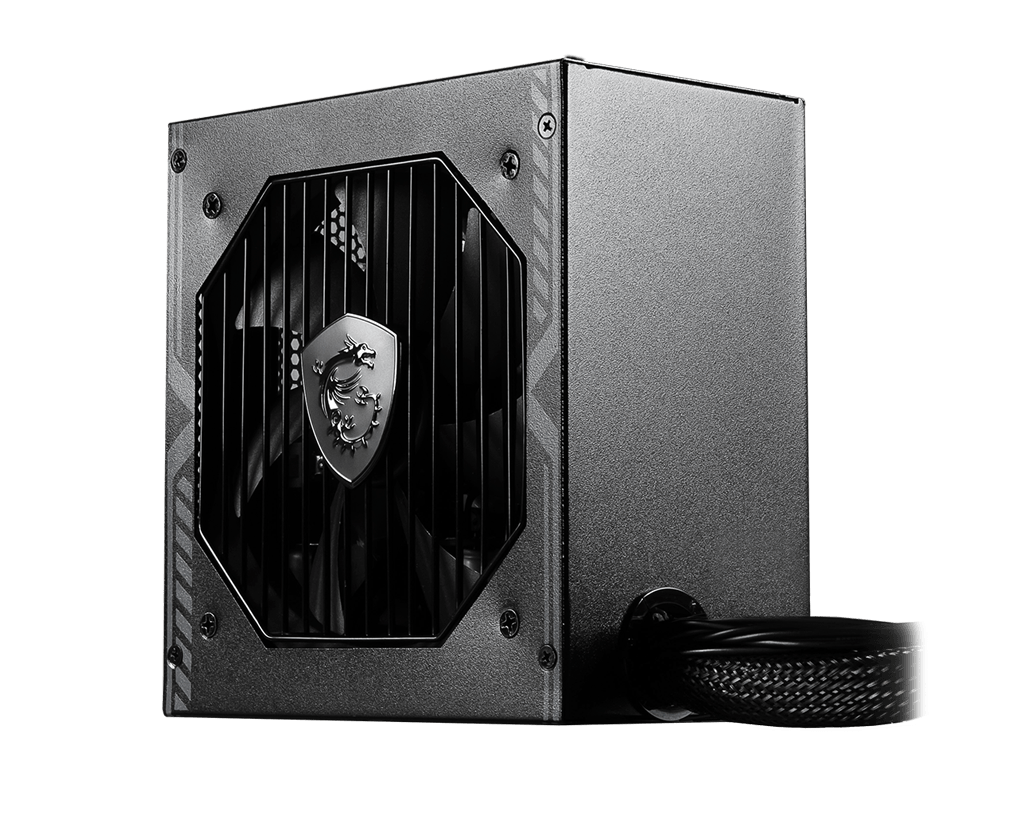
I would pump for the Phanteks PSU above if you can purely for the sake of the modular cables and a wider range of graphics card support but the MSI B650BN is a very capable budget unit.
 
Thanks mate, I’ll do my homework and crack on with it. Thanks again

No worries mate, you might want to wait a day or so for others to chip in as my word isn't gospel. Regardless, I don't think you can go wrong with anything suggested above.

Once you get to the build stage let us know, we can advise on getting W11/drivers etc set up properly, you don't want to let the operating system do everything for you and some of the manuals are a bit pap in terms of guidance.
 
Back
Top Bottom