You can do as Reaper 392 suggests or alternatively look for the little button as highlighted in the below image, this will pop up a text box where you can put the URL for the image.
You can do as Reaper 392 suggests or alternatively look for the little button as highlighted in the below image, this will pop up a text box where you can put the URL for the image.
i think thats what he did in the first place, but the problem with photobucket is that the direct link to the photo is another copy and paste job from the same list of URLs as the IMG code. i'm pretty sure that even doing a copy image URL of the picture wont bring up the direct link, it will only bring up the page with the picture and all the other links (hence why the original image didnt work)
That's not a problem but unfortunately you need to post images in this thread any time you post as per the rules and your signature needs to be 4 lines of text or less. The rules you need on that are in the FAQ so give that a read. As you're new I'll give you a little while to edit your posts in this thread or I'll have to delete them.
This site uses cookies to help personalise content, tailor your experience and to keep you logged in if you register.
By continuing to use this site, you are consenting to our use of cookies.




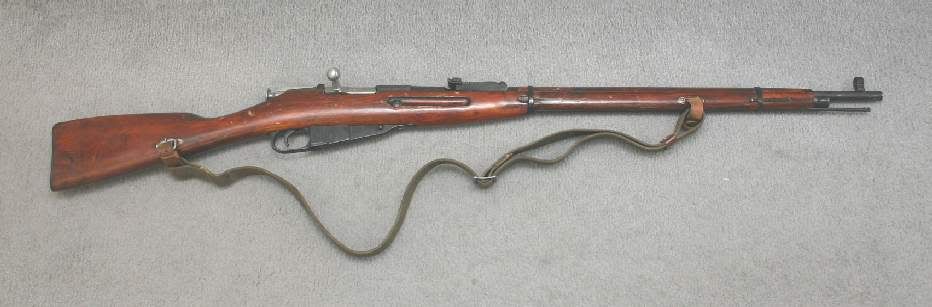
 )
)














