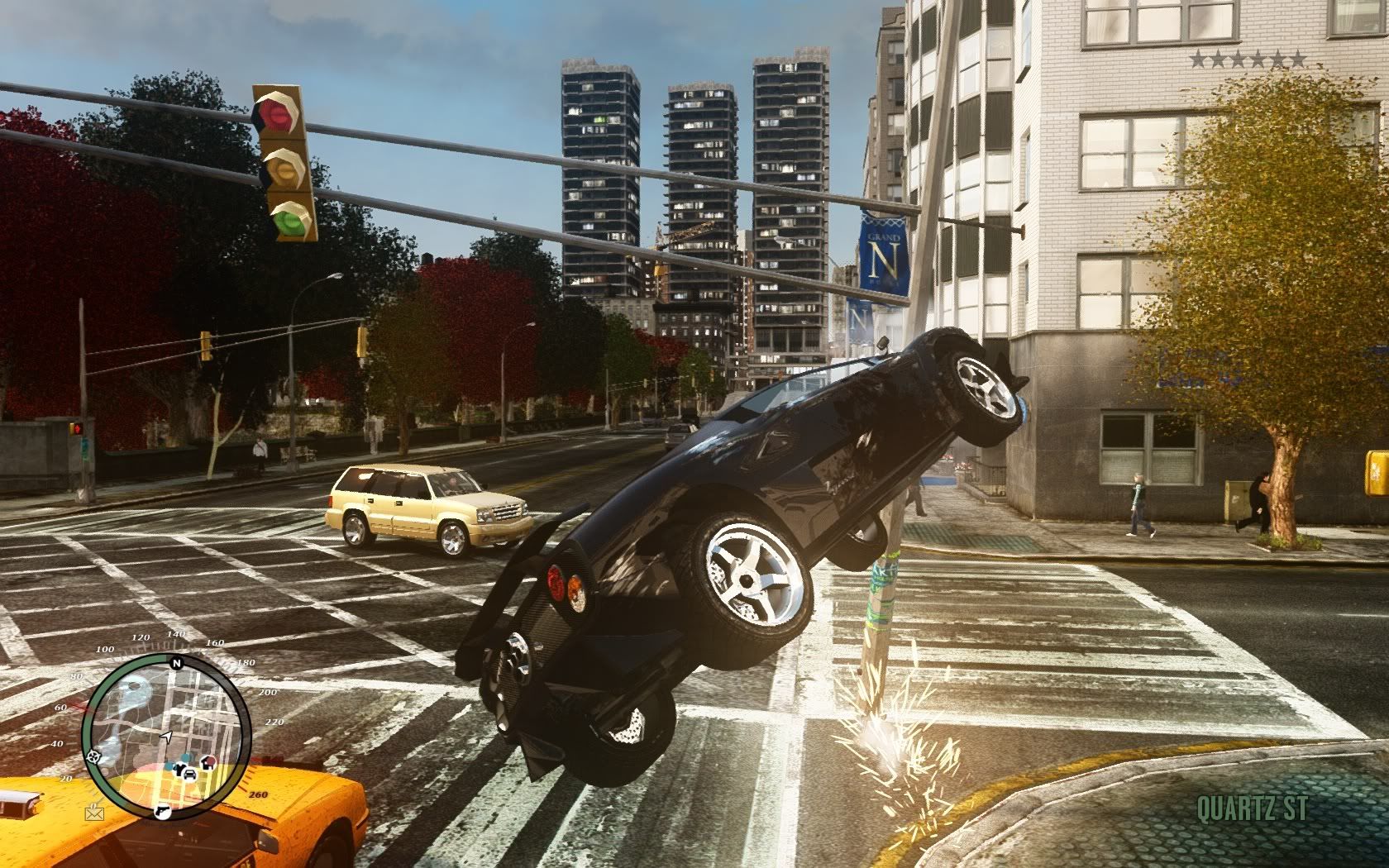
GTA IV

For screenshot purposes I had definition turned off, however when I'm actually playing I play with it on. It all depends on which you personally think looks better.

If you didn't know already, with the ICE mod you can switch definition on/off on the fly by pressing 'p'

@neoglow these are my ingame settings:
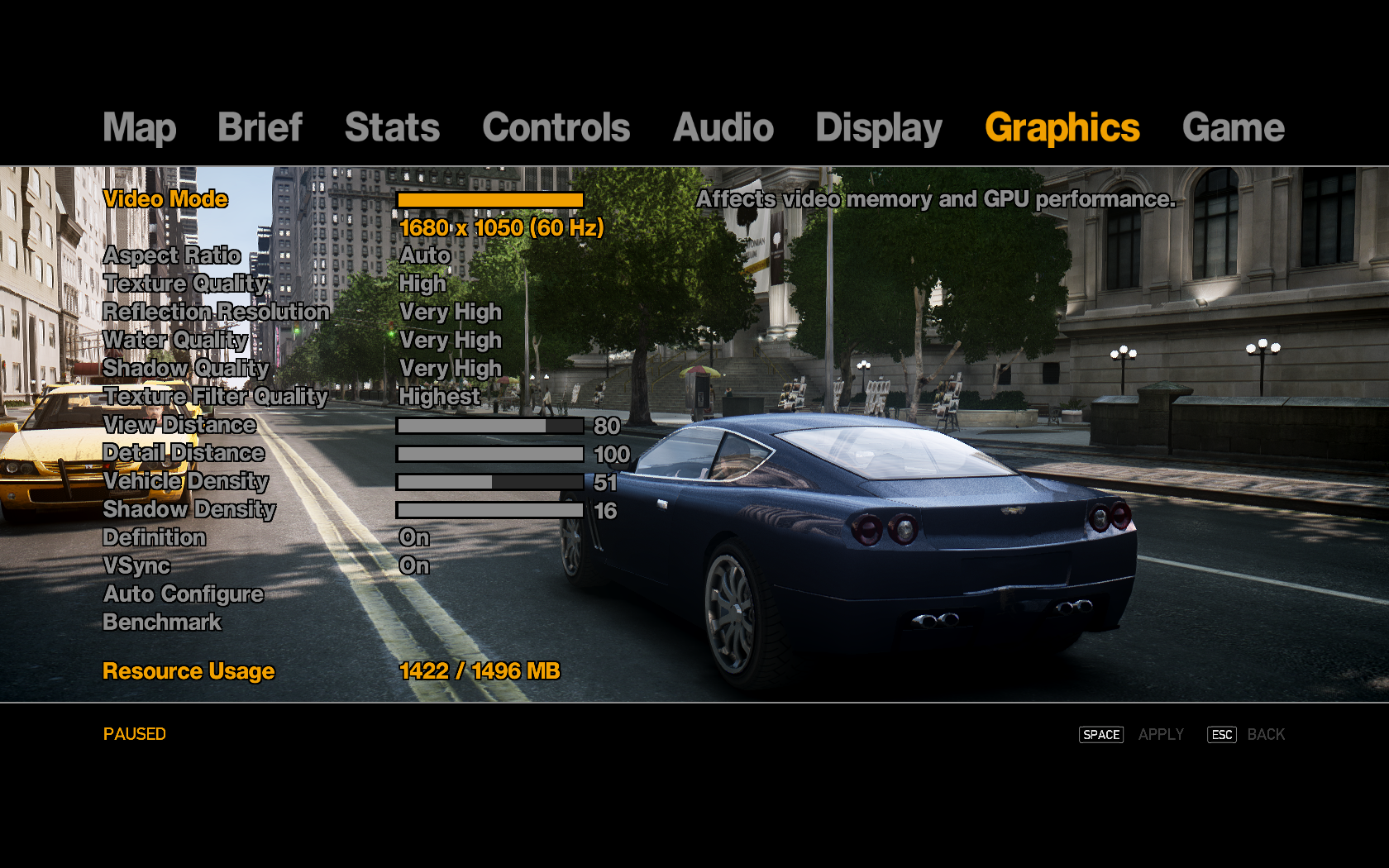
7438403.bmp
 
Cheers for that AzZ, youre settings are higher than mine as you have 1.5gb of gfx ram, Ive only got 1gb. It moans about the resource usage if I change anything too high.

Did you set those settings yourself or just use the Auto Configure option?
 
For screenshot purposes I had definition turned off, however when I'm actually playing I play with it on. It all depends on which you personally think looks better.

If you didn't know already, with the ICE mod you can switch definition on/off on the fly by pressing 'p'

Without mods you can turn it on/off with Ctrl P

Edit - You need the HD Trees mod too. It goes well with ICE :)
 
Last edited:
Alright, slight quality loss due to conversion to Jpeg.
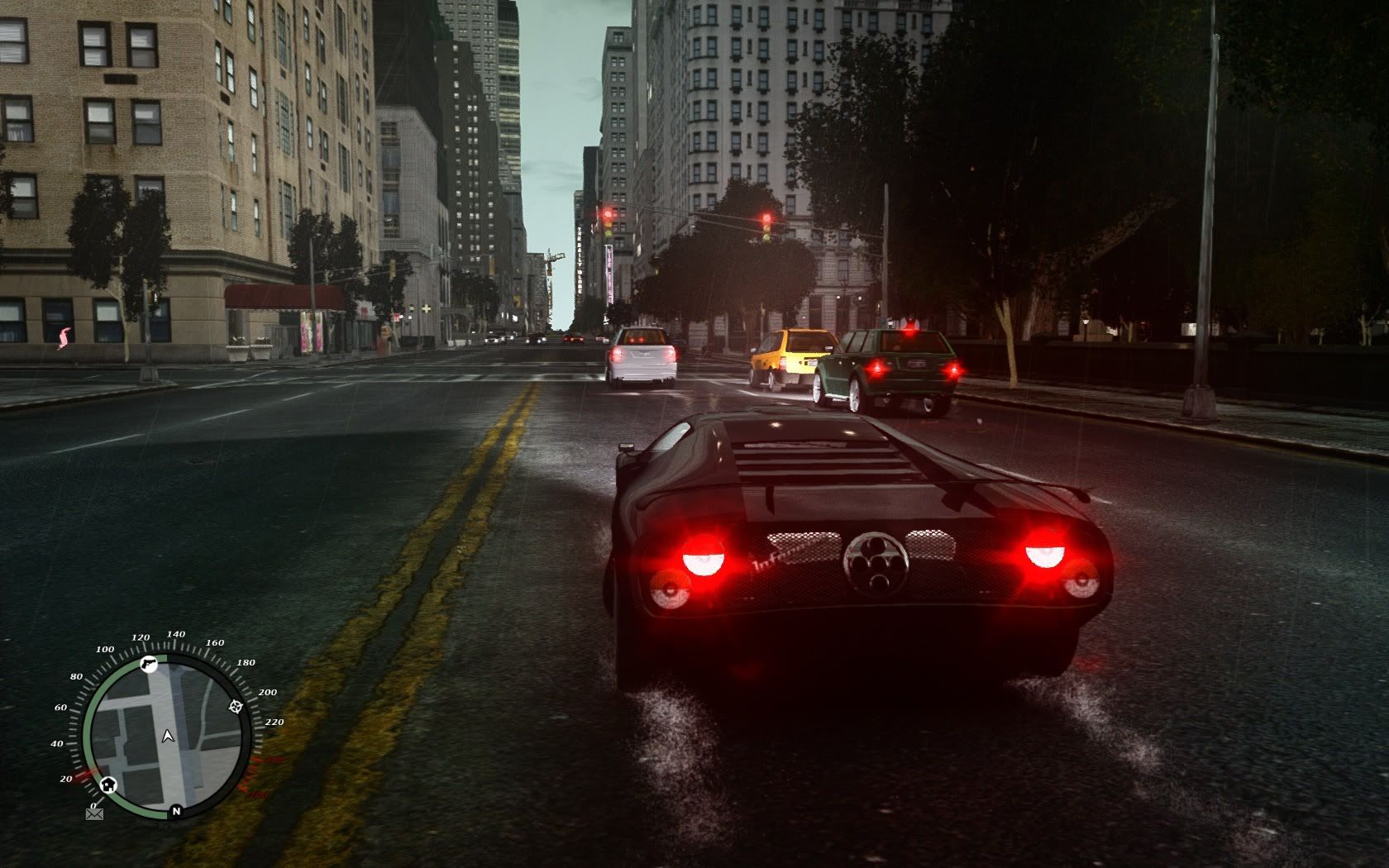
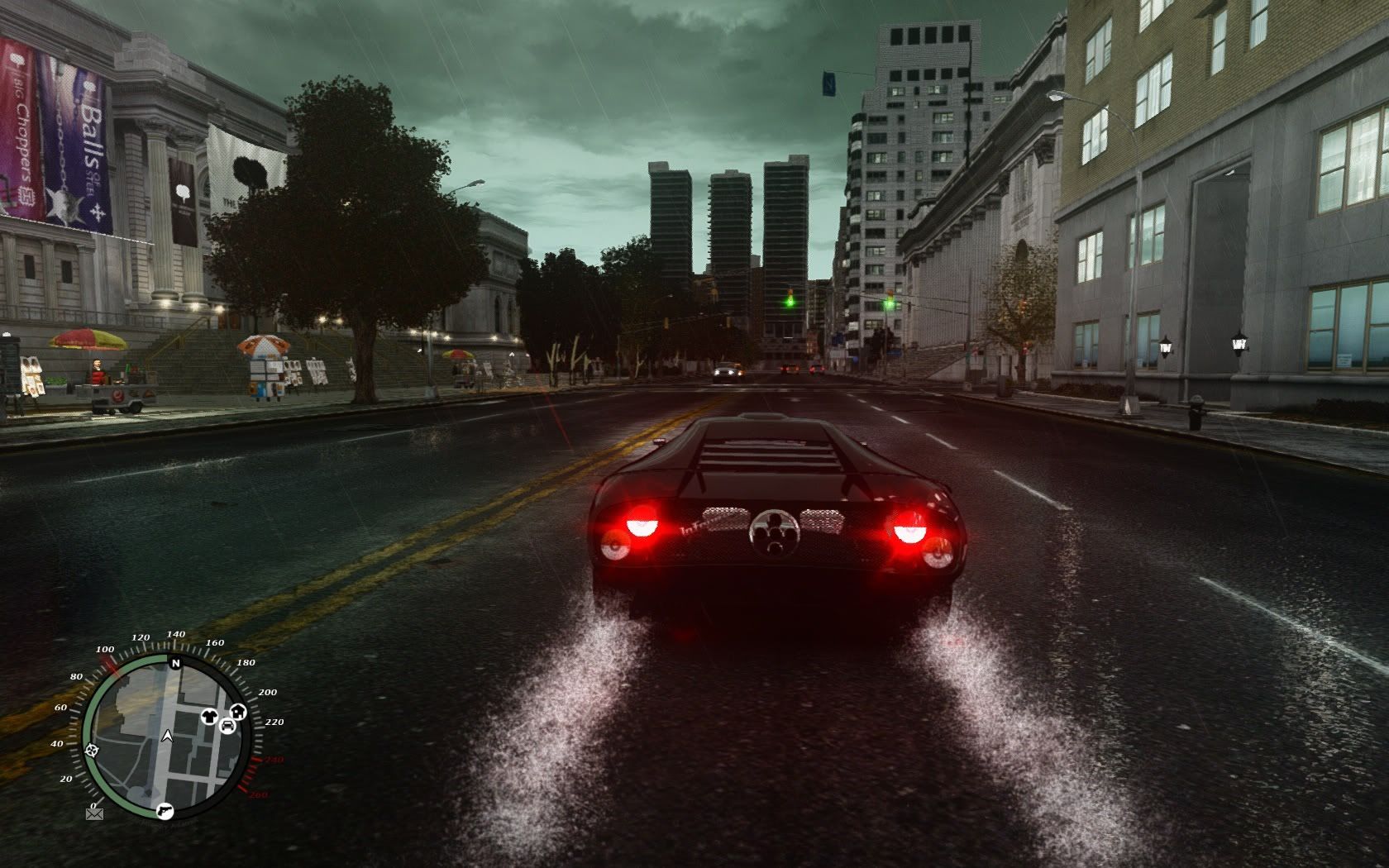
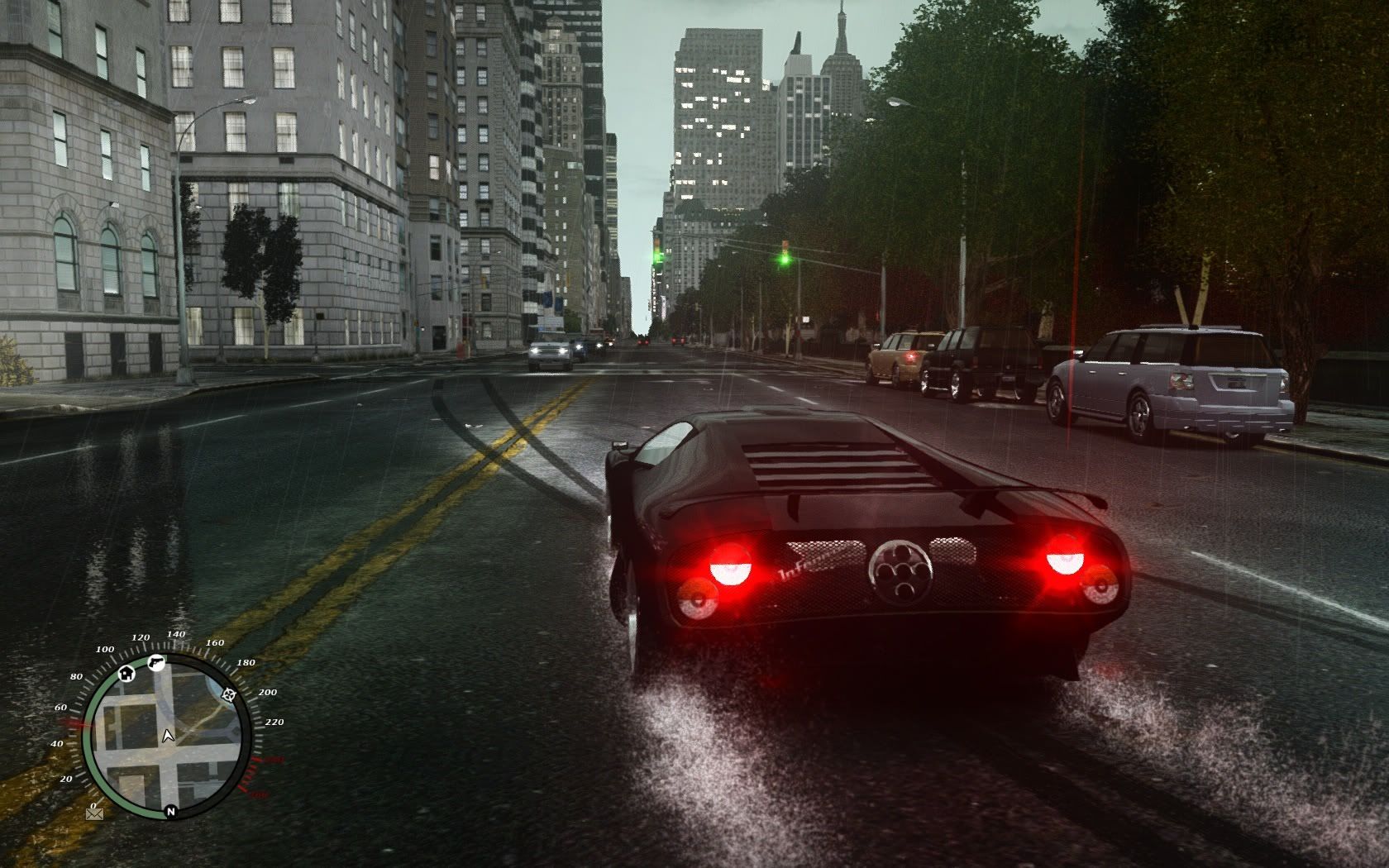
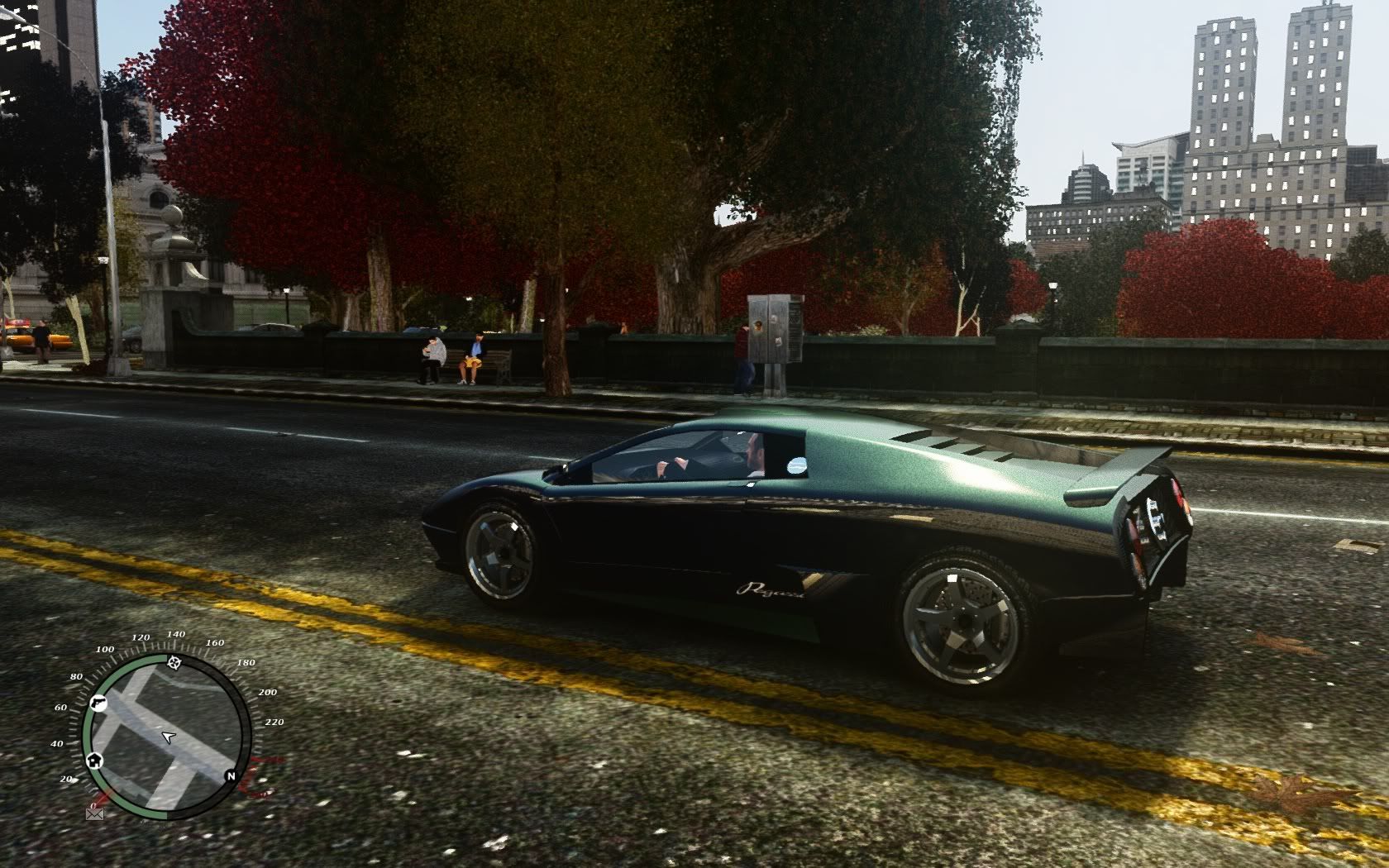
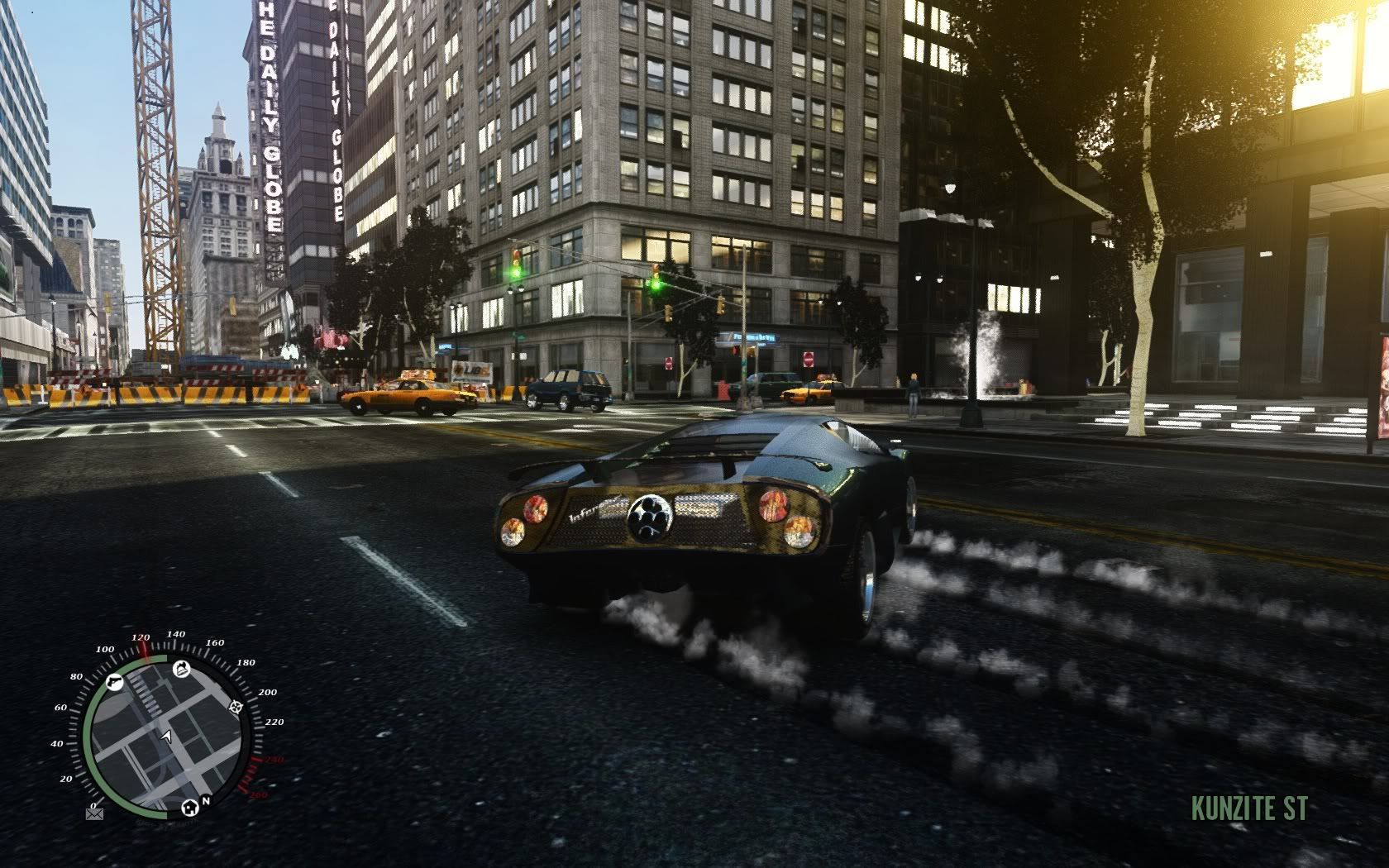
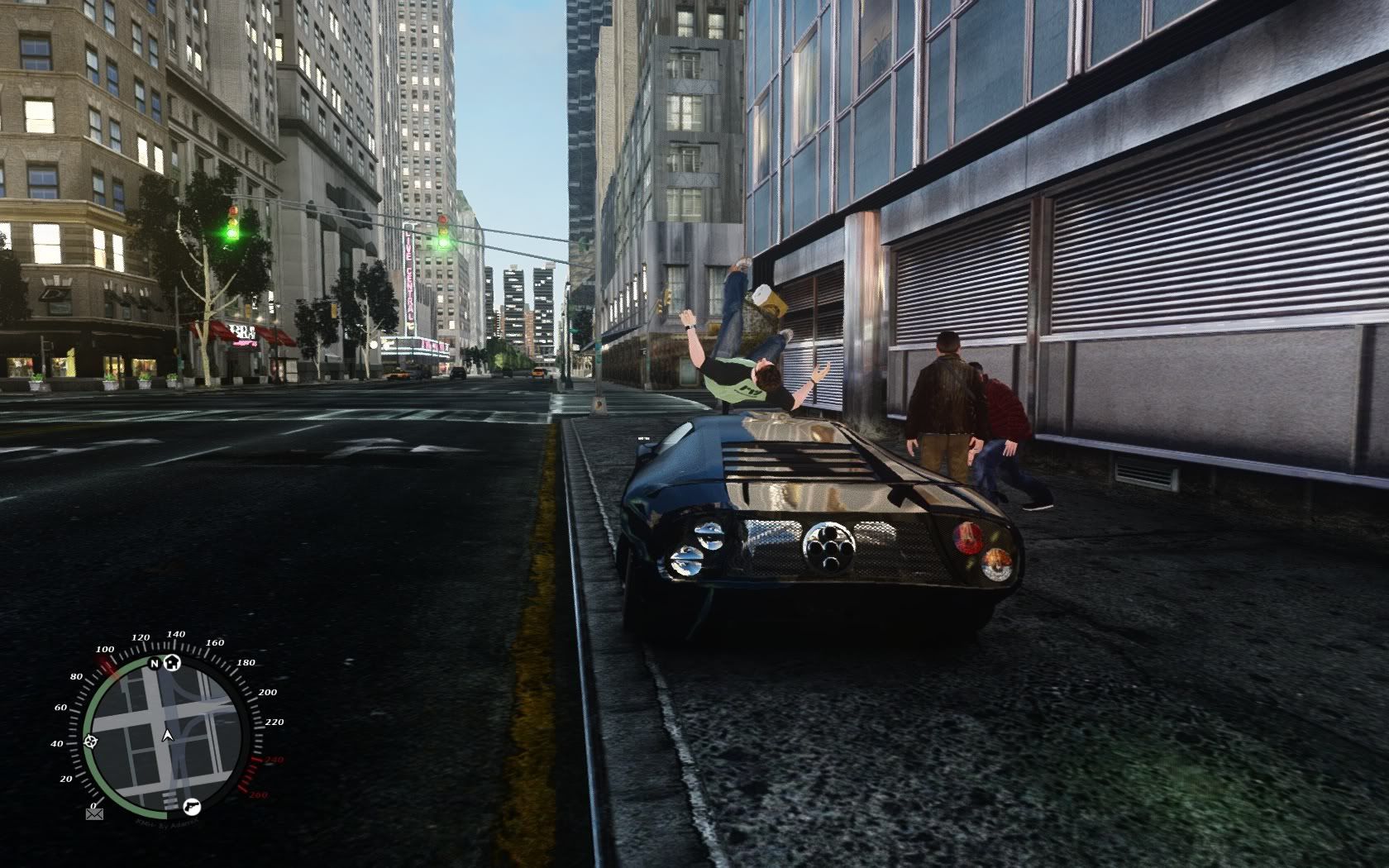
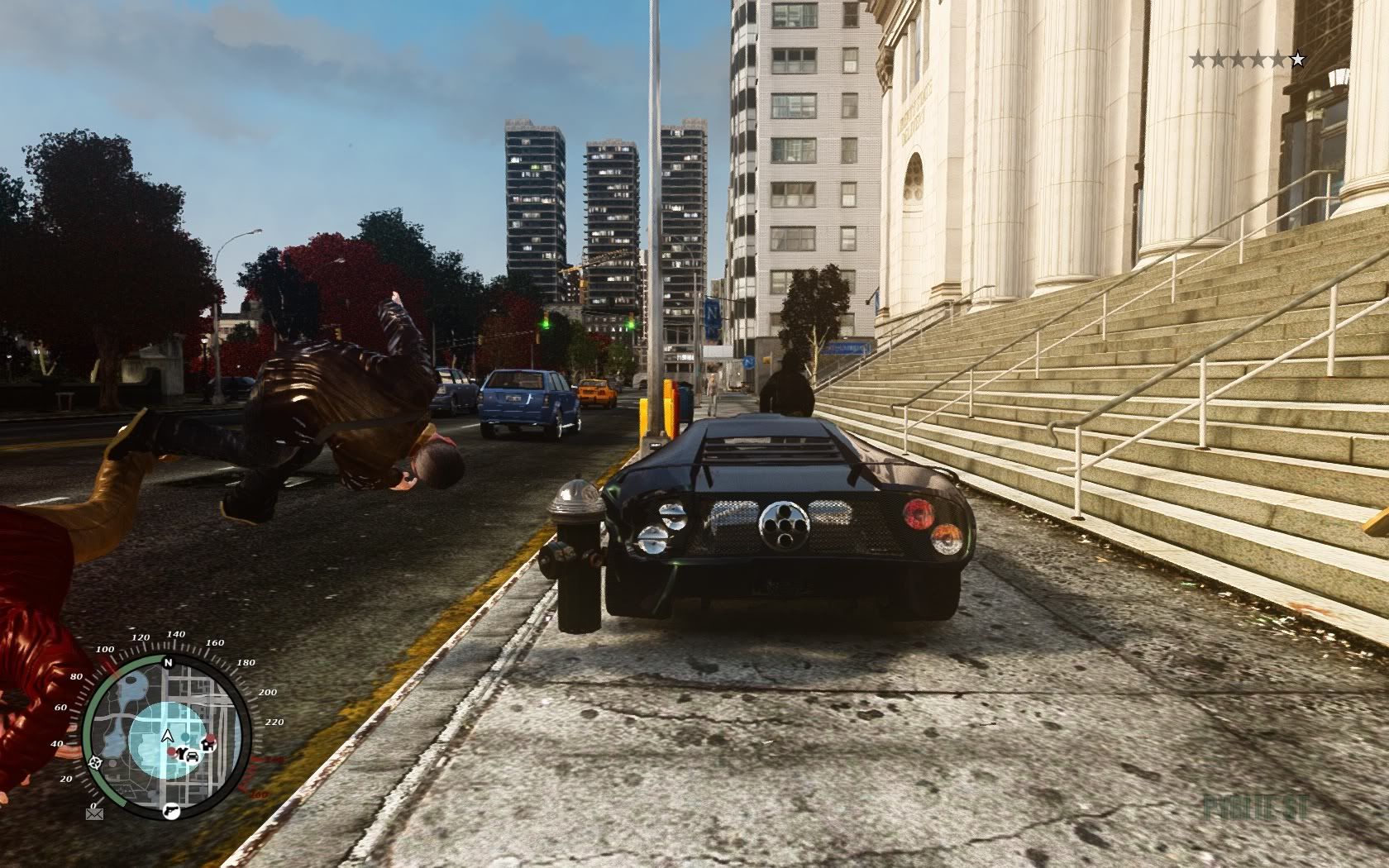
My settings are 1680x1050 - 120Hz .... Maximum settings (no blurring).
Using ICE + better city textures + Vanni's HD tree mod

I didn't stop for shots, I just drove around & hit print screen as & when :)

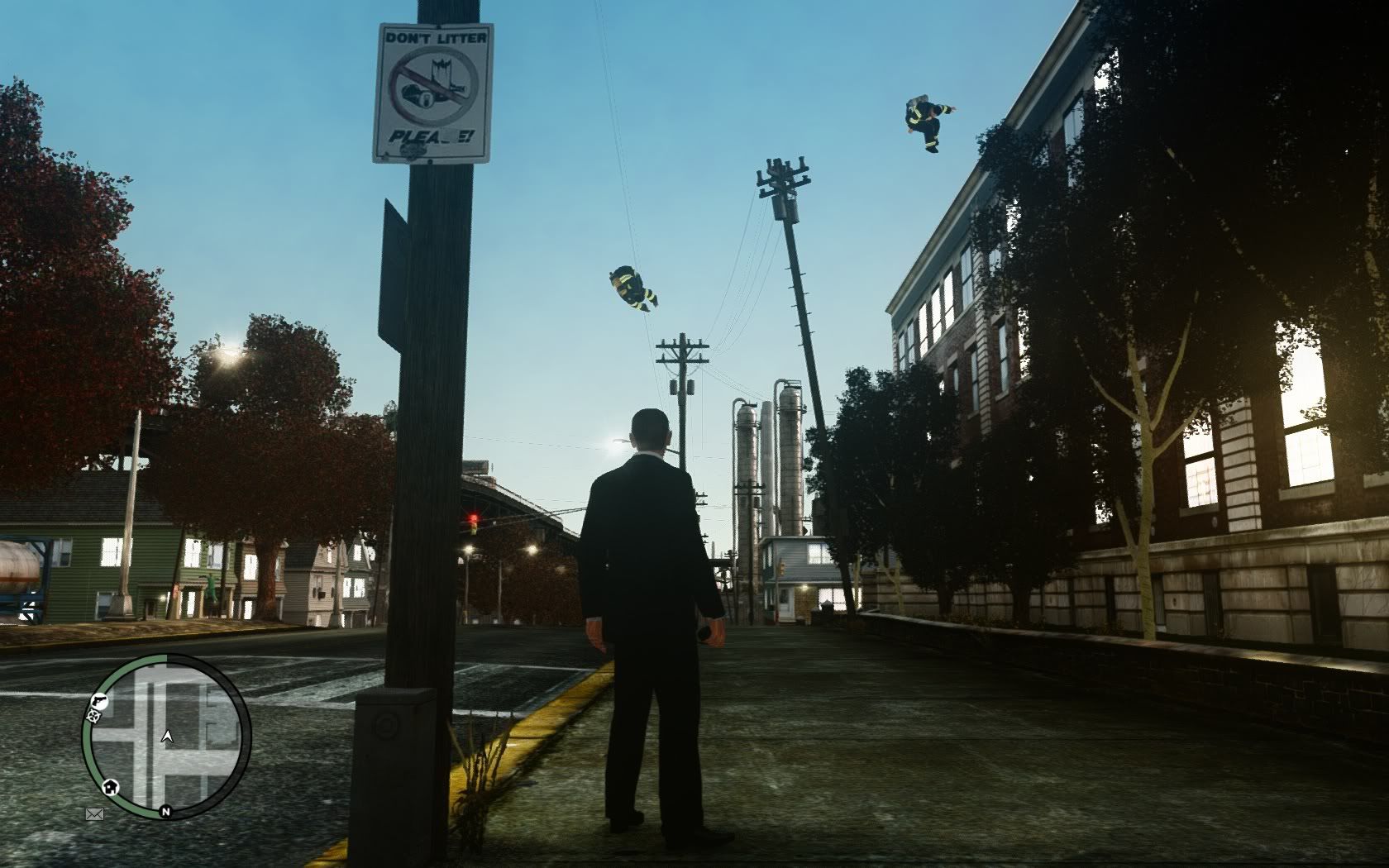
I feel my shots show how much of a difference Vanni's HD tree mod makes along with better city textures. I am using AA but not sure which type, I feel super sampling is needed as I do still have jaggies. i am also running various small mods, like a blood mod etc. Can't use HD Car packs because I'm already using over 100% V-Ram. Luckily though having SLI 470's and an i7 @ 4Ghz means I still dont get noticeable pop up. When I installed an HD car pack half the city vanished for a spit second at a time. Oh and first screen has floating firemen because I was testing no mavity :D

pic9.jpg

pic1.jpg

pic2.jpg

pic3.jpg

pic4.jpg

pic5.jpg

pic6.jpg

pic7.jpg

pic8.jpg
 
I just installed the Icenhancer mod, but getting fps dips every 10 seconds or so :( Shame as it looks quite nice. I'm on 1.0.7.0 so could be a bug perhaps.
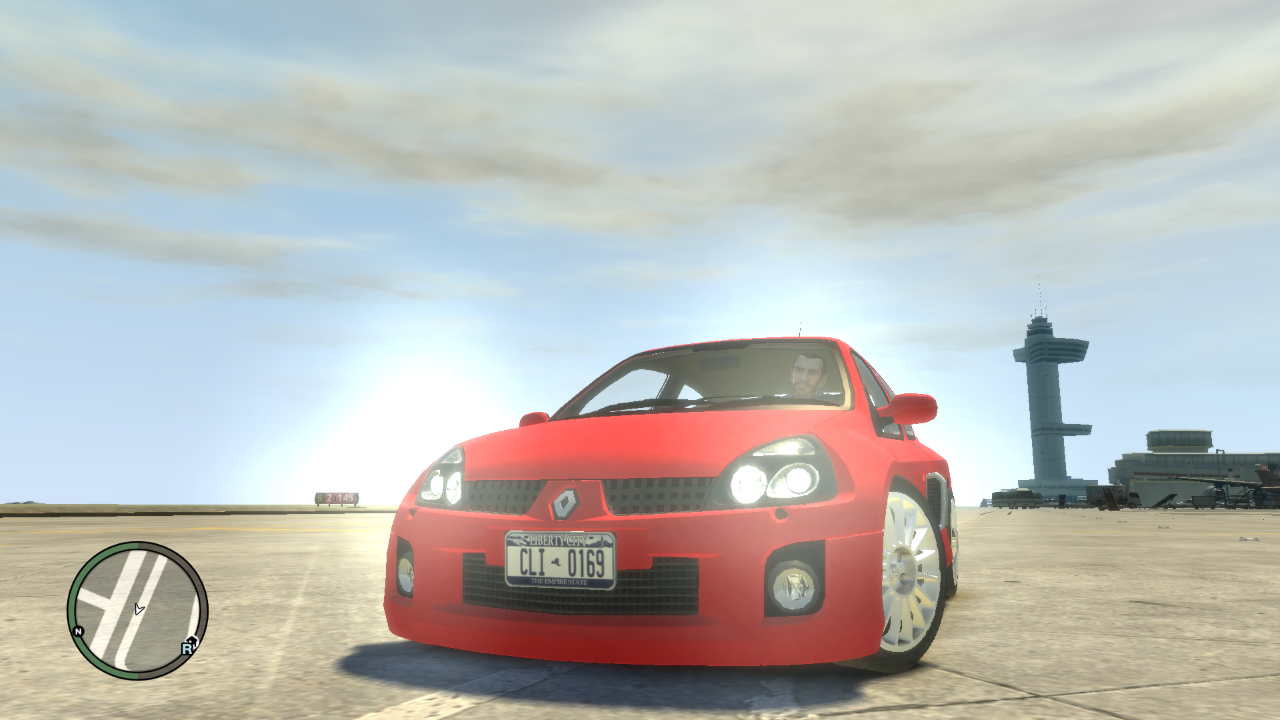
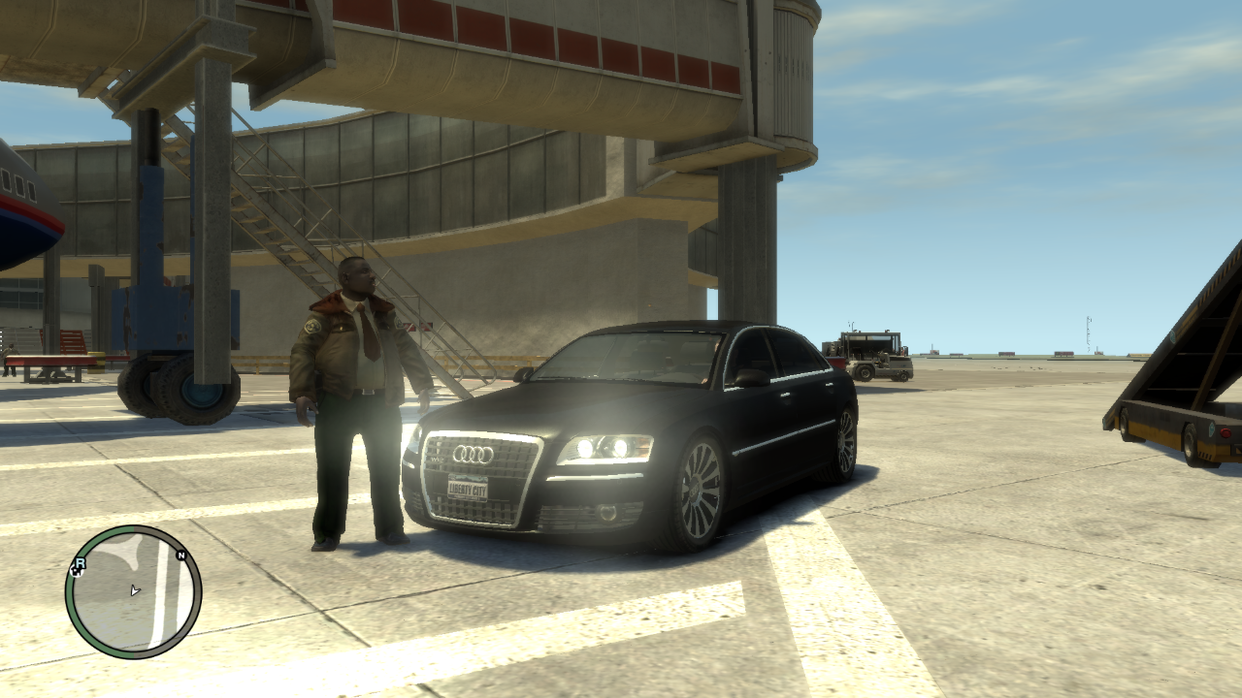
I've installed some new cars which I'm very pleased with, my first time modding IV apart from the simple native trainer :)

Excuse to poor image quality, resized a bit too much!
4b981def.png

d8bbd1f7.png
 
No idea tbh, I have the DVD version. I have the steam version also but chose not to install it because it's a pain for modding!

It would be nice if I could get this Icenhancer working smoothly though. I can leave it and it constantly dips from 50 to 20 fps, but almost freezes the gameplay for a second, very annoying :(
 
This game runs comically smooth compared to how it used to, whatever they did to the game with one of the patches, I hope they keep it up.

Time to get some mods downloaded again, hopefully they won't impact the FPS.
 
Can someone link me to a guide to install icenhancer mod through steam? I can't seem to find one using google.managed to mod a few cars which is great as now there are only Ferrari's and bmw's driving around :), just need to mod the graphics and add a trainer then I will be good to play.
 
I noticed on some videos people have a proper cockpit view, when I cycle through the view modes the best I get is the view of the hood.


Does anyone know what he has done to get that? I set my steering wheel up for some fun and it actually works alright but that view would be much better then the hood.
 
Back
Top Bottom