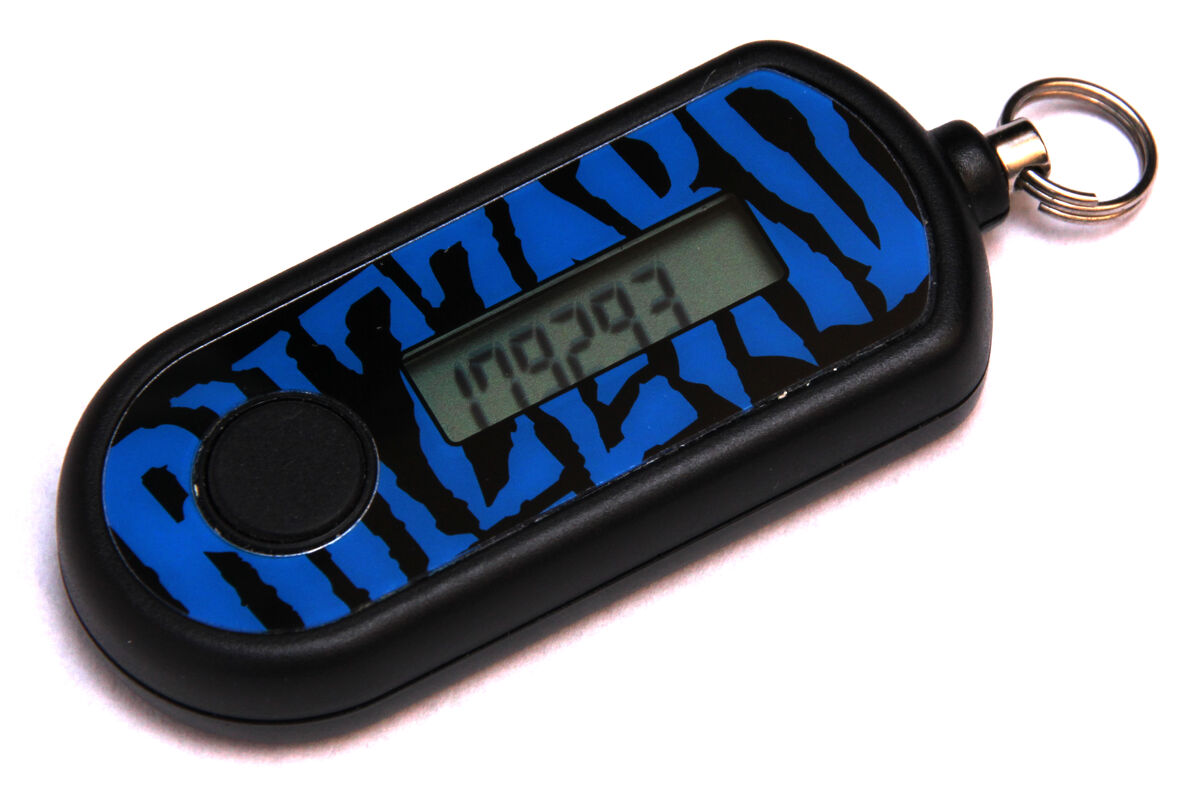
Hardware security key experiences

@Pawnless Endgame

How are you getting on with your keys?

I've linked them with Google so far and they work across multiple (3) machines. My aim is to make Google passwordless so that it logs in with just the keys, although I'm not sure on contingency plan if the keys are lost or become faulty. I presume I can still use my authenticator app as a backup?

 
I've linked them with Google so far and they work across multiple (3) machines. My aim is to make Google passwordless so that it logs in with just the keys, although I'm not sure on contingency plan if the keys are lost or become faulty. I presume I can still use my authenticator app as a backup?

Yes you can still use your Authenticator app. Or a printed backup code.

Always have a backup.
 
Looking at getting a Yubico key for mainly my Google account. Is the ultimate security to use 2 keys and remove all other methods?
 
Looking at getting a Yubico key for mainly my Google account. Is the ultimate security to use 2 keys and remove all other methods?
two keys with one of them locked in a safe and the other hidden in your sock (even if someone find it - they aren't going to want to go near it) ;)
 
Looking at getting a Yubico key for mainly my Google account. Is the ultimate security to use 2 keys and remove all other methods?
Two PIN-protected hardware keys, stored in different places. Remove SMS 2FA (as that's the vulnerable one). Some printed codes as a last resort.

I have two Yubico Security Keys, one on my keyring, one in my desk drawer.

This thread has reminded me I need to buy add a third one and upgrade as it's a pain in the butt not being able to use the USB-A ones with my Mac Air.
 
Two PIN-protected hardware keys, stored in different places. Remove SMS 2FA (as that's the vulnerable one). Some printed codes as a last resort.

I have two Yubico Security Keys, one on my keyring, one in my desk drawer.

This thread has reminded me I need to buy add a third one and upgrade as it's a pain in the butt not being able to use the USB-A ones with my Mac Air.
I ended up just ordering the one and added it to my most crucial accounts which also use an authenticator app, so the hardware key is the backup.
 
I ended up just ordering the one and added it to my most crucial accounts which also use an authenticator app, so the hardware key is the backup.
As long as you're removing the SMS option, it's all good. Some services moan about not having SMS, but it needs to die. You don't control your mobile number, unscrupulous people can and do spoof your number.
 
As long as you're removing the SMS option, it's all good. Some services moan about not having SMS, but it needs to die. You don't control your mobile number, unscrupulous people can and do spoof your number.
Cheers just removed the phone number, now only has 2 passkeys, authenticator app, approval and backup codes.
 
As long as you're removing the SMS option, it's all good. Some services moan about not having SMS, but it needs to die. You don't control your mobile number, unscrupulous people can and do spoof your number.
Happened to my parents, they caught it quick and lucky for them was a small incident in the end. O2 was frankly terrible with it all. Mums phone stopped working when they went away they thought it was just something to do with being in different country but then they got a few alerts for google play vouchers being bought with their O2 sim. Many Many calls later and turned out they had manage to login to mums o2 account (stupid password reuse) and start a new contract using the same number on an esim.
On topic I have 2 yubi keys, one always plugged in at my desk in the kvm, and one on my car keys. The desk one requires at least a button push. I find they are very very convenient once setup ideally using passkeys but if not authenticator codes. Also for ssh/git its great and I feel much better knowing I cant leak the keys if I tried. Also have my PC set to require it for sudo.
 
Last edited:
Nothing useful to add. Just here to say I still have one of these in a drawer somewhere; last I checked it still works, although I doubt it actually works for logging in :cry:

1200
 
Back
Top Bottom