Help me process a file

Caporegime
Joined
25 Jul 2005
Posts
28,857
Location
Canada
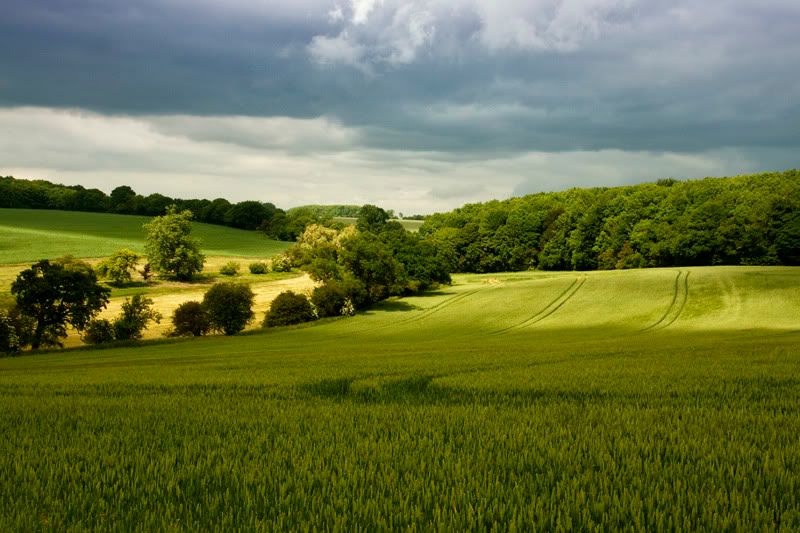
I was out today testing out my new lenses and the cloud was making some beautiful light. I got a couple of shots off and have since processed them but, like most day shots, they look terrible. I just seem to have an inability to process landscapes not shot after sunset... :p

Yeah the strong light may have a little to play but I was wondering what you guys could do to the same (slightly under exposed) file, see if I can get some tips. :D

Anyway, the RAW file for you to play with if you're interested. :)

And my attempt:

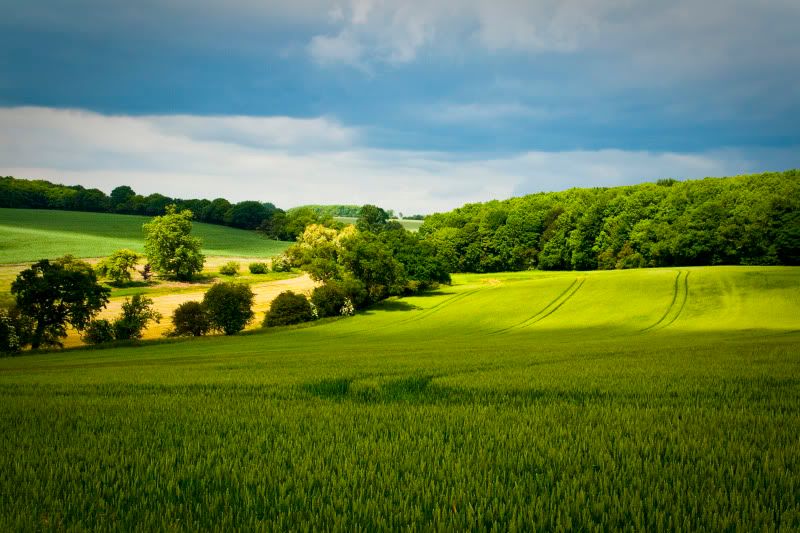
4714556479_79cb654a75_b.jpg
 
I'm rubbish at PP, but I've spent 10 mins of my life trying to PP here. It's not the greatest, but like I said I hate pp'ing.

Nik Color efex + levels
img5333s.jpg


On another note, it helps when you get excellent lighting like this!!!!!!!!!!!!!!!!!!!!!!!!!!
 
dl.aspx


This is what i came up with.

Auto levels, contrast, colour (came out rubbish) so added some more contrast, adjusted the hue to green a touch, increased the saturation. Applied magic wand to all the sky then adjusted the hue to blue / cyan for the midtones and highlights to bring it out a bit more.
 
The first 2 attempts have just sucked all the life out of the dramatic clouds. One even attempted to turn the cloud to clear sky. :\

It is a difficult image not to go overboard on though.

My attempt is to keep the basic idea of the original, but bring out a touch more drama in the clouds and add a bit of saturation and contrast.


If you want, right click > save target as for the .tif at original size.

Tweaked a curves, exposure, brightness and contrast in the .raw, then levels and vibrance in Photoshop, then used a layer mask and tweaked added a touch more contrast and lowered the brightness in the sky.
 
I'll join in. Better raw material than the usual "fix my photo" that we get.

Amp-landscape.jpg


Contrast, saturation and exposure up a bit. Recovery and Blue saturation up a lot to bring the sky out.

Cropped to take the boring bit of sky out and to balance the curve of the hedges in the middle distance against the curve of the tracks in the foreground.

Andrew
 
I'm rubbish at PP, but I've spent 10 mins of my life trying to PP here. It's not the greatest, but like I said I hate pp'ing.

Nik Color efex + levels
img5333s.jpg


On another note, it helps when you get excellent lighting like this!!!!!!!!!!!!!!!!!!!!!!!!!!

My fave; the light in the middle is very inviting and warm.
 
Some stunning processing going on in here, makes my original look very boring. :D

Going to have to steal a few ideas and have another go at it. I really need to try and get some daytime processing going, it's a little annoying than the only good shots I have are after sunset... :p

The trouble I always have with this sort of shot is either going too contrasty and having large areas of black or going too flat and ending up with what my first go looked like, or worse, a bit of both :confused:.
 
Last edited:
had a quick go to. Have to say I really like possesed PP, the colours are great.

test02p.jpg
 
Last edited:
I had a minute, so I played with it too...
IMG_5333-1.jpg

I have the PSD file if you want.
What I did was edit the contrast, brightness, saturation and sharpness for the sky and foreground separately. Then I do 2 colour filters, the sky had a dark blue filter and the foreground had the green filter, to bring out the colours. I finished it off with a slight (10%) output sharpening. I take it it's your new 17-50mm Tamron? Very cool!
 
1st post in the photography section for me. I'm pretty new to it all having recently taken it up as a hobby so thought I'd have a play around with the OP's Raw file & see how I get on. I must say I'm loving the learning part of all aspects of photography so far.

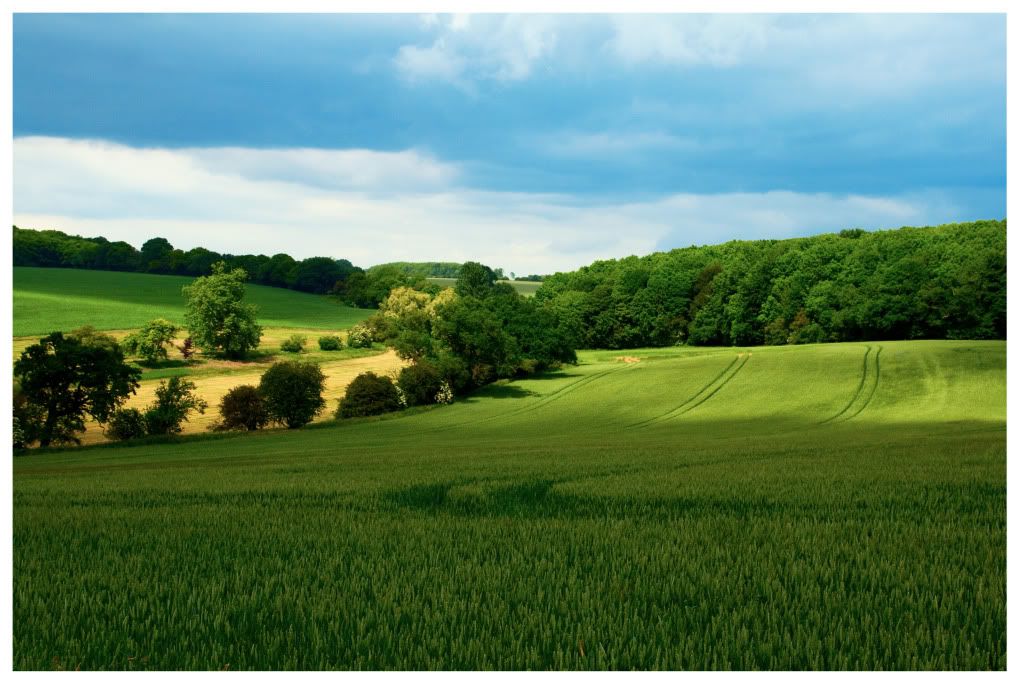
Any C&C would be greatfully received (The border was a very quick job & I'm aware it is nowhere near perfect).

landscape.jpg


Basically just messed with levels & curves in LAB mode rather than RGB, using the opacity slider to find a balance before altering the saturation/vibrance on the sky seperately.
 
I had a minute, so I played with it too...
IMG_5333-1.jpg

I have the PSD file if you want.
What I did was edit the contrast, brightness, saturation and sharpness for the sky and foreground separately. Then I do 2 colour filters, the sky had a dark blue filter and the foreground had the green filter, to bring out the colours. I finished it off with a slight (10%) output sharpening. I take it it's your new 17-50mm Tamron? Very cool!

I like that, got a bit of the atmosphere that was there at the time. :)

Yeah, this was with the 17-50, nice little lens and tiny compared to the 24-70 it replaced!

I didn't think of using a green filter, good idea.

Anyway a second go I did last night, think it still needs pushing however.

4716580183_998bd1fdbc_b.jpg
 
Nice. :)

And my third (and final one, maybe..):

4725733800_3fe41ab061_b.jpg


And just as something different:

4725083225_8871e876be_o.jpg


And a pano taken at the same time:

4725083415_1bac310005_o.jpg


Any suggestions on which is the better? :)
 
Back
Top Bottom