i7 Build Mini Blog....

Associate
Joined
31 Aug 2010
Posts
30
Hey guys as my new build parts have started coming through the door ive decided to do a little blog to let everyone (who cares) know how my first full build went and hopefully it might help other people who also wish to do a similar thing, for the best prices ive ordered the parts from 3 suppliers, heres the spec:

CPU: Intel Core i7 950 3.06GHz (Bloomfield) (Socket LGA1366)

GPU: Gigabyte GTX 460 OC 1GB GDDR5 OC Edition Graphics Card - £172.99

MOBO: Asus P6X58D-E Intel X58 (Socket 1366) DDR3 Motherboard - £149.99

RAM: Geil Black Dragon 6GB DDR3 PC3-12800C8 (1600MHz) Triple Channel x 2

HD: Samsung HD103SJ Spinpoint F3 1TB Hard Drive SATAII 7200rpm

CASE+PSU : CM Storm Scout + Coolermaster Silent Pro 700w Modular PSU

CPU COOLER: Arctic Cooling Freezer 7 Pro Rev 2 CPU Cooler

SSD : Crucial RealSSD C300 64GB 2.5" SATA 6Gb/s Solid State Hard Drive

OPTICAL: Samsung SH-S223L/RSMN 22x DVD±RW SATA Lightscribe ReWriter

MOUSE/KEYBOARD: Microsoft Wireless Comfort Desktop 5000 - USB 2.4Ghz

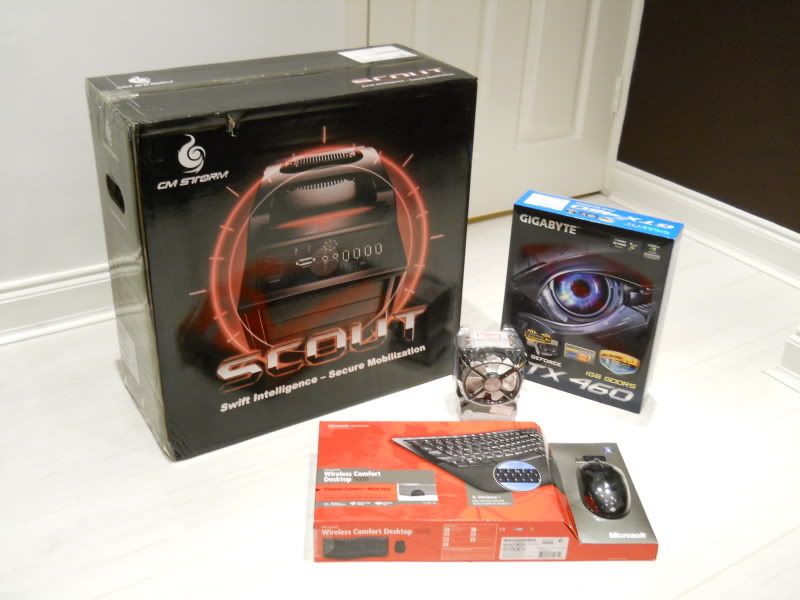
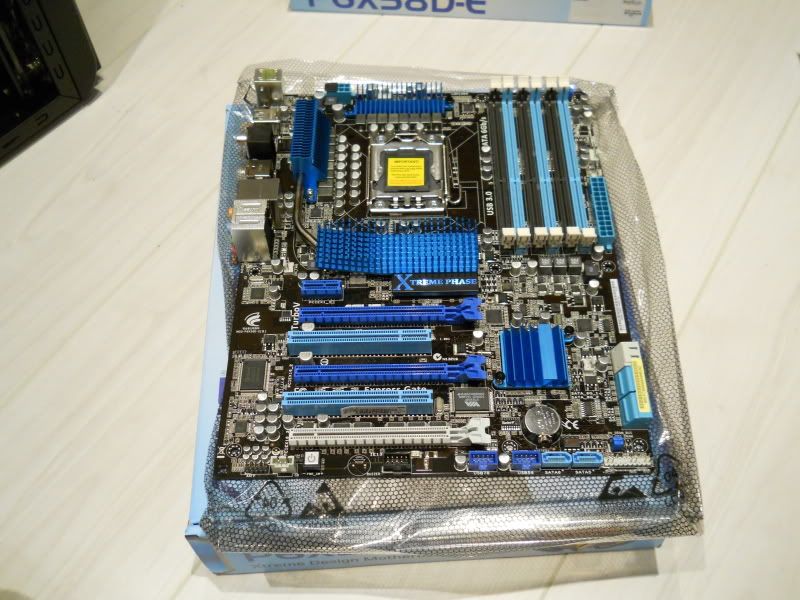
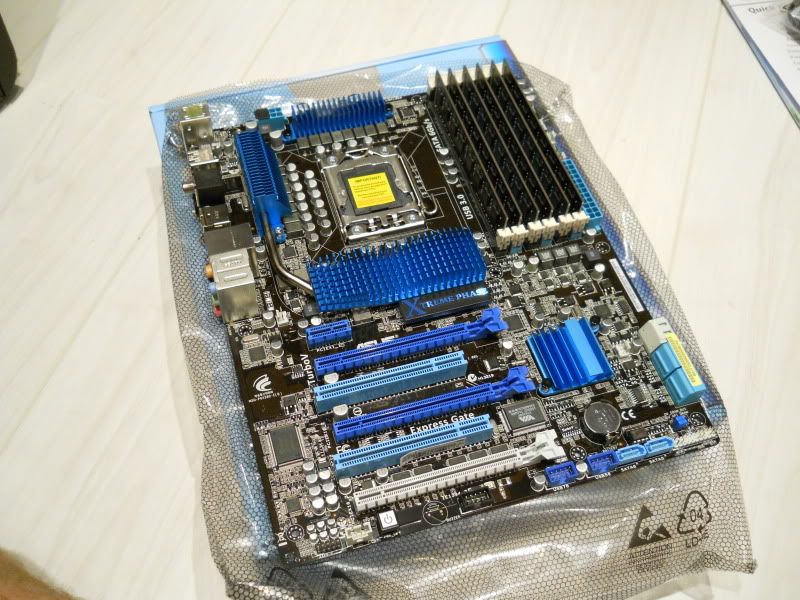
heres whats arrived so far....
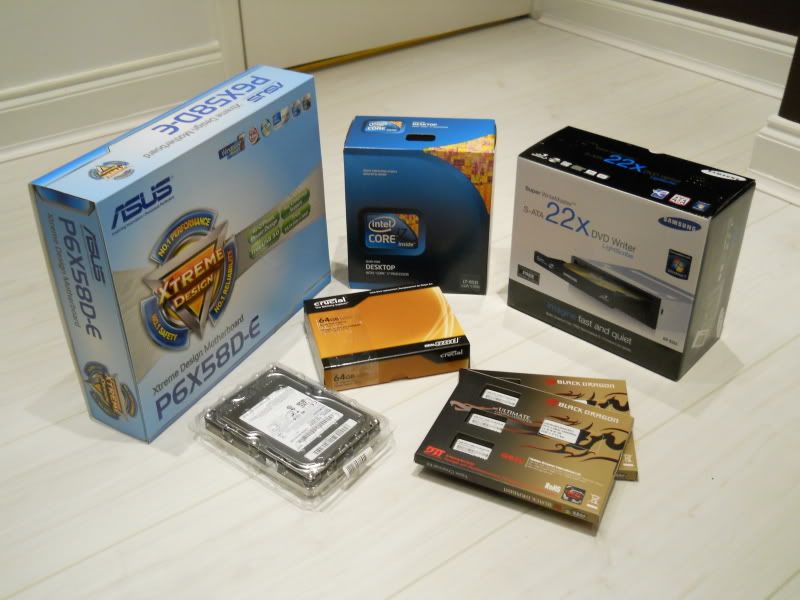
DSCN0006.jpg


Thanks - Adam
 
hiya mate, should be ordering mine this weekend, already got my case thanks for that. hows it goin with yours? has it come today?
 
Well the final parts arrived on friday and the build began straight after work....

DSCN0014.jpg


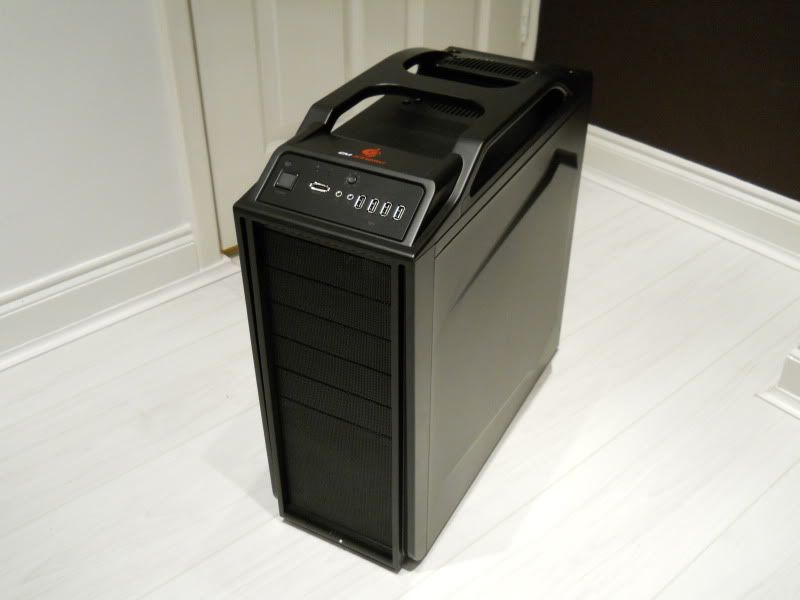
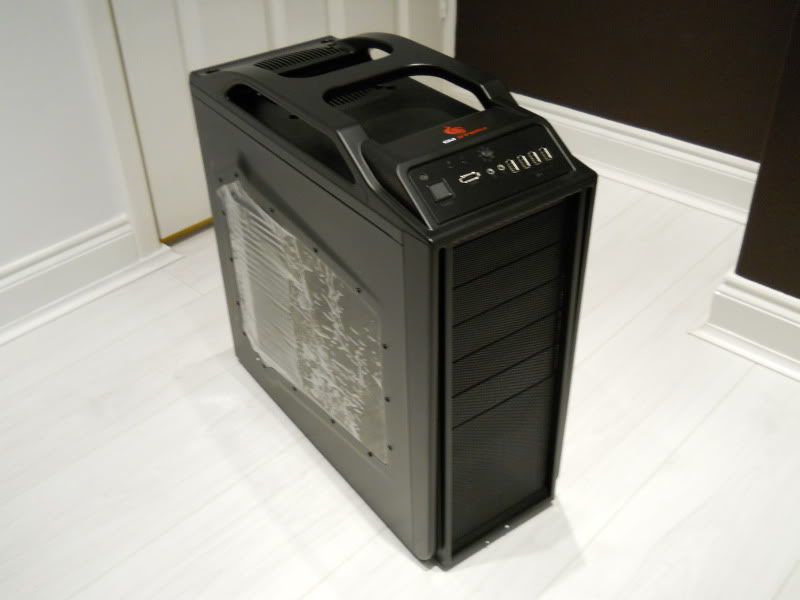
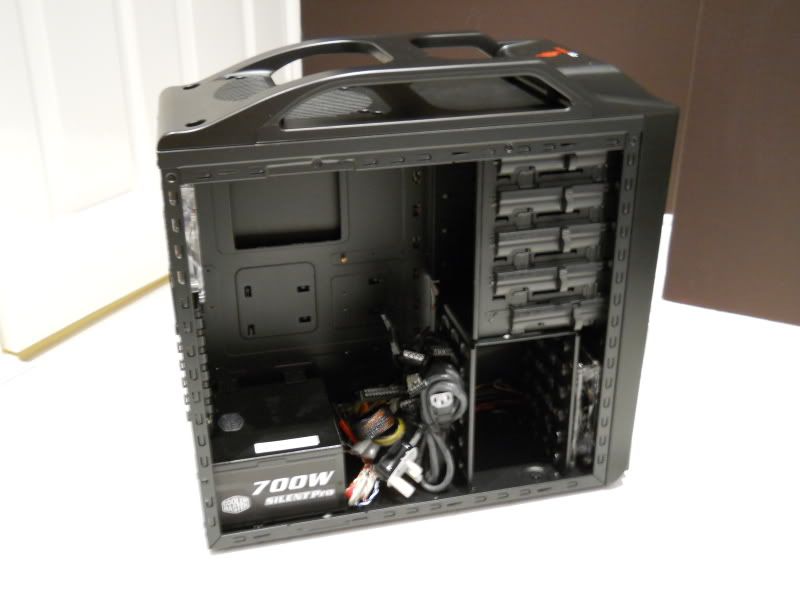
Heres the Coolermaster Storm Scout case...

DSCN0016.jpg


DSCN0017.jpg


DSCN0019.jpg


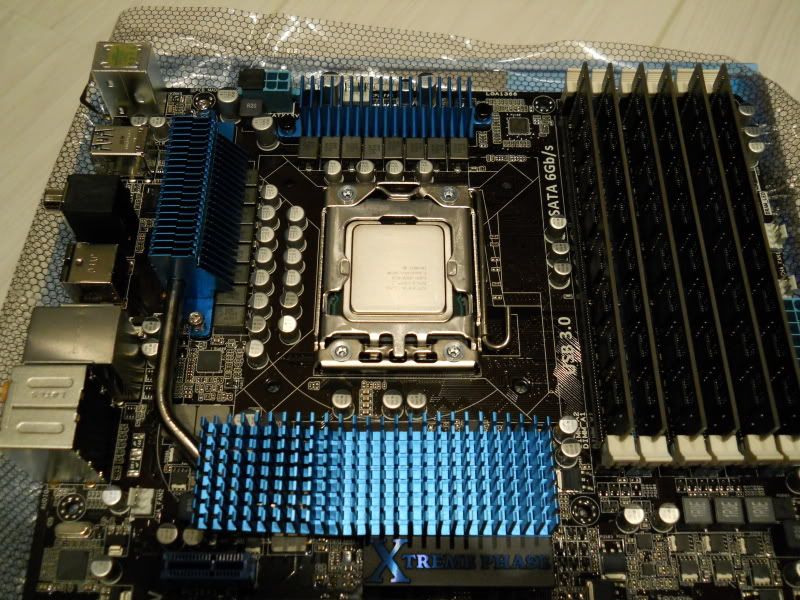
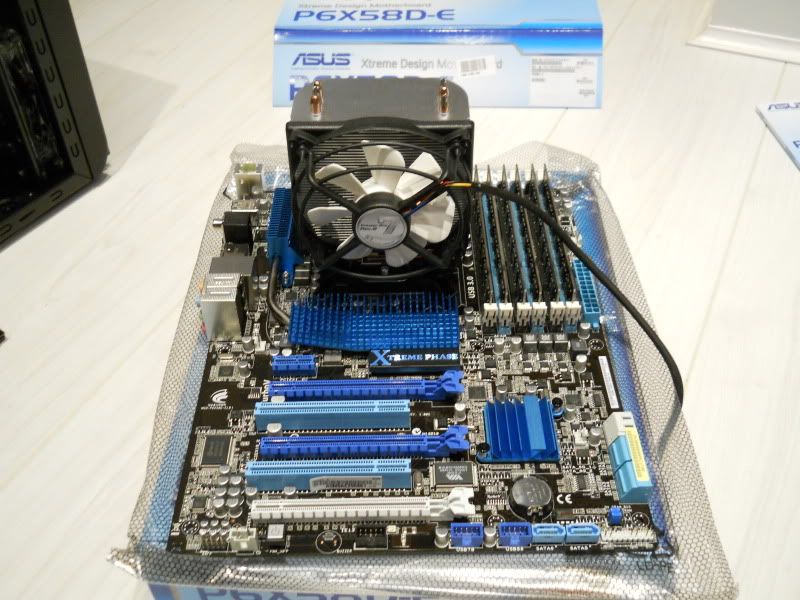
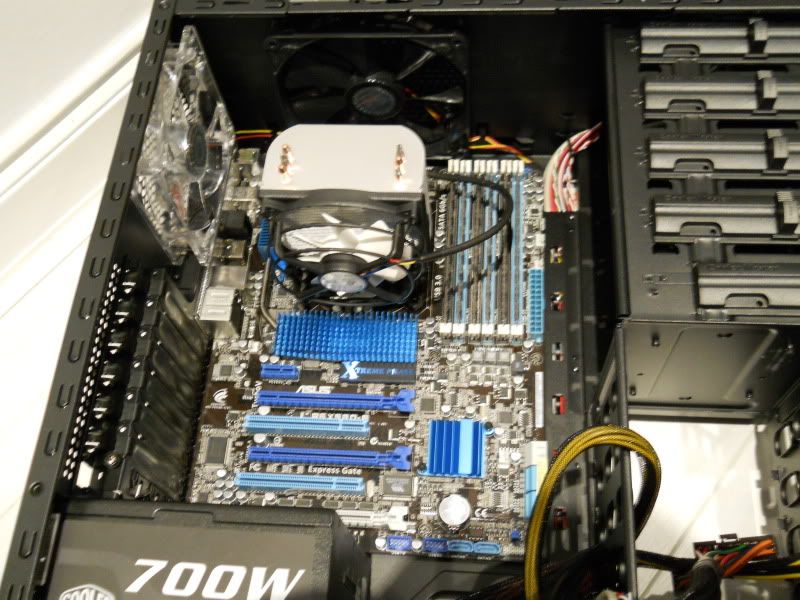
Heres some progress pics...

DSCN0020.jpg


DSCN0021.jpg


DSCN0022.jpg


DSCN0023.jpg


DSCN0024.jpg


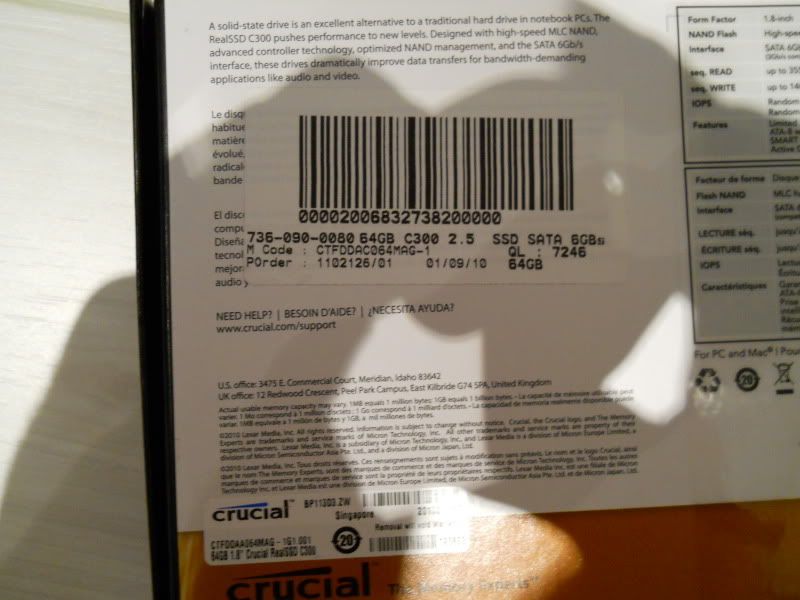
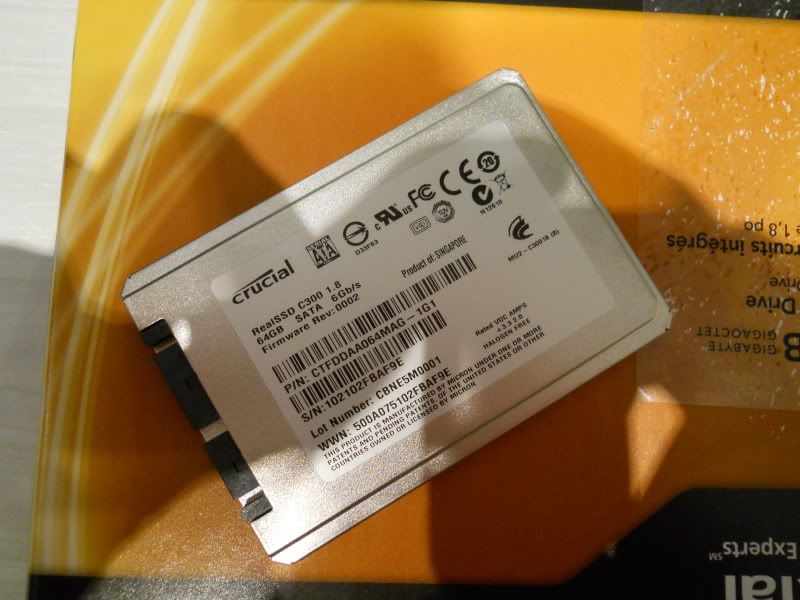
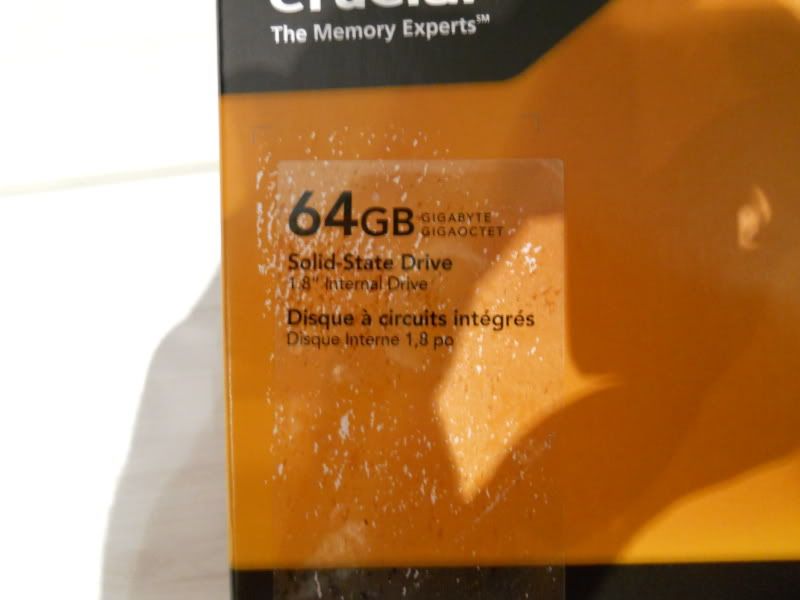
I went to fit my Crucial C300 SSD and realised something wasnt quite right when i couldnt get it to connect to the psu or fit properly in my case. I realised that id been sent the 1.8" laptop version instead of the 2.5" alternative even though it stated it was the 2.5" version on the suppliers box label..... i knew i should have just paid a bit more and got it from OCuk.

DSCN0028.jpg


DSCN0032-1.jpg


Had i been more aware and knowledgeable i could have read it was the wrong one as it was labelled as the 1.8" version on the front, id just assumed it was the correct one and at the time didnt realise there were different versions. As it wasnt the item i ordered from the supplier im hoping i will be able to get a full refund.

DSCN0027-1.jpg


I have now ordered the same drive from OCuk and await its delivery on Tuesday, it cant come soon enough! - Adam
 
Ive ordered all mine from OCuk, apart from the case which came on thursday still in the box, mine gets delivered tuesday, I know what you mean mate!!!
 
Ive ordered all mine from OCuk, apart from the case which came on thursday still in the box, mine gets delivered tuesday, I know what you mean mate!!!

Yours will be built before mine at this rate and i ordered mine a week earlier ha.

If the box is in good nick. They'll refund you. They refunded me on my CPU, with a pretty mangled box. :)

This is good news! thanks.

Couple of questions guys....

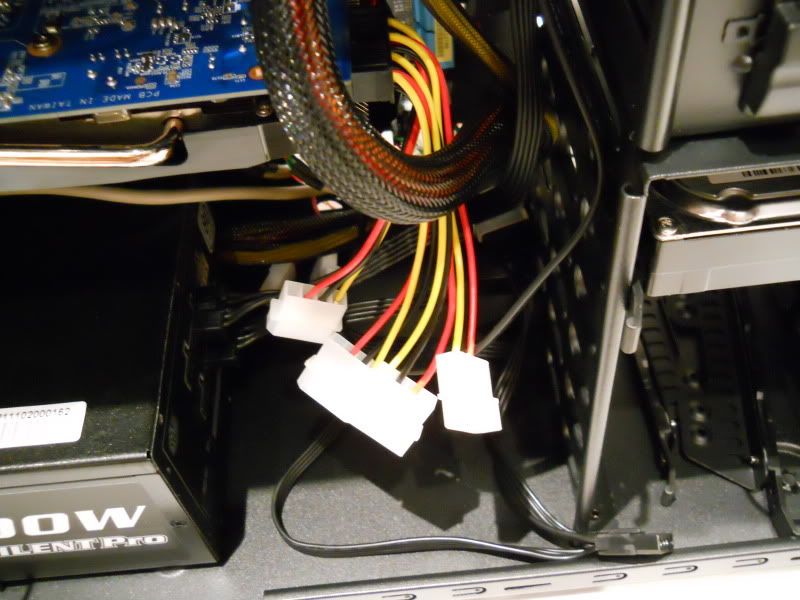
Ive plugged two 6pin PCI-E cables into my graphics card and it leaves me with four 4pin molex sockets, do i have to plug all four of these into my PSU....

DSCN0035.jpg


and....

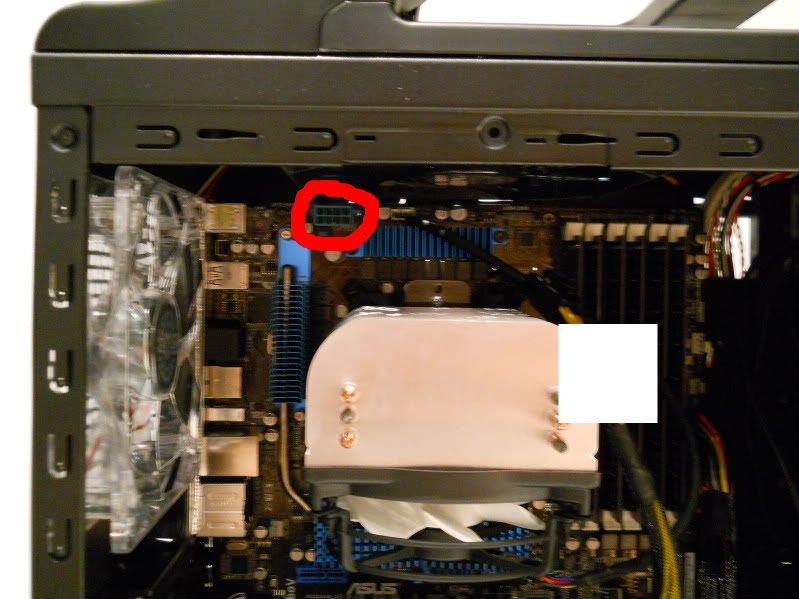
regarding plugging my PSU into my motherboard ive plugged the 24pin cable in and its left me with an 8pin cable which splits into two 4pin sockets at the end, on my motherboard where i connect this to 4 of the pin holes were blanked off by a cap heres a photo with the cap removed....

DSCN0047.jpg


do i leave it blanked off and just plug one of the 4pin sockets in or do i remove the cap and plug all 8 pins in? thanks guys any feedback would be much appreciated - Adam
 
plug all eight in to the motherboard.

and doesn't your psu have atleast one pcie connector? for the graphics card, you should only have to use one of those adapters at worst case scenario
 
Last edited:
plug all eight in to the motherboard.

and doesn't your psu have atleast one pcie connector? for the graphics card, you should only have to use one of those adapters at worst case scenario

Thanks for the feedback Stulid much appreciated, my psu has 2 PCI-E sockets but the only cables i got with it are the 8 pin PCI cables which are split into one 6pin plug and one 2pin plug at the end, could i use both these and just leave the 2pin plug part off? thanks - Adam
 
HAHA ill race you, keep pics coming mate coz im clueless when it comes to what cables go were, i opened my case seen how many cables there were and closed it and put it back in the box it came in, worry about it when my bits come. that pic about the pci cables mate what did you do in the end? what 2 did you use? and what one is left dangling? circles will do haha sorry but im gonna be bogeying you when im building mine haha
 
oh and i bet your tempted to just install windows on your HDD to get it up and running while you wait for your SSD, correct me if that hasnt crossed your mind :)
 
that pic about the pci cables mate what did you do in the end? what 2 did you use? and what one is left dangling?

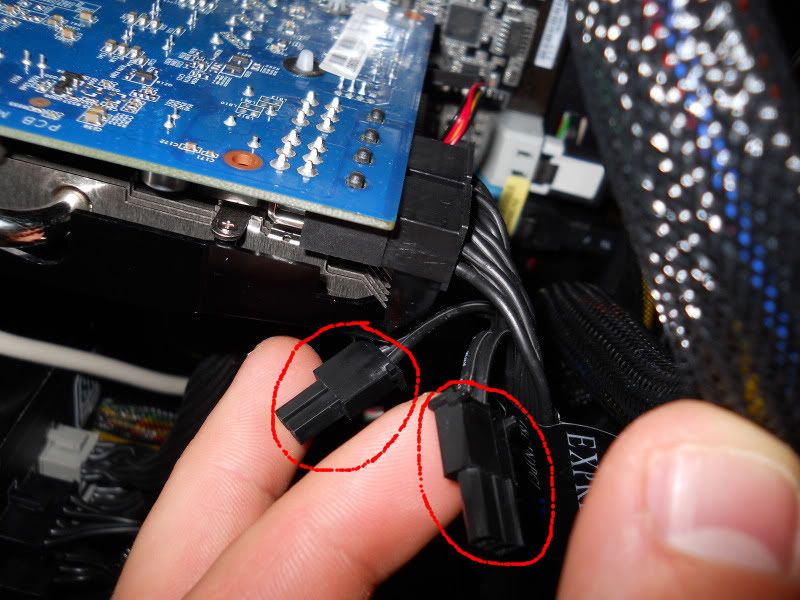
I didnt use the molex connectors that came with the graphics card in the end, i just used both 8PIN PCI cables that came in the case and left the 2 pin part dangling as seen here....

DSCN0048-1.jpg


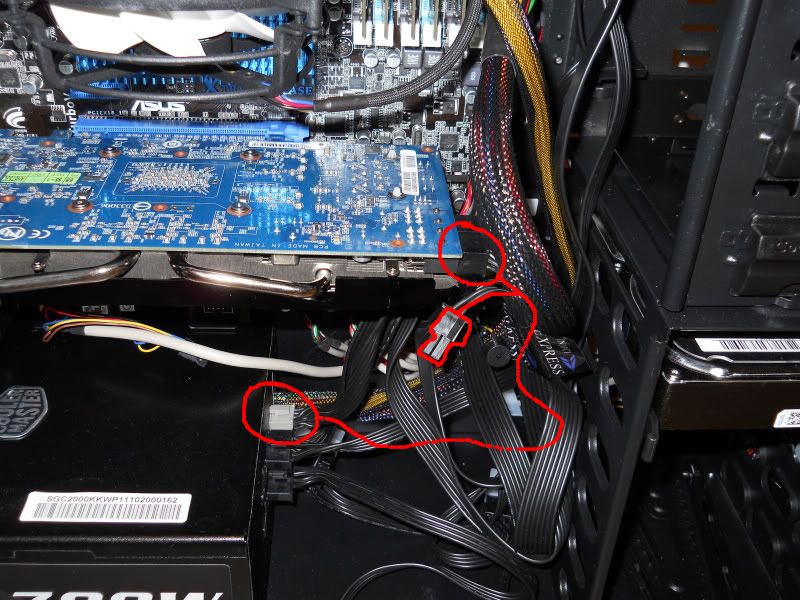
Here you can see the other end plugged into the PSU, the cables are easy to spot they are the ones that have one 6PIN grey plug on the opposite end, ive highlighted one cable (6PIN grey plug, 6PIN black plug and 2PIN dangley bit)......

DSCN0050-1.jpg


oh and i bet your tempted to just install windows on your HDD to get it up and running while you wait for your SSD, correct me if that hasnt crossed your mind :)

HAHA it was very tempting, it was the first thing i thought when i was gutted about my sdd, i realised it would cause more hassle than its worth in the long run so ive waited.... not long now got despatch notification from OCuk today - Adam
 
haha cheers for that mate, ive just had my box out all cables lying there, theres millions of them haha, got ya about the pci-e cables thats easy enough i take it all the other black cables that cam with the case are for all the drives, SSD and HDD, and the cables coming out of the psu are for the motherboard, just wondering what the 2 x 4pin connectors are for with the black and yellow cable coming out of the psu?
 
also there are 2 molex connection in the case with nothing connected to em what r they for? damn there are loads of wires that i dont know what they are, the one with pink cable and theres 2 more molex connectors, ah theyre off the fan but i cant work out how they connect up and where to,
 
Back
Top Bottom