


Something I've been working on for a little while. All finished now. It's a bit quick-n-dirty but does the job and looks cool.
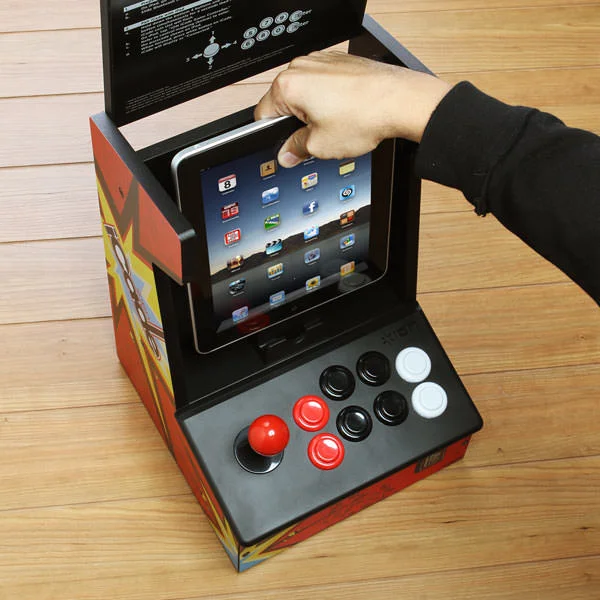
I had an old iCade in the loft so I thought I'd see if there was anything I could do with it. It didn't seem to work with never versions of iOS so a project was born.
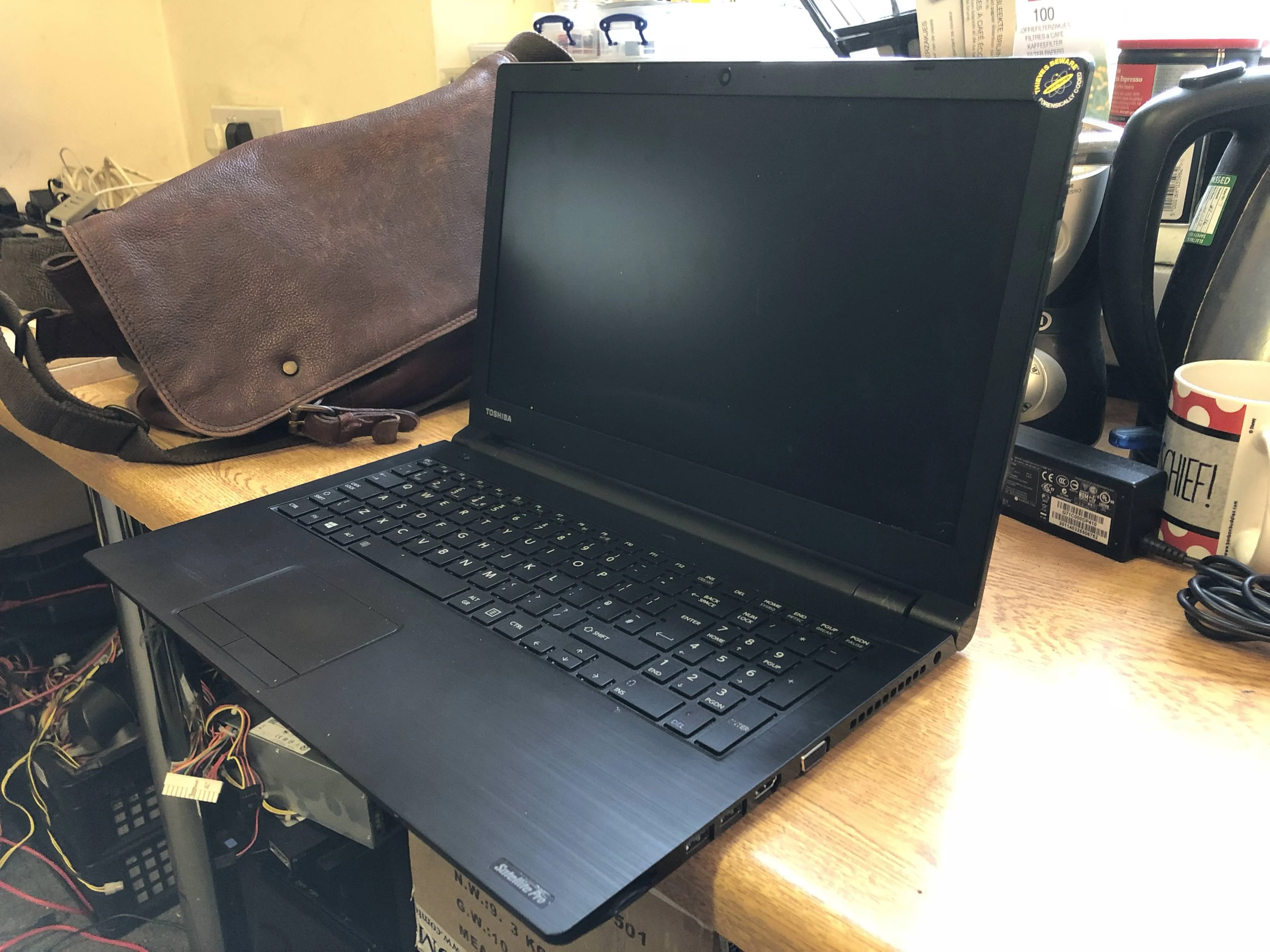
I had this Toshiba laptop kicking around that had a damaged casing.
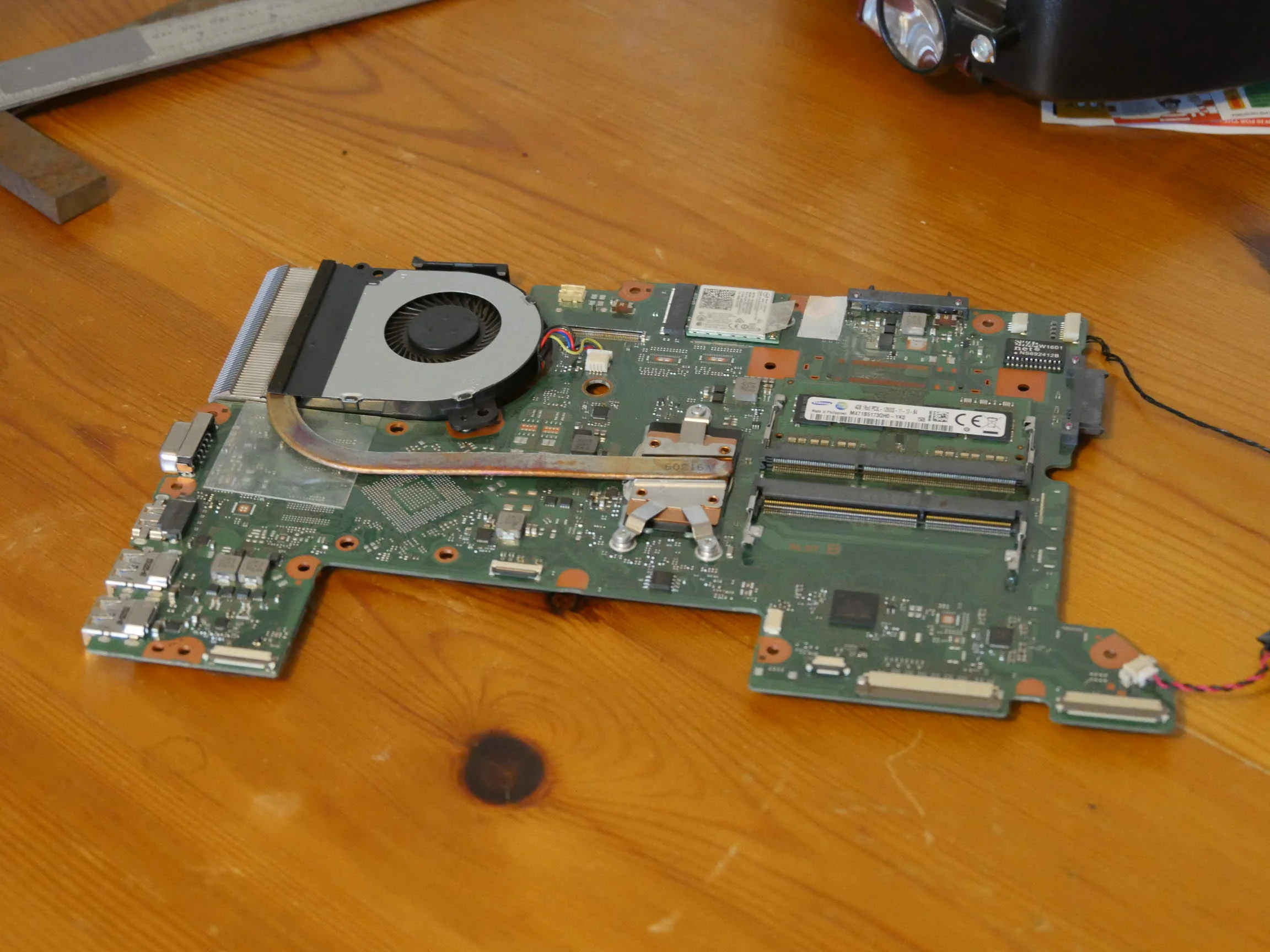
Mainboard from the laptop stripped
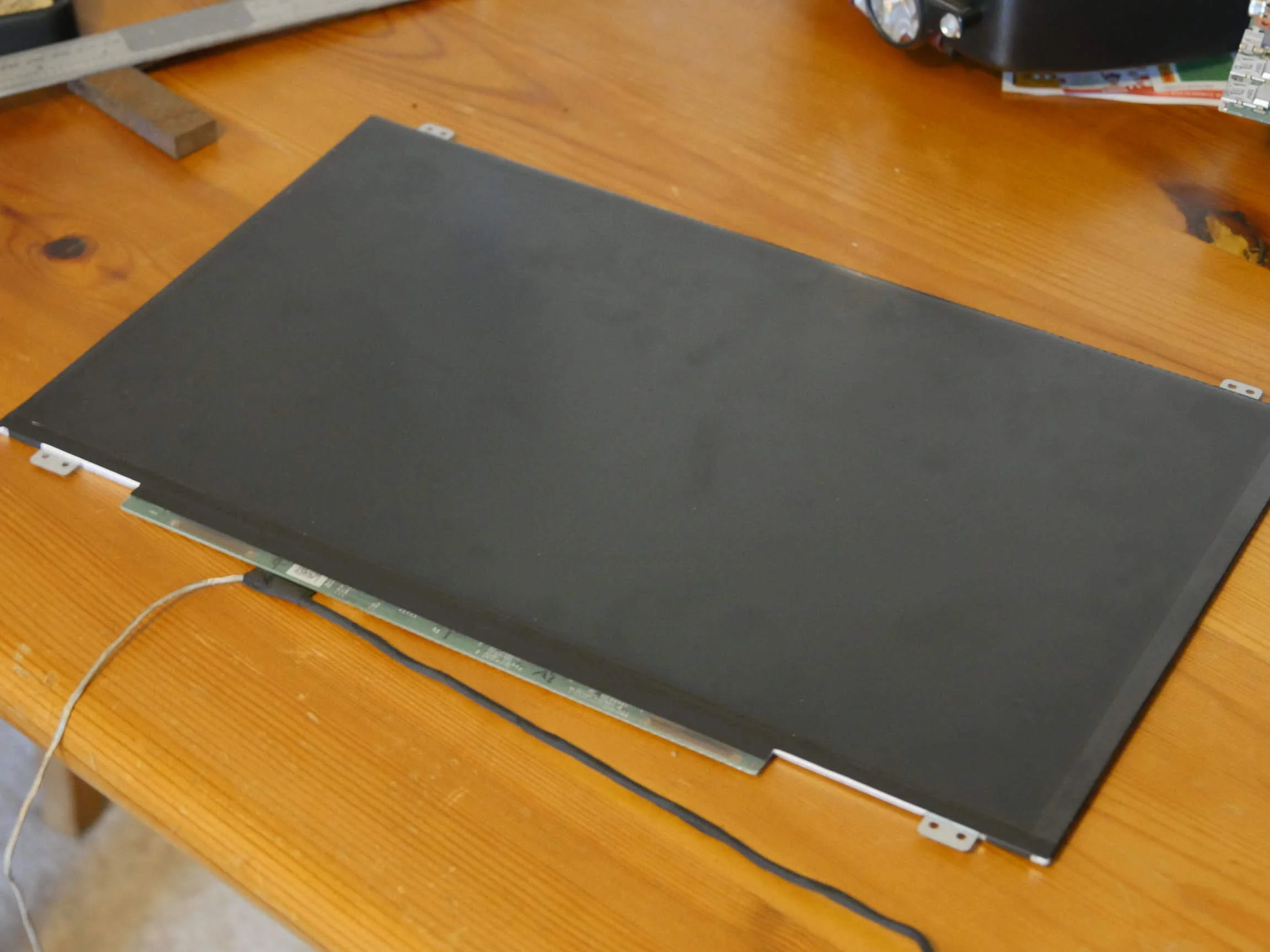
Screen stripped from casing. It's LED so should be fairly low power and heat
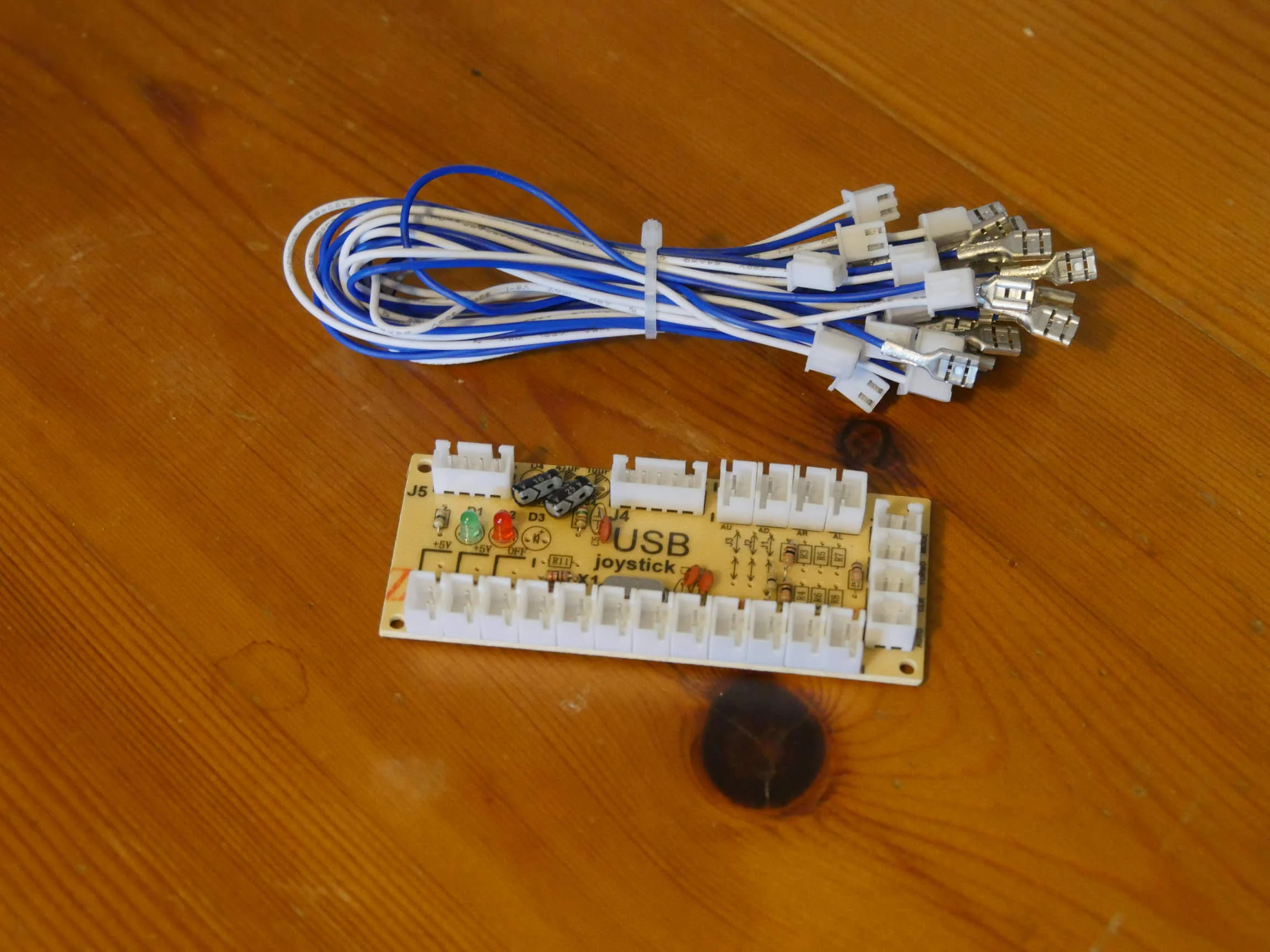
USB joystick controller
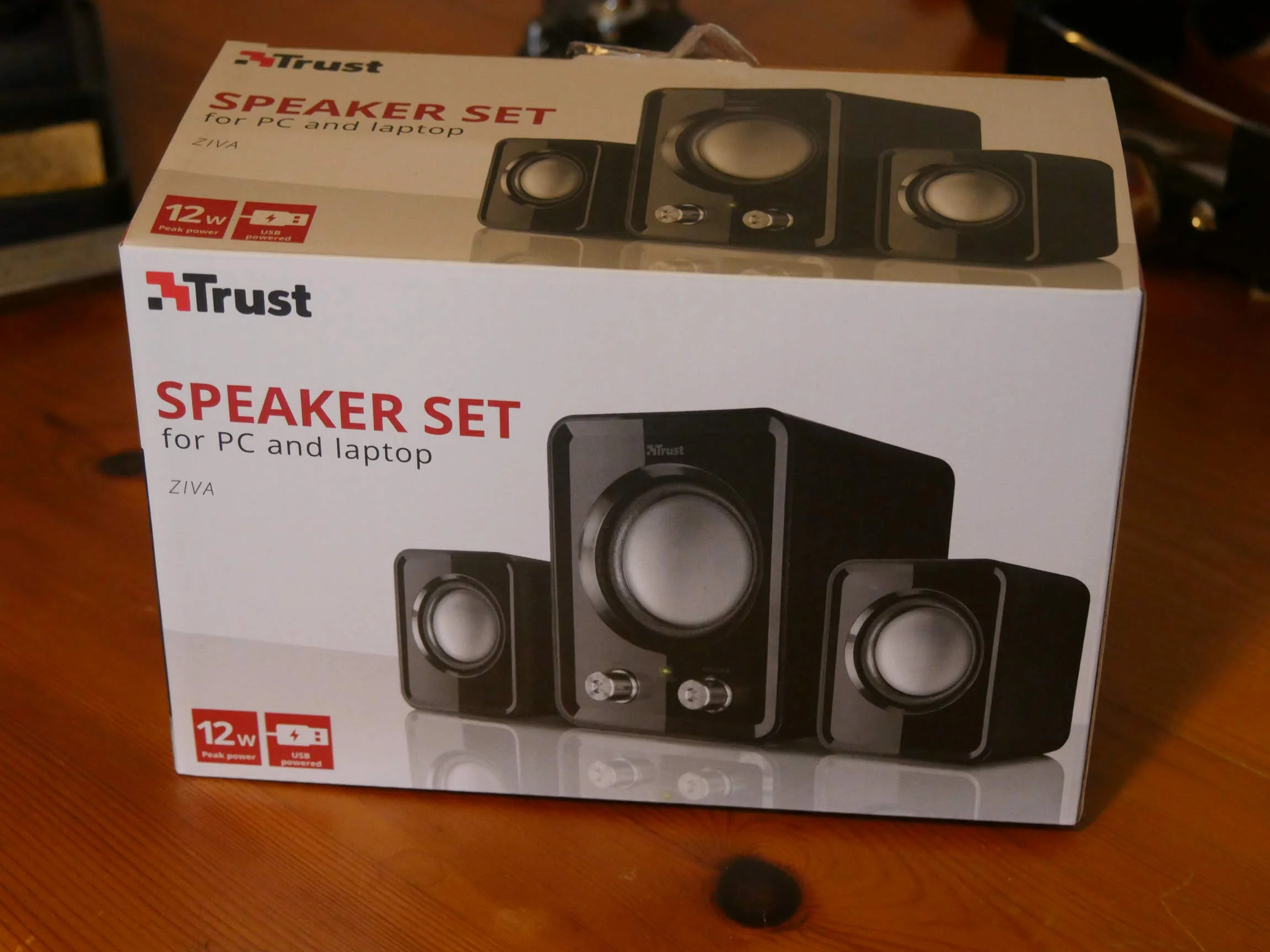
Some crappy speakers that are USB powered. Should be good enough.
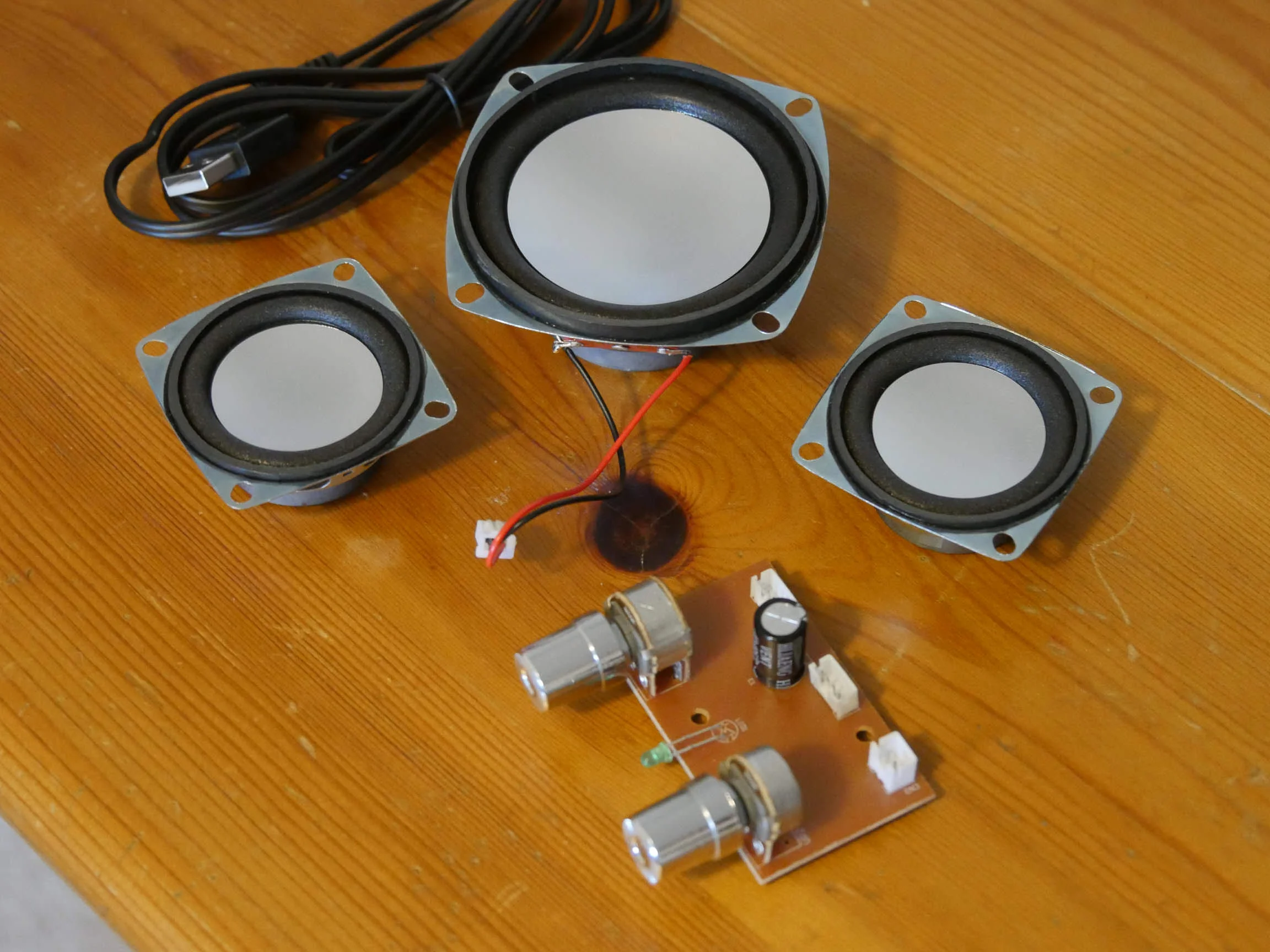
Speakers stripped.
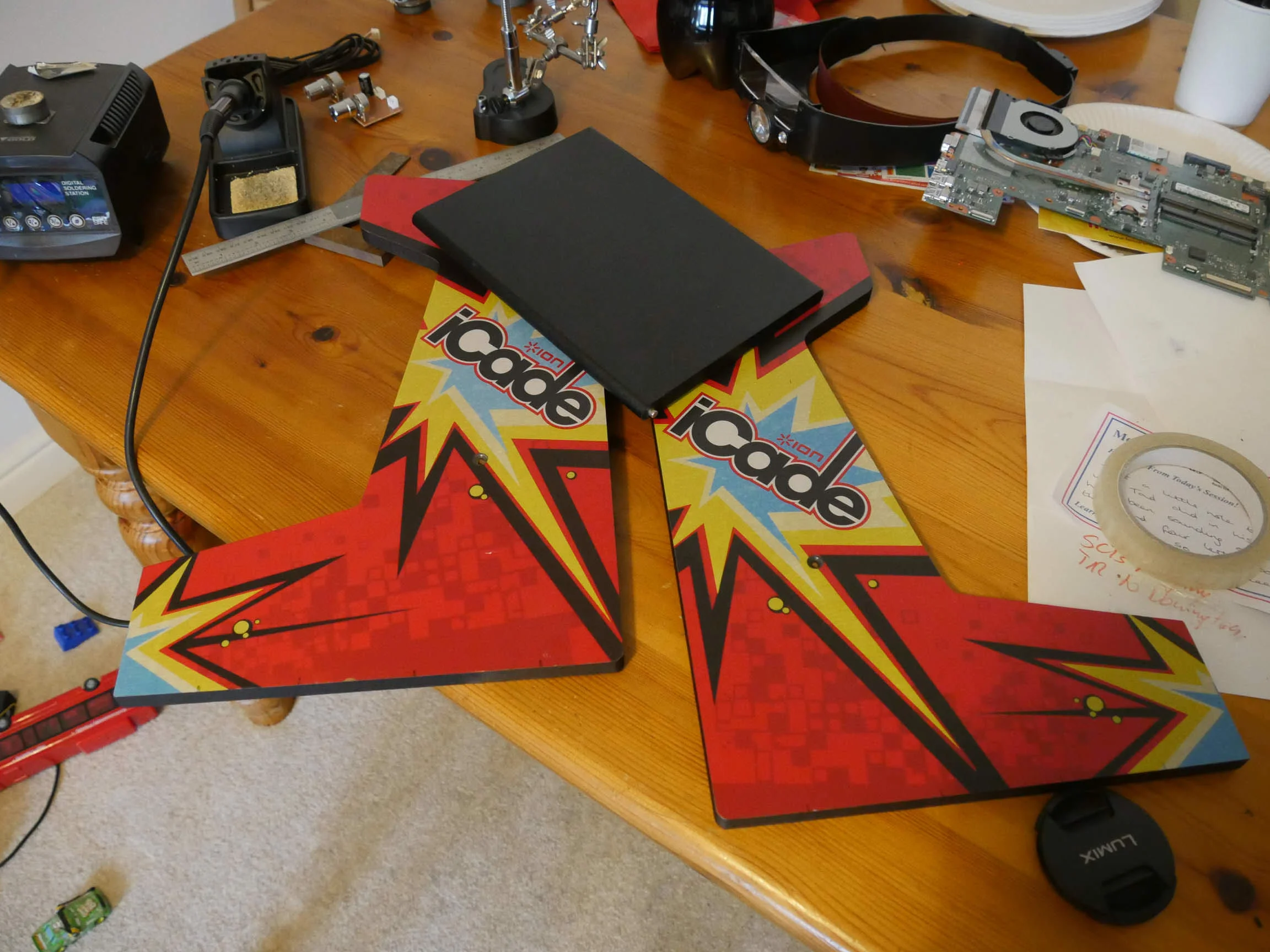
iCade cabinet stripped
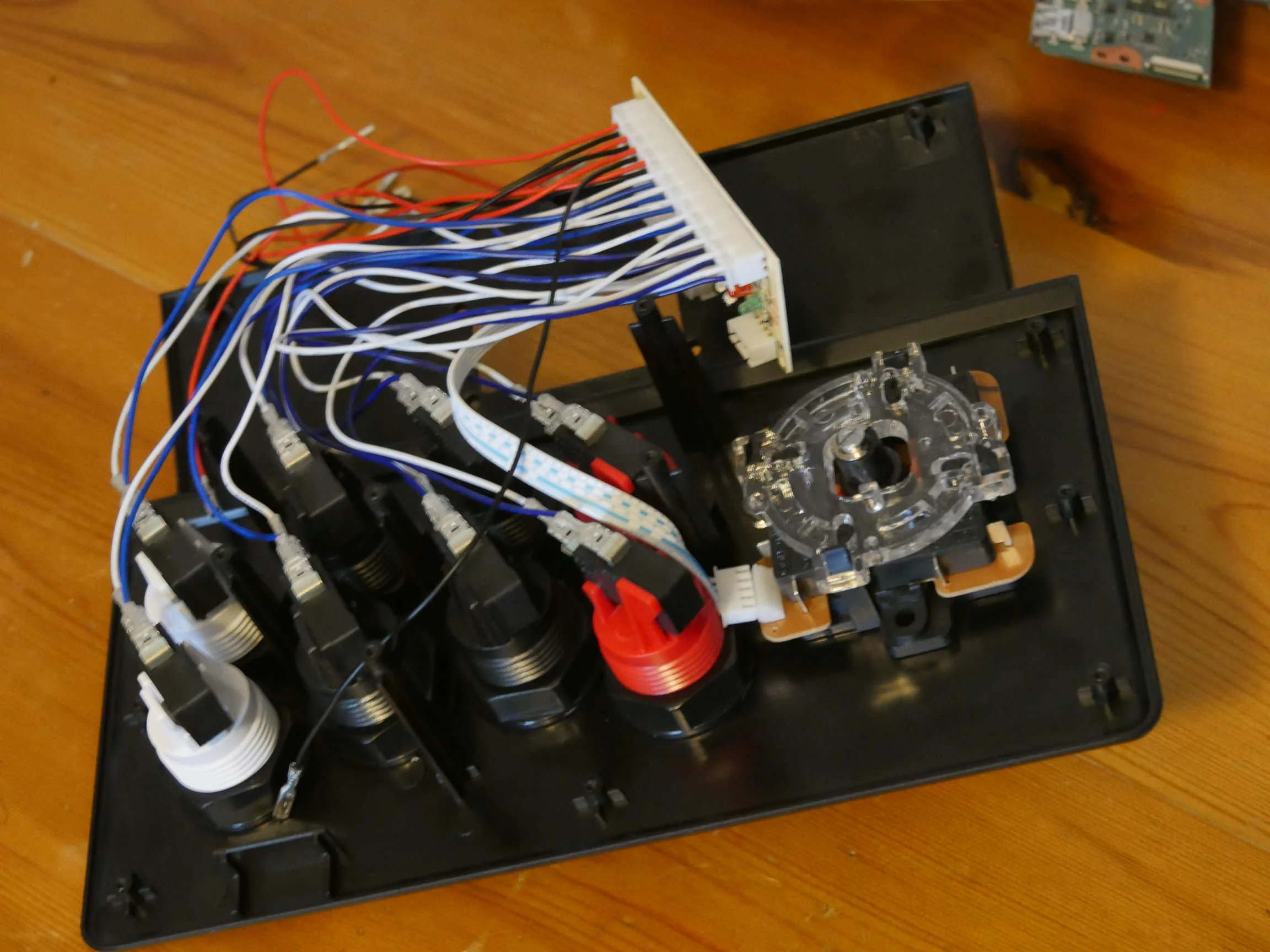
A quick test fit of the joystick controller. No issues here.
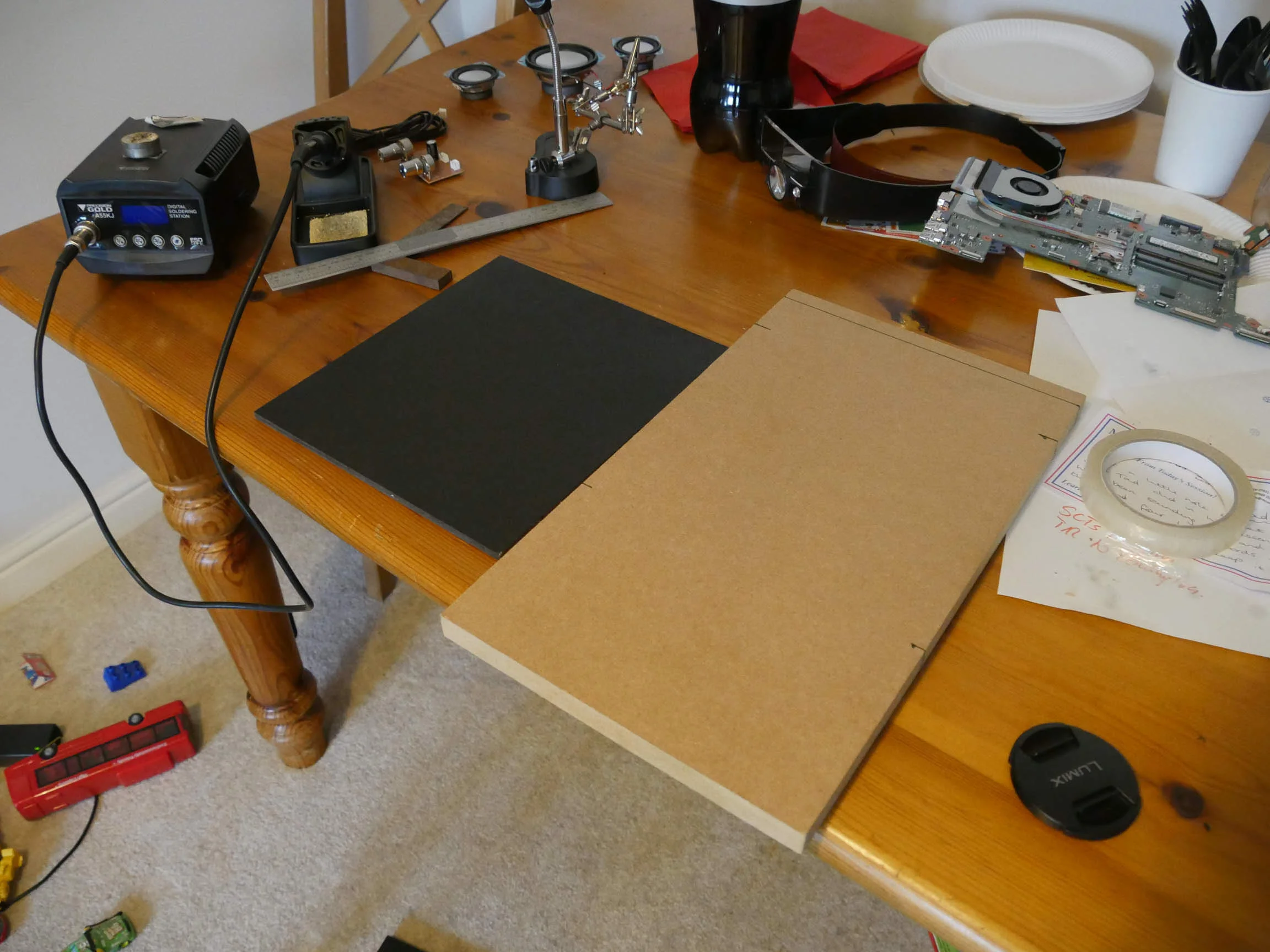
I cut out some MDF panels to make the iCade enclosed. It's all open as it comes which was no good for my project.
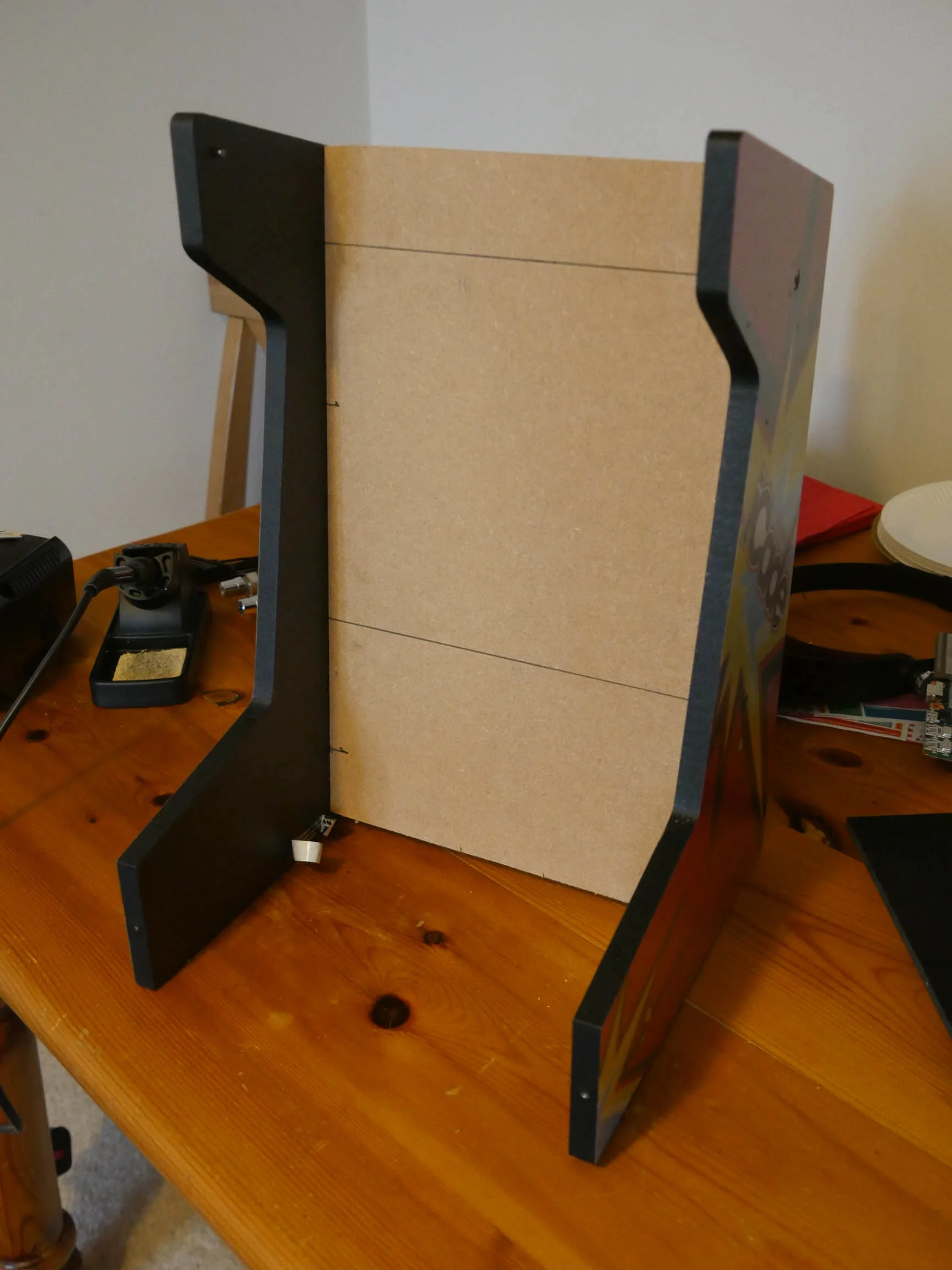
Screen panel test fit. Looks good.
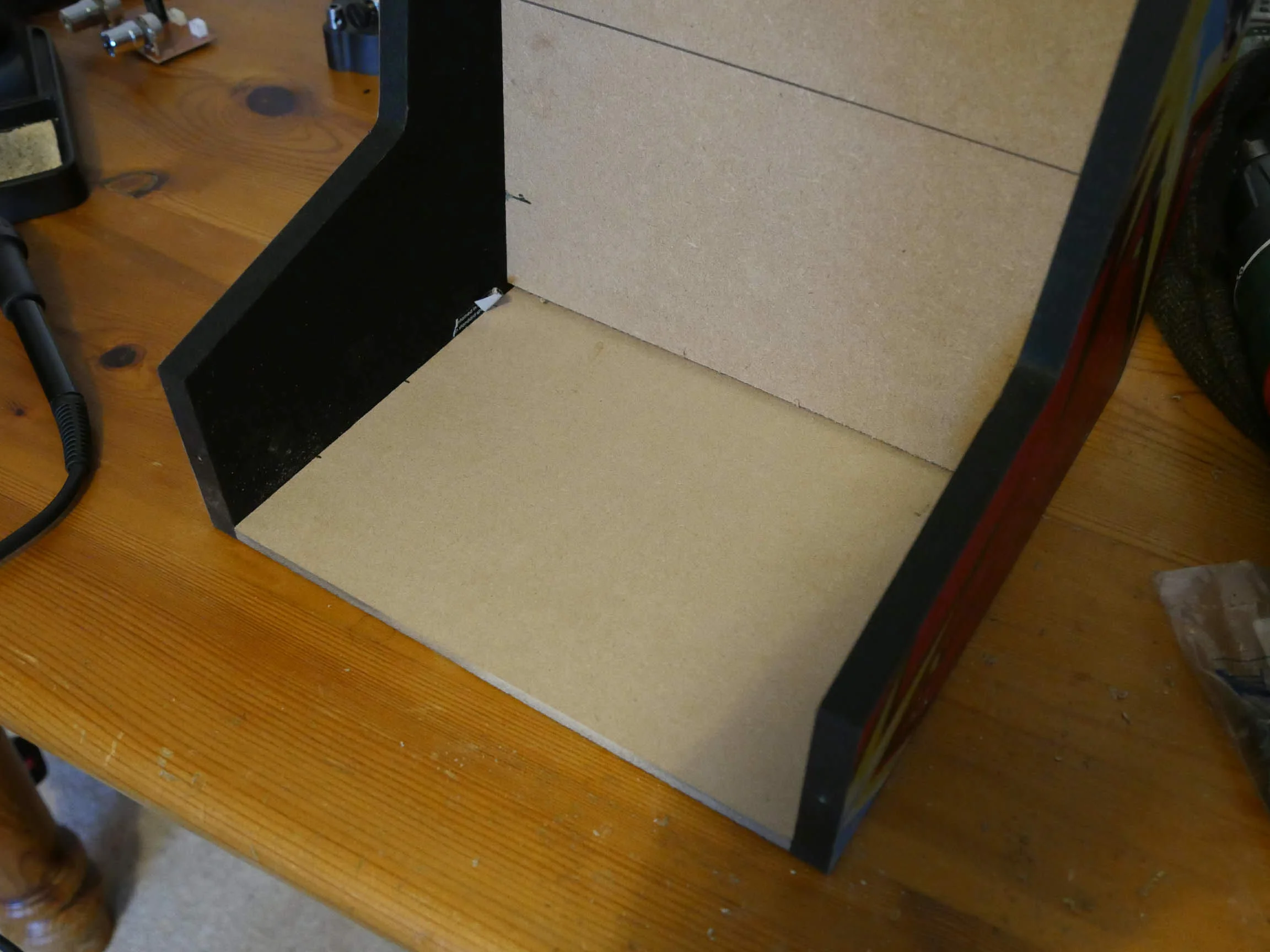
Base panel test fit. Also good.
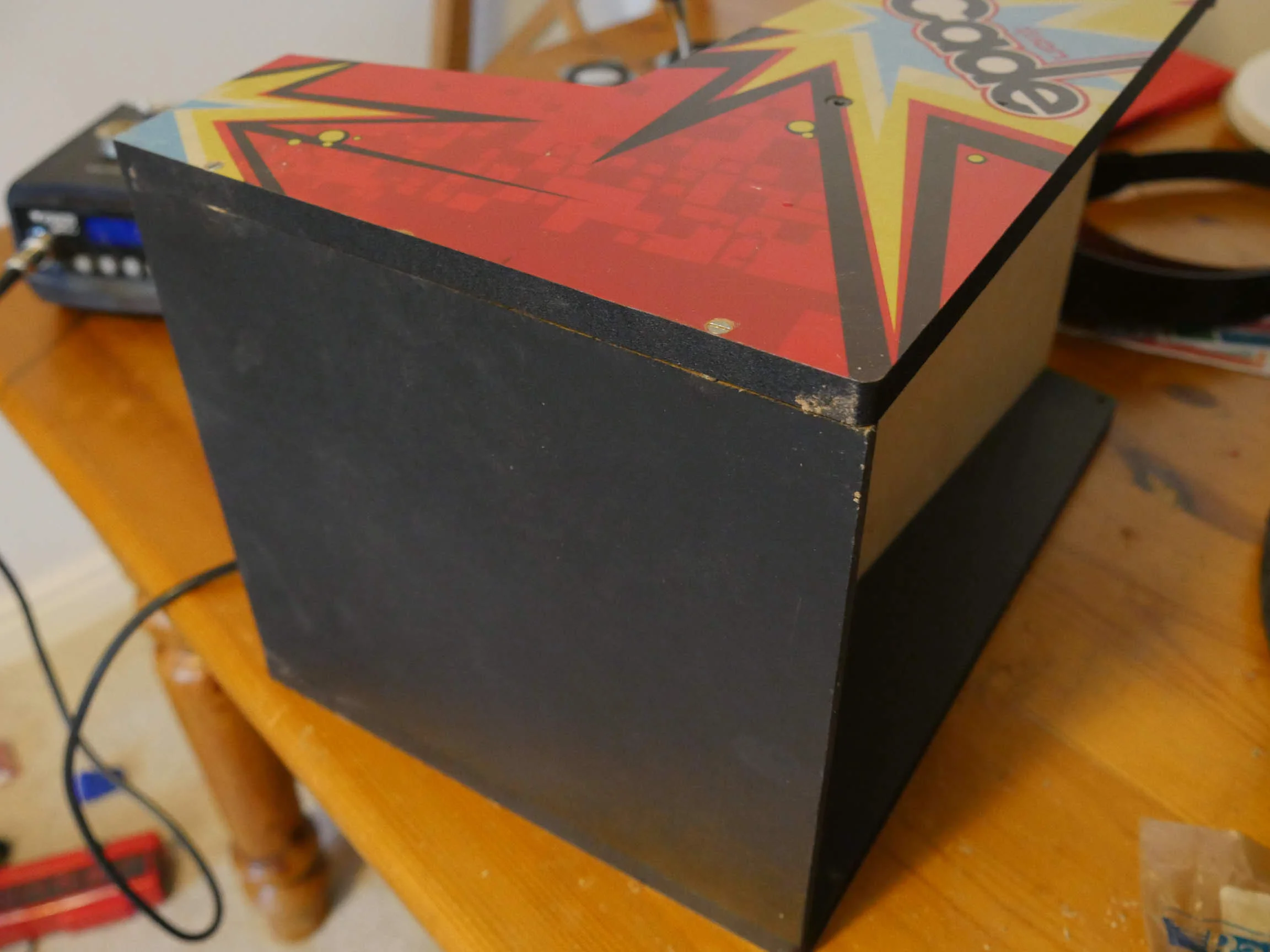
Gave it a quick spray with some satin black.
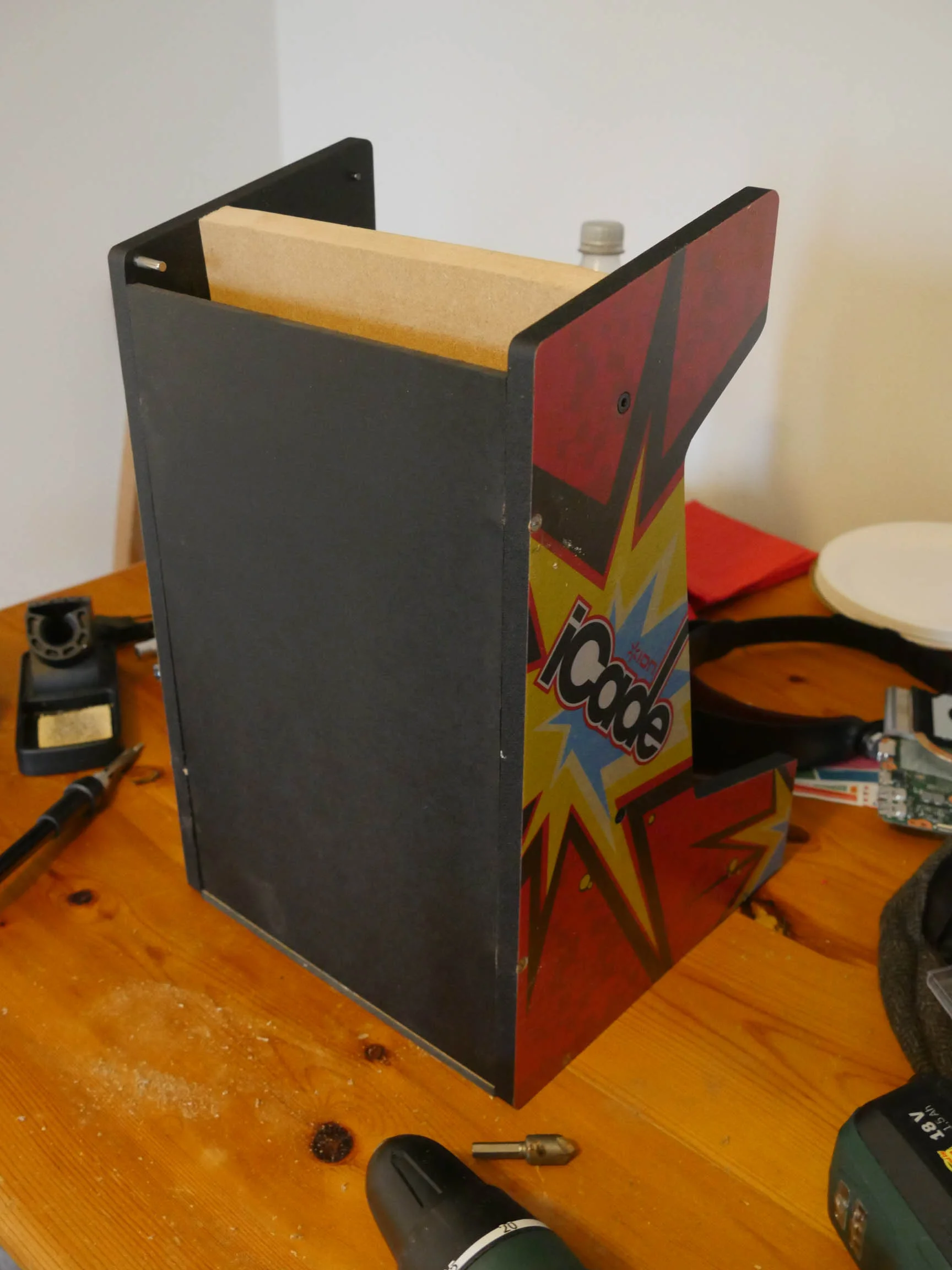
Rear panel test fit. Also sprayed with some satin black.
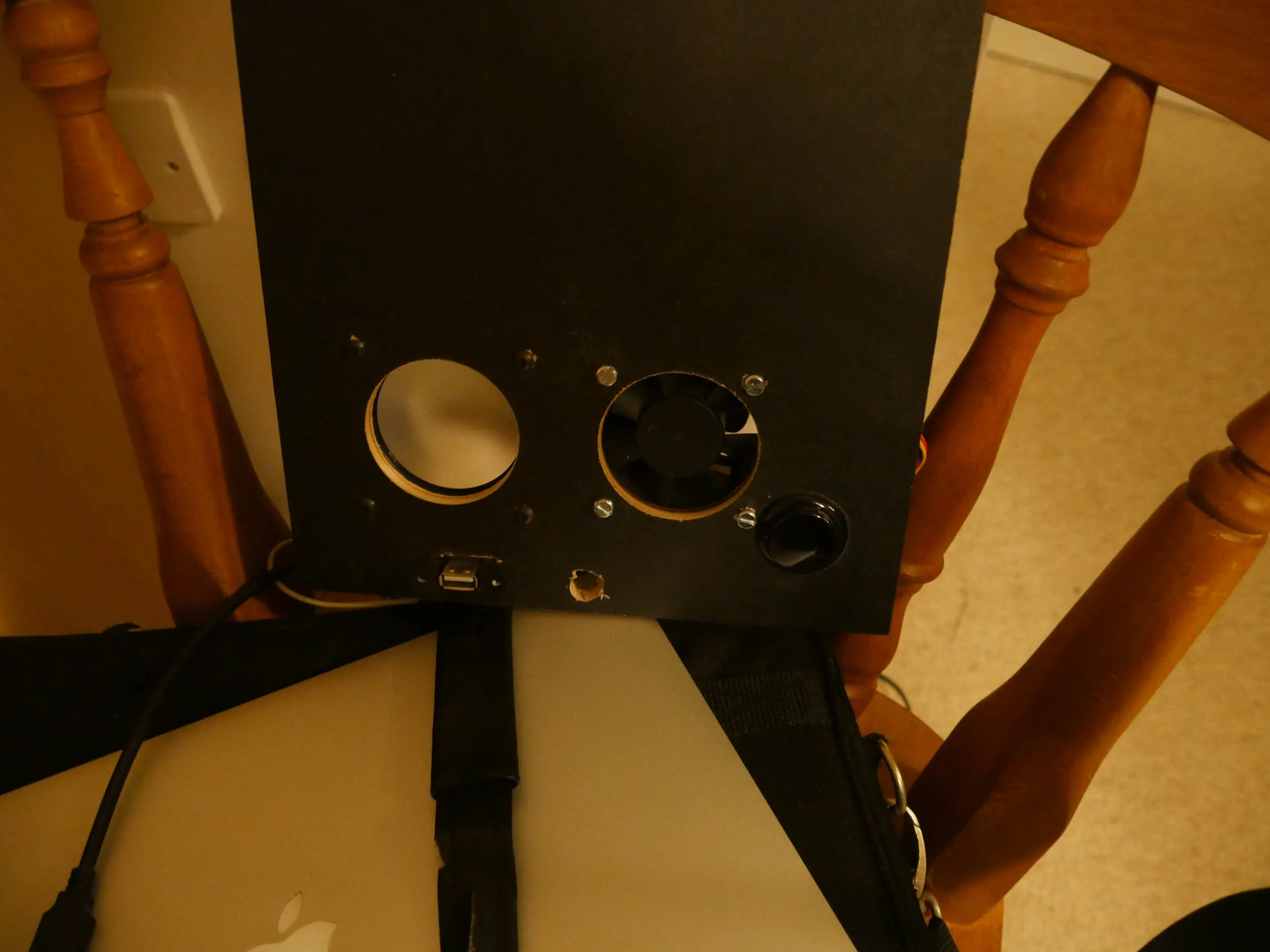
Cut holes for a 5V fan and the "subwoofer". Also mounted a button there which will serve as the power button for the laptop. Added a USB too just in case I need to attach a keyboard.
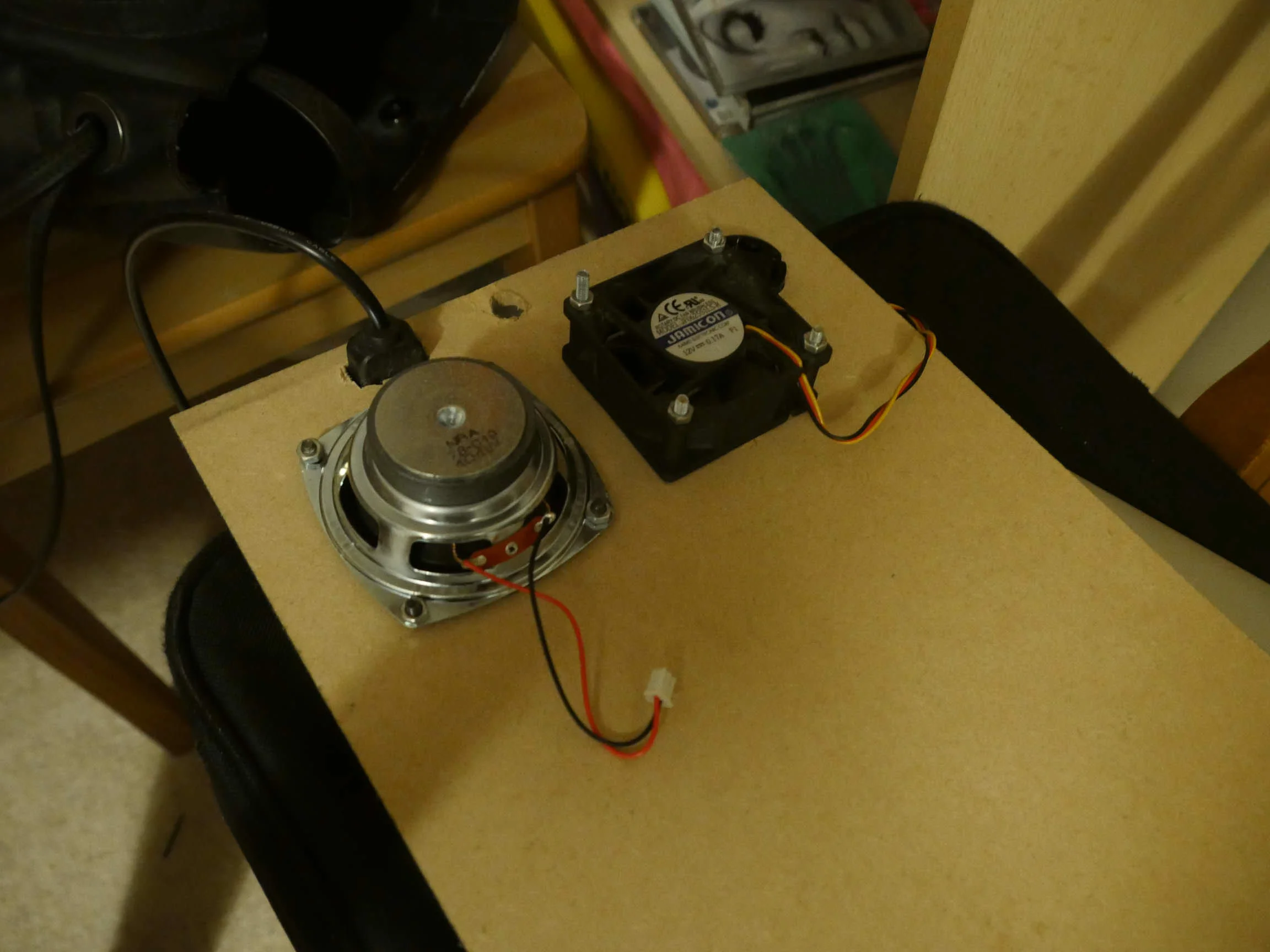
Speaker and fan mounted.
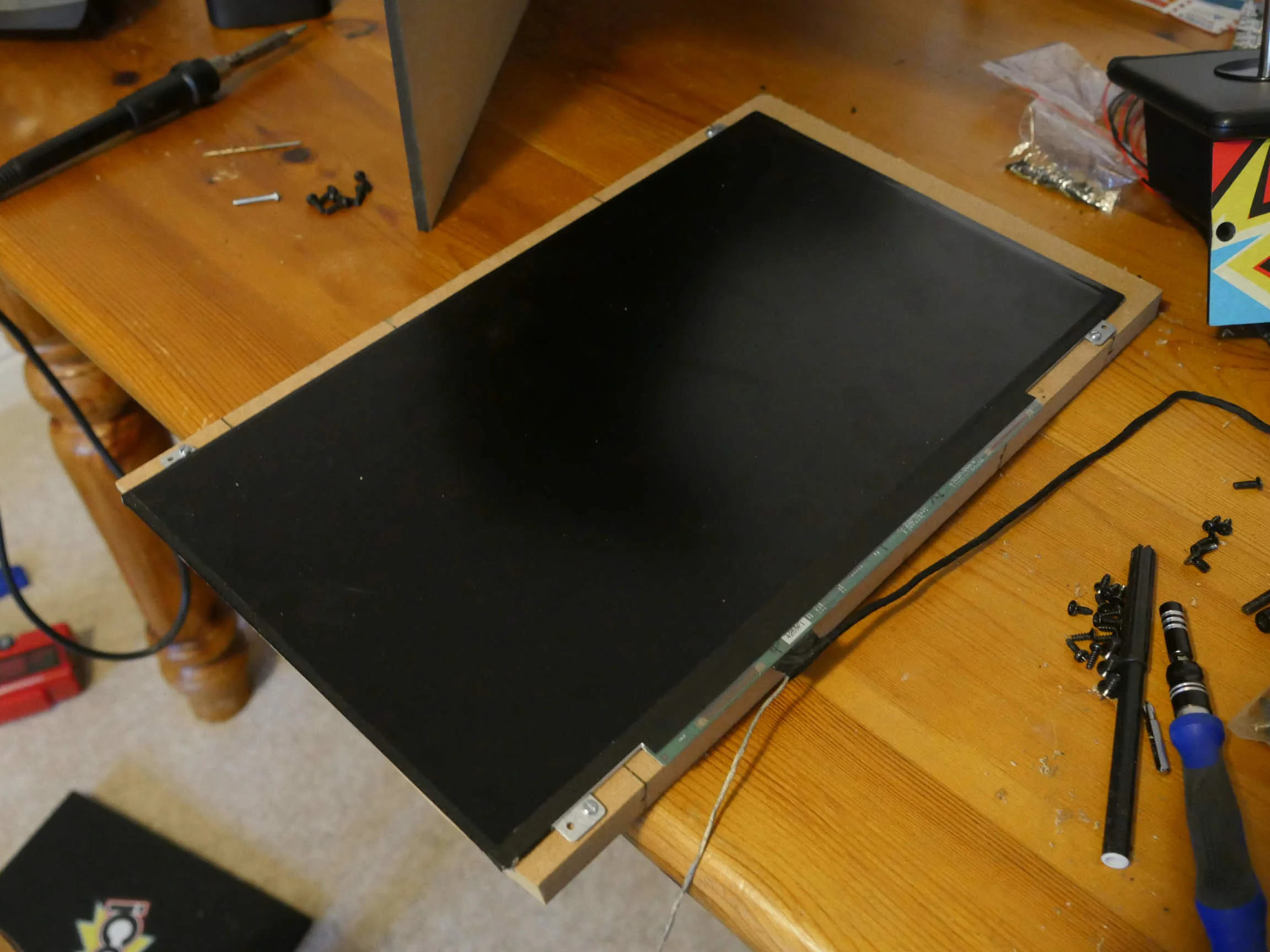
Screen mounted on rear panel. Spot the first issue with the build...... The LED driver circuit sticks out a fair way which would put the screen to one side. Not happy with that.
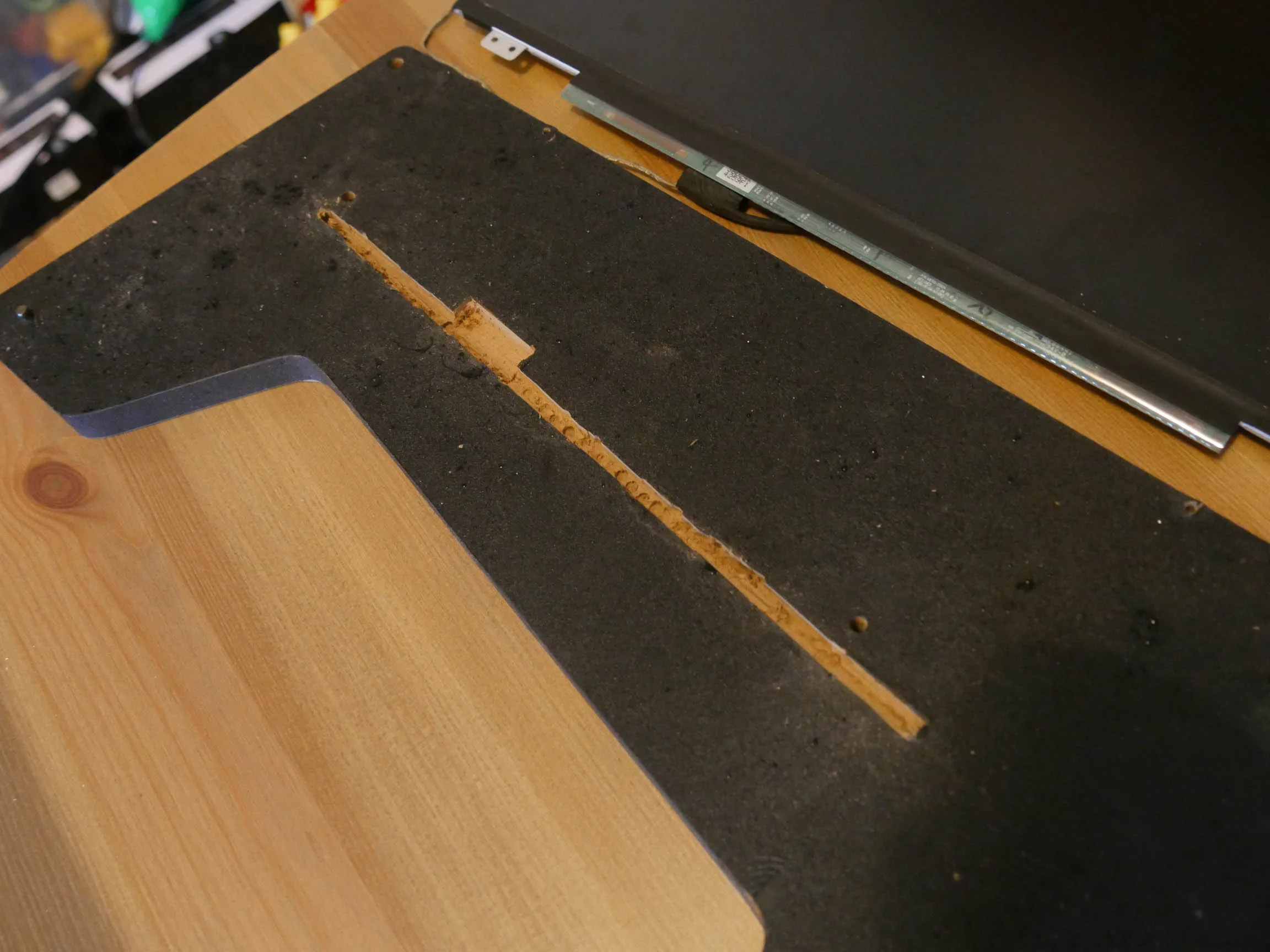
There we go. Now the driver circuit can sit flush.
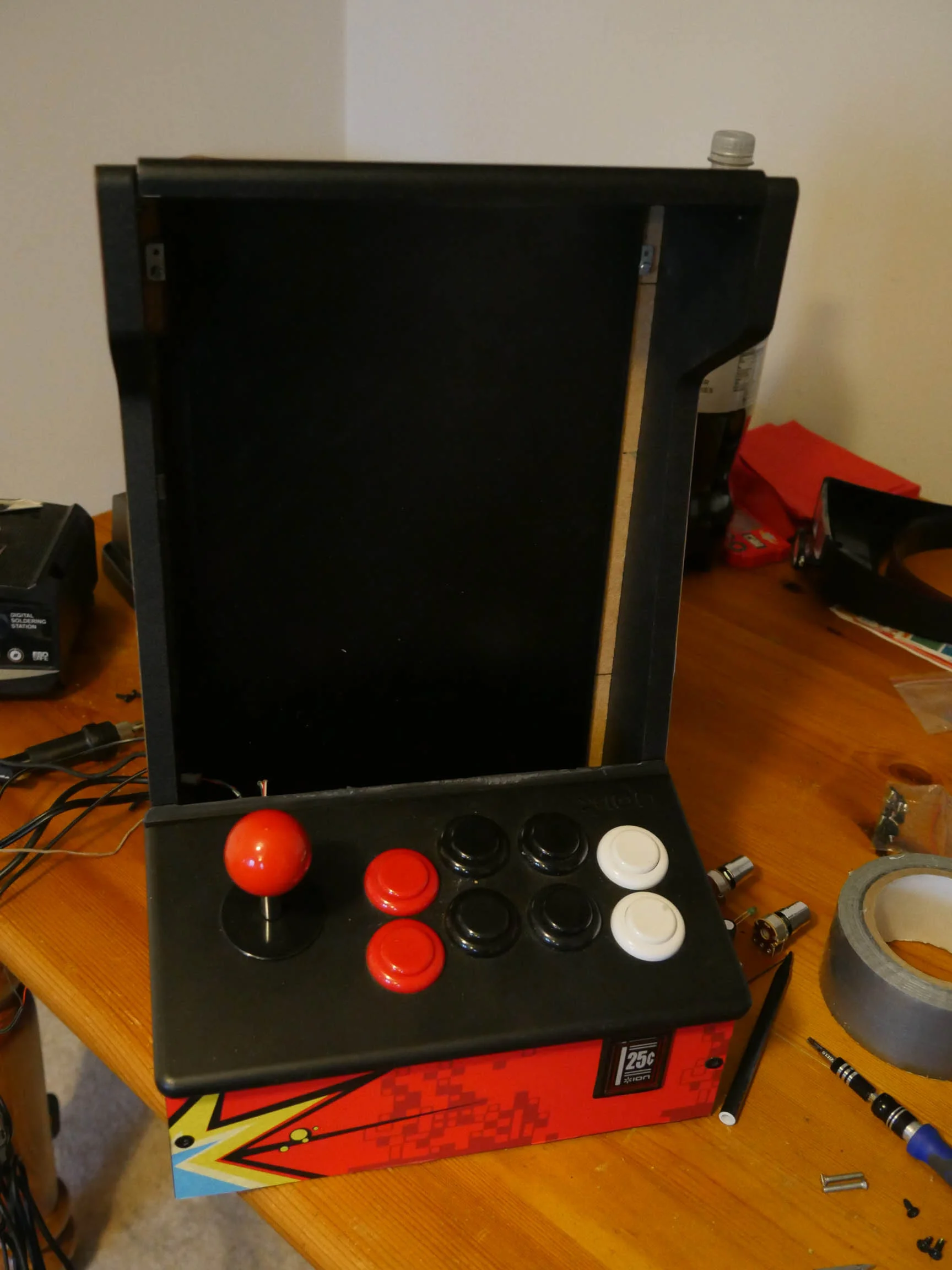
Test fit. Yup. Looks good.
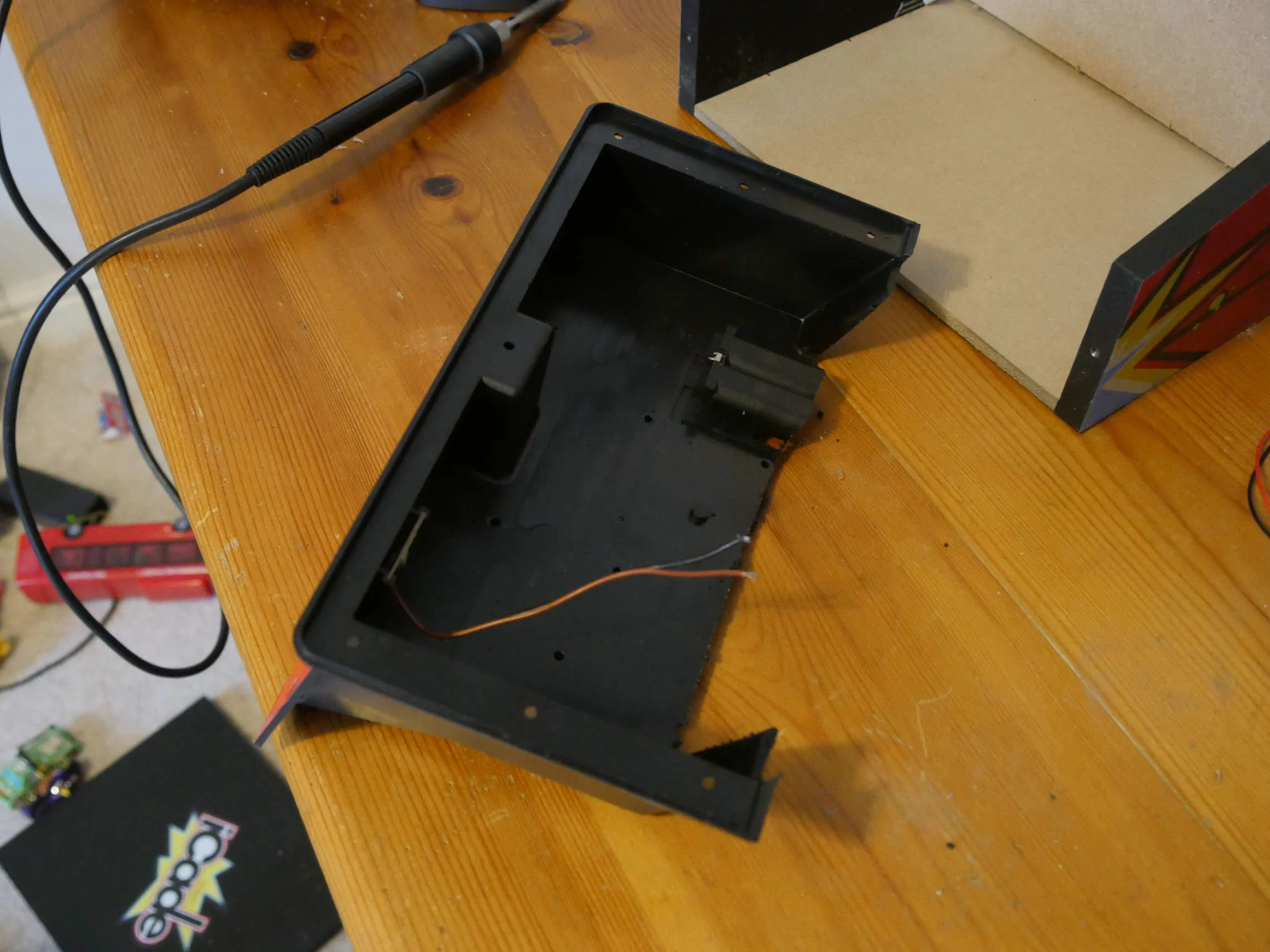
I needed access to the rear of the controller for wires etc. Hacksaw to the rescue.
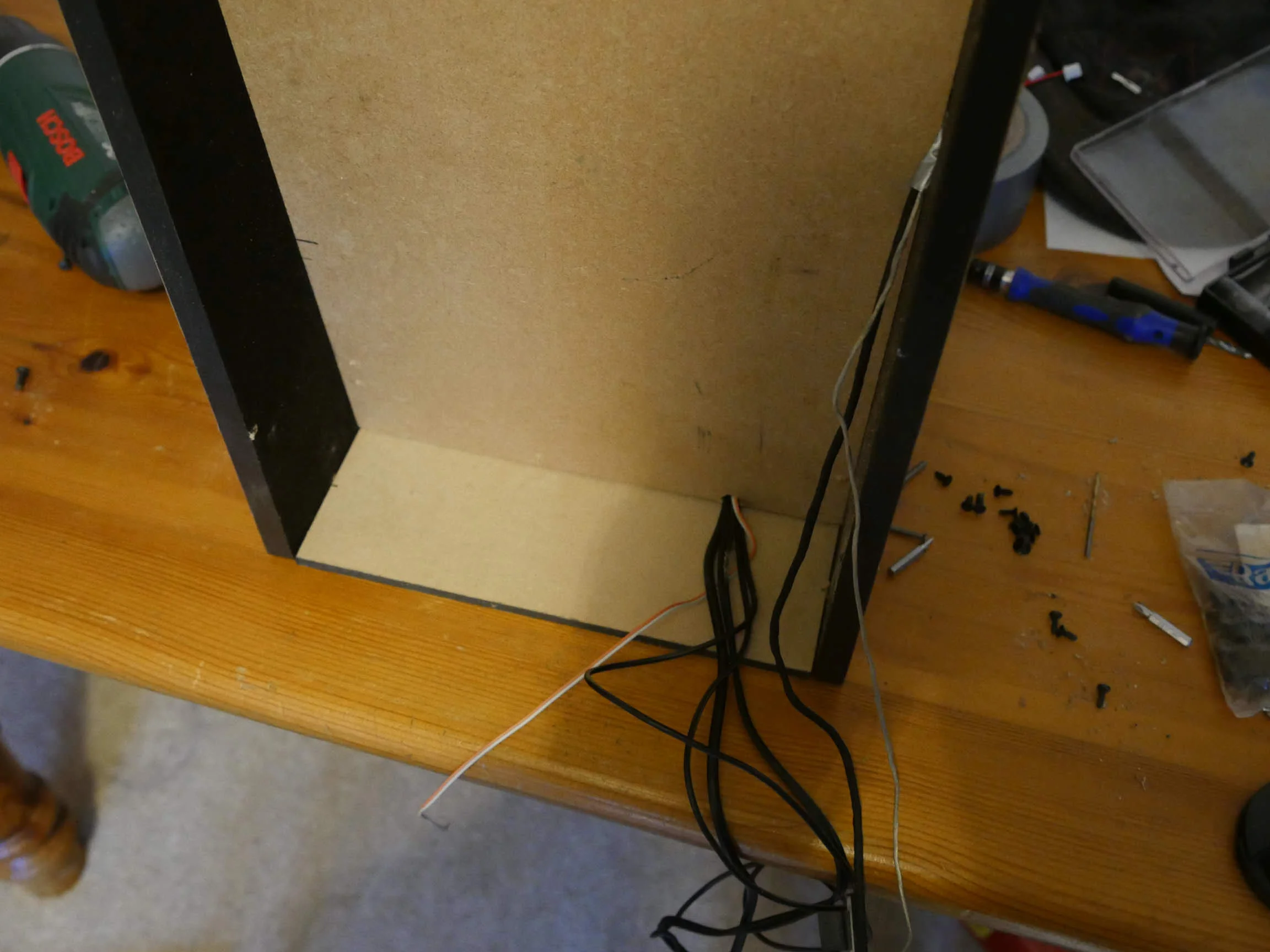
Test mount of the panels and cable routing.
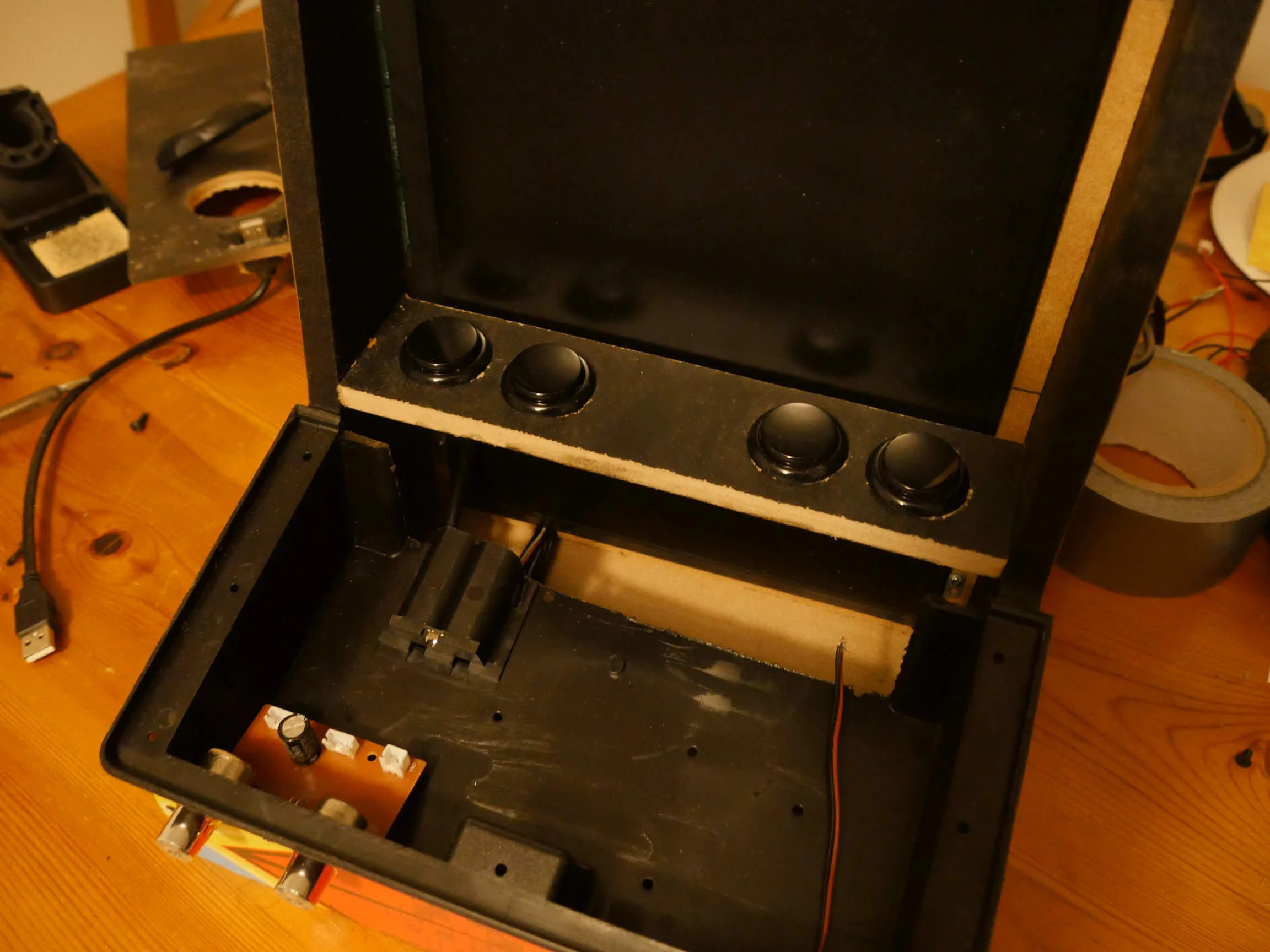
I needed something to go where the iPad mount went on the original iCade. Some extra buttons seemed like a good idea. This was just a dummy fit.
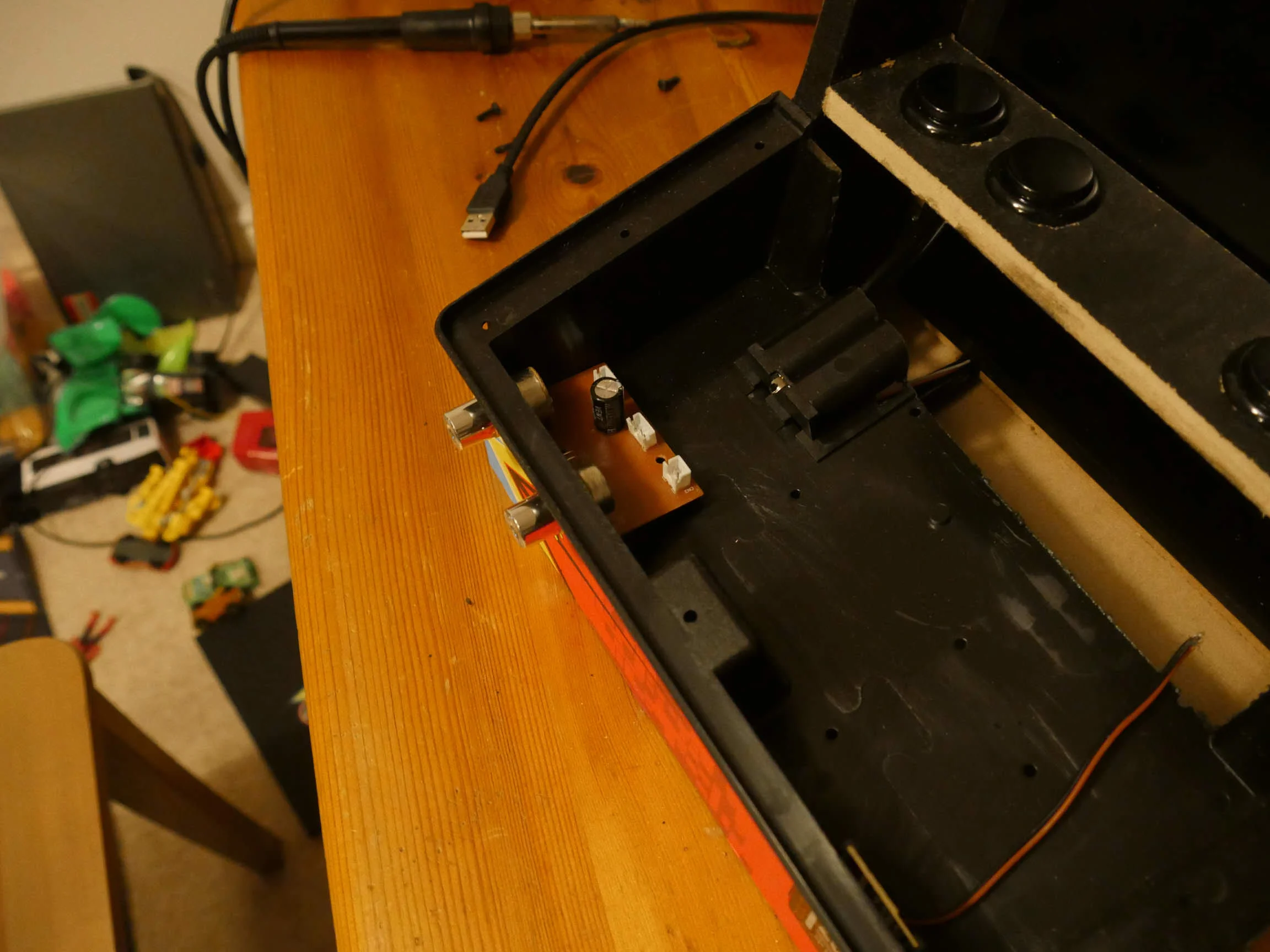
Speaker controls mounted on the front panel.
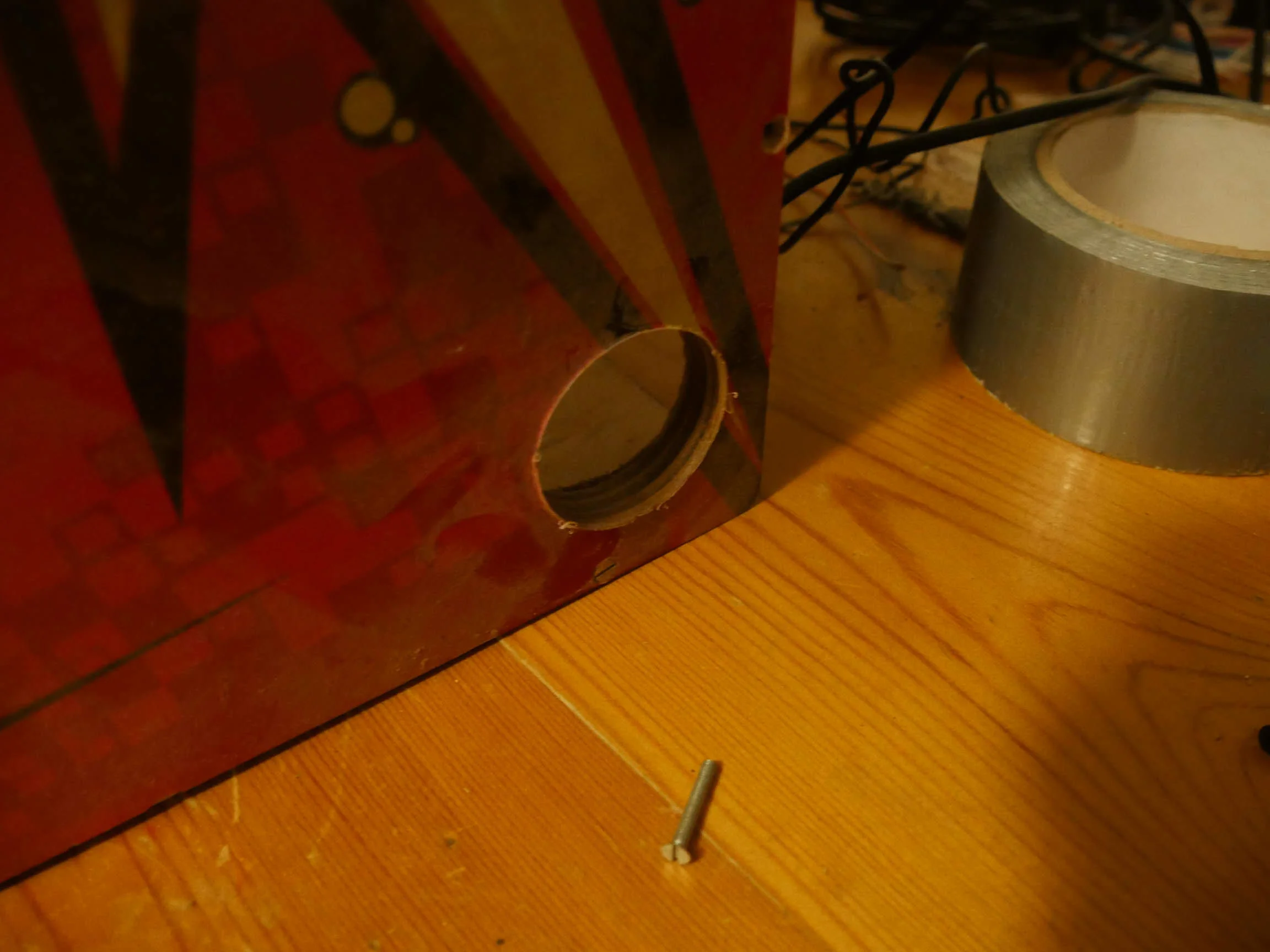
Mid-range speakers mounted behind cutouts.
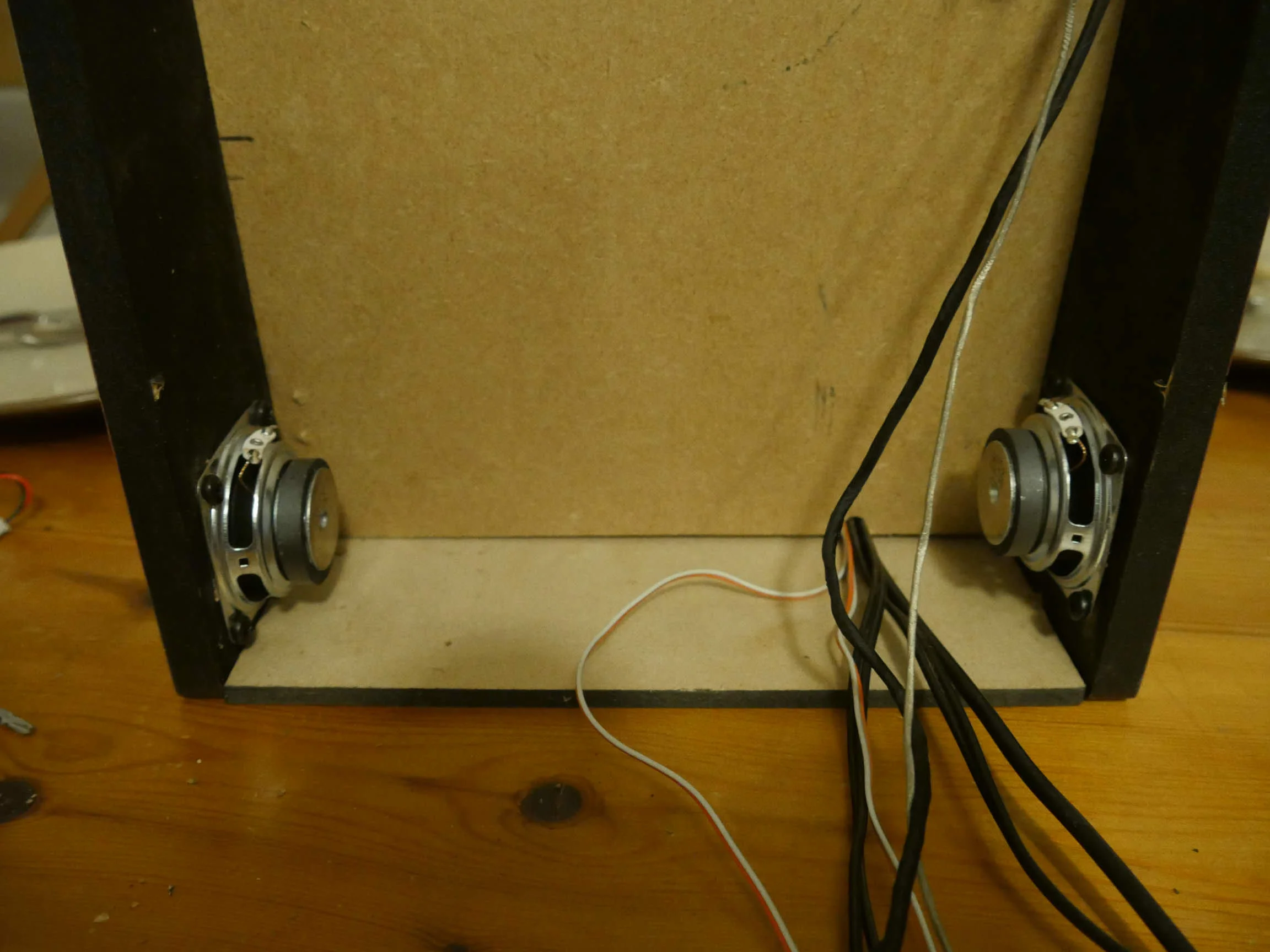
Speakers mounted.
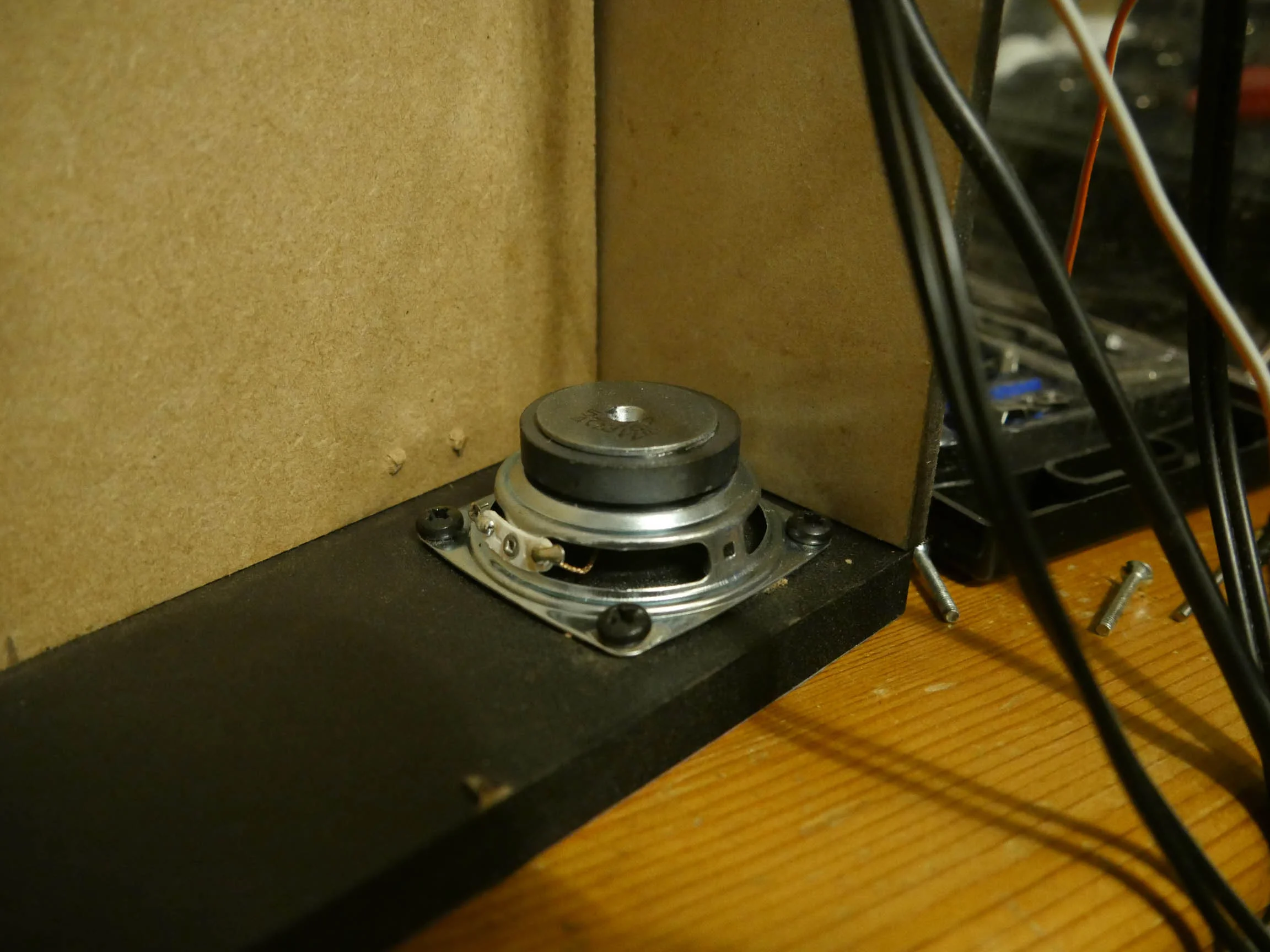
Does the job.
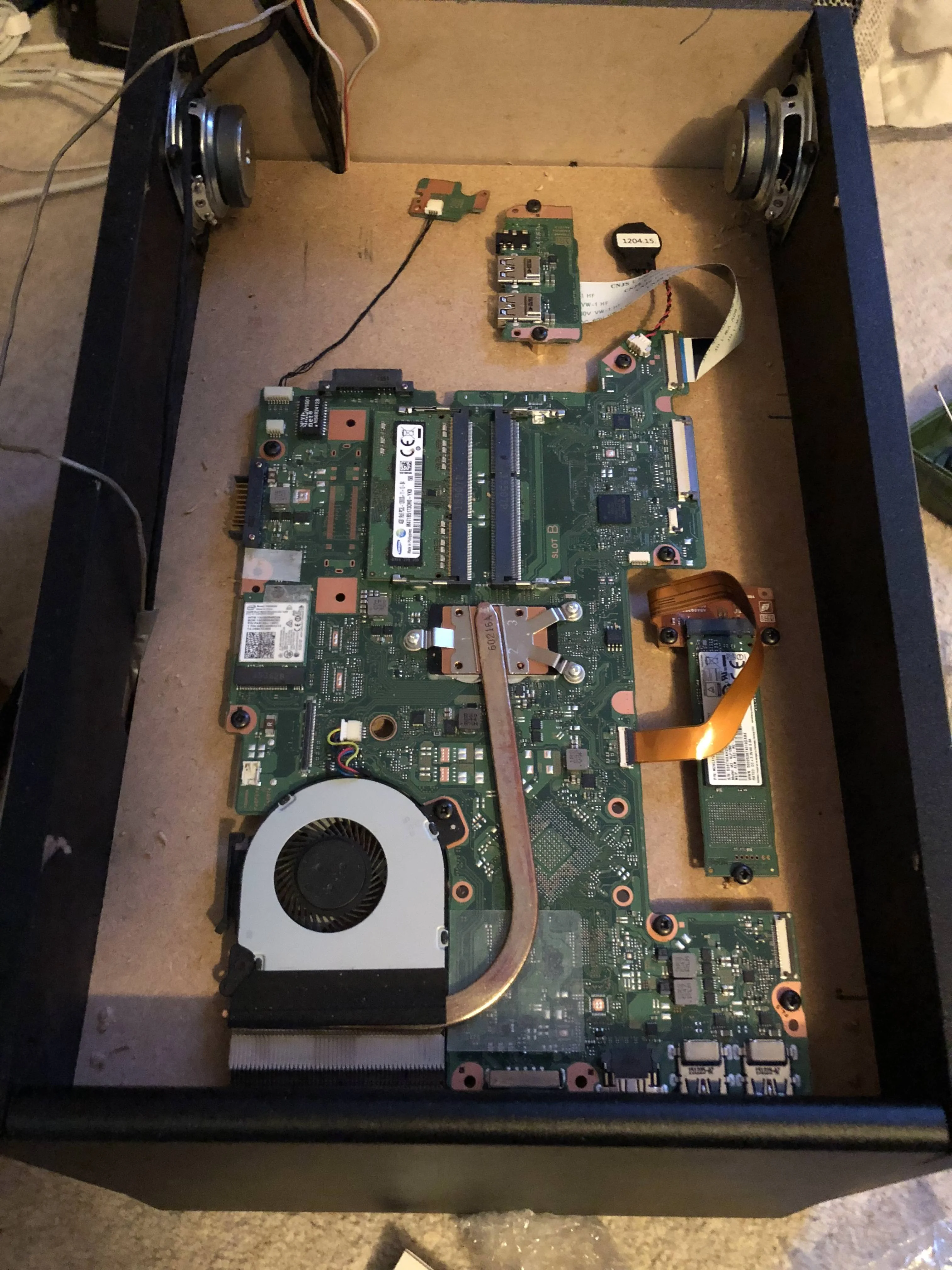
Laptop mounted.
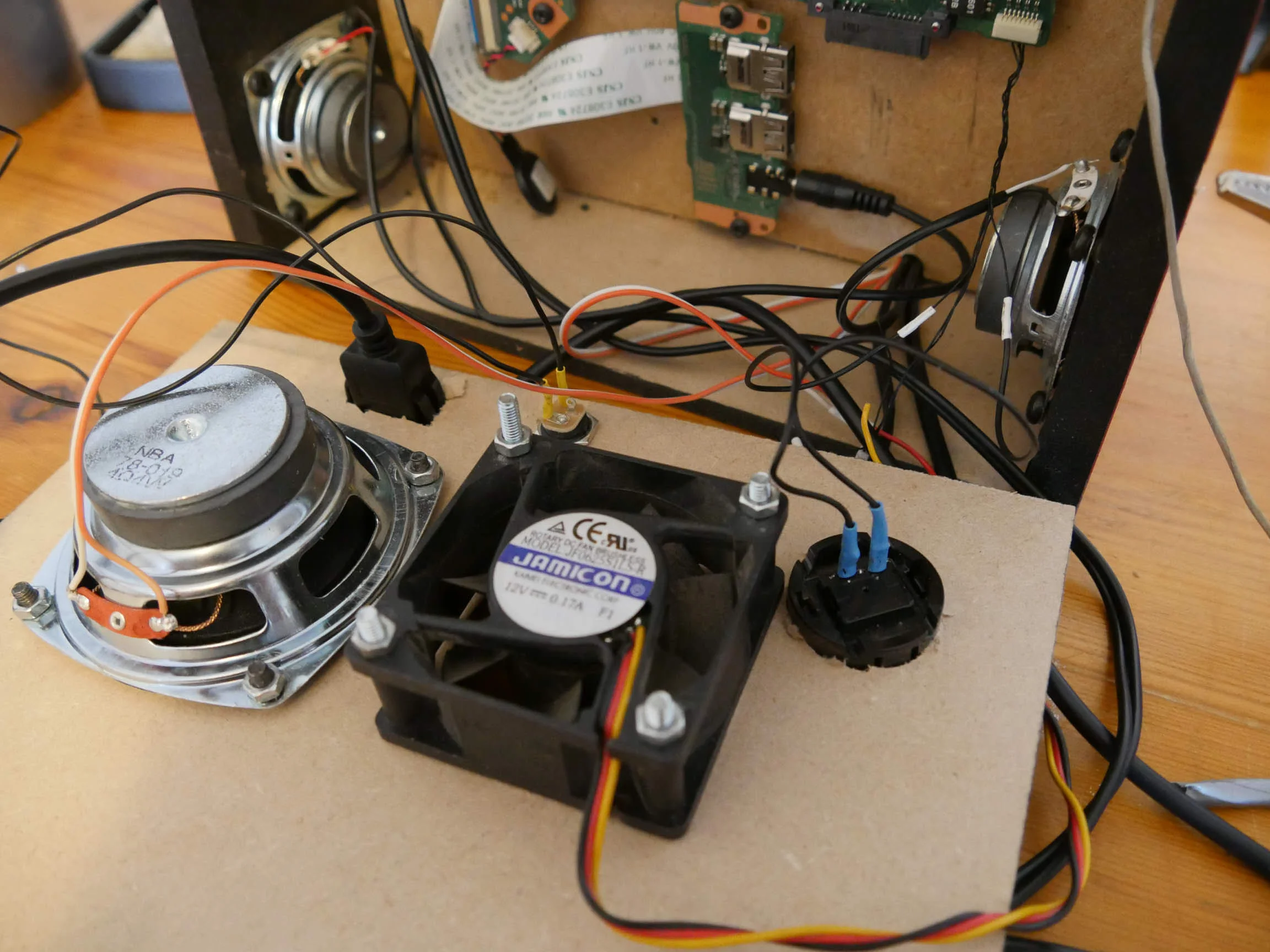
Cabled up at the rear. All looks good.
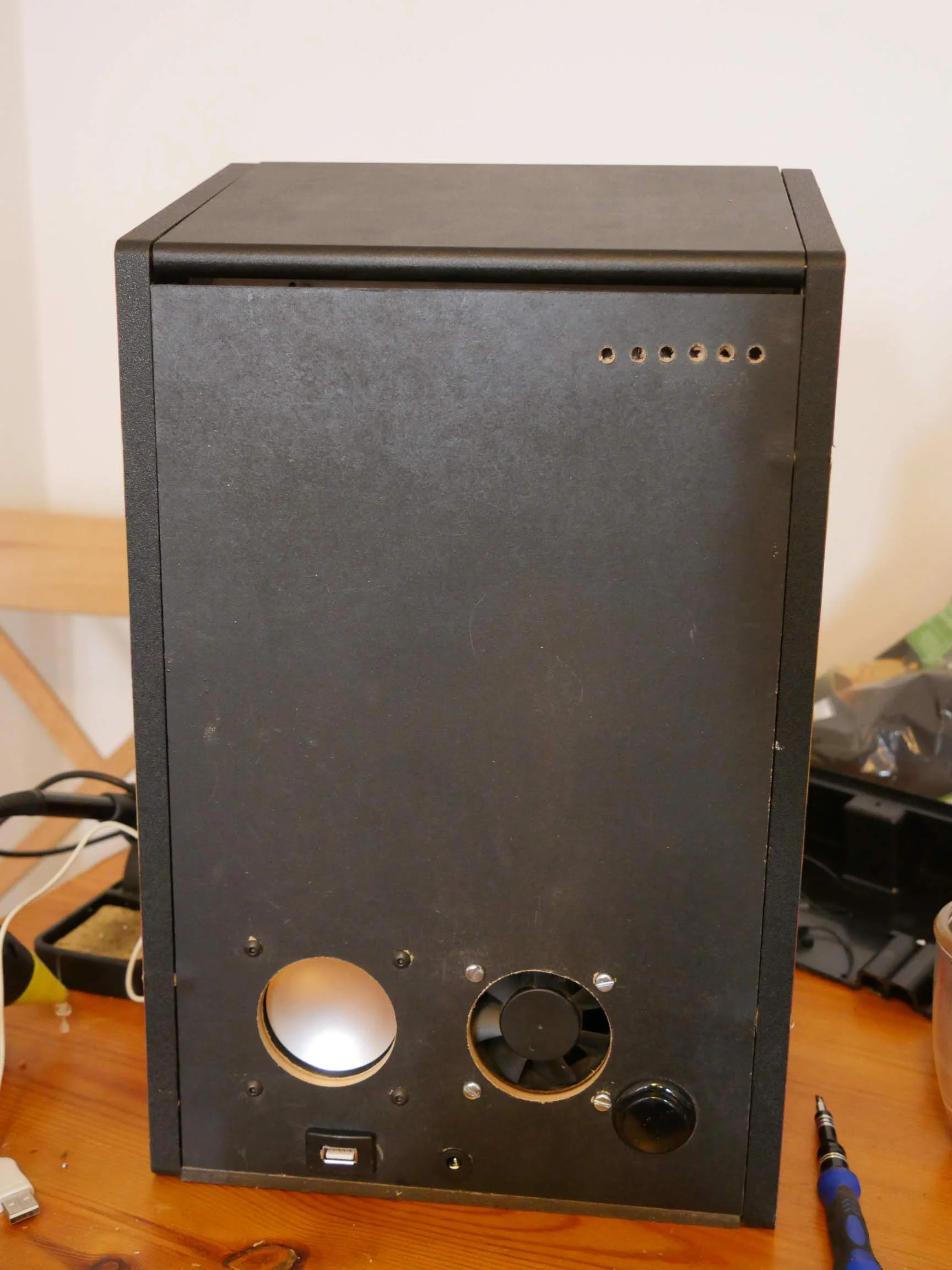
Mounted. I drilled some holes for some additional venting. Laptop is likely to get hot.
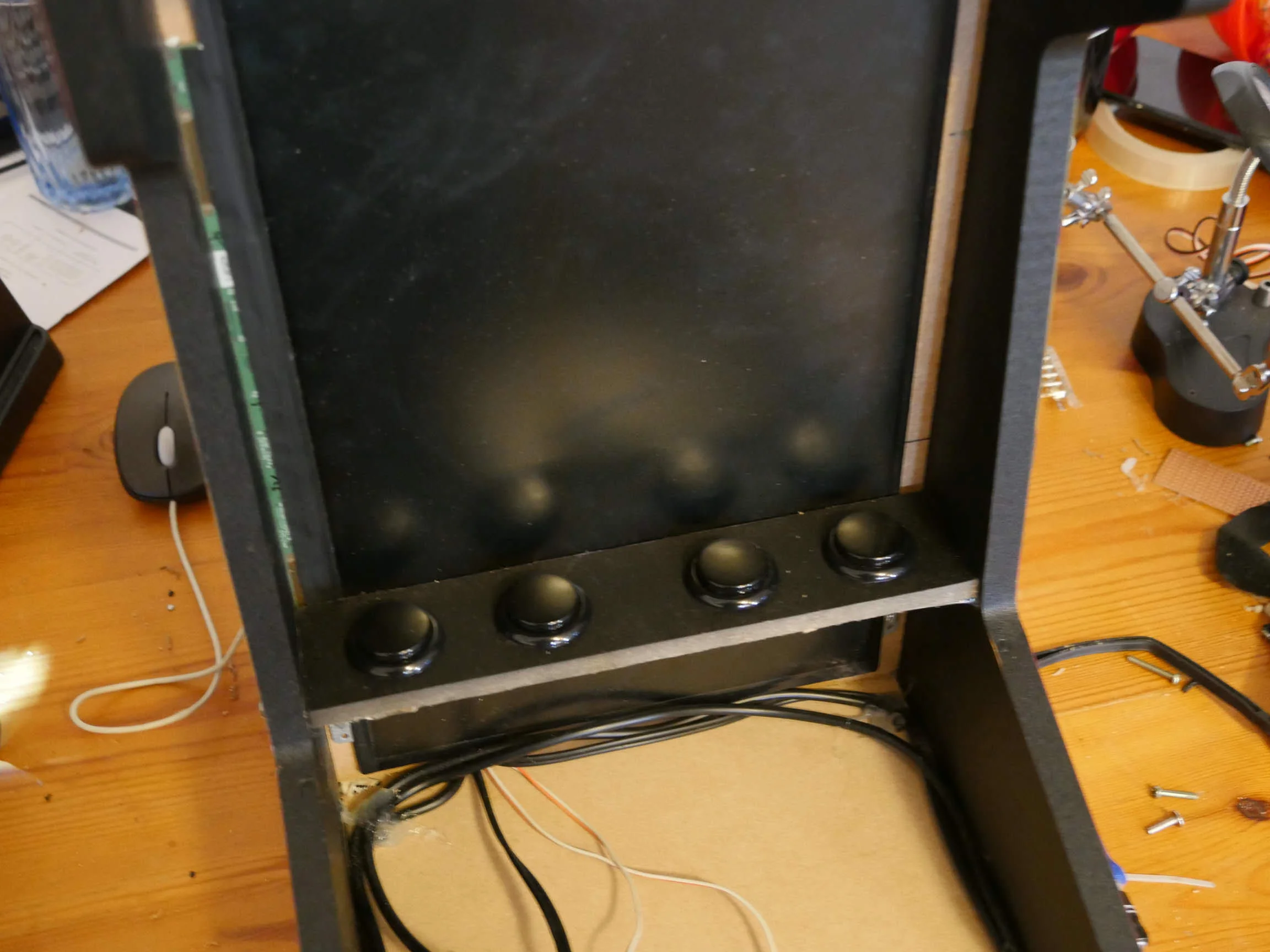
Buttons mounted.
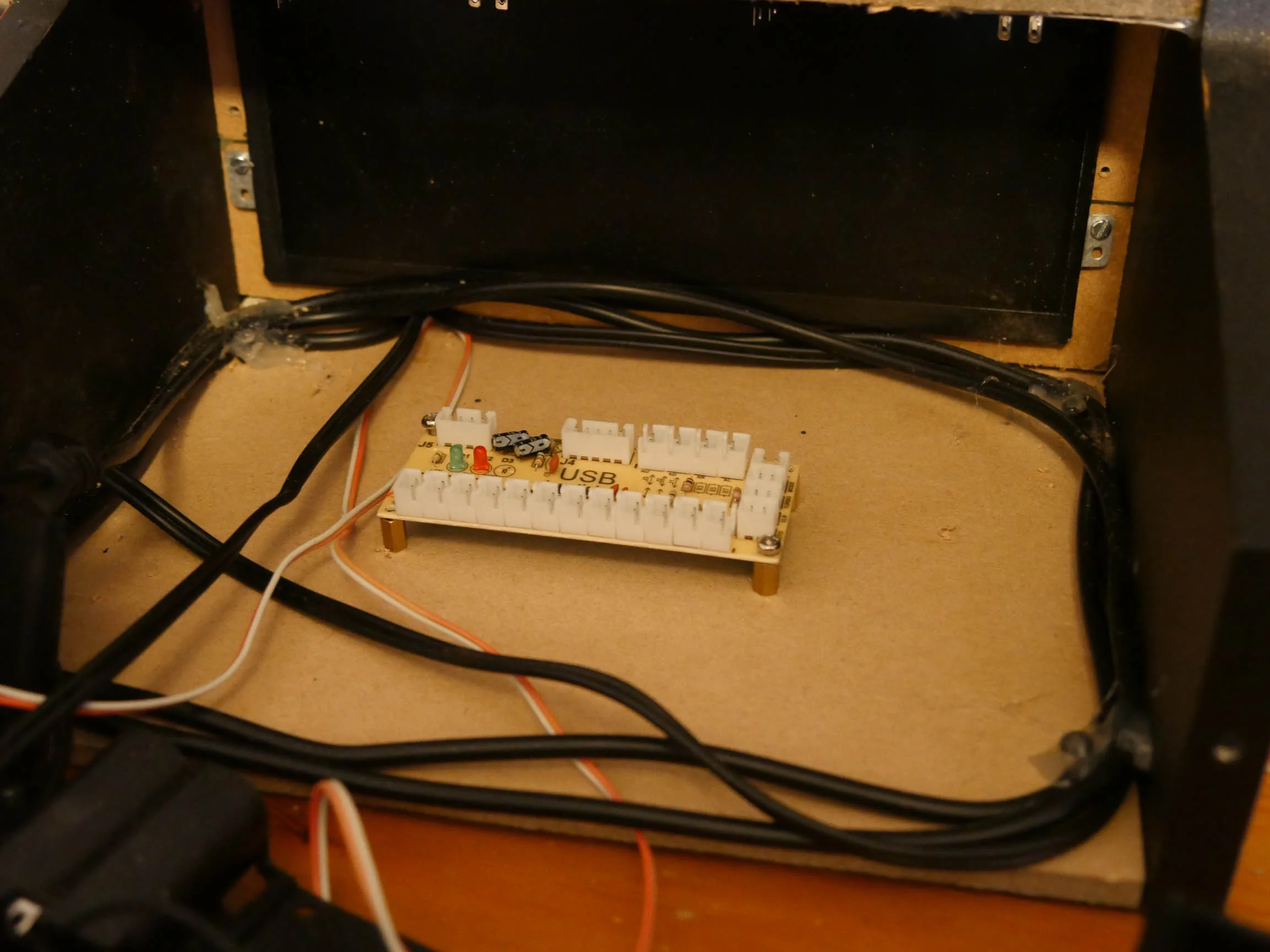
USB controller can go here. Plenty of space.
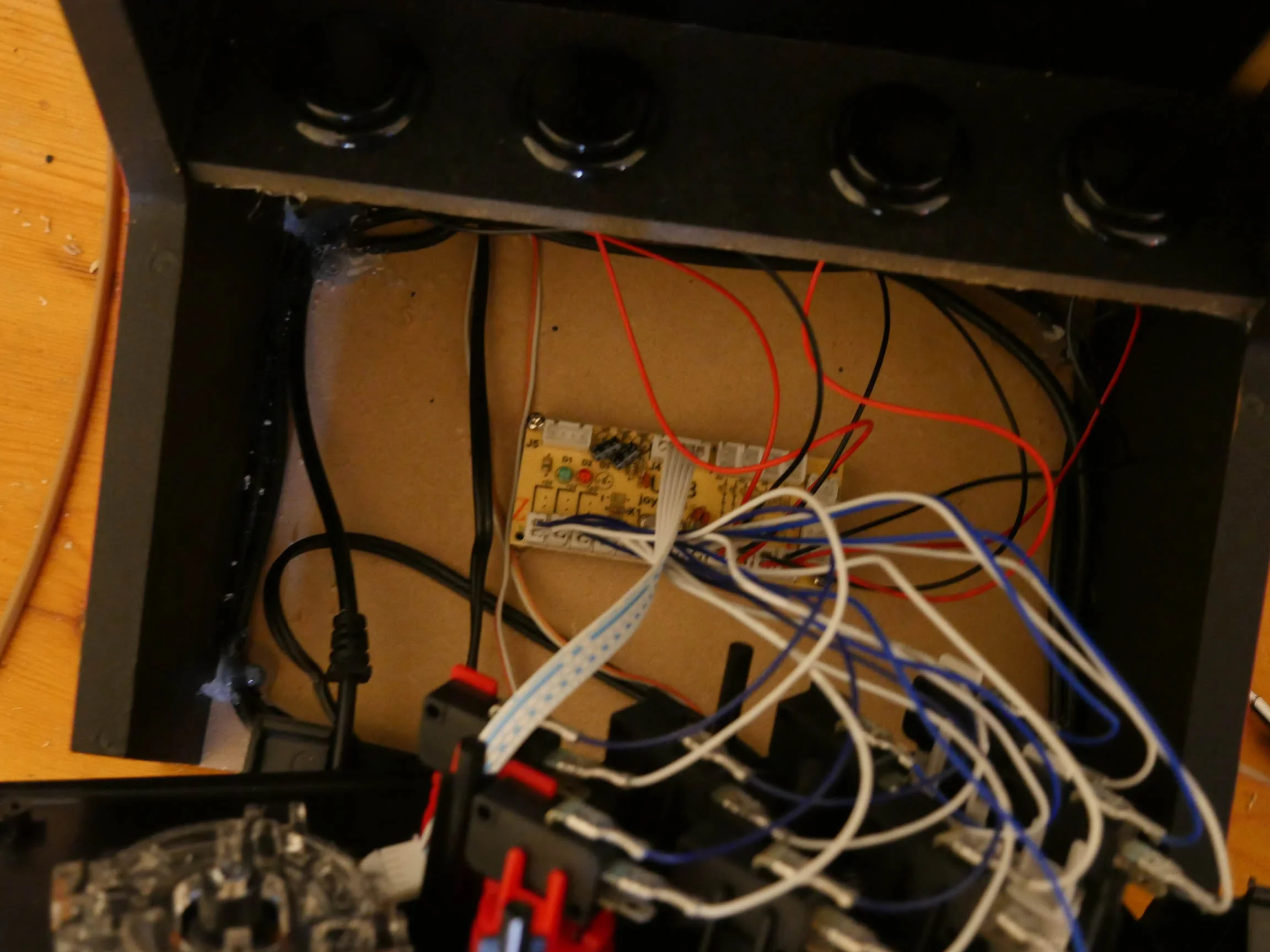
All plugged together.
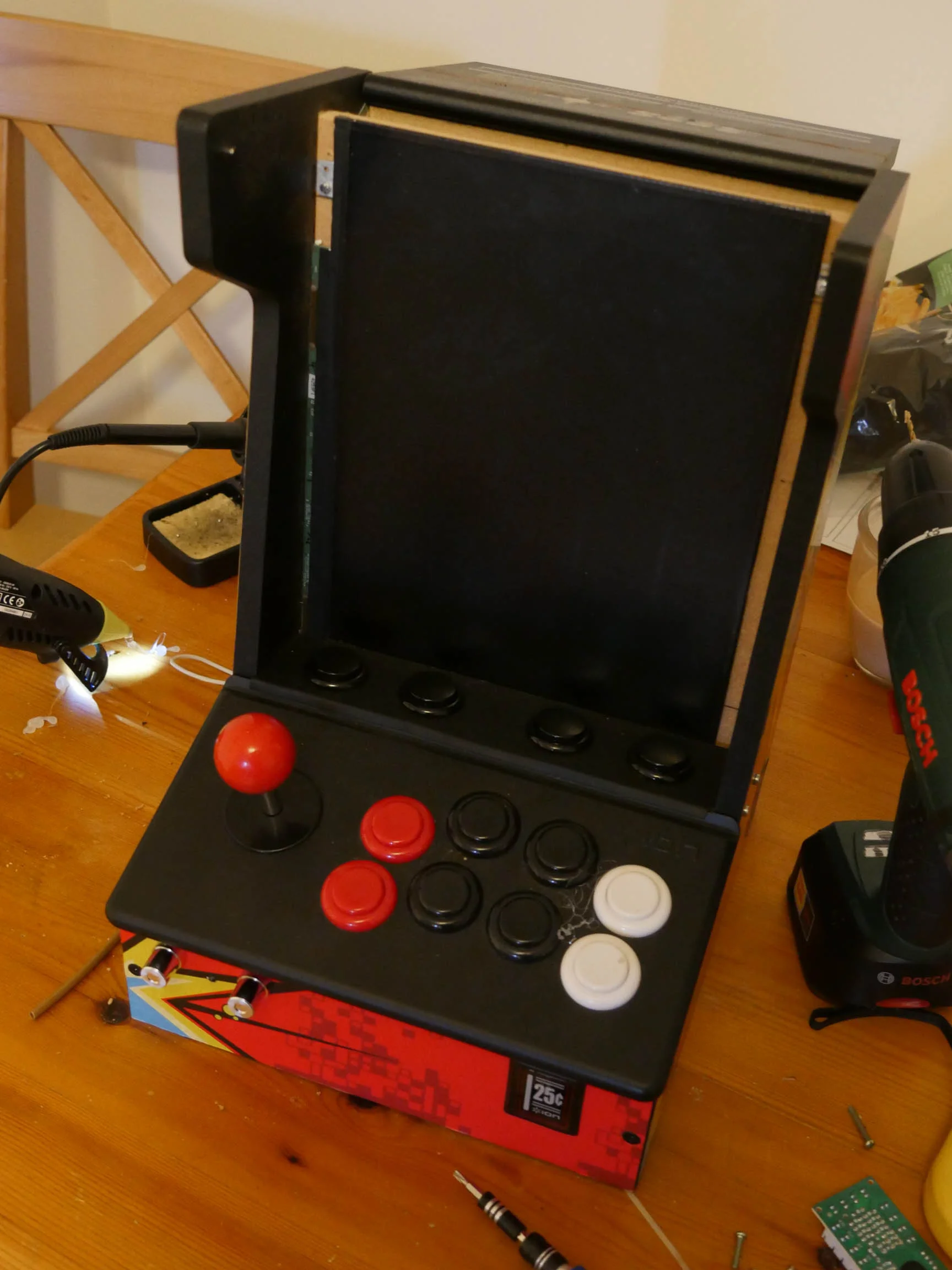
Front panel on.
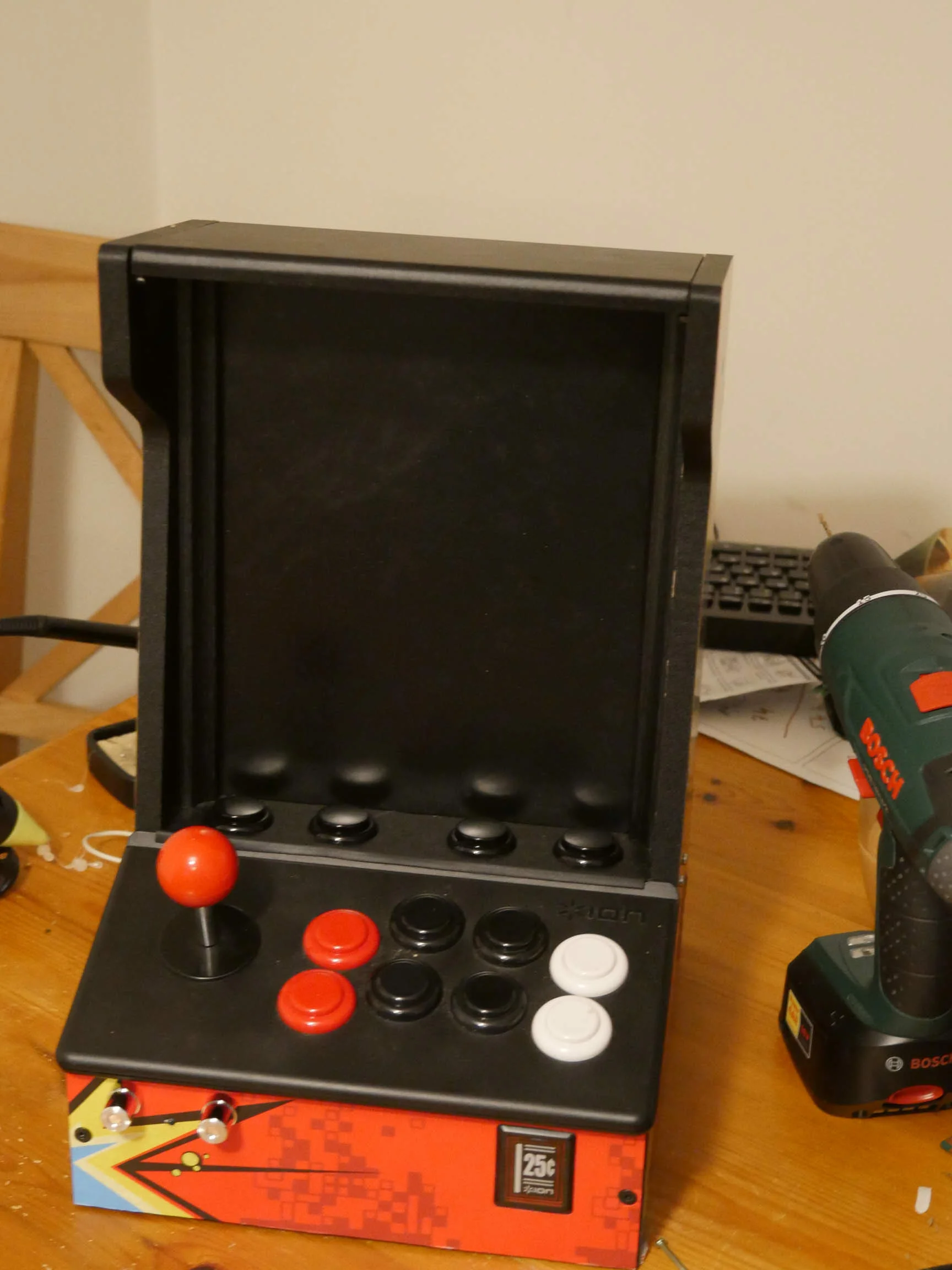
I needed something to cover the sides of the screen. Some edging for laminate flooring did the trick.
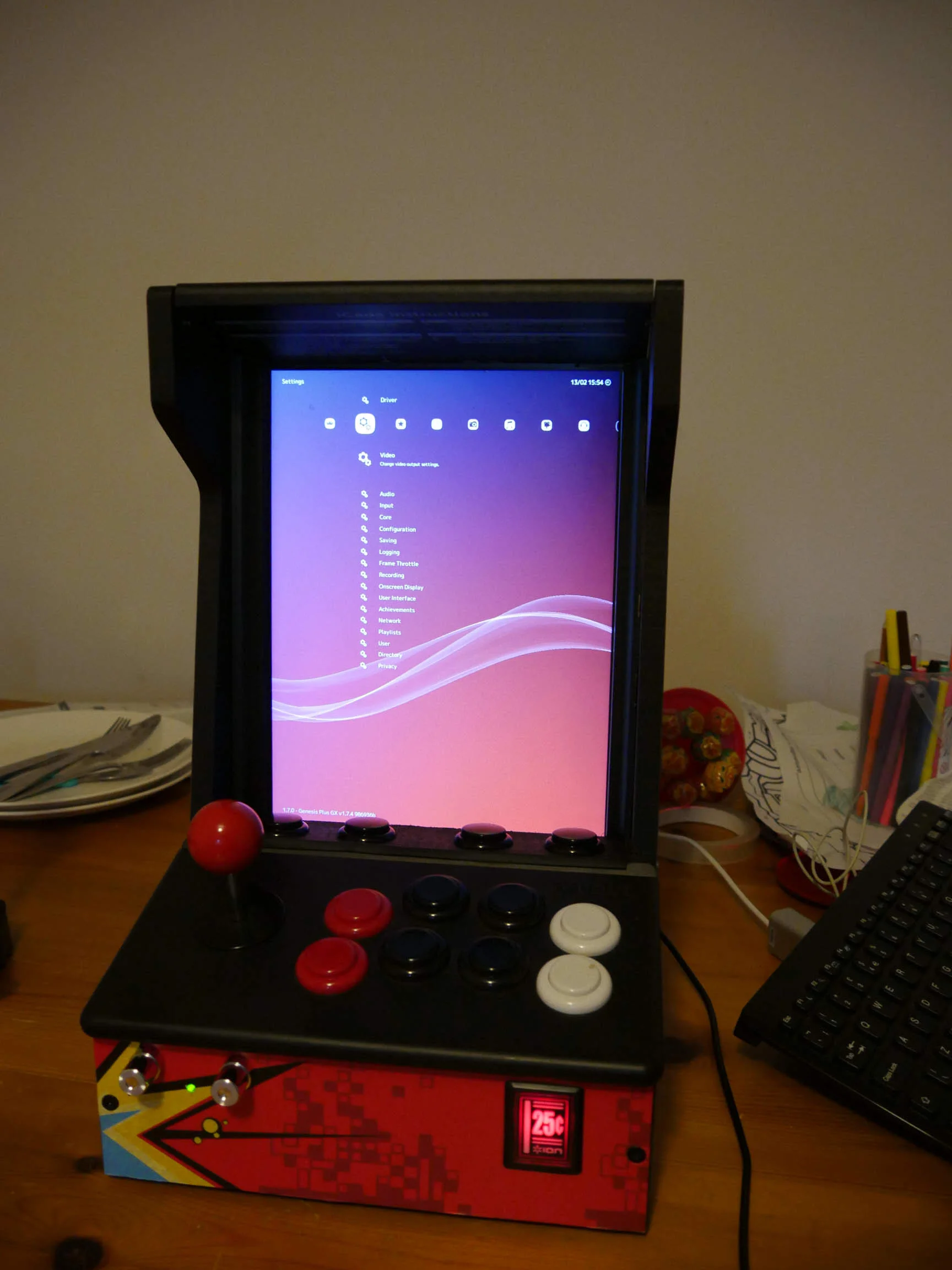
There we go. Running a retro-gaming frontend.
Footnote: You may be wondering how I got the screen to display only on the bit that is above the controller. I did a very dirty hack to Ubuntu whereby I told it it only had a 768x1024 frame buffer but a 760x1366 display. This made the OS only draw the top part of the screen you can see. I'm having some issues with V-Sync which I think is being caused by this so I will have to see if I can do something else.
I had an old iCade in the loft so I thought I'd see if there was anything I could do with it. It didn't seem to work with never versions of iOS so a project was born.
I had this Toshiba laptop kicking around that had a damaged casing.
Mainboard from the laptop stripped
Screen stripped from casing. It's LED so should be fairly low power and heat
USB joystick controller
Some crappy speakers that are USB powered. Should be good enough.
Speakers stripped.
iCade cabinet stripped
A quick test fit of the joystick controller. No issues here.
I cut out some MDF panels to make the iCade enclosed. It's all open as it comes which was no good for my project.
Screen panel test fit. Looks good.
Base panel test fit. Also good.
Gave it a quick spray with some satin black.
Rear panel test fit. Also sprayed with some satin black.
Cut holes for a 5V fan and the "subwoofer". Also mounted a button there which will serve as the power button for the laptop. Added a USB too just in case I need to attach a keyboard.
Speaker and fan mounted.
Screen mounted on rear panel. Spot the first issue with the build...... The LED driver circuit sticks out a fair way which would put the screen to one side. Not happy with that.
There we go. Now the driver circuit can sit flush.
Test fit. Yup. Looks good.
I needed access to the rear of the controller for wires etc. Hacksaw to the rescue.
Test mount of the panels and cable routing.
I needed something to go where the iPad mount went on the original iCade. Some extra buttons seemed like a good idea. This was just a dummy fit.
Speaker controls mounted on the front panel.
Mid-range speakers mounted behind cutouts.
Speakers mounted.
Does the job.
Laptop mounted.
Cabled up at the rear. All looks good.
Mounted. I drilled some holes for some additional venting. Laptop is likely to get hot.
Buttons mounted.
USB controller can go here. Plenty of space.
All plugged together.
Front panel on.
I needed something to cover the sides of the screen. Some edging for laminate flooring did the trick.
There we go. Running a retro-gaming frontend.
Footnote: You may be wondering how I got the screen to display only on the bit that is above the controller. I did a very dirty hack to Ubuntu whereby I told it it only had a 768x1024 frame buffer but a 760x1366 display. This made the OS only draw the top part of the screen you can see. I'm having some issues with V-Sync which I think is being caused by this so I will have to see if I can do something else.









