Permabanned
- Joined
- 6 Sep 2016
- Posts
- 16,097
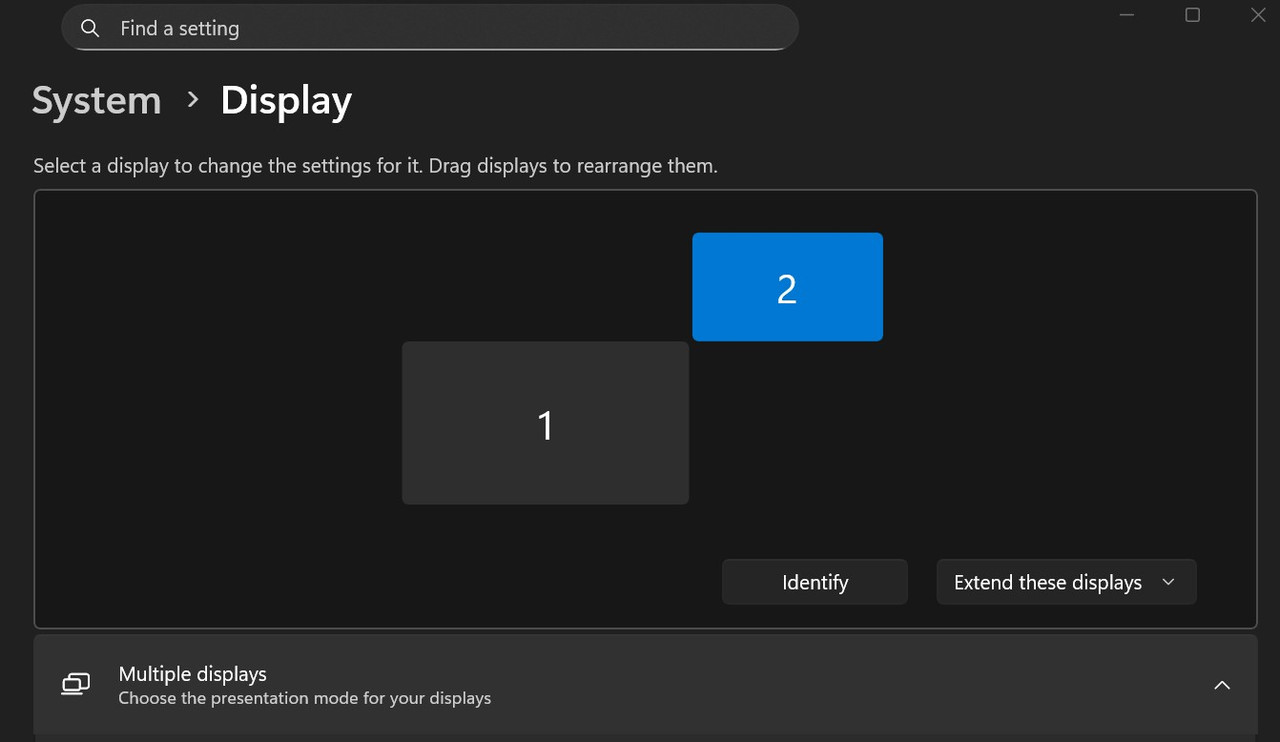
If you right click your desktop and go into display settings, select the 'phantom' AVR screen and select 'disconnect display' and apply.
Windows will no longer extend your display (your mouse won't move off screen), but audio via HDMI will remain.
...at least this is how I had it running a couple years back without issue, not sure if things have changed since then. These days I run GPU -> HDMI -> Display [LG C2] -> eARC -> AVR without issue, but I can test my above suggestion when I get back home tonight
Can't find "disconnect display" option. As soon as I select "show only on 1" it disables audio
https://~ibb.co~/jPQmMynP