


Hi,
Looking to get a new PC. I am not the most knowledgable person when it comes to PC parts. Looking for a PC that is going to run AAA games on a 27' monitor at decent frame rates smoothly.
Price range is £2,300-£2,500. Going to be pairing this rig with a ROG Strix XG27AQMR.
Going to be getting the PC assembled by OCUK as Im not confident when it comes to building and dont want to risk anything going wrong with it being a substantial amount of money.
-Motherboard is on PREORDER, but will be contacting OCUK as soon as I've got feedback from you guys.
My basket at OcUK:
Looking to get a new PC. I am not the most knowledgable person when it comes to PC parts. Looking for a PC that is going to run AAA games on a 27' monitor at decent frame rates smoothly.
Price range is £2,300-£2,500. Going to be pairing this rig with a ROG Strix XG27AQMR.
Going to be getting the PC assembled by OCUK as Im not confident when it comes to building and dont want to risk anything going wrong with it being a substantial amount of money.
-Motherboard is on PREORDER, but will be contacting OCUK as soon as I've got feedback from you guys.
- Could someone please check if all components are compatible
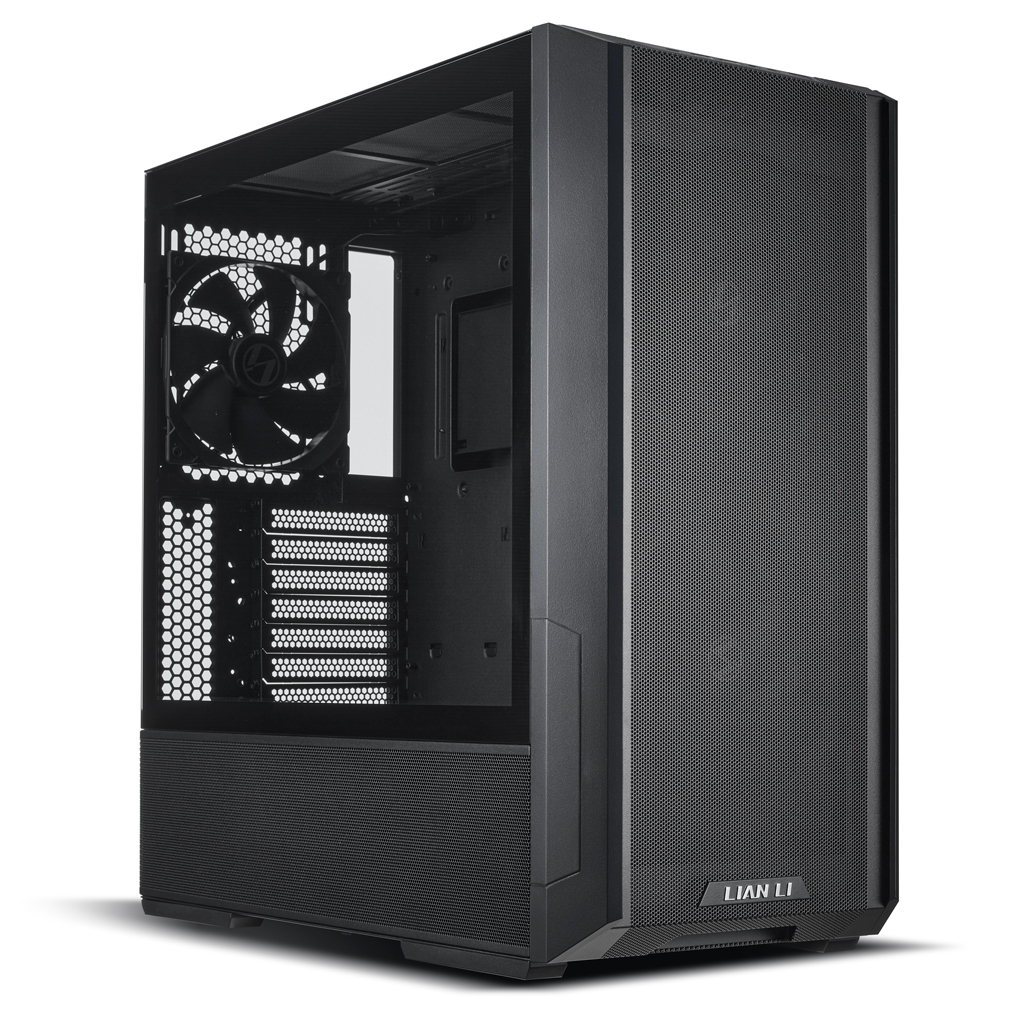
- Will the GPU fit in the case selected
- Any parts worth swapping out that would increase performance
- Will I need anymore fans to maintain a cool temprature
My basket at OcUK:
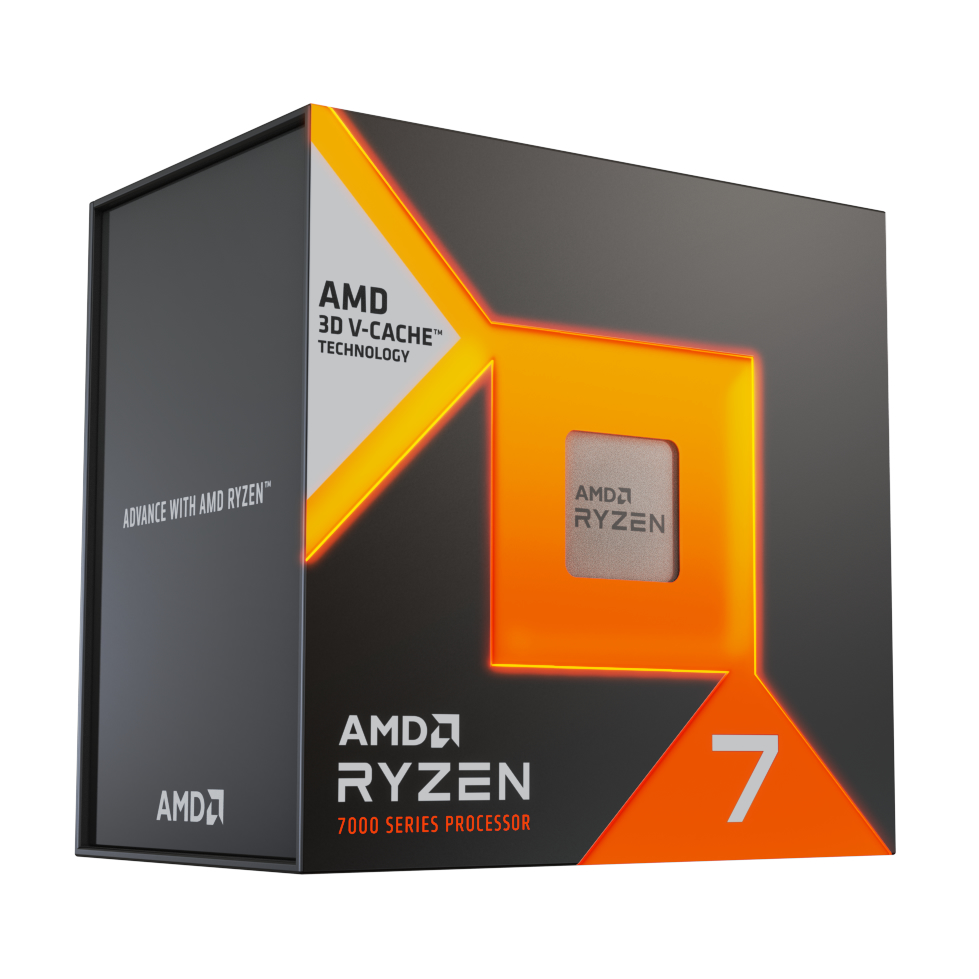
- 1 x AMD Ryzen 7 7800X3D Eight Core 5.00GHz (Socket AM5) Processor - Retail (SKU: CP-3DT-AM) = £389.99
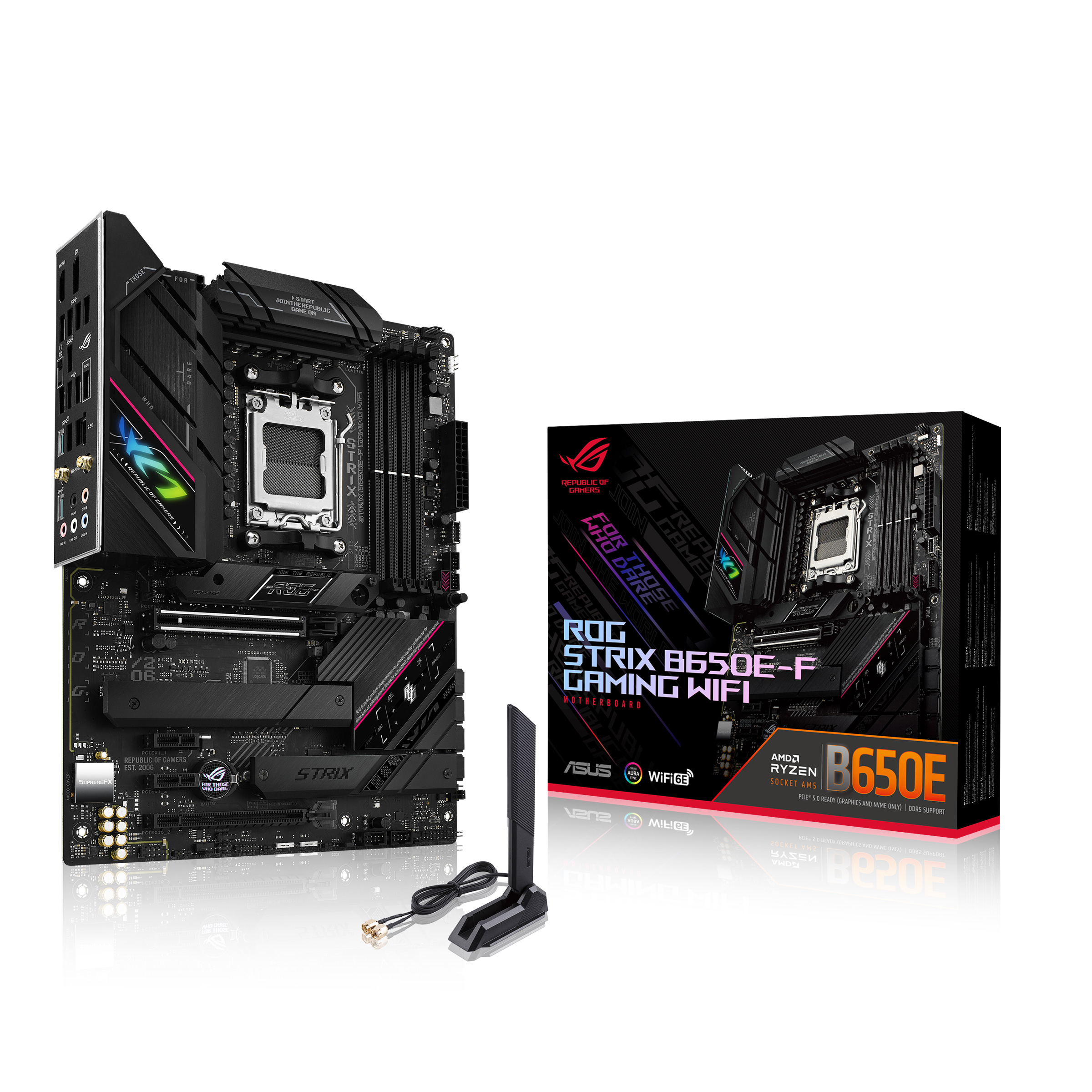
- 1 x Asus ROG Strix B650E-F Gaming WIFI (Socket AM5) DDR5 ATX Motherboard (SKU: MB-6JX-AS) = £229.99
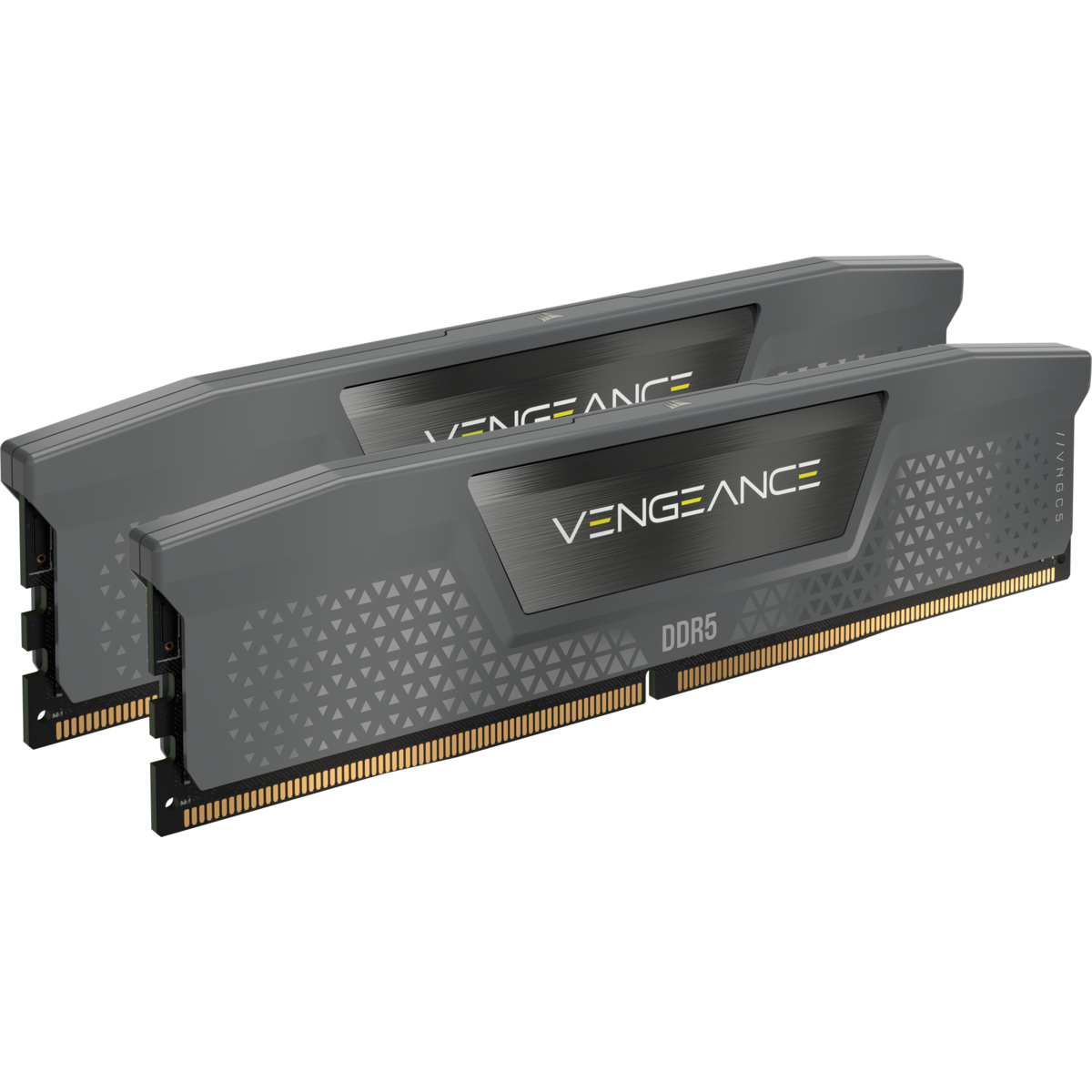
- 1 x Corsair Vengeance EXPO 64GB (2X32GB) DDR5 PC5-44800C40 5600MHz Dual Channel Kit - Black (CMK64GX5M2B5600Z40) (SKU: MY-4DL-CS) = £179.99
- 1 x Zotac GeForce RTX 4080 Trinity 16GB GDDR6X PCI-Express Graphics Card (SKU: GX-13H-ZT) = £999.95
- 1 x Lian Li Lancool 216 Mid-tower PC case - Black (SKU: CA-7BG-LL) = £89.98
- 1 x Crucial P5 Plus 2TB M.2 2280 PCI-e 4.0 x4 3D NAND NVMe Solid State Drive (SKU: HD-075-CR) = £114.95
- 1 x Seasonic Focus GX-1000 ATX 3.0 1000W 80 Gold Modular Power Supply (SKU: CA-08L-SS) = £169.99
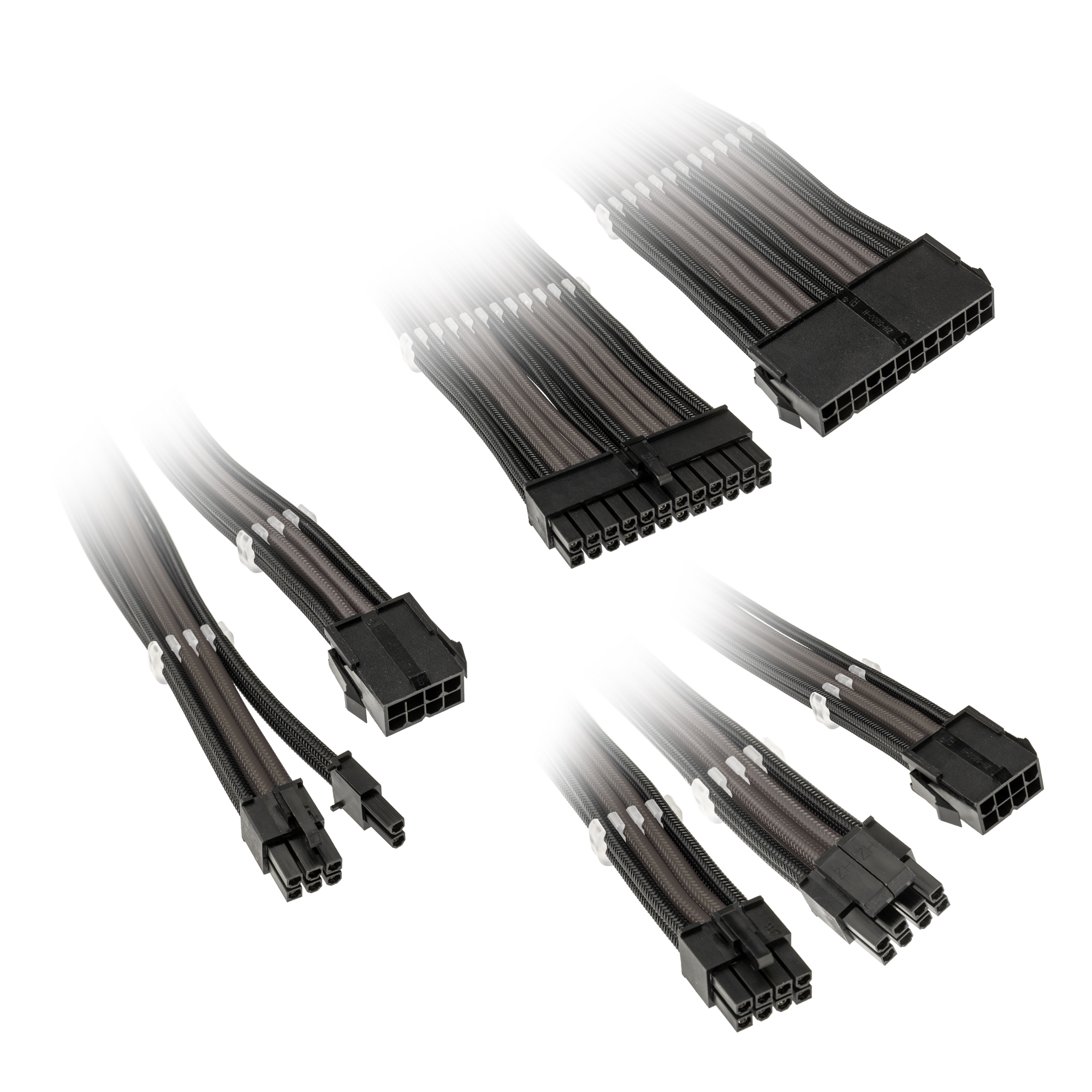
- 1 x Kolink Core Adept Braided Cable Extension Kit - Jet Black/Gunmetal Grey (SKU: CM-00M-KK) = £35.00
- 1 x Microsoft Windows 11 Home 64-Bit DVD - OEM (KW9-00632) (SKU: SW-18J-MS) = £119.98
- 1 x Arctic Liquid Freezer II High Performance CPU Water Cooler - 360mm (SKU: HS-07D-AR) = £119.99
Total: £2,461.80 (includes delivery: £11.98)
Thankyou for reading.
SAVE 7%
£365
(incl. VAT)
£341
(incl. VAT)
£170
(incl. VAT)
£800
(incl. VAT)
SAVE 57%
£35
(incl. VAT)
£15
(incl. VAT)
SAVE 10%

£120
(incl. VAT)
£108
(incl. VAT)
Last edited:

