• Notice regarding image hosts and attachments. See here.

Revopoint Inspire 3D Scanner

Don
Joined
18 Oct 2002
Posts
24,121
Location
Wargrave, UK
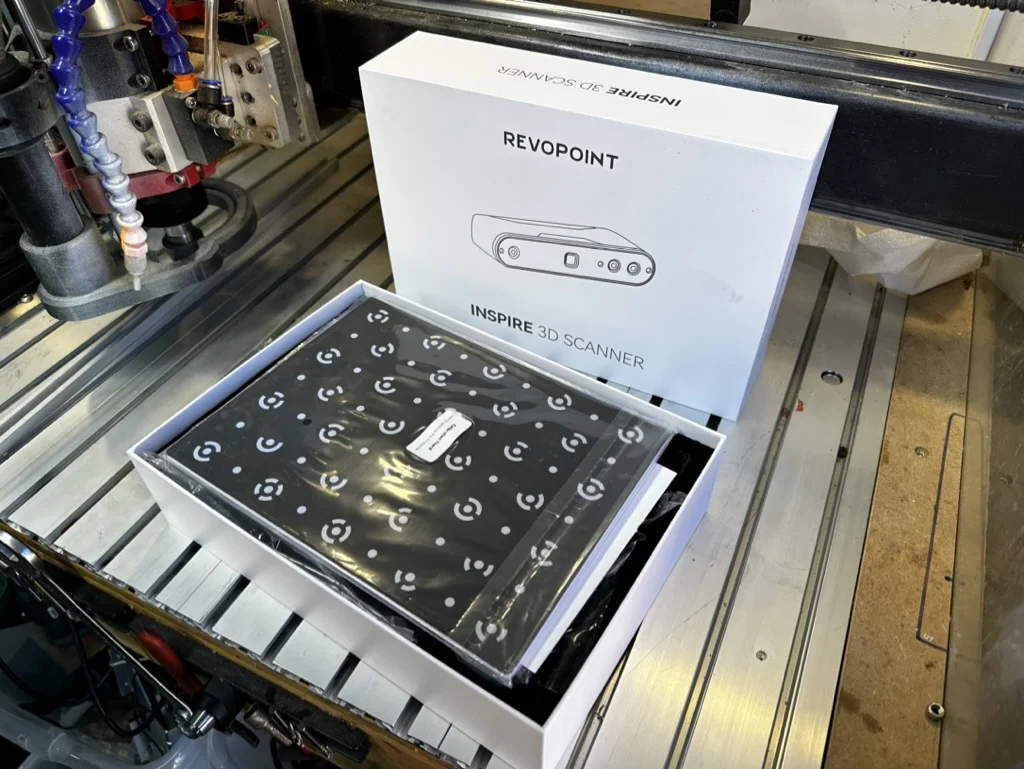
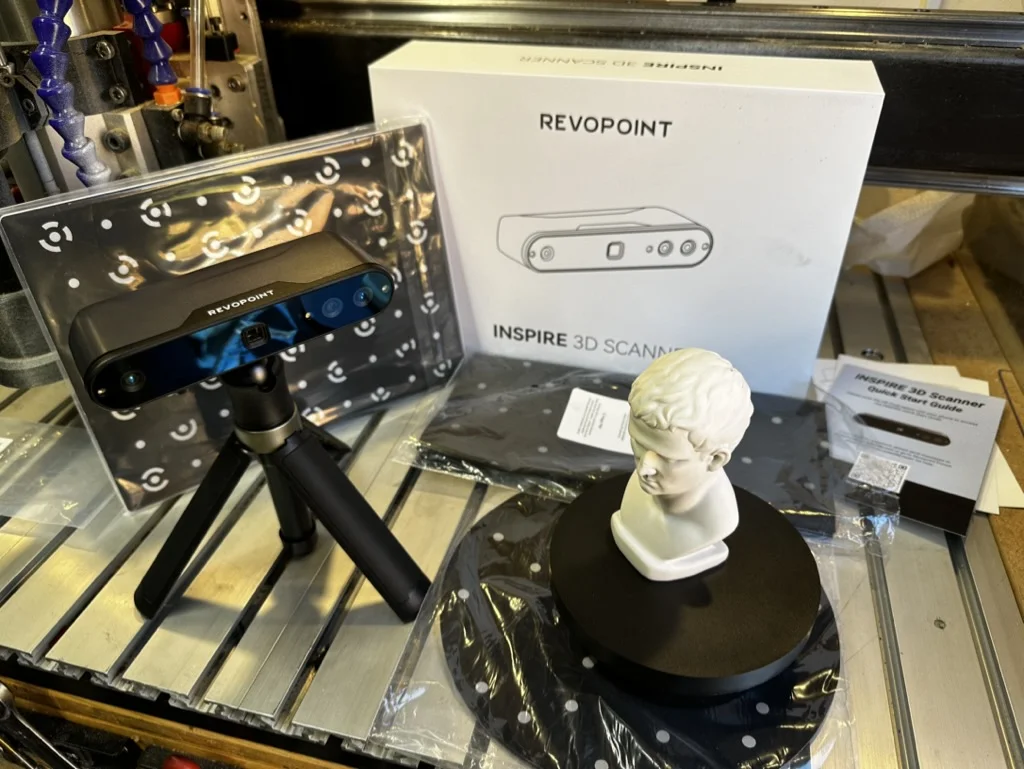
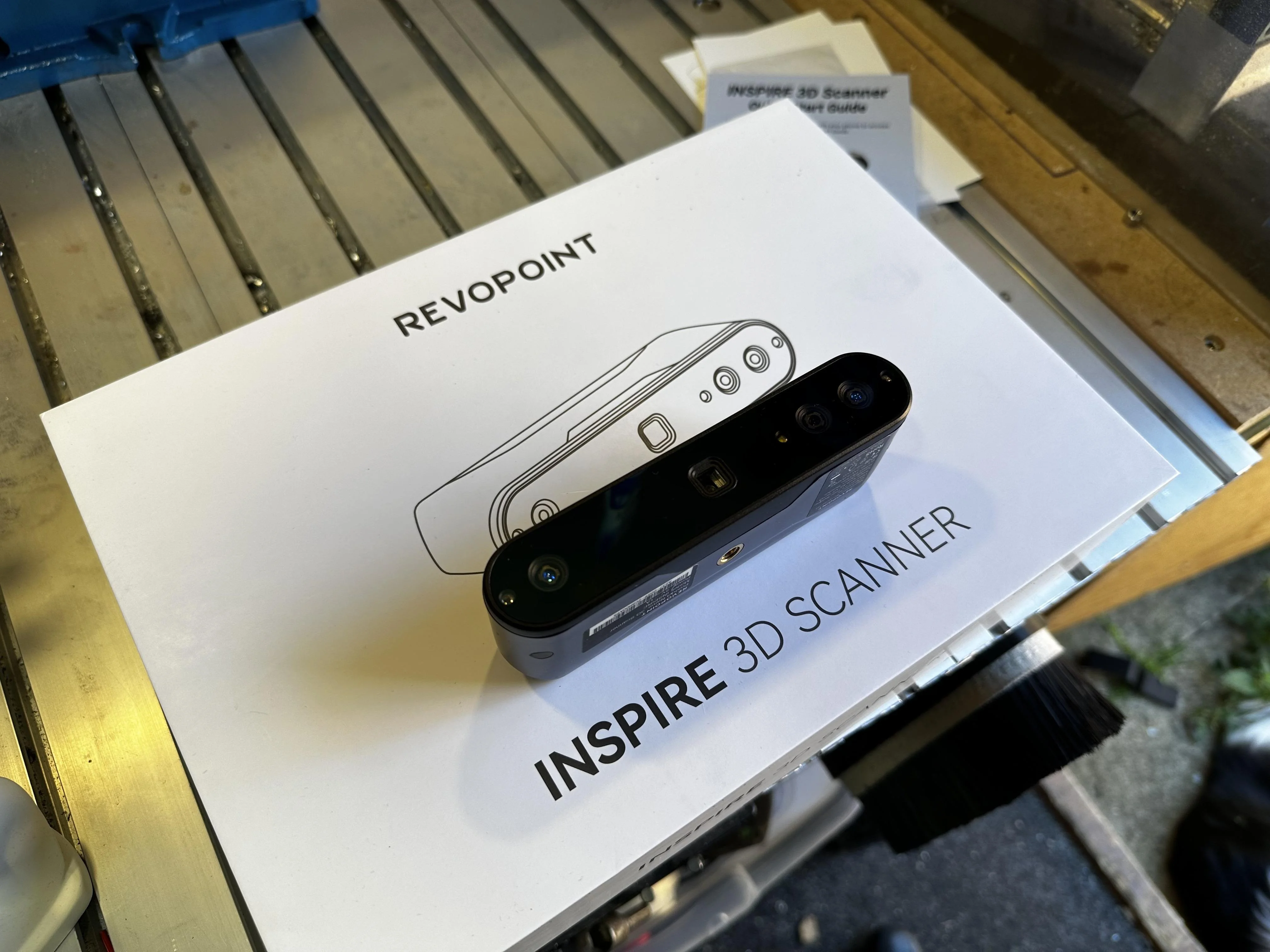
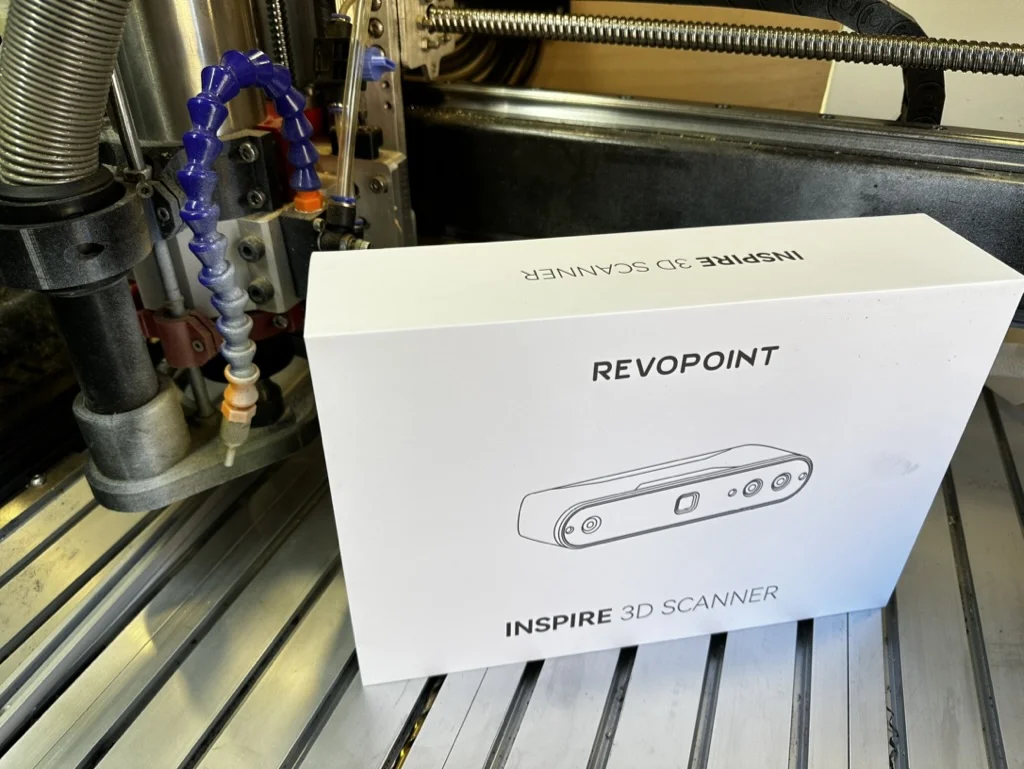
I'm on the beta for the Revopoint Inspire 3d scanner. Mainly because I've used 3d scanners for years and have a lot of experience with Revopoint products.

The product is on Kickstarter at the moment and so please remeber, backing anything is a risk. However, Revopoint have launched 4 scanners this way in the past and have always delivered.


I thought my showcases on Revopoint's forums would be of interest to you guys.

xWXZHhq.webp


b3BbLMz.webp


G8jZJjw.webp


DZGoVm0.webp


pW77nFK.webp


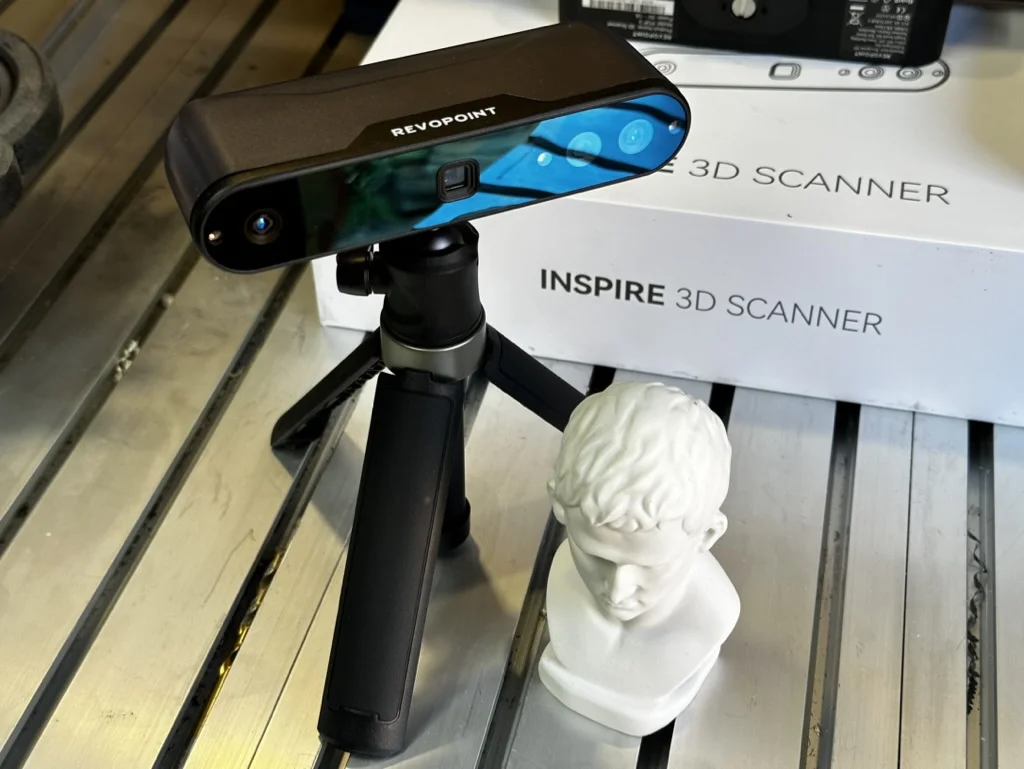
Inspire is a lovely little thing and from my time with it, a perfect introduction to scanning. The results you can get with it with very little practice are fantastic, and at the price-point it's launching at on Kickstarter it significantly lowers the cost of entry to this fantastic hobby.

Revopoint have knocked it out of the park.... again.

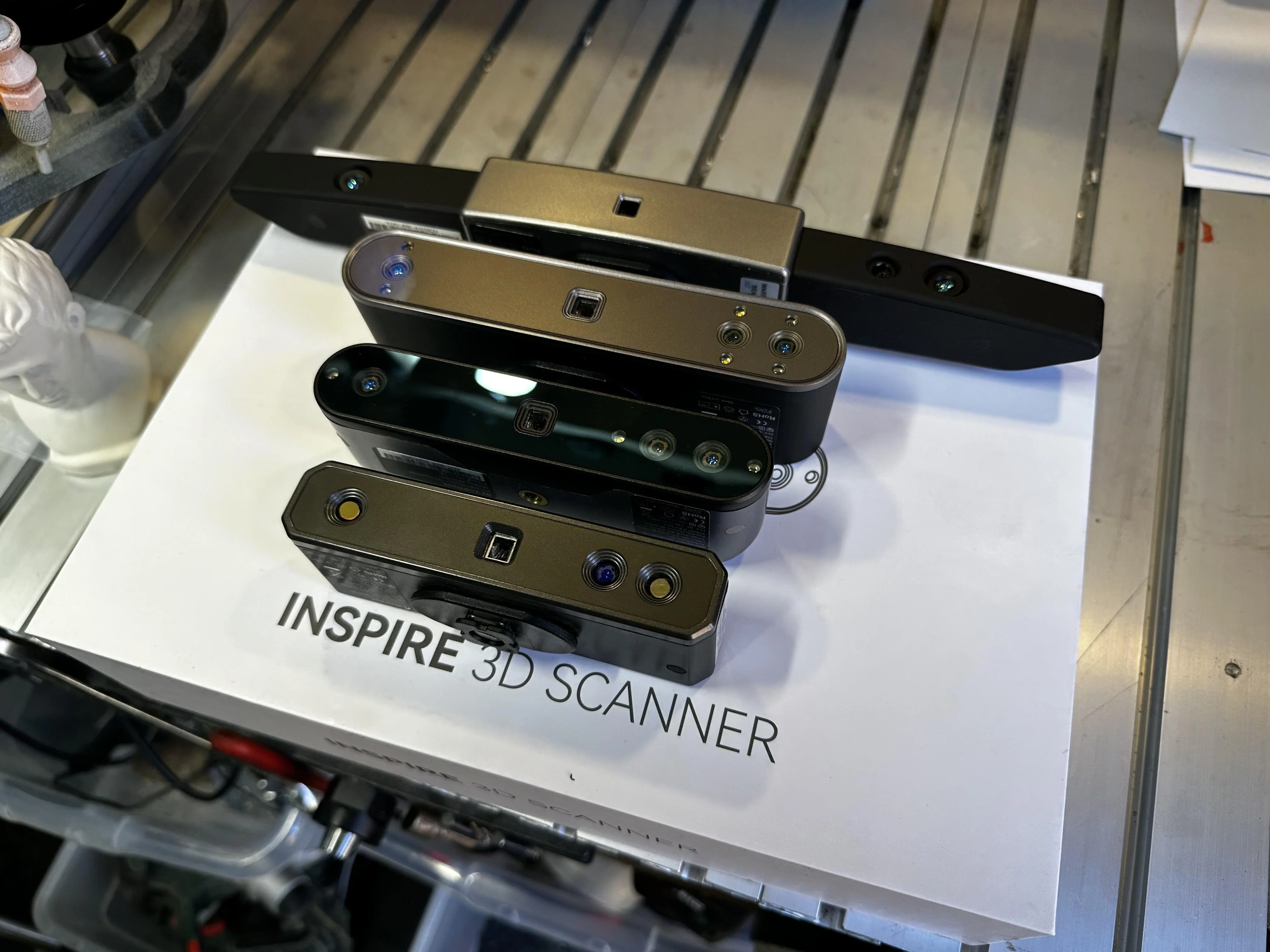
Some more of Revopoint's scanners. From top to bottom: Range, Pop3, Inspire, Mini
YK8Uztz.webp


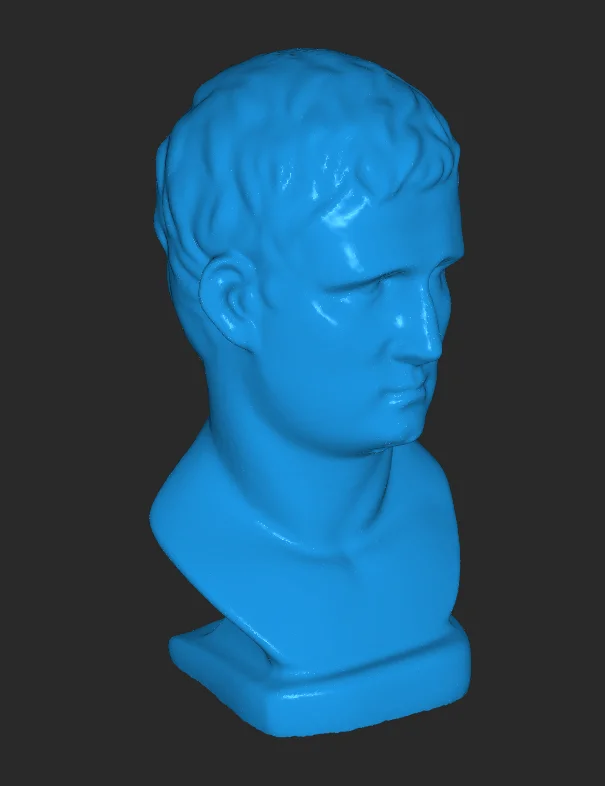
First up, the David sculpture.
CDYVeZE.webp


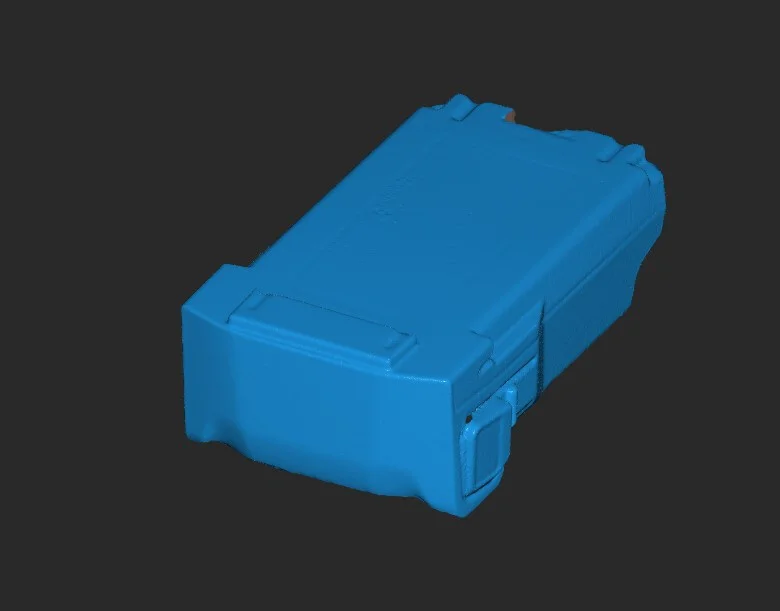
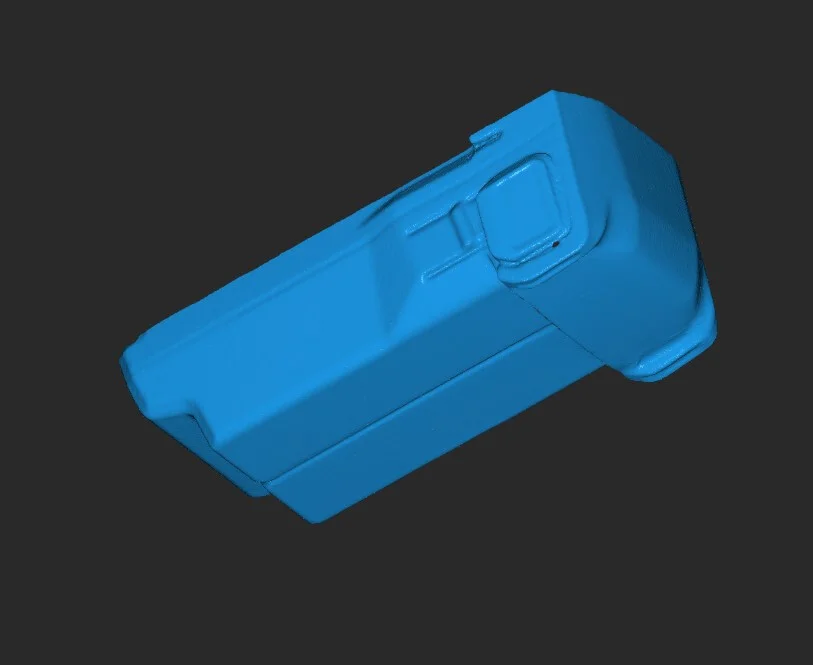
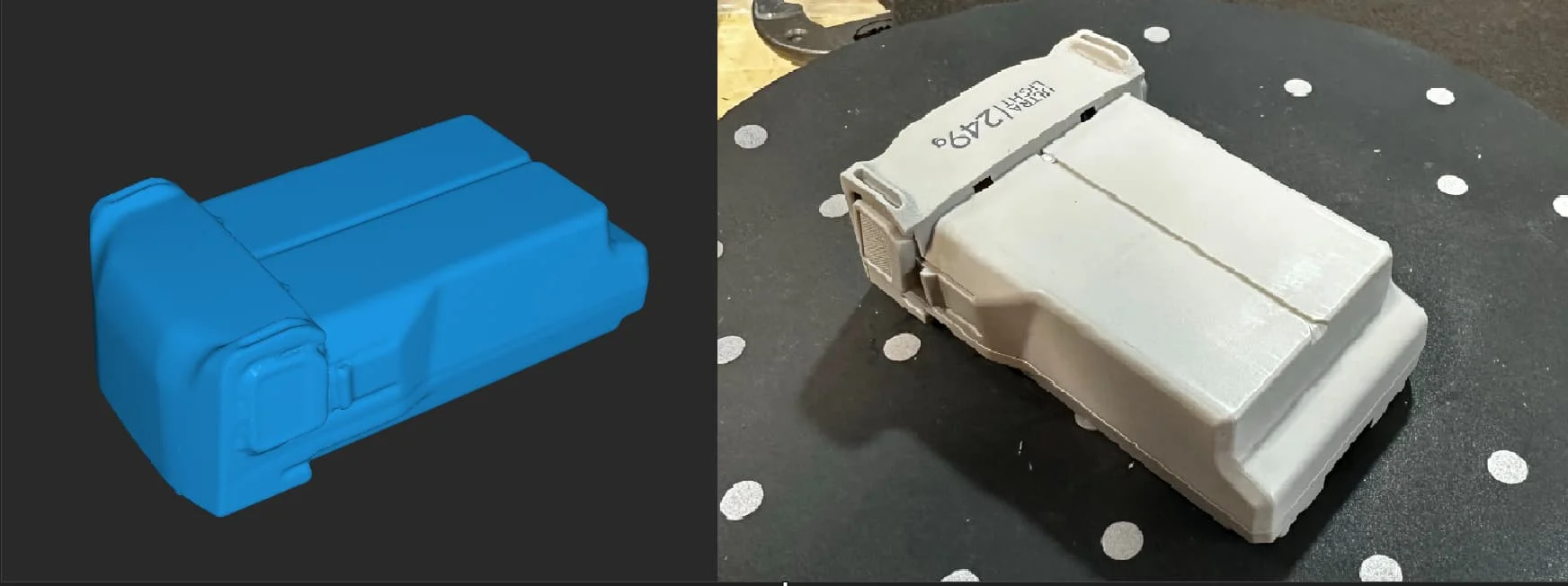
Next, I scanned a battery for my DJI Mini 3 Pro:
cw5n54q.webp


xBMW4WA.webp


6O7b6cg.webp


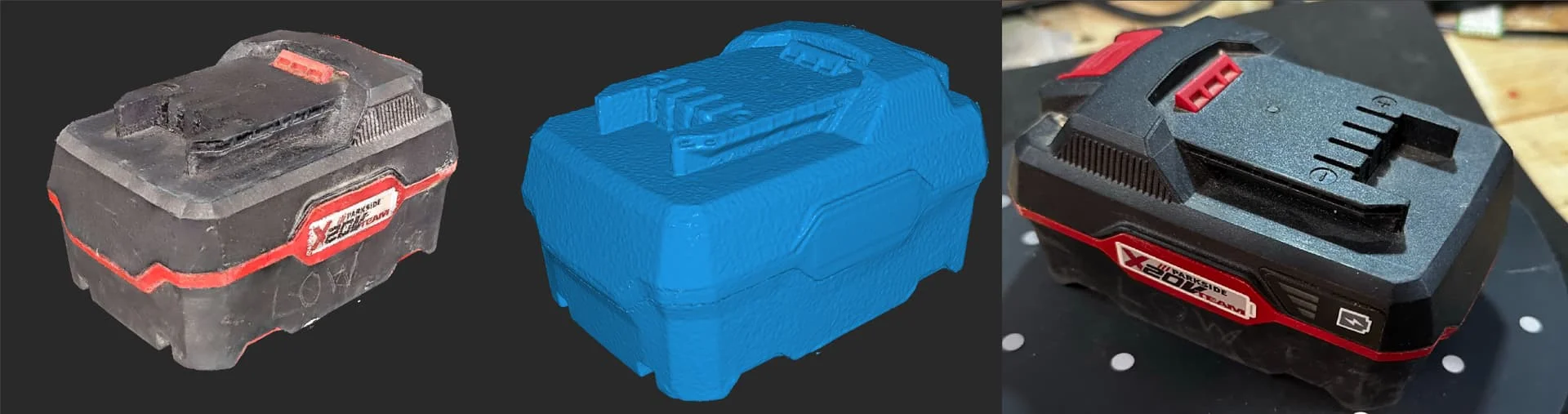
A battery for a power tool:
ERxqE6o.webp


A really ugly soft toy
aGV1rUg.webp


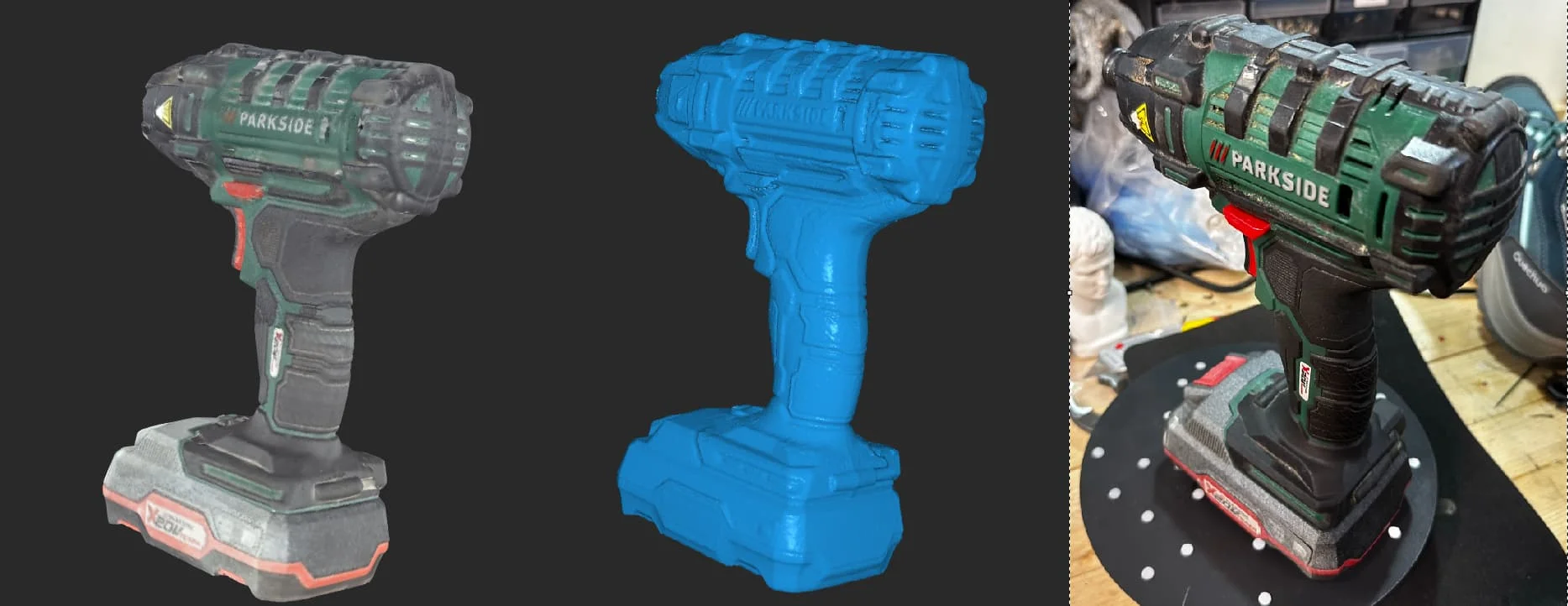
A power tool
aUp2NZL.webp


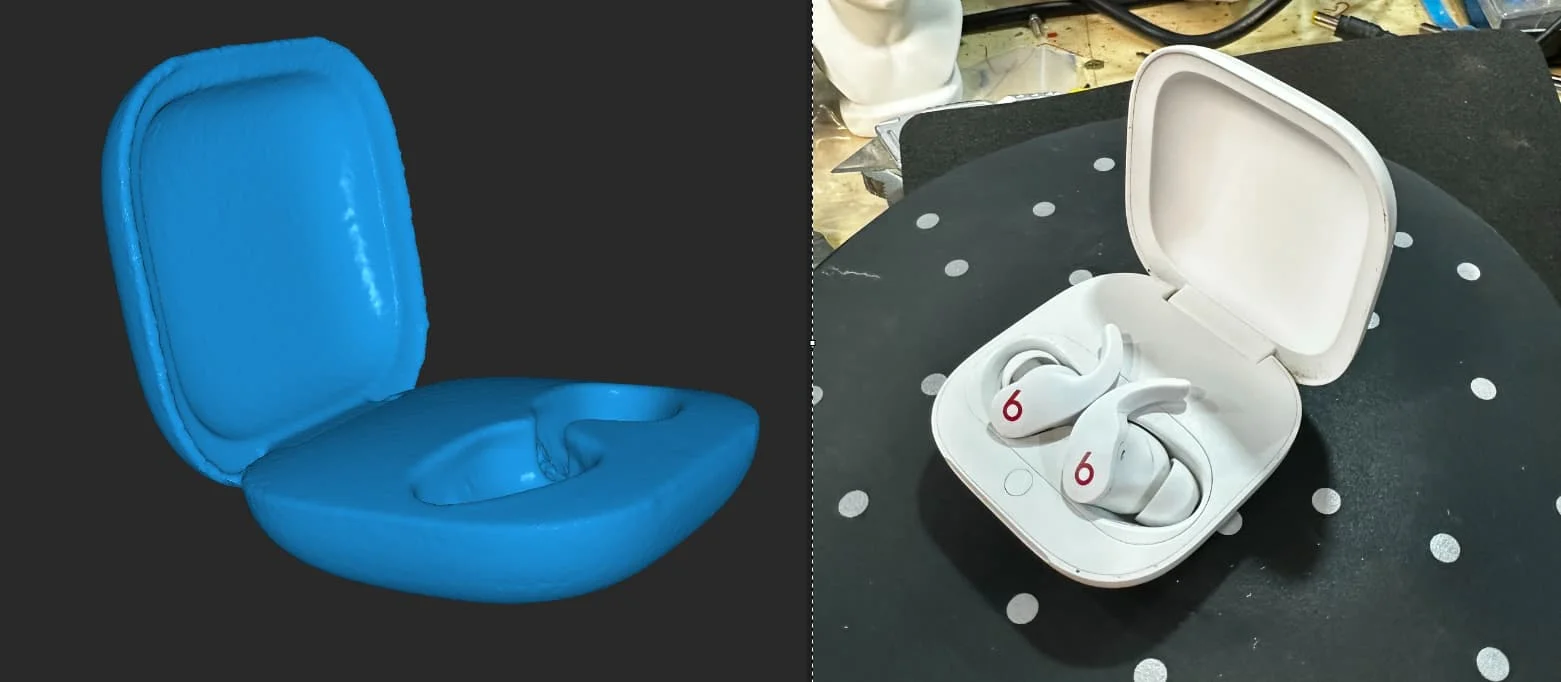
I thought I'd try something really smooth so had a go at my headphones case:
A6zrYIJ.webp


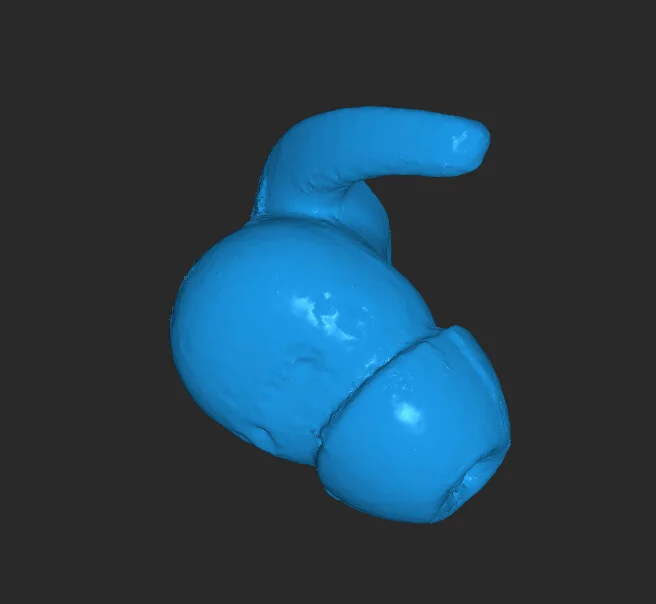
Then, as a torture test, one of the earbuds. I'd normally use Mini for something this small but Inspire did really well.
X8Ux9KM.webp


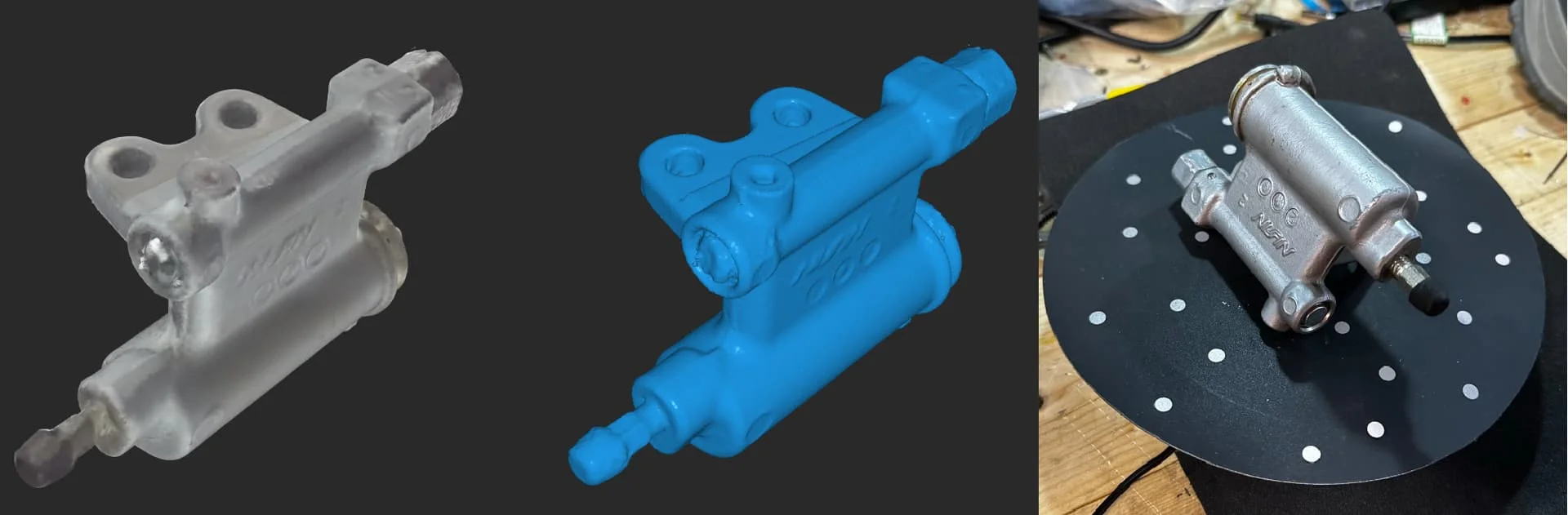
I wanted to try something aluminium and shiny-ish. The spare clutch slave cylinder from my car seemed like a good idea:
gJHk23Q.webp


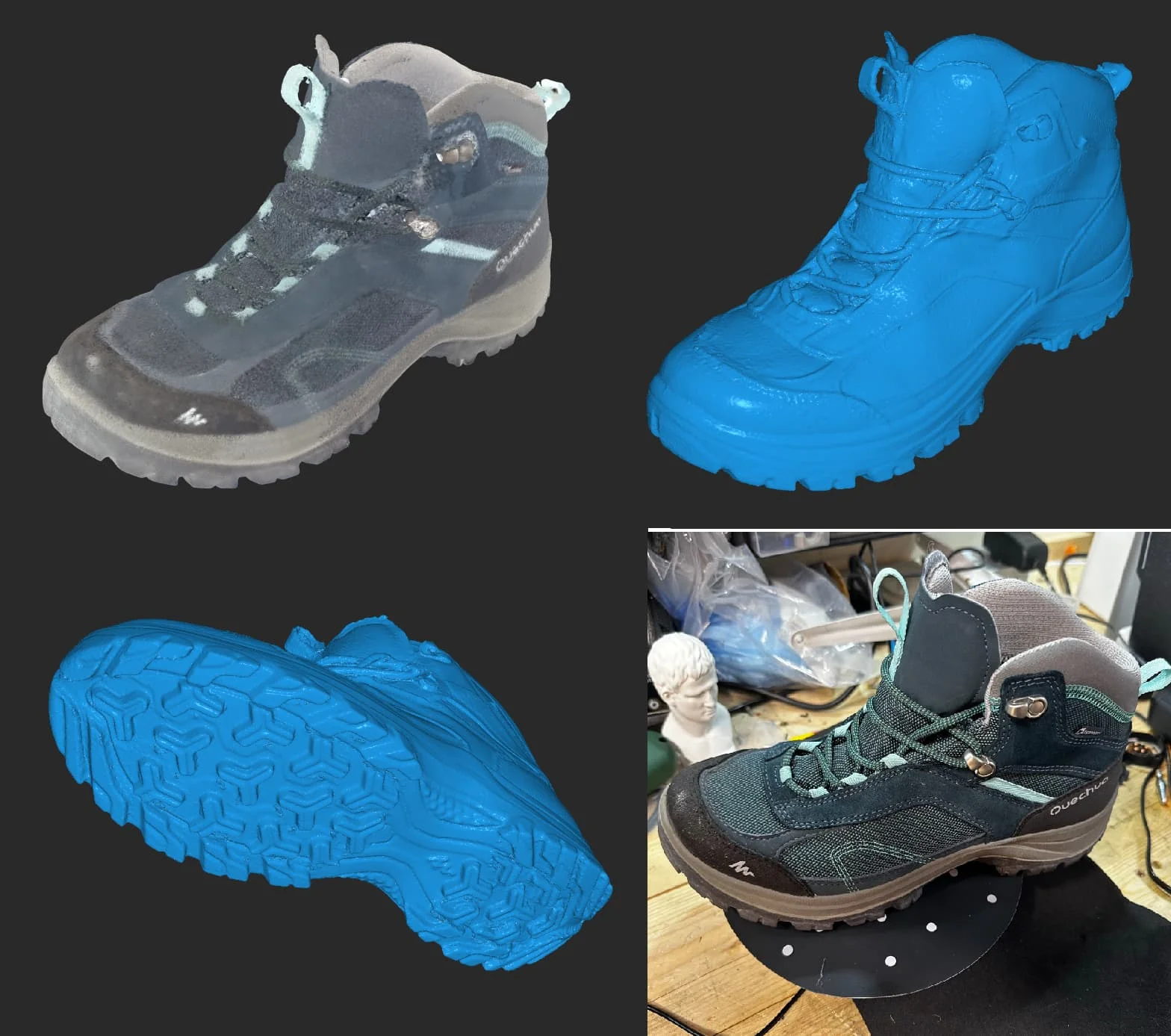
Next up, the benchy of the scanning world. A shoe. The colour scan is only vertex colour as I had to do it in multiple sessions and merge.
74COEEH.webp


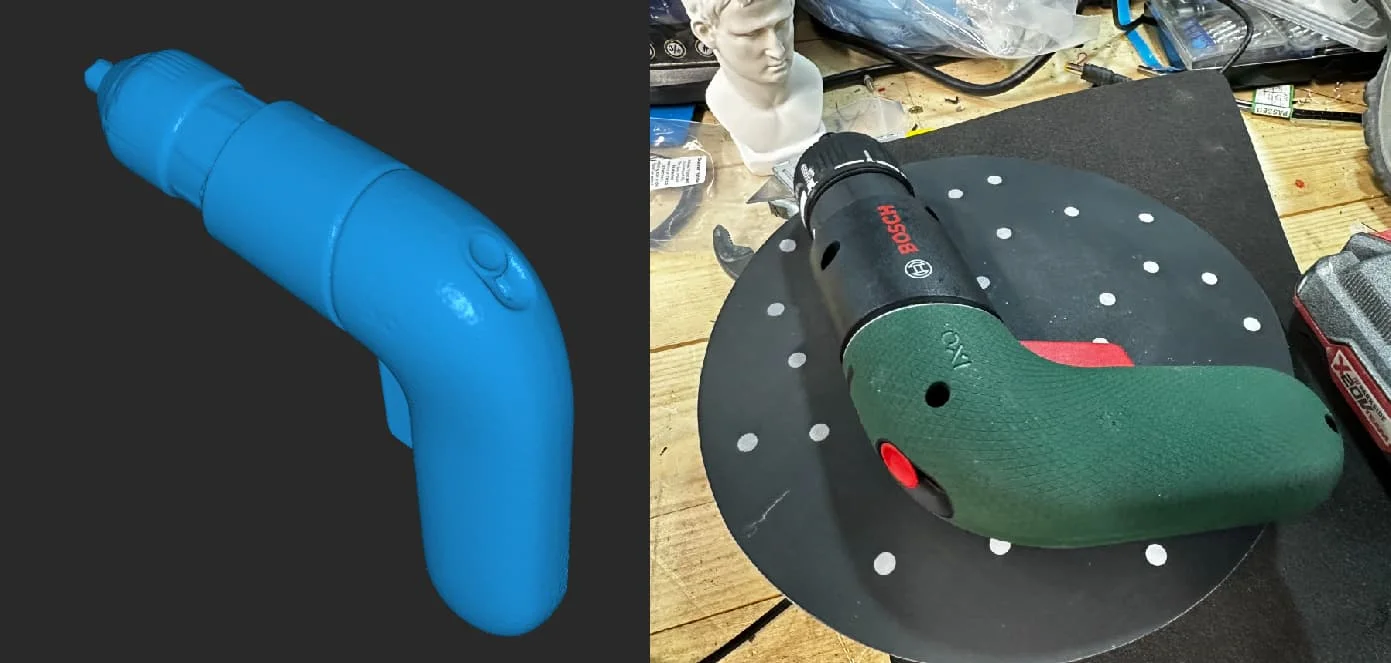
Another power tool
m4rezPX.webp


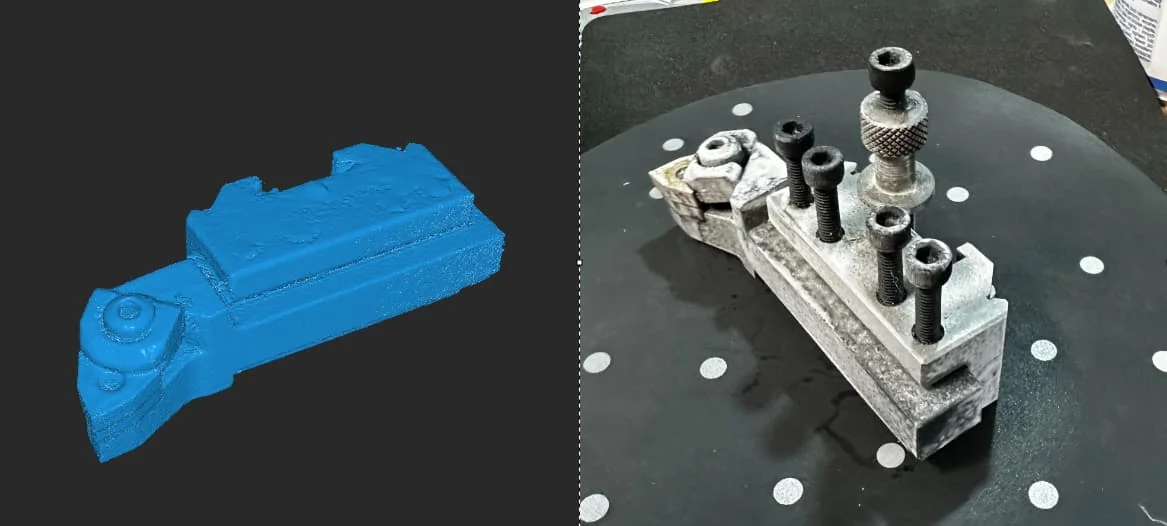
And finally, a torture test. This a quick-change tool for my lathe. Very shiny with lots of angles. I think Inpire did really well here. The scan isn't going to win a beauty contest but it's dimentionally accurate and good enough to build CAD from.
CDrE0sb.webp


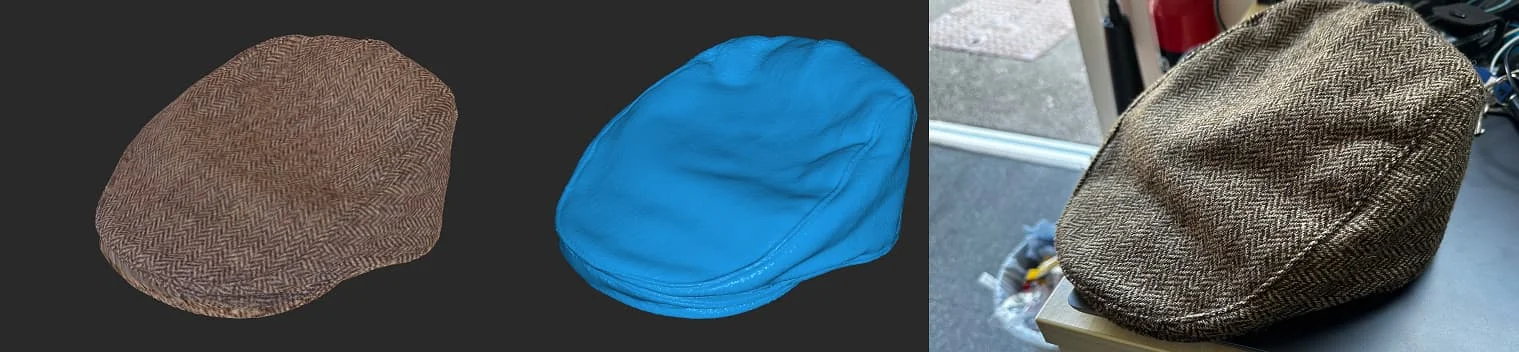
My hat
6DdTcxh.webp


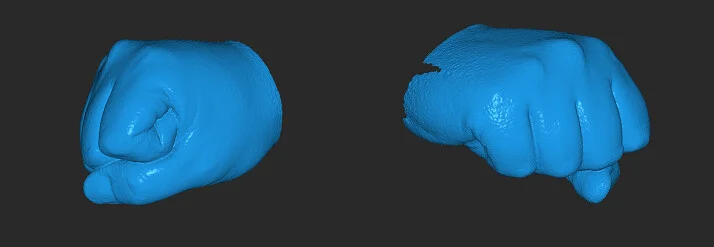
My fist
fEO1CFa.webp


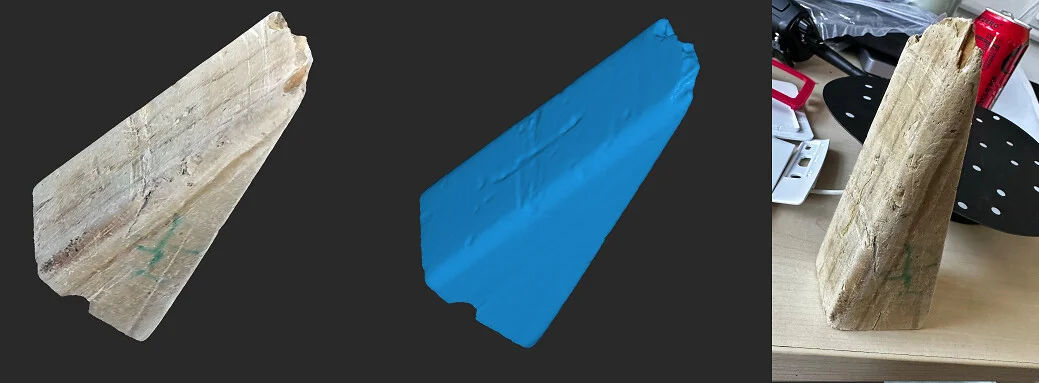
A door wedge
YODtTd4.webp


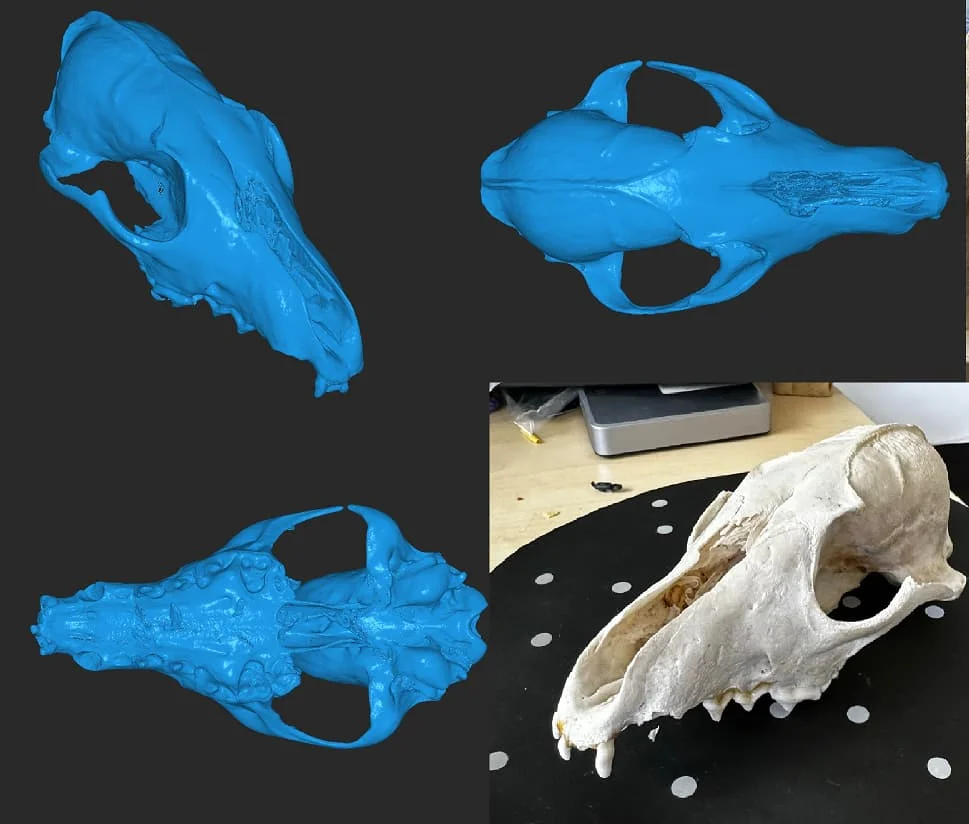
Skull
3zOdN7w.webp


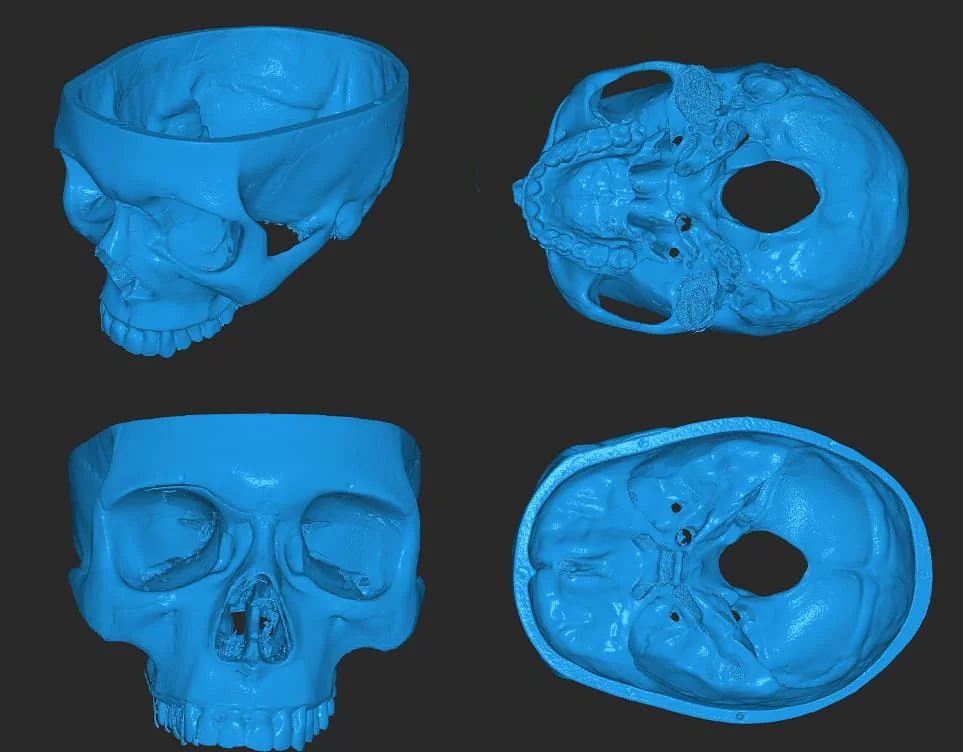
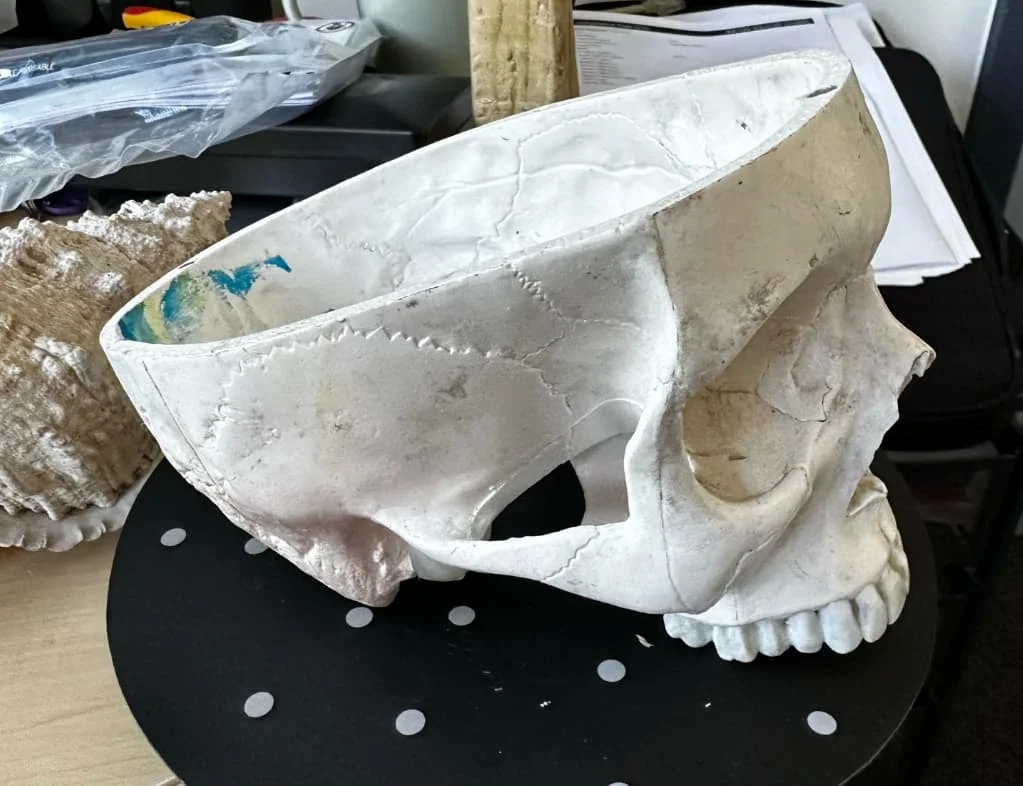
Human skull
JzVqARF.webp


1INULYz.webp


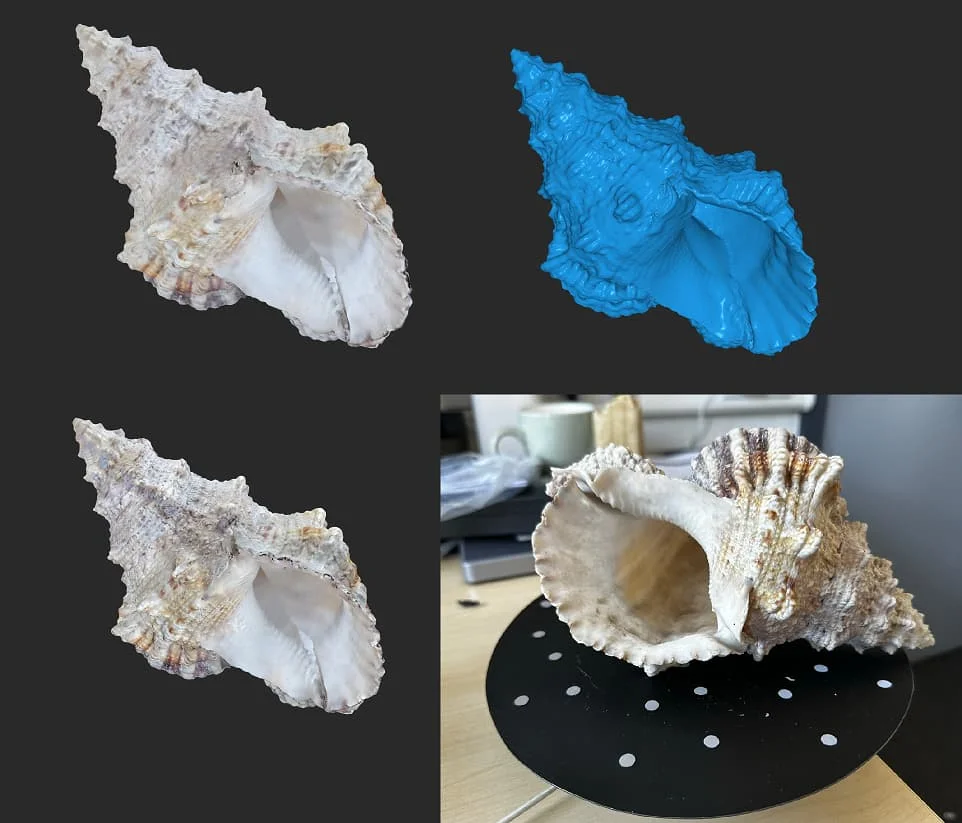
Conch
PHh1gvz.webp


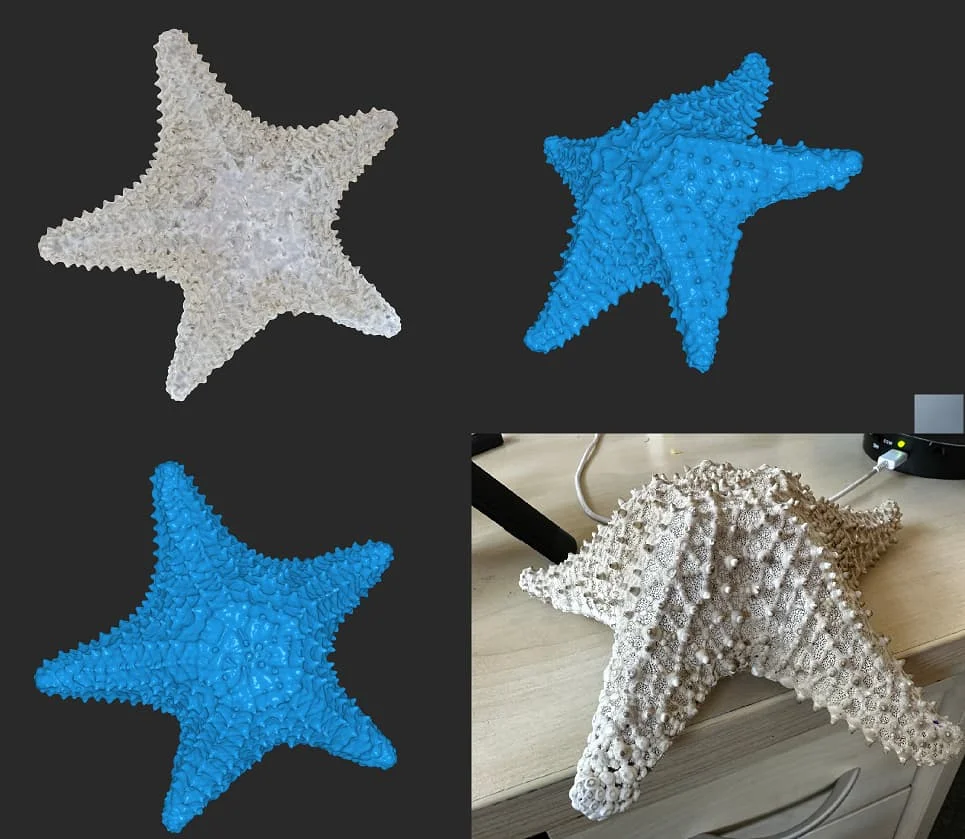
Sea star
TArYt0s.webp


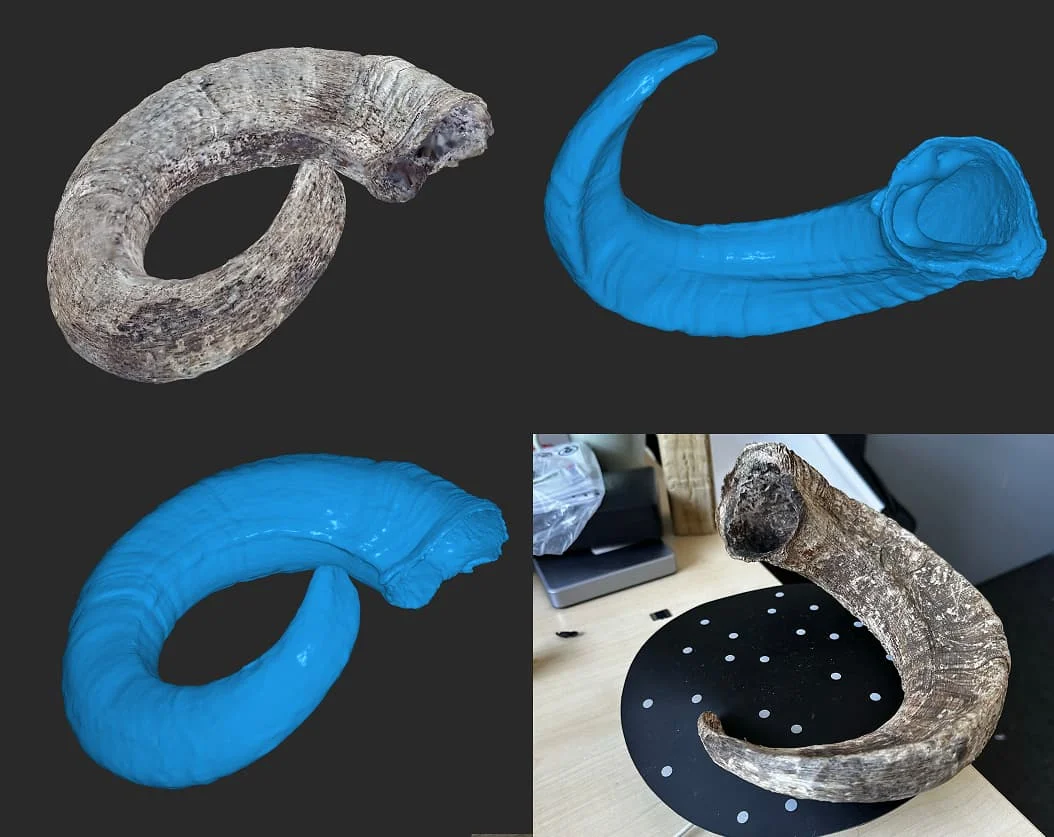
Ram's horn
NnnTWf3.webp


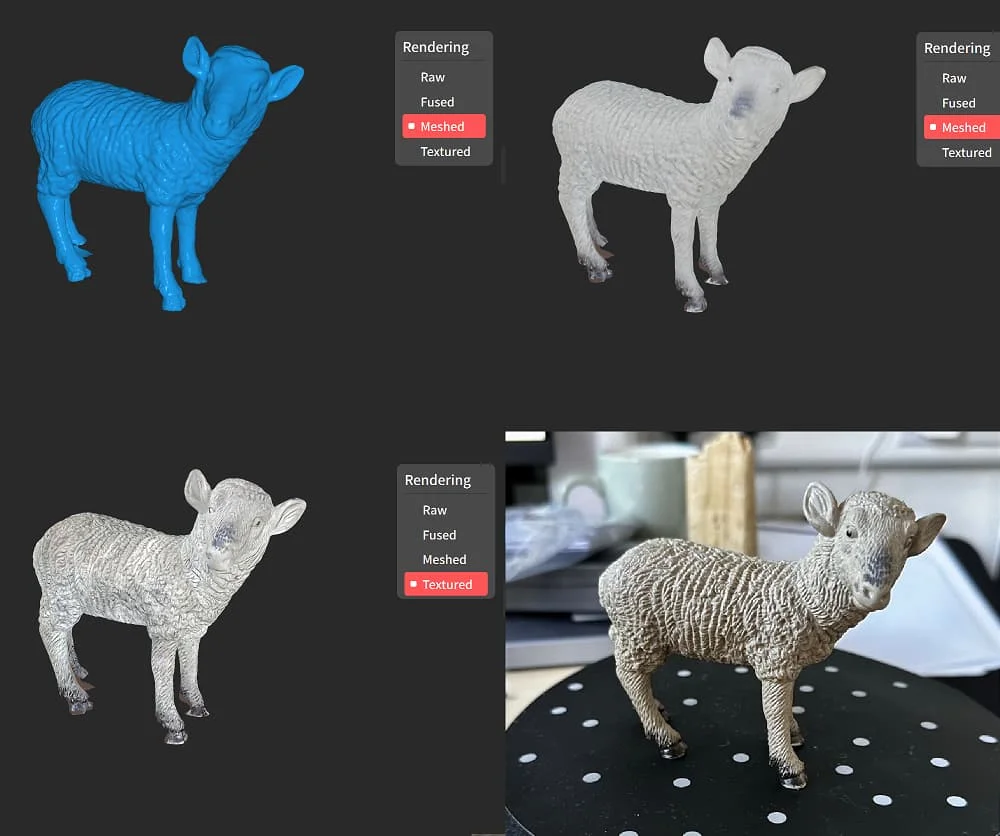
Plastic toy
Hwn6uzL.webp


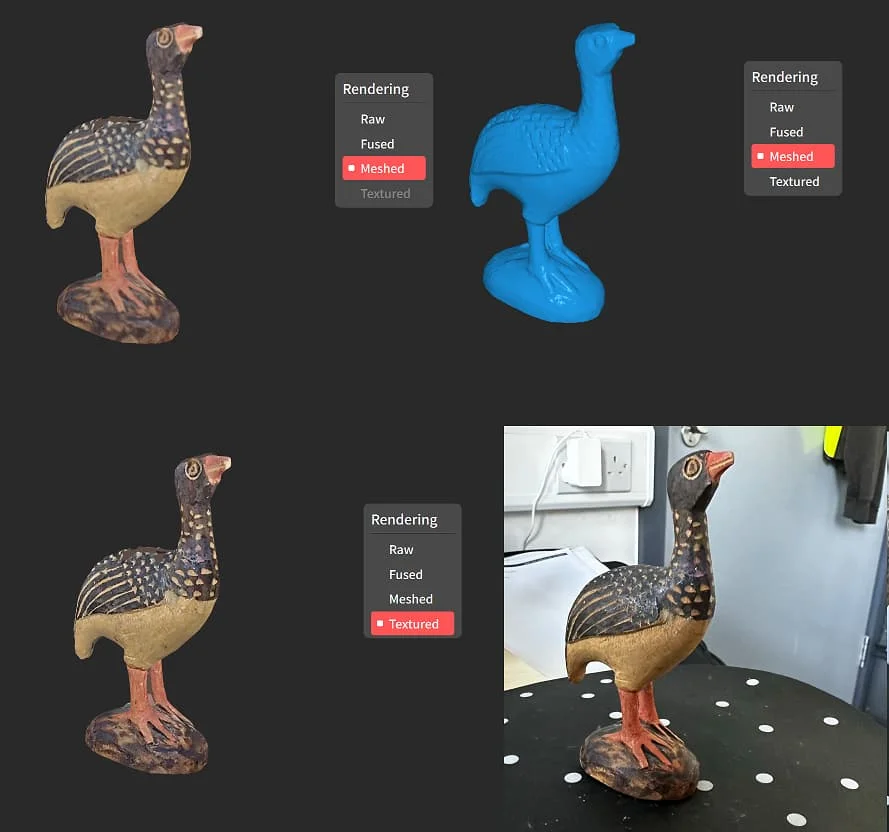
Wooden bird
BBnU9nv.webp


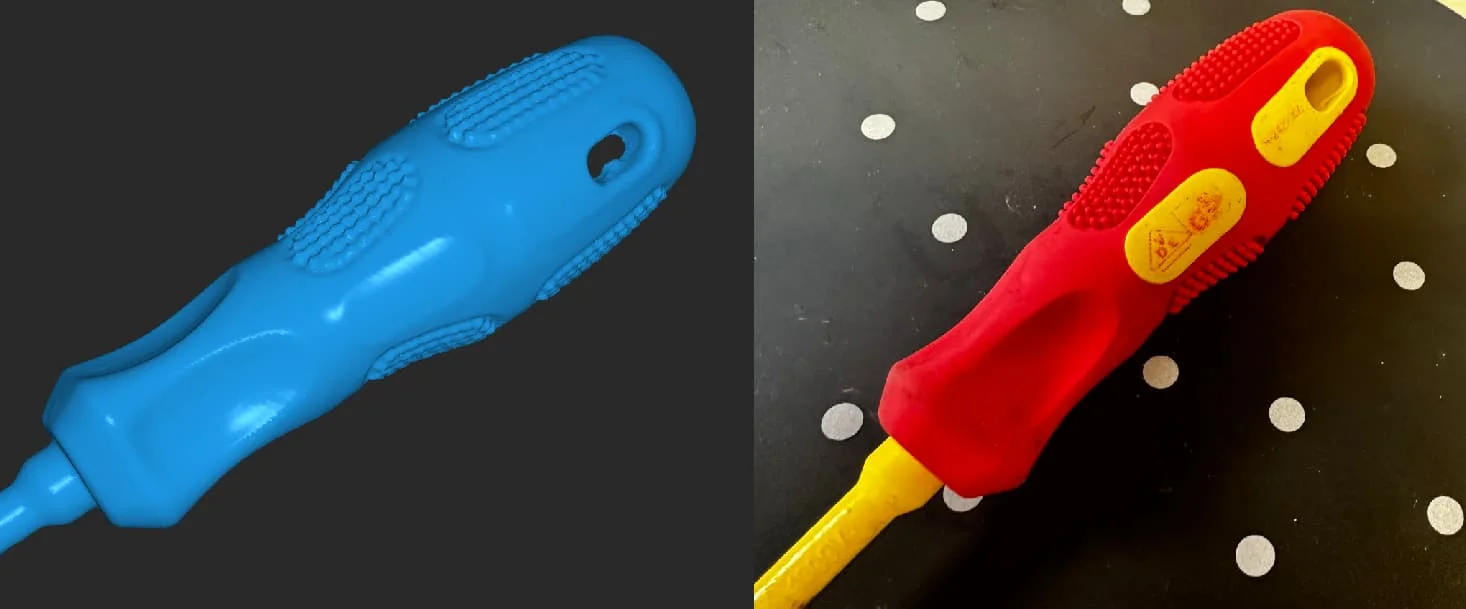
Screwdriver handle
P086X30.webp
 
Last edited:
Now a practical application:

I have a DJI Mini 3 Pro which is a fantastic little drone with one flaw; it has no fan and so will overheat and shut down if you try to use it as a ground camera. It has ducts running through the body for cooling but these are only functional when the props are spinning. We need to give it some help.

So, I want to make a mount so that an 80mm fan can blow air down these ducts:

UmXxVMb.webp


I don’t want to recreate the entire drone in cad. I only want the top surface and the rear arms. So, let’s scan.

t87Z0r4.webp


The scan is not manifold and has lots of stuff I don’t want. Also, it’s way too detailed.

zJzmvdL.webp


First, let’s cut it up using the plane cut tool in Revoscan.

96MPej5.webp

W2VlkSQ.webp


Then we fill the holes using the Plane method.

Q6iSfAk.webp


Then simplify the mesh. We’re aiming for 10k triangles or fewer. It looks bad but is perfect for what we’re going to do with it:

Rn6qGUr.webp


We add it in to Fusion 360 and align it to X, Y and Z
Then we go to the Mesh menu and Modify, and Convert.

sPDdFek.webp


It will complain that there are too many triangles but after a minute or so, you will have a solid body from your mesh.

AskCMcX.webp


I’m not going to go through the design process for the object in Fusion 360 because there are tons of guides on how to CAD and that’s not the purpose of this forum. But, I designed a duct that is approximately the right size. I need it to fit perfectly against the Mini 3 Pro’s body.

wjsWWCk.webp


We then apply a combine operation, using the scan of the Mini 3 Pro as the tool.

iIULBxX.webp


After a few seconds, the part has been chopped to have a perfect outline of the Mini 3 Pro

9eWVJeg.webp


Over to the 3d printer (a Bambu X1 Carbon in this case) and we have our part:

aXj04nA.webp


Looks good, but does it fit?

WjiqpfU.webp

wCE4r39.webp


Perfect!
 
Last edited:
Another method for getting a scan to CAD is the secioning method.

Let's say we have an assembly we need to draw in CAD

zIIH3uE.webp


The object I want to create in CAD is in several parts so it’s best to disassemble it and scan the parts individually.

tLTTCMN.webp


This parts are quite shiny so to give Inpire the very best change of getting a good scan, I apply some scanning spray. This isn’t strictly necessary.

0Q0tVV0.webp


Next, set up your scan. Think about what orientation your object needs to be in to get the best scan of all sides. For this item, vertical seemed like the best way. Also, it’s important to have the David bust watching you as you scan.

yeHwwzx.webp


In Revoscan 5, I decided to scan this in marker mode as the item is very uniform in shape.

dw8GUDx.webp


Once you have the object scanned, first fuse it, then tidy up the point cloud using the Isolation, Overlap, Simplify, and Smooth tools. They are pretty self explanatory but some experimentation is advised to get the best scan.

8Q9dC26.webp


Once we’re happy with the point cloud, we can mesh it and export it as a stl

LtY6ynY.webp


Next, on to the more complex part. Again, I used marker mode for this.

PQ0MESx.webp


WcmRdyD.webp


Due to the shape, I had to scan this at multiple angles. The way I do this is to take 4 seperate scans and then merge them in Revoscan. You could pause the scan and re-position but you would need to scan in feature mode for this to work. I find seperate scans and merge to be more relable.

kzf9STX.webp


Ieq3gw9.webp


Once we have our scans, we can clean them up as before using the tools and then hit the Merge button.

D4LuMxJ.webp


This automatically merged in feature mode without issue. You can use marker mode to select various point pairs to use if automatic alignment fails.

And we have our finished scan of the second part

0jLHuOt.webp


Now, on to Fusion 360. Inset a mesh in to the workspace. I have started with the simple part first.

Li23Tbz.webp


Next, we need to align the scan with our workspace coordinates. I prefer to do this manually but changing the view between top, side, front, etc. and nudging the model until it’s lined up.

YAcm4Nl.webp


In the mesh workspace, we need to click the Create Mesh Section Sketch button. It may be under the dropdown on your screen though.

8pqBKVV.webp


Using this, we can create outlines of sections of the model to use as references for our sketches later on.

aT0pPpX.webp


It’s a good idea to take several of them to cover all the major features.

npXSG3S.webp


Once we have our section sketch, right mouse on the sketch in the tree view and select Edit Sketch

K19BKKW.webp


Then go up to the Create Menu and select Fit Curves to Section Sketch

djfLyqY.webp


From here, you can fit various shapes such as circles, lines, curves, etc. to the sketch to make a fully enclosed sketch.

gbsSrJk.webp


Once we have the first bit drawn, we can come out and go in to the Solid workspace, and extrude the shape we just drew

pJ8t3FD.webp


Moving on, we repeat the process as many times as necessary to build up the sections of the model

418G6oC.webp


qZXMmT0.webp


Add a bit of colour, and there we go

0sOizKd.webp


Now we follow the exact same process for the second part. This one is more complex and so is trickier to do.

First orient the part

A8OIwFy.webp


Create section sketches

2lys8P0.webp


Extrude

dvB1OoF.webp


And repeat

dpMmd01.webp


SgDAwx2.webp


BzSB6tr.webp


Draw some bolts of the correct dimentions and assemble:

2fvke9H.webp


And here’s the final assembly, rendered.

y3jMbF3.webp
 
Very interesting, roughly how much would this be?
Going to show this to my boss, hopefully he will be tempted.

Sorry I’m new to Kickstarter, is that 300 dollars?
 
Last edited:
Does it scan the likeness of an object or does it also get its dimensions and measurements accurately scanned in too so can print replicas?
 
Nice to see the price on this type of tech is coming down. I’d be interested to know the accuracy with a 1m cubed object.
 
That's a bit big for Inspire. For an object of that size you'd really want Range which is another scanner for very large objects.
 
I've been toying with getting one of these (or similar). I do a lot of work in 3D (in Cinema4D) so not specifically CAD but I have a lot of experience modelling. I'm also renovating a van and modding a motorcycle so a tool like this is invaluable for recreating parts, scanning impossible-to-measure areas and making tools.
 
Last edited:
ah yes I mistook mm for cm in the blurb. Although that does make some of their use cases a little marginal.
 
great work, I can vouch this type of rework consumes a lot of time Kudos! The scanner looks to be decent on the smaller parts, I have a Lynx scanner for larger car parts I want to scan, I will be considering the Revo vs 3Dmaker Seal for smaller parts
 
Very tempted to pull the trigger on this! Would allow me to get started on a few things without having to work out the design from scratch.
 
Can Inspire do something small? Like 3cm small? Yes, yes it can. Not brilliant but good enough. Ideally I'd use Revopoint Mini for this but Inspire did a reasonable job.

iMiP09S.webp


33zPAgJ.gif
 
Back
Top Bottom