Seeking Advice! Video Editing PC Recommendation

Associate
Joined
21 Nov 2025
Posts
4
Location
Manchester
Hello! I am looking for a new PC, my current one is over 10 years old. I think it's time for an upgrade. Budget-wise, I'm looking around £1500.

I mostly edit videos using Davinci Resolve, 1080p footage - I rarely touch 4K, but may be something to consider for the future.

Occasionally I game, but it's mostly Minecraft and Fallout New Vegas. No plans to play modern games on the PC, I use my Xbox for that.

I don’t want to build my own PC, but I did read that Overclockers may charge a fee to build a machine for you? Is that true? I’ve been lurking on the forums here for a few weeks, and just made my account today.

I've read that a good GPU is recommended for running Davinci Resolve, minimum 8 cores if not more, 32GB of RAM (if not more for speed) and an SSD 2 TB minimum. I have an HDD from my old machine that I'd like to fit to the Motherboard for additional file storage. I've seen a few Graphics card suggestions (RTX5070 Ti is considered a good one for Davinci). I have 2x 1080p monitors, dual set-up. A disk drive would be ideal, but I have an external blu-ray drive that runs DVDs and PC-rom discs, so not a necessity.

Would you kind folks be able to recommend a build or pre-build? I've been browsing a few sites and tearing my hair out with how many options are available. Maybe I've overcomplicating things. Thanks in advance!:)

TL;DR Looking for a new Editing Computer to run Davinci Resolve that will also play old videogames.

 
I've seen a few Graphics card suggestions (RTX5070 Ti is considered a good one for Davinci).
How serious is your usage? ~£700 is a lot to pay if not that serious.

How well (or not) does your current hardware cope?

I don’t want to build my own PC, but I did read that Overclockers may charge a fee to build a machine for you? Is that true?
Yes, though with the rapidly increasing prices of SSDs/RAM, pre-builds might be better value than having it built to a custom spec (haven't checked the prices myself lately).
 
How serious is your usage? ~£700 is a lot to pay if not that serious.

How well (or not) does your current hardware cope?


Yes, though with the rapidly increasing prices of SSDs/RAM, pre-builds might be better value than having it built to a custom spec (haven't checked the prices myself lately).
Open to suggestions on all fronts - the RTX5070 Ti was a card I saw frequently when browsing the Davinci forums. My current hardware simply won't run any form of Davinci (my graphics card for example is an AMD Radeon HD 6670 from 2011), looking for an entirely new machine.
 
How serious is your usage? ~£700 is a lot to pay if not that serious.

Especially if mostly only editing at 1080P, I just can't imagine it being that demanding. The 5070 is seemingly down to £450 and might be a good middle ground, although I'm not sure how limiting the 12gb of VRAM might be so might be better off with a 5060ti 16gb.

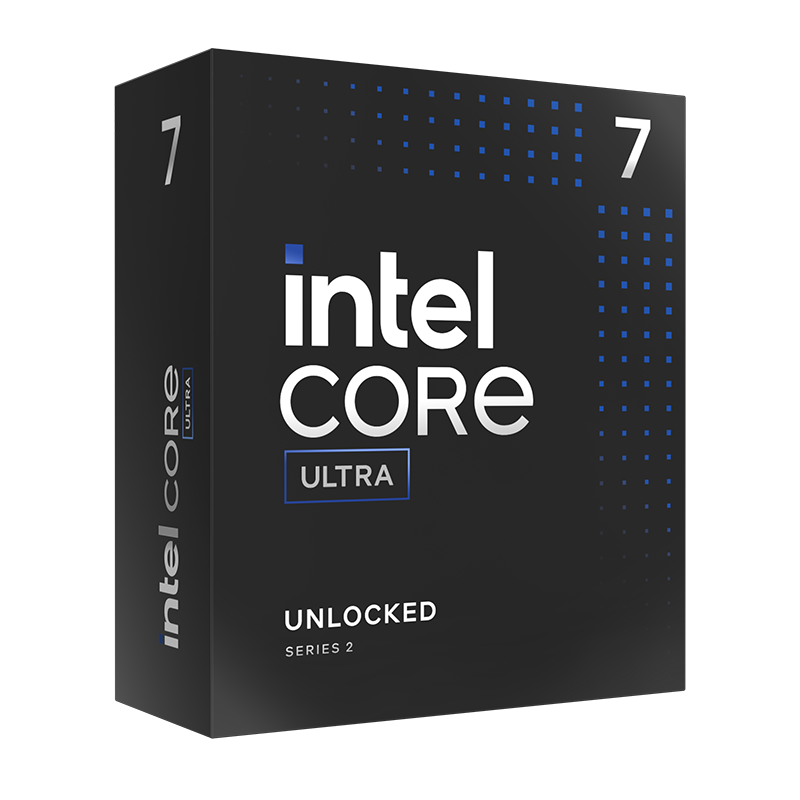
Judging by this the 265K seems like a safe bet: https://www.pugetsystems.com/labs/a...diting_Motion_Graphics_DaVinci_Resolve_Studio

Unfortunately the only Intel prebuilds I'm seeing with Core Ultras are way over the OP's budget, leaving AMD as the only option shy of getting a build quote, and at this time of year that could take some time.

This could work but as mentioned it could be a lengthy time period before they can get around to building it, and I suspect the fee will push it over £1500:

My basket at OcUK:

Total: £1,244.88 (includes delivery: £11.98)​

Could be better off going for an AM5 9600 setup, for 1080P editing it really might not be worth spending as much on the Core Ultra but my experience with Davinci Resolve is pretty much zero.

Note, this doesn't include Windows 11 so if you go this route you'd need to install it yourself, OEM keys can be had very cheap vs retail and would save you around £100. It can be done via USB and is a very simple task, there's step by step guides but frankly it's more or less an automated process at this point.
 
Last edited:
For 1080p video work in Resolve, you don't really need much, a 7600 with 16gb of ram and a 9060xt 8bgb will do it.

But it's not going to be the best or quickest, as a minimum I would want 16gb vram so would be looking at the 5060ti 16gb. For content creation if that is the priority then Nvidia straight up.

If you were pushing larger projects at 4k and the GPU features more utilized for productivity and timeframes sure a more expensive GPU is worth considering.

System memory 32gb Will be fine.

CPU, again cores are helpful, Intel have an edge here with Quick sync, and H.264/265 codecs. 8 performance cores minimum.

If it was a mix of work and games AMD are ok, but you are looking at 9700x or 9900x for the core count.

You don't say a lot about storage, will you be using more hdd
 
Even my old 4070 was fine for 4k in Da Vinci Resolve. 5070ti would be more than enough.

You would get much more bang for your buck by spending some of your build money on a Da Vinci Resolve Studio license, so you get the benefit of hardware decoding…..makes it much nicer to use and unlocks a ton of features.
 
Hi all, Thank you so much for the recommendations and ideas. I've done more research this past week or so and put together a build I think may work. I was wondering if you folks would be kind to check it over before I go ahead?

• AMD Ryzen 7 9700X AM5 Processor
• Gigabyte B650 UD AX AMD Socket AM5 Motherboard
• Kingston Fury Beast RGB 32GB (2x16GB) 6000MT/s
• Gigabyte GeForce RTX 5070 Windfore SFF OC 12GB
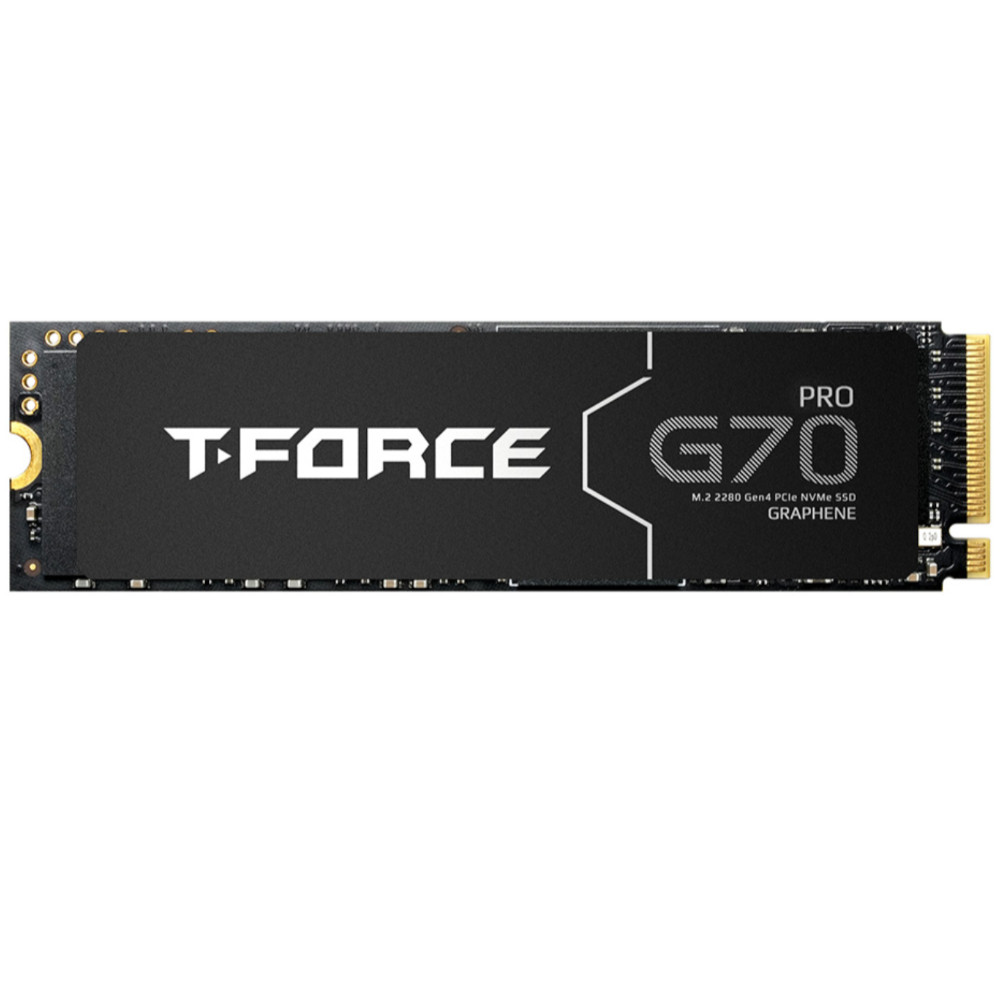
• 2TB SSD
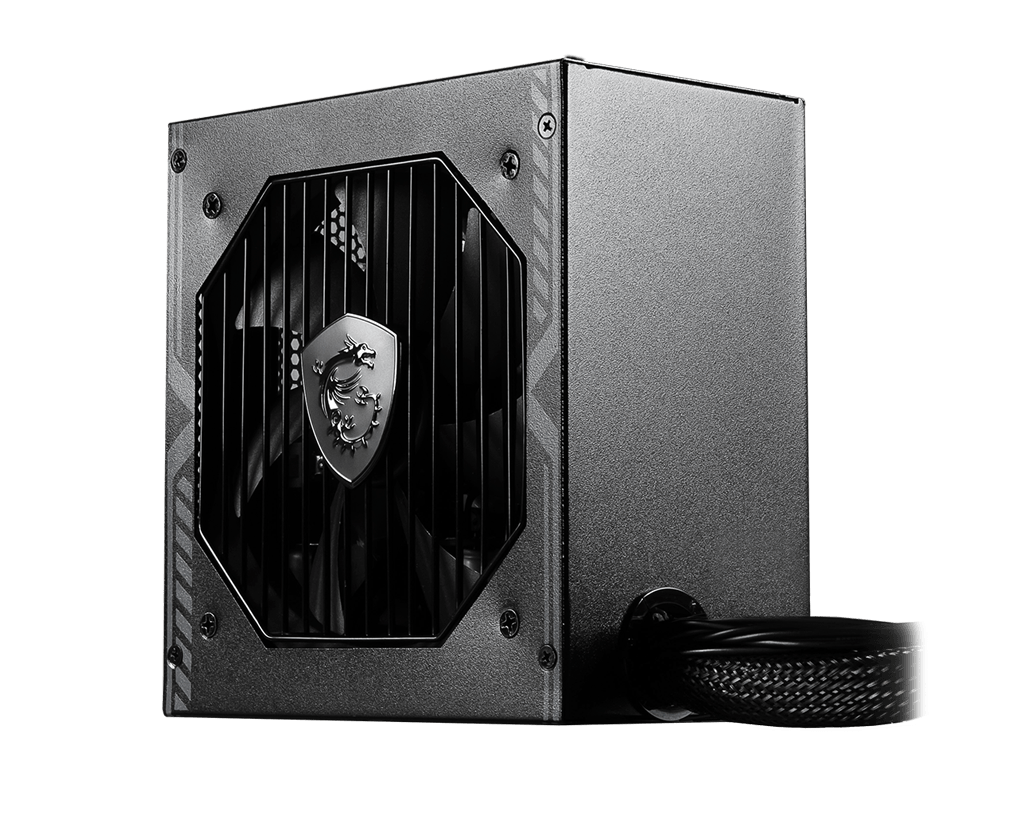
• 750w DeepCool PL750D 80 Plus Bronze PSU
• Cooler MasterLiquid 360 Core 2 360mm AiO Liquid CPU Cooler
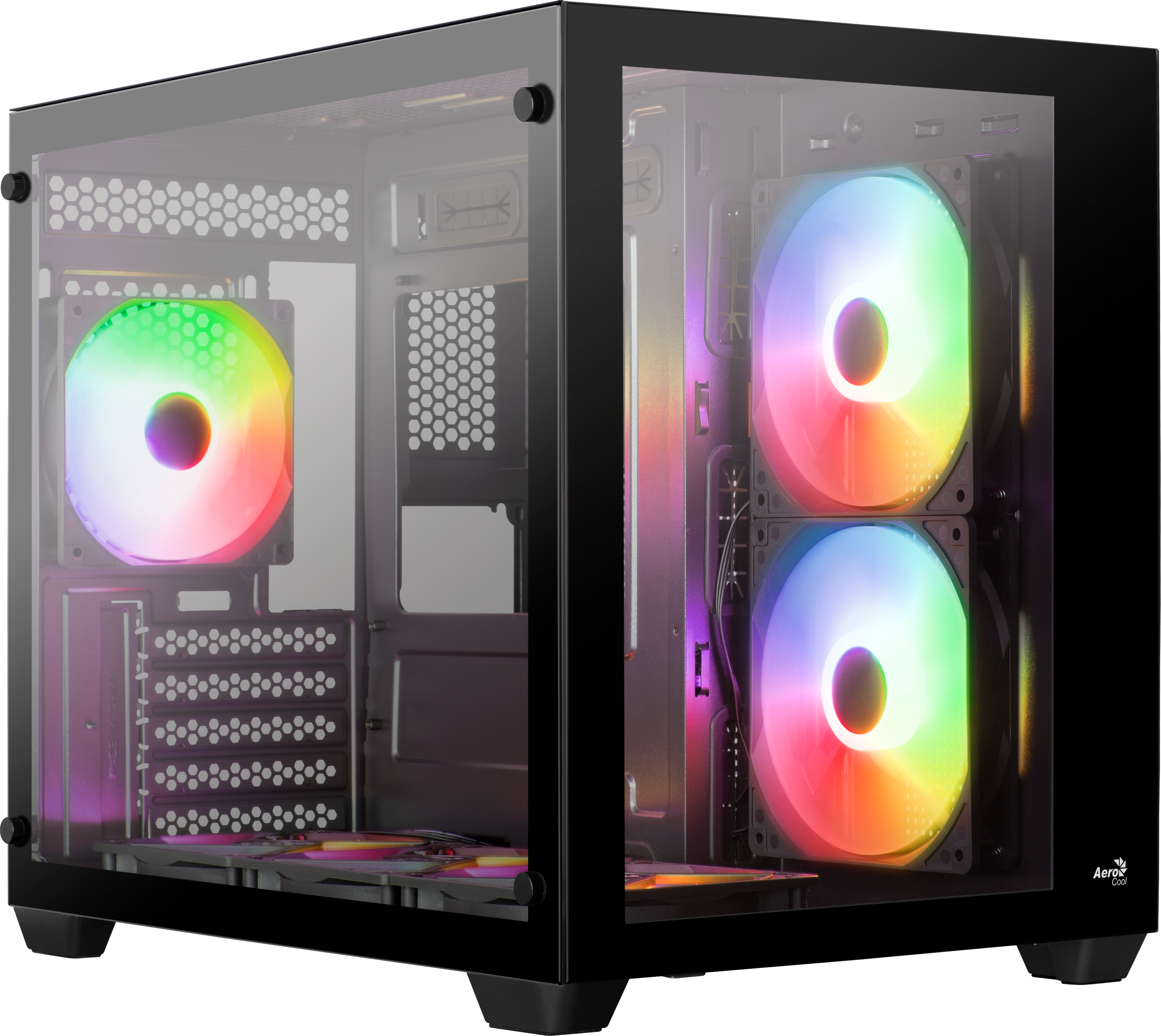
• Gaming Case BLACK Montech King 65 Pro.

Again, this is mostly for video editing using DaVinci Resolve. I plan on editing videos at 1080p 60fps, but may look at doing 4K video in the near future too. I also game, but that's mostly Minecraft and Fallout New Vegas.

Thanks again for the help. I will defo consider the Resolve Studio license!
 
Hi all, Thank you so much for the recommendations and ideas. I've done more research this past week or so and put together a build I think may work. I was wondering if you folks would be kind to check it over before I go ahead?

• AMD Ryzen 7 9700X AM5 Processor
• Gigabyte B650 UD AX AMD Socket AM5 Motherboard
• Kingston Fury Beast RGB 32GB (2x16GB) 6000MT/s
• Gigabyte GeForce RTX 5070 Windfore SFF OC 12GB
• 2TB SSD
• 750w DeepCool PL750D 80 Plus Bronze PSU
• Cooler MasterLiquid 360 Core 2 360mm AiO Liquid CPU Cooler
• Gaming Case BLACK Montech King 65 Pro.

Again, this is mostly for video editing using DaVinci Resolve. I plan on editing videos at 1080p 60fps, but may look at doing 4K video in the near future too. I also game, but that's mostly Minecraft and Fallout New Vegas.

Thanks again for the help. I will defo consider the Resolve Studio license!
The PSU is pants get a gold rated with 10 year warranty.

I would look at 16gb 5060ti v the 12gb 5070 for editing if you use GPU acceleration.
 
Last edited:
The PSU is pants get a gold rated with 10 year warranty.

I would look at 16gb 5060ti v the 12gb 5070 for editing if you use GPU acceleration.

I'll take a look at an alternative PSU - thanks!

I don't use GPU acceleration, I had to look it up - not something I was familiar with. Is there more reason to choose the 1GB 5060ti over the 12GB 5070? Thank you again,
 
I'll take a look at an alternative PSU - thanks!

I don't use GPU acceleration, I had to look it up - not something I was familiar with. Is there more reason to choose the 1GB 5060ti over the 12GB 5070? Thank you again,

You are missing out. Gpu acceleration will considerably improve your workflow.
 
I'll take a look at an alternative PSU - thanks!

I don't use GPU acceleration, I had to look it up - not something I was familiar with. Is there more reason to choose the 1GB 5060ti over the 12GB 5070? Thank you again,
The 16gb of vram mite be more beneficial over the12gb on the 5070 but if you don't then the 5070 is a better gaming GPU .

You could use it in davinci reolve I would look into this further.

DaVinci Resolve heavily leverages the video card(s) in your system to improve playback and rendering performance. Because of this, your choice of GPU has a direct impact on how well your system performs.
 
Last edited:
Back
Top Bottom