SSD Primary Partition (RAW)

Associate
Joined
14 Dec 2014
Posts
3
Hi, I am looking for any advice on this problem.

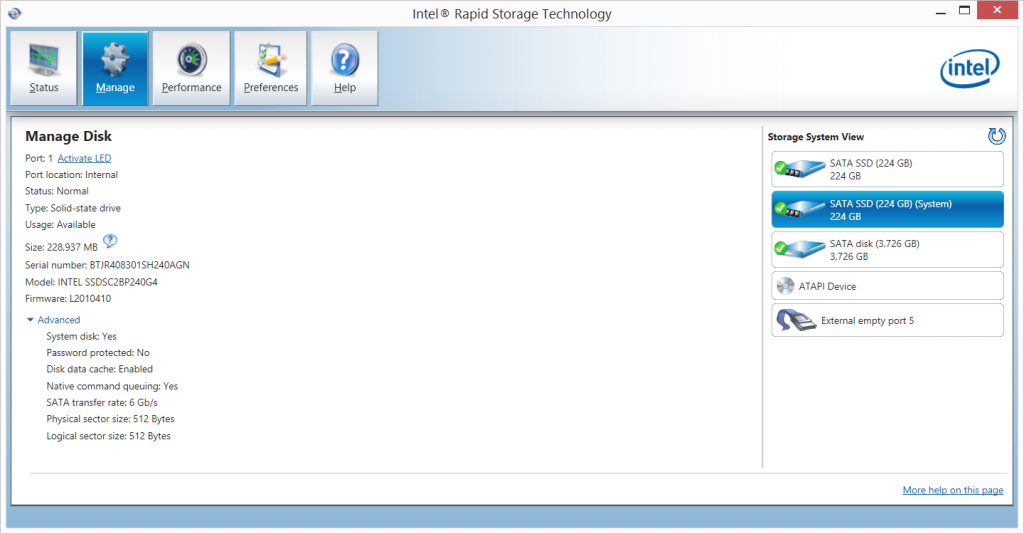
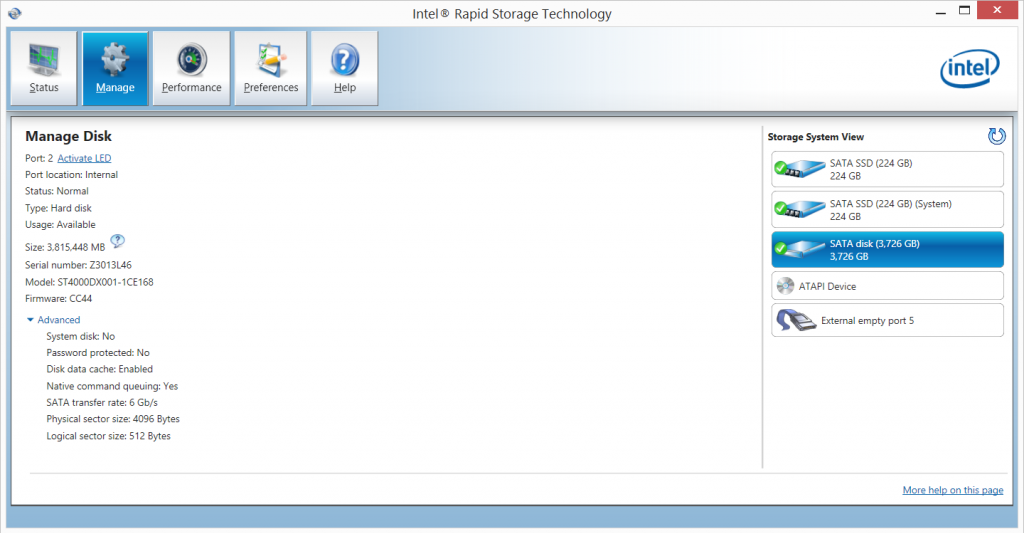
I have 2 Intel 730 240gb SSD paired,and one has showen up with RAW partition other than that they are running fine as a pair and the rapid storage says they are working fine.(They are less than 6 months old)
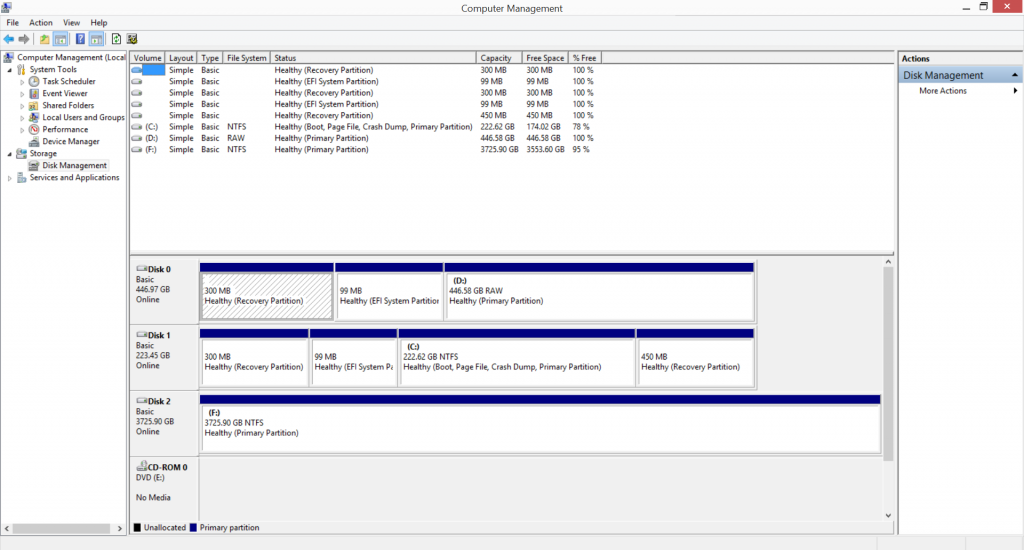
DiskManagement_zps487f7aba.png


I am fairly new to all this can someone offer any advice...


Thanks in advance.
 
Last edited:

if you right click on the raw drive does it give you the option to create a new partition or to format the drive?

the one showing up as raw, is this the new SSD?
 
Do you mean part of a RAID array by referring to them as paired?

If so its perfectly normal for the second drive to show a RAW partition IIRC
 
RAW Partition

Hi, Thanks for the quick replies,

1st. If I right click on it it gives me the option to format it.(Yes it is one of the new ones)

2. Yes it is part of a raid.( Up date...I have just checked and it is not set up as Raid 0...I thought is was! )

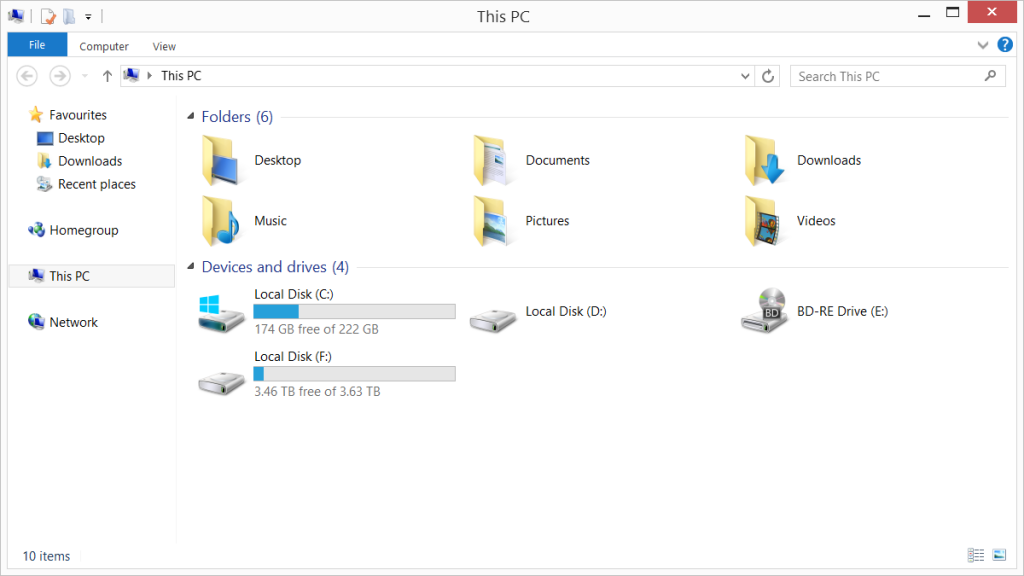
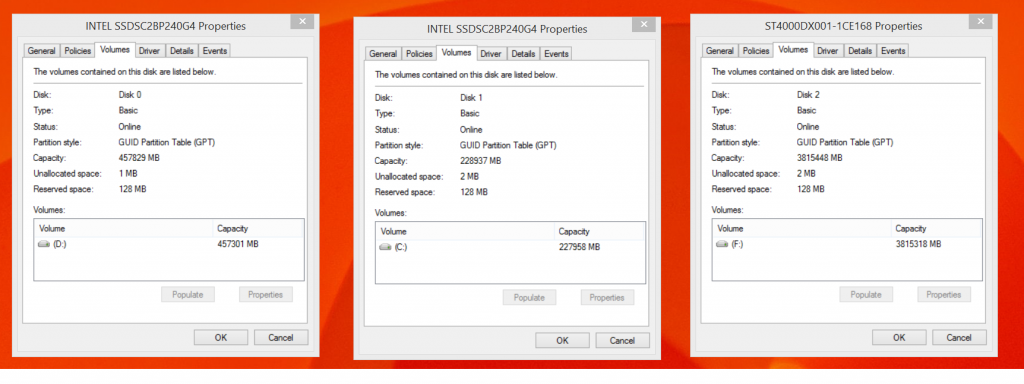
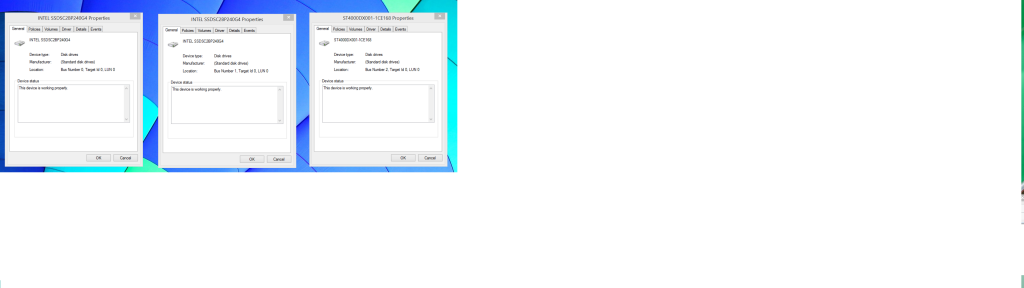
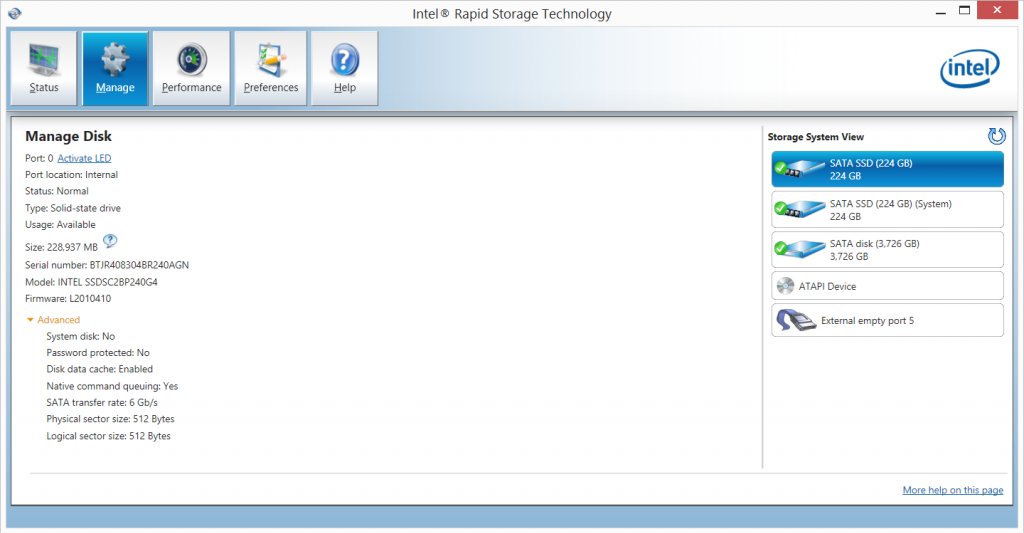
Here are some pictures that might explain it better than I can...

ThisPC_zps5f2fc91c.png


SSDVolume_zpsa52032af.png


SSDproperties_zpsab2e00cd.png


Port0_zpsaf7c29ac.png


Port1_zpscbedd6cd.png


Port2_zps4e54fb07.png


Other than the information above, if I left click I get the message ''You need to format the disk in drive D: before you can use it...Do you want to format it? (which I have not done) followed by,

D:\is not accessible volume does not contain a recognised file system.
Please make sure that all reqired file system drivers are loaded and that the volume is not corrupted.

Thanks.
 
Last edited:
Back
Top Bottom