• Competitor rules

    Please remember that any mention of competitors, hinting at competitors or offering to provide details of competitors will result in an account suspension. The full rules can be found under the 'Terms and Rules' link in the bottom right corner of your screen. Just don't mention competitors in any way, shape or form and you'll be OK.

The AMD Driver Thread

I've had the missing adrenaline icon as you, but not recently. A quick reinstall brought it back for me. I can't actually recall if it was a bug at one point?

If you roll back, I believe you do need to use the cleanup utility.

I'd try first ensuring windows is up-to-date with updates and patches. Can also do SFC and DISM check. Reboot if issues are found.

I'd then uninstall the software, and remove from device manager and tick the box if it says to also remove drivers. Reboot, then run the latest driver again.
I did SFC recently, everything has been running great since March, I even have Windows Update paused until next month so I cant see it being that either.

Anyways all running fine again, for now. Will see how it goes for now but the flickering in Second Life is back so I wont be installing these latest drivers again.

 
Resolved by initial user by sounds of it. They just reinstalled the driver?
 
Was running 26.3.1 since release and all seemed good until, randomly, yesterday I notice no taskbar icon for adrenalin, right clicked the desktop for adrenalin (which was visible) to fire up adrenalin and nothing. So I reboot, nothing there again.

Thought to myself, lets try the new drivers then.. omg what a joke, had to use AMD utility cleanup first after 26.5.2 didnt install and then I noticed the flickering on avatars in Second Life are back! @AMD_Vik

I decide to install 26.3.1 again but not before having to run the cleanup utility first.

AMD.. wtf is going on!

I added a new 1440p Mini-LED display as my primary last week which has 3x 1080p displays running with it, does anybody know if adding that display may have upset the drivers? I doubt it but thought I'd better ask just in case.
seems that flickering was never fully fixed. we're still working on it
 
seems that flickering was never fully fixed. we're still working on it
Cheers buddy, so is it an AMD issue, Linden Lab issue or both? Some seem to think LL are at fault along with some really bad blooming effects when shadows are enabled.
 
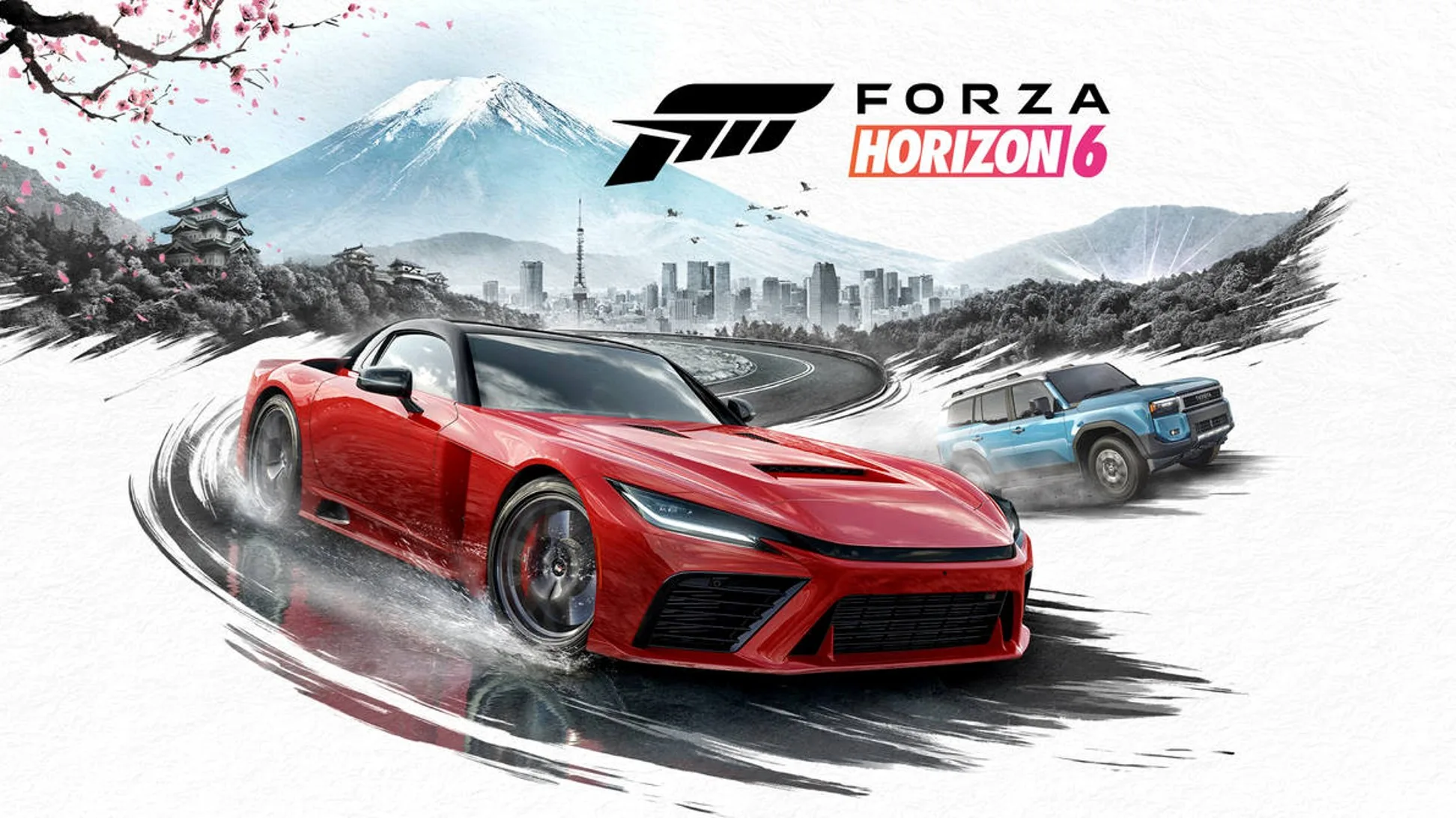
Wasn't quite sure where to post this one but sharing here for info on ASD public preview and Forza 6. :cool:


With advanced shader delivery, Forza Horizon 6 loads in 4 seconds, as compared to almost 1.5 minutes – that’s an overall 95% time savings!
 
Wasn't quite sure where to post this one but sharing here for info on ASD public preview and Forza 6. :cool:


With advanced shader delivery, Forza Horizon 6 loads in 4 seconds, as compared to almost 1.5 minutes – that’s an overall 95% time savings!

No shader stutter apparently!!
 
Anyone had any issues with the new driver? Still currently on 26.2.2
Not played any games but install and windows seems stable for me. I use a single monitor on RDNA2. I usually update every release and can't remember last time I had any problems - apart from when AMD uploaded the wrong driver package for RDNA2 lol.
 
Not played any games but install and windows seems stable for me. I use a single monitor on RDNA2. I usually update every release and can't remember last time I had any problems - apart from when AMD uploaded the wrong driver package for RDNA2 lol.
Had a few issues myself maybe a a few drivers back, adrenaline constantly crashing or lagging, driver timeouts. Always ended back on 26.2.2

Might give the latest a whirl then
 
Had a few issues myself maybe a a few drivers back, adrenaline constantly crashing or lagging, driver timeouts. Always ended back on 26.2.2

Might give the latest a whirl then
Doesn't sound like an experience that most have, which is unfortunate. Have you tried any troubleshooting? Driver timeouts and crashing doesn't sound too healthy. Perhaps a 3rd party conflict, or windows corruption, or potential hardware failure (memory, power supply, that sort of thing). I'm most likely telling you how to suck eggs haha but worth calling out nevertheless. :) Yeah, give them a try, only takes a few minutes. :)

 
After reading your post I thought I would check it on my setup.
In the past I've been able to enable VSR and then play Street Fighter 6 at 4k on my 1440p LG OLED monitor. 4k remained greyed out in game when I enabled VSR so it seems it's not working for me either with my 7900XT.
I didn't do any further testing like trying other games or even testing Windows 11 resolution but it definitely worked in the past with previous drivers and didn't last night with 26.1.1.

Edit: just tested since posting the above. If I set Windows resolution to 4k then 4k become selectable in Street Fighter 6. Don't remember having to do that in that past and not tried with other games yet so it could just be a SF6 quirk

Finally tried VSR on a different monitor (as a 2nd monitor) and worked perfectly

which is very very annoying

9070XT connected to 2 devices

(1) so with HDMI output to AV Amplifier (Denon x7200W) - Panasonic Plasma TV (1080p)
(2) Display Port to Display Port to my 21:9 monitor

VSR for (1) not possible - no matter what I try I can't select higher than native resolution

(2) works fine - straight away

Tried Display Port output from 9070XT to HDMI - AV Amplifier and doesn't allow VSR either

I haven't tried direct to the Plasma bypassing the AV Amplifier as its difficult to get to the cables, and wouldn't be a useful solution even if worked

I can't imagine VSR can't work through an AV Amplifier otherwise I'm sure there would be loads of people complaining about it not working - must be a fairly standard configuration these days

so no ideas. Why I look at the EDID/valid monitor resolutions available, they match the Plasma - so it's "reading the TV" correctly so to speak

very frustrating as I think games run at 1440p downsampled to 1080p look quite a bit better

and worked perfectly on my 3060Ti
 
Last edited:
I would be surprised if vsr worked on a plasma, there rather old arnt they and before all these new technologies like vsr/freesync etc came out. Also amd usually says when u install drivers that a high pixel density display has been detected, try vsr etc) so does plasma have high pixel density or is it low? From one utube vid i saw, it seems they dont from the one a guy showed off on a random utube.

Tho if u say the nvidia card worked it must do things differently for vsr.

Presuming ur using gaming input/menu option on the plasma for native 1080p on the plasma? Also i wonder, if you change the plasma tv to 30fps instead of 60 and in windows set 30hz for refresh rate, then vsr might show up as usable in amd settings (after a reboot of course). Since maybe 60fps and hz might be too much for such a old display for vsr. But yeah imo i wouldnt set ur hopes on using virtual super res on a plasma, keep it for stuff u like but for modern stuff like technologies with amd card, think of a better main monitor for it than the plasma. or keep it as a 2nd connected just to watch tv and films.

Also https://www.reddit.com/r/AMDHelp/comments/v2rcb4/vsr_doesnt_seem_to_be_usable_on_my_plasma_tv_why/
 
Last edited:
I would be surprised if vsr worked on a plasma, there rather old arnt they and before all these new technologies like vsr/freesync etc came out. Also amd usually says when u install drivers that a high pixel density display has been detected, try vsr etc) so does plasma have high pixel density or is it low? From one utube vid i saw, it seems they dont from the one a guy showed off on a random utube.

Tho if u say the nvidia card worked it must do things differently for vsr.

Presuming ur using gaming input/menu option on the plasma for native 1080p on the plasma?

Thankyou for the reply - VSR should be display independent. It's an internal mechanism - it still sends a 1080p normal signal to whatever it is connected to - just scales internally on the graphics card
 
Back
Top Bottom