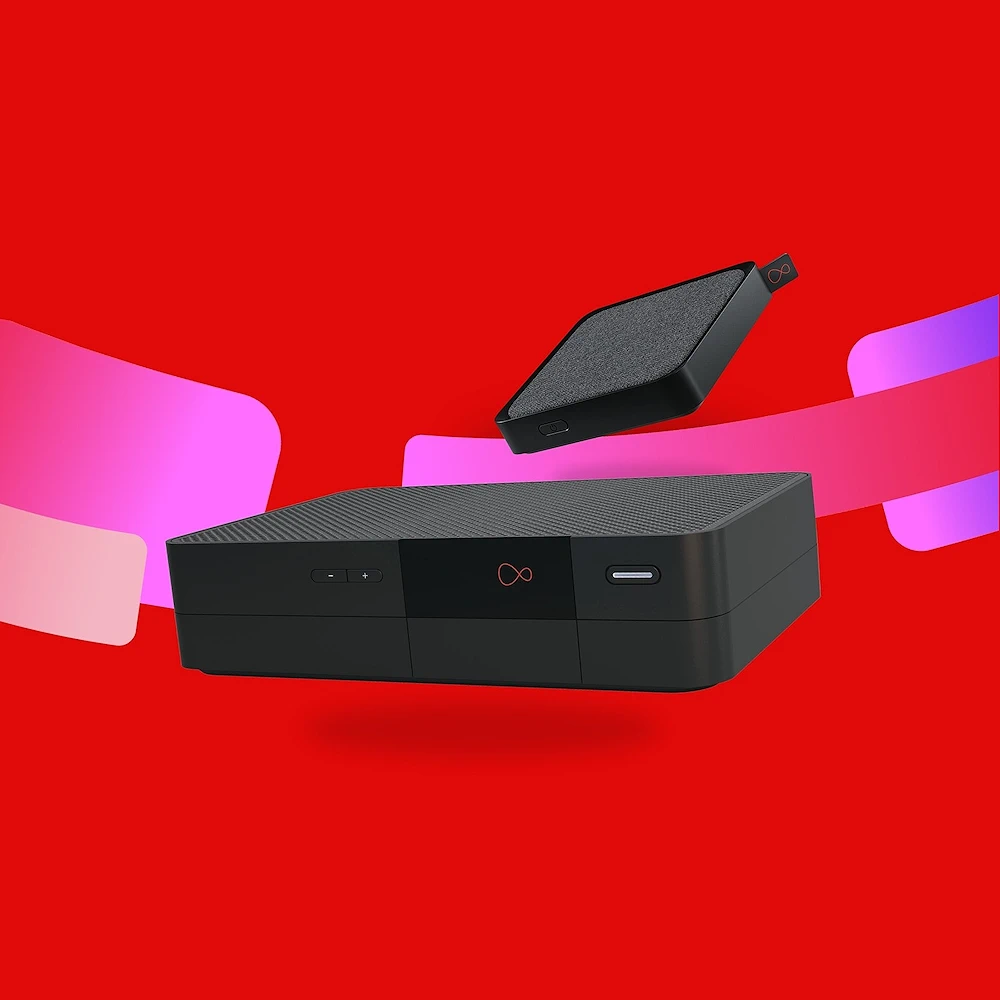
Virgin Media Discussion Thread

When I moved in they had VM already for broadband and phone. I unclipped the phone line as it went around the perimeter of the living room and hall way and just snipped it off in the outside box on the wall. The VM tech that visited recently to replace the connectors on the coaxial cable didn't ask or say anything when working in that box.

That and removing the three external TV aerials made my house feel it wasn't in the 90s any more :D
 
Last edited:
If you're happy to pull it down and cut it then do that, VM won't care, they definitely won't know how to send someone round to do it.
You’re right, they won’t care, especially given the impending obsolescence with fiber being laid and digital voice being a thing.

Randomly, they do have a process for removal via a special request order (SRO), and a charge. Realistically, I don’t think I ever saw it used, or was asked about it, but it existed. I did see the odd cancelled install (I used to audit them nationally) as someone had ripped everything out, and as it showed as pre-installed for service, so a single person crew was sent rather than a two person crew. So, in the unlikely event service was ordered prior to the area being migrated to fiber, it’s probably worth mentioning if the main feed has been removed to avoid a failed install.
 
leaving VM was the best decision I ever made. It was a monopoly in my area for the last 10 years. Just recently I went to BRSK (Bought out by YouFiber recently) and im getting 2000Mb up and 2000mb down with zero issues for £30 a month. VM wanted £80 for a 1000Mb connection.
 
Ok this is a really stupid question.

Does anyone know how to create an email app password for virgin media? (the one that looks something like Cat-Dog-Elephant or google-is-useless)
Younger borther's outlook has suddenly stopped connecting to vm and whilst i'm sure he had an app password previously he can't find it, nor can he find any way to generate one on the VM site.

Everything I can find on google either seems to be trying to direct me to pages that don't have the option, or telling me to generate it in a vm app (which younger brother doesn't want to install on his phone).
I know I created the app password years ago (I have a note of it, and the date), but I don't remember it being impossible to find the setting to do so.


And I suspect someone is going to give a really simple answer that will have me hanging my head in shame and going "how the hell did I miss that" (I've spent about an hour running around in circles, he's spent about 2 hours).


[edit]
Younger brother has now installed the app on his phone and is having the same problem, with it seemingly going in circles with nothing in the guides giving him the right place (apparently it's having him log in repeatedly)

[edit 2]
For anyone struggling to find where the create an email app password is on the VM app it is under "manage products>Broadband>" then way down the list, it is not as every guide and bit of information we could find, under "manage email" or "manage email accounts". it is in fact under "manage broadband" at least in the app, and possibly on the website

And when clicked it cannot currently create a new password for email apps...

I love how something as simple as this is not actually documented correctly, and neither google (with all its "AI enhancments" and Bing can actually give the correct answer.
 
Last edited:
Contract came to an end, usual issue of new customer offer being a good price but virgin unable to match it (even a friend who works there couldn't get my bill any lower).
Switched to sky, really not getting on with it. Their router is completely locked down, can't split the 2.4ghz & 5ghz channels, range is poor, can't connect to one of my Plex servers due to being unable to change a DNS setting etc etc.

Still within the cancellation period, think I might go back to virgin under a new customer offer :cry:
 
Contract came to an end, usual issue of new customer offer being a good price but virgin unable to match it (even a friend who works there couldn't get my bill any lower).
Switched to sky, really not getting on with it. Their router is completely locked down, can't split the 2.4ghz & 5ghz channels, range is poor, can't connect to one of my Plex servers due to being unable to change a DNS setting etc etc.

Still within the cancellation period, think I might go back to virgin under a new customer offer :cry:

Yes, I hate it when these companies lock down their routers so much. My friend went to BeFibre and initially, because the WiFi was unified, his phone and new devices would only connect to 2.4Ghz but at least I could login to the router and split the bands and get them onto 5Ghz. It's a poor router indeed that doesn't allow this.
 
Contract came to an end, usual issue of new customer offer being a good price but virgin unable to match it (even a friend who works there couldn't get my bill any lower).
Switched to sky, really not getting on with it. Their router is completely locked down, can't split the 2.4ghz & 5ghz channels, range is poor, can't connect to one of my Plex servers due to being unable to change a DNS setting etc etc.

Still within the cancellation period, think I might go back to virgin under a new customer offer :cry:
Realistically, ISP's provide routers that offer limited functionality and work perferectly for the overwhealming majority of users, if you have a specific need that is well documented as not being available on an ISP's router, such as setting your own DNS or splitting frequencies for IoT etc., then you probably know, care enough and should be running your own kit, regardless of who your ISP is.

MSE/Quidco/TCB + new customer offer is usually better than anything else, again that applies to both ISP's being discussed.
 
Realistically, ISP's provide routers that offer limited functionality and work perferectly for the overwhealming majority of users, if you have a specific need that is well documented as not being available on an ISP's router, such as setting your own DNS or splitting frequencies for IoT etc., then you probably know, care enough and should be running your own kit, regardless of who your ISP is.

MSE/Quidco/TCB + new customer offer is usually better than anything else, again that applies to both ISP's being discussed.
You're right, it's just that on virgin I had no issues with their functionality whereas moving to sky I'd need to buy my own device, which removes the cost saving in the first place.
 
Regards this phone adapter switch-over thingumybob.

I tried connecting the phone to the hub today at my Mum's (I don't have phone service) and nothing at all.

They say to connect it on 31st July - am I to assume that they're doing the big switch on that date and it won't work beforehand?
Just concerned that, if it should be working already then something is wrong.
 
Regards this phone adapter switch-over thingumybob.

I tried connecting the phone to the hub today at my Mum's (I don't have phone service) and nothing at all.

They say to connect it on 31st July - am I to assume that they're doing the big switch on that date and it won't work beforehand?
Just concerned that, if it should be working already then something is wrong.
If the current phone line is still connected to PSTN then it won't function on VoIP until it's ported away from PSTN.

It is possibly to do CLI spoofing and destination reroutes but doing this for millions of endpoints for a short coexistence period is a lot of effort for very little return. I suspect they will be doing a big bang migration on 31 July.
 
Ok this is a really stupid question.

Does anyone know how to create an email app password for virgin media? (the one that looks something like Cat-Dog-Elephant or google-is-useless)
Younger borther's outlook has suddenly stopped connecting to vm and whilst i'm sure he had an app password previously he can't find it, nor can he find any way to generate one on the VM site.

I remember when I had to do this it was confusing to find.

On the Virgin Media website when you login -

Click Top Left Hamburger Menu

Account settings

Virgin media mail settings

Under ID settings tab

Manage your products

Red Virgin media account section

manage emall app password
 
Regards this phone adapter switch-over thingumybob.

I tried connecting the phone to the hub today at my Mum's (I don't have phone service) and nothing at all.

They say to connect it on 31st July - am I to assume that they're doing the big switch on that date and it won't work beforehand?
Just concerned that, if it should be working already then something is wrong.
Assume? No. They have clearly told you it will be active on the 31st, so you don’t need to assume anything, let alone be concerned that a service that you know isn’t being activated for - at the time of your post - almost another fortnight isn’t active. That’d be silly ;)
 
Contract came to an end, usual issue of new customer offer being a good price but virgin unable to match it (even a friend who works there couldn't get my bill any lower).
Switched to sky, really not getting on with it. Their router is completely locked down, can't split the 2.4ghz & 5ghz channels, range is poor, can't connect to one of my Plex servers due to being unable to change a DNS setting etc etc.

Still within the cancellation period, think I might go back to virgin under a new customer offer :cry:
Wifi is terrable with sky, we had to have 3 wifi boosters extra £5.00 a month, that didn't work until we had a visit from an engineer that knew what he was doing. We had constant drop outs on wired as well, but all seems solid now, you probably had the same crap installer we did.
 
Wifi is terrable with sky, we had to have 3 wifi boosters extra £5.00 a month, that didn't work until we had a visit from an engineer that knew what he was doing. We had constant drop outs on wired as well, but all seems solid now, you probably had the same crap installer we did.
Does the Sky router have a "modem mode" like the VM ones do?
 
Does the Sky router have a "modem mode" like the VM ones do?
Really don't know, engineer changed some security setting that he knew screwed the wifi enabled some other's in a menu on an app that he had on his work ipad and coded in the wifi pod's and 24 hr's later we got wifi, we have 500mb, down stairs it max's out 450 upstairs it's down to 160 but enough, son still use's the TLink for his internet which give's him around 350-400.
 
Does the Sky router have a "modem mode" like the VM ones do?
No. You replace the hub with your own kit for Sky, or eat double NAT, unless you want to just install a mesh system, such as Deco for example, but just removing the WiFi from Sky won’t give you routing functionality, and some of Sky’s TV services get arsey about WiFi.
 
Last edited:
Back
Top Bottom