**** Jailbroken Screenshot Thread ****

These phones look awesome, think you have near enough tempted me to jailbreak my iPod Touch 3G again! Used to have it jailbroken and it looked abit cheesy, but your ones look sleek! I love it!

If it goes wrong, is it simple to get it back? just go into DFU mode and restore?

 
A Notification Center theme im currently working on. Its inspired by Blackboards at school :)

79220051.png
 
No because Whatsapp use's your phone number which your iPod Touch does not have.

Do you not have iOS 5 installed? If so then you have iMessage.

Just to add some flesh to this, you don't necessarily have to have a phone. I've got whatsapp working on my ipad 1 wifi.

Just need a mobile phone to be able to receive a text confirming verification details.

There is a whatspad app on cydia to assist but you need the whatspad ipa file to install.
 
82686872.png


Thats me done. Now its exactly how i want it so no more tinkering.
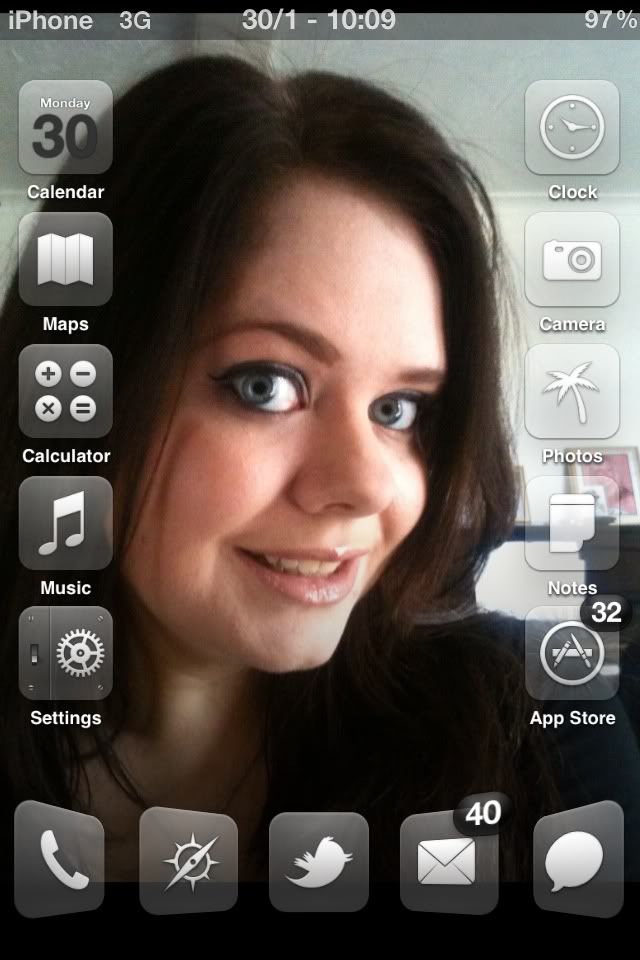
Now every element of the iPhone is in keeping with the dark look i like.

I actually think white iphone's suit darker themes better....

The keen eyed members might have seen the banding that is occuring on the lockscreen and homescreen wallpaper.......this is the iOS applying a gradient to it. I removed it later when i found out how.........

WallpaperGradientPortraitBottom@2x~iphone
WallpaperGradientPortraitTop@2x~iphone


These files handle the gradient being applied. Open in PS, select all and delete the contents. Save and save back in Springboard.app....respring and no more ugly banding :)
 
Last edited:
9a72d53a.jpg


ee104b52.jpg


b771e768.jpg


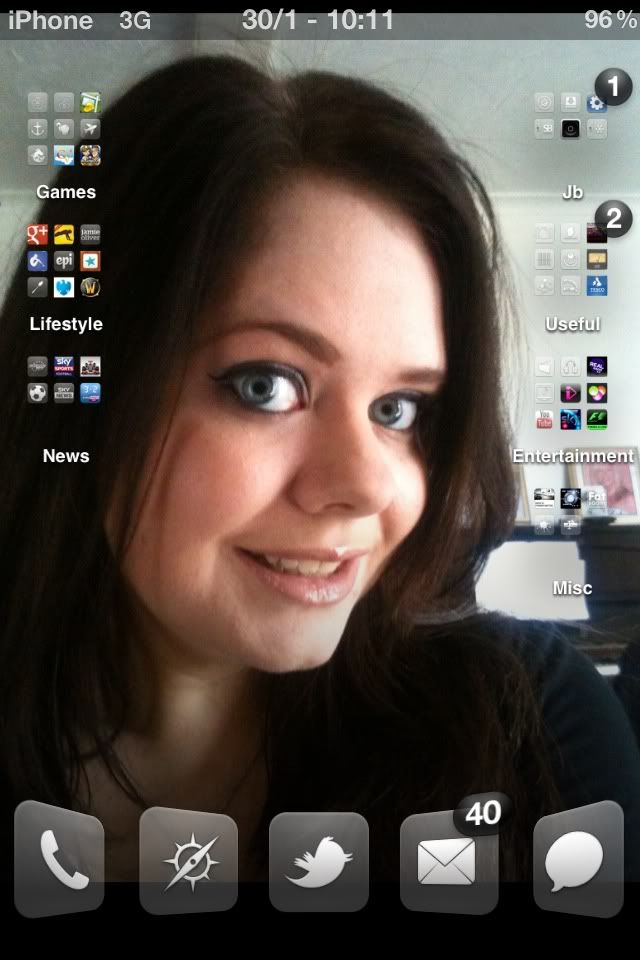
only things i want to change are a better battery charging icon as the green one looks pants on the lock screen and some folder icons like above to hide all my apps that dont have an icon tying in with the theme.
 
82686872.png


Thats me done. Now its exactly how i want it so no more tinkering.
Now every element of the iPhone is in keeping with the dark look i like.

I actually think white iphone's suit darker themes better....

The keen eyed members might have seen the banding that is occuring on the lockscreen and homescreen wallpaper.......this is the iOS applying a gradient to it. I removed it later when i found out how.........

WallpaperGradientPortraitBottom@2x~iphone
WallpaperGradientPortraitTop@2x~iphone


These files handle the gradient being applied. Open in PS, select all and delete the contents. Save and save back in Springboard.app....respring and no more ugly banding :)

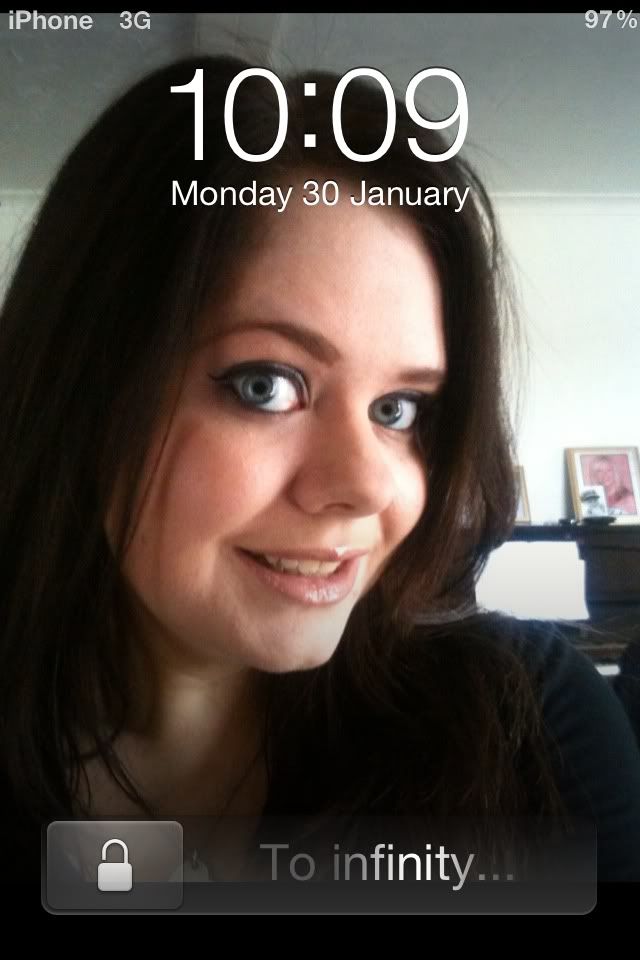
Hi mate, did you get the padlock for the slider from cydia? where did you get it from? i really like it, its simple... :)

I will post up some pics another day, after I have done some more tweaks :)

Any other tips for apps or tweaks?
 
Back
Top Bottom