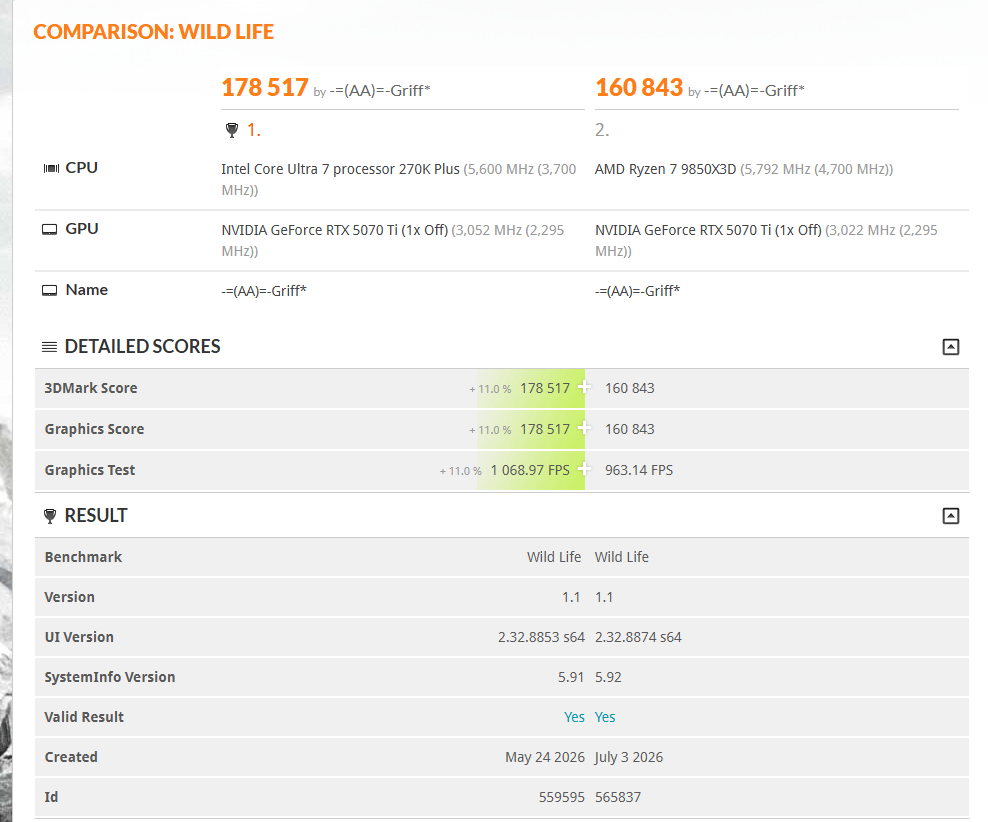
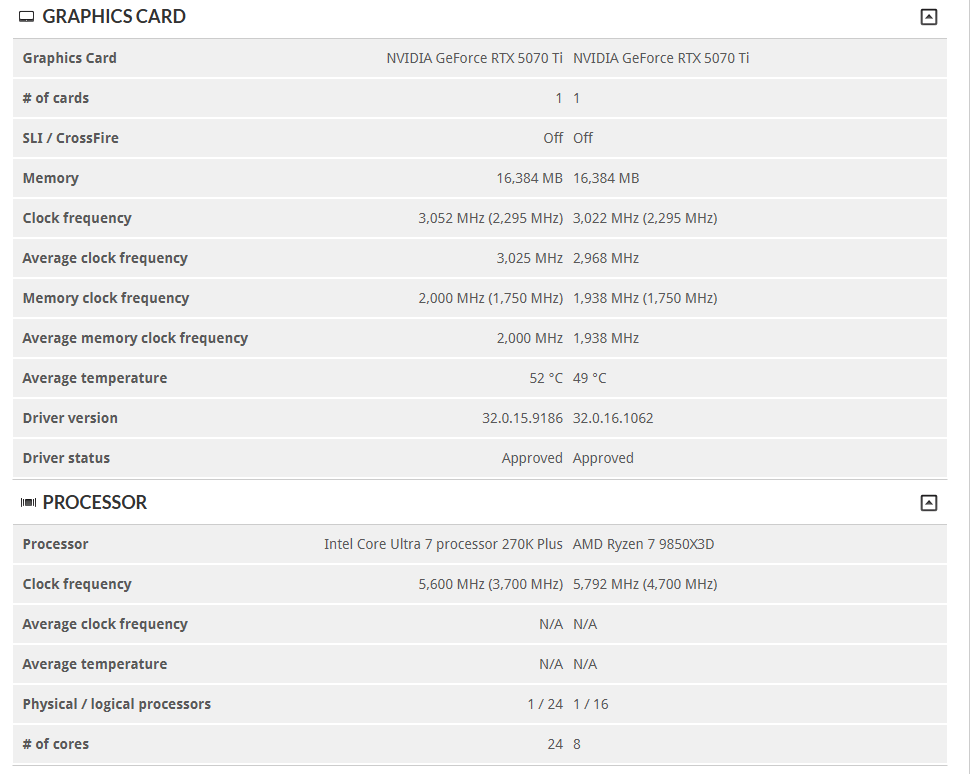
I think
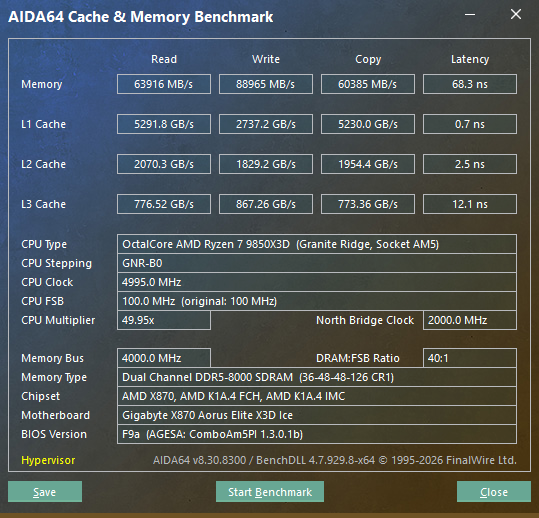
@iamgigglz above is onto something, latency is very important for gaming, and you're running close to 70ns, which is not ideal at all; and on top of that you're running the buses all out of sync which is not great.
Common knowledge would have it that x3D doesn't care about RAM, but that's only partially true, as the CPU still has to access outside the cache. Low latency does still matter on 1% and 0.1% lows, and it also matters to keep the memory controller running 1:1 with memory speed (UCLK=MCLK) to ensure optimal latency.
8000 gives you considerably more bandwidth, but on AM5 that bandwidth increase is often partly or completely offset by the extra latency incurred by running the UCLK (IMC) in 1:2 mode. Basically Gear 2 mode in old vernacular.
Go down to 6000-6400MHz, get the UCLK/MEMCLK running 1:1, and push FCLK as high as remains stable and gives positive impact to latency (typically 2000-2133MHz depending on the silicon) and you should see an improvement in various titles; especially ones that don't care about memory bandwidth, but do about latency; and arguably latency is more important for more games as long as bandwidth is enough.
I'd start at 6000, with UCLK running 1:1 (3000MHz) and FCLK running 2000, especially if the RAM can do it at C26/28 (which it might well do if it hits 8000C36). If you want a bit more memory bandwidth then aim for 3100/3100/2067 or 3200/3200/2133 (Memclk/Uclk/Fclk), but for gaming latency is generally king.
The following ratios typically give the best results:
DDR5-6000 MCLK 3000, UCLK 3000, FCLK ~2000
DDR5-6200 MCLK 3100, UCLK 3100, FCLK ~2067
DDR5-6400 MCLK 3200, UCLK 3200, FCLK ~2067-2133
Mem:Uclk 1:1 is the most important, FCLK is the infinity fabric clock, keeping that in sync gives benefits and speeds up communication, but it can be a very quick way to give yourself stability headaches. Many chips won't do FLCK above ~2067 and it becomes much more luck of the draw and silicon lottery, which is why most aim for 6000 on the memory, lowest latency possible and don't bother with FCLK, as 99% of 9000 CPUs will do that, but moving the infinity fabric up rapidly becomes headache inducing, for a much smaller benefit.
On top of that, as undervolting helped, I'd be checking your cooler mounting, temps, and making sure that your CPU is actually sitting at full speed in games, and isn't throttling invisibly due to heat etc
Your RAM configuration is prioritising bandwidth over latency, which is usually not what Ryzen X3D chips benefit from most in games given they're already fighting latency penalties from the chiplet design, but there's maybe a few things going on here at once.