Another 9800 x3d mainboard thread

I just want 1 m2 gen 5 and 1 pciex16 (4 or preferable 5) but it's so hard to know which steal from the gpu lane and which dont.

Why can't I filter on boards that have m.2 PCIe 5 slot! lol

I'm trying to figure out is this board gives me a PCIe 5 x16 slot and a M.2 PCIe5 x4 slot?
5090 only has like a 1 to 3 percent performance hit when running on pci gen 3 vs gen 5
 
I'm taking the morning before ordering, My last decision is between mATX or ATX.

Main components:
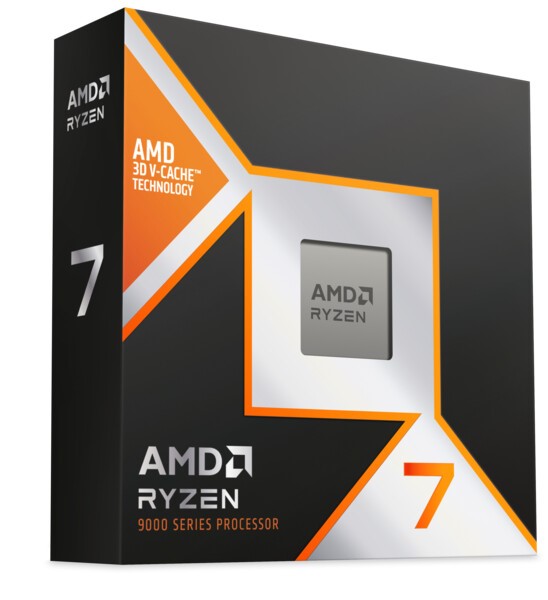
[*] 1 x AMD Ryzen 7 9800X3D Eight Core 5.20GHz (Socket AM5) Processor - Retail (SKU: PRO-AMD-03517) = £479.99
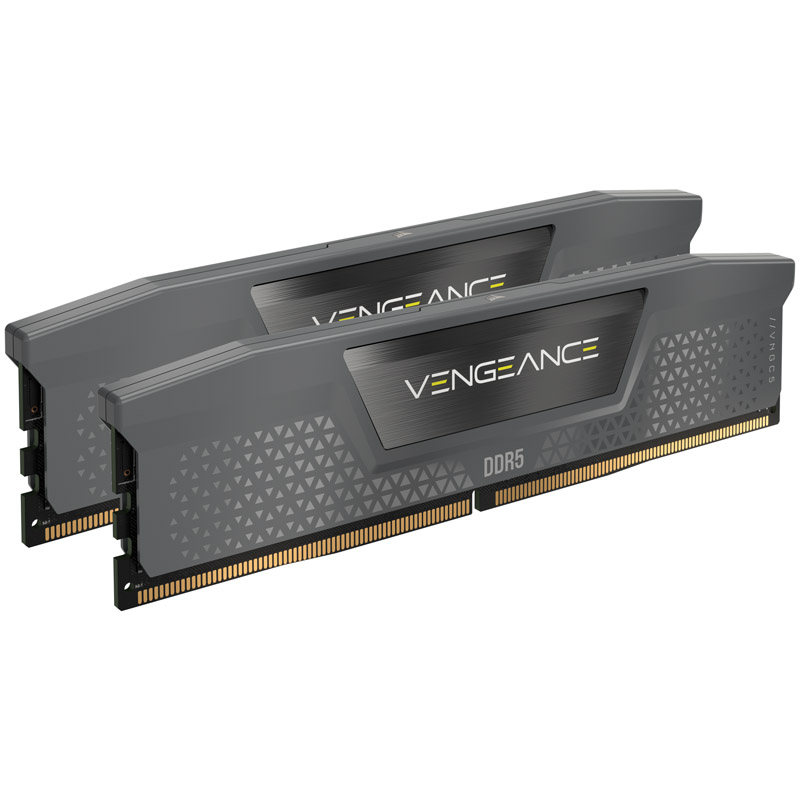
[*] 1 x Corsair Vengeance 32GB EXPO (2X16GB) DDR5 PC5-48000C30 6000MHz Dual Channel (SKU: MEM-CRS-02786) = £89.99
[*] 1 x Crucial T500 1TB NVMe PCIe Gen4 M.2 Solid State Drive (SKU: STO-CRU-01089) = £73.99

The mATX boards I'm considering are these two. I just don't want one where the PCIex16 or the m2 are taking lanes or whatever it is from the cpu some descriptions like above seem to tell me when they are, (some also say from Chipset and some say nothing) Just wondering if there were any last thoughts or advice?
[*] 1 x Asus TUF GAMING B850M-PLUS WIFI (Socket AM5) DDR5 Micro-ATX Motherboard (SKU: MOT-ASU-03846) = £250.00
[*] 1 x Gigabyte B850M GAMING X WIFI6E (Socket AM5) DDR5 Micro ATX Motherboard (SKU: MOT-GIG-03861) = £184.99
Cooled with this:
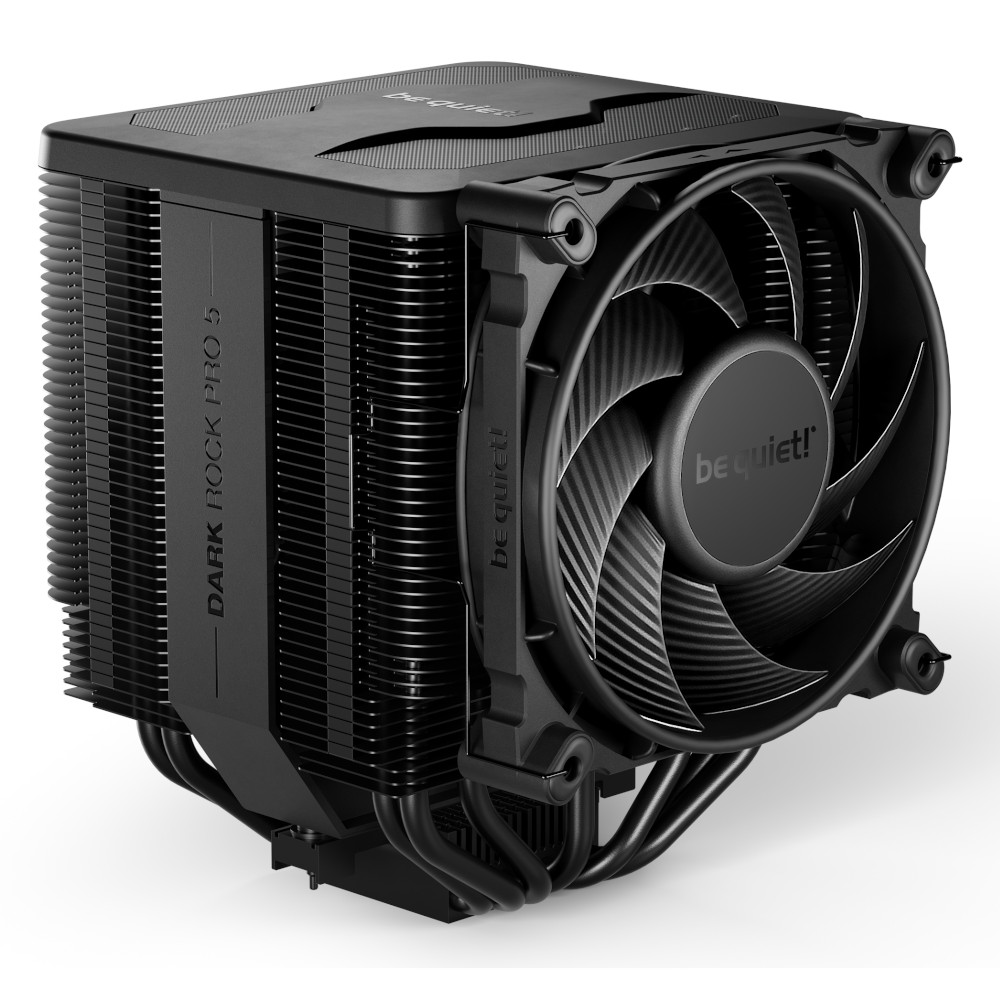
[*] 1 x be quiet Dark Rock Pro 5 CPU Air Cooler (SKU: COO-BEQ-01057) = £79.99 Which I already own but wont fit in the ATX case. (I'd try to return the untouched case and swap it for another if I hadn't bought it in November)

The ATX board is clearly more feature rich:

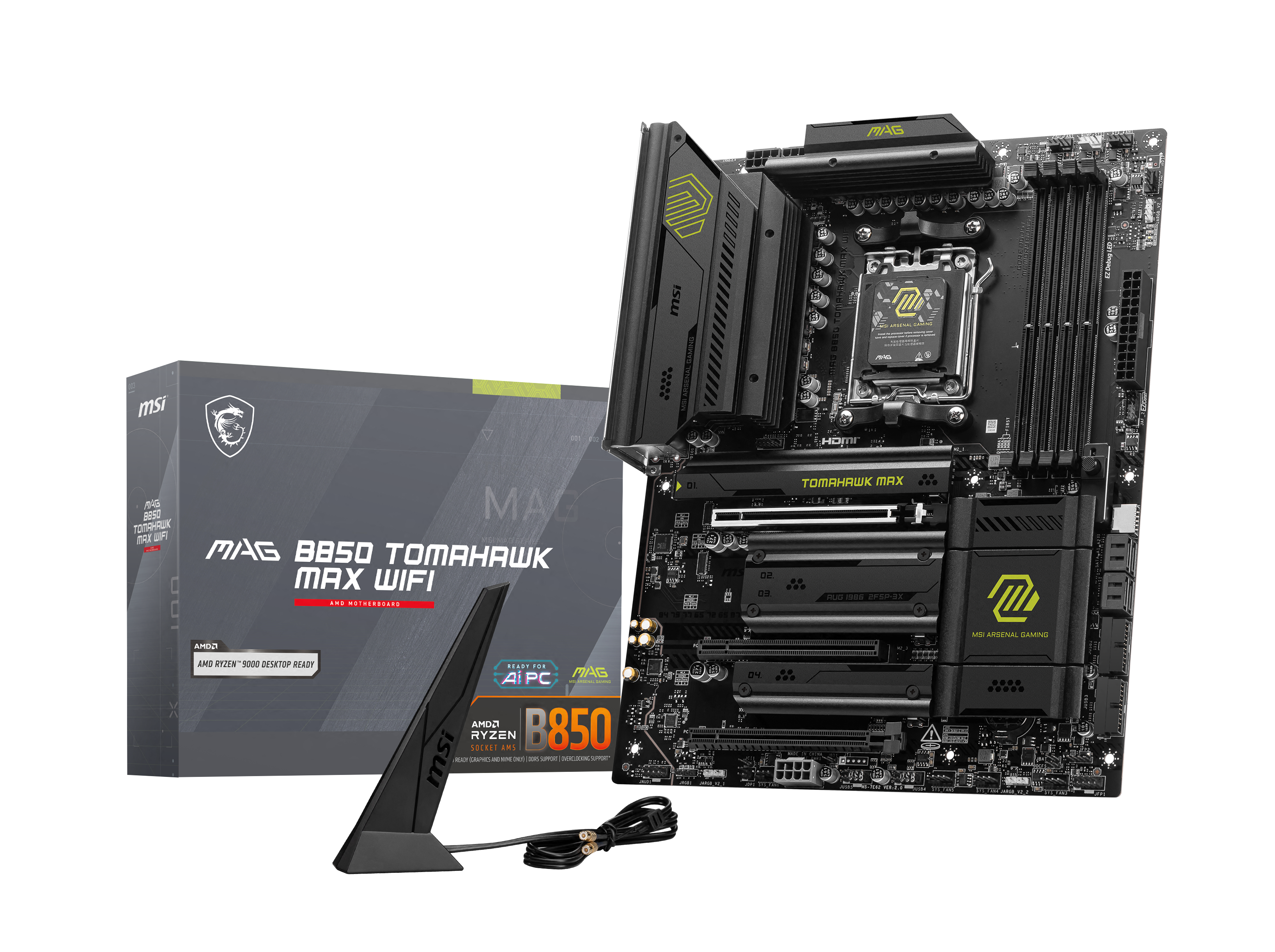
[*] 1 x MSI MAG B850 TOMAHAWK MAX WIFI (AMD AM5) B850 ATX Motherboard (SKU: MOT-MSI-03993) = £234.99
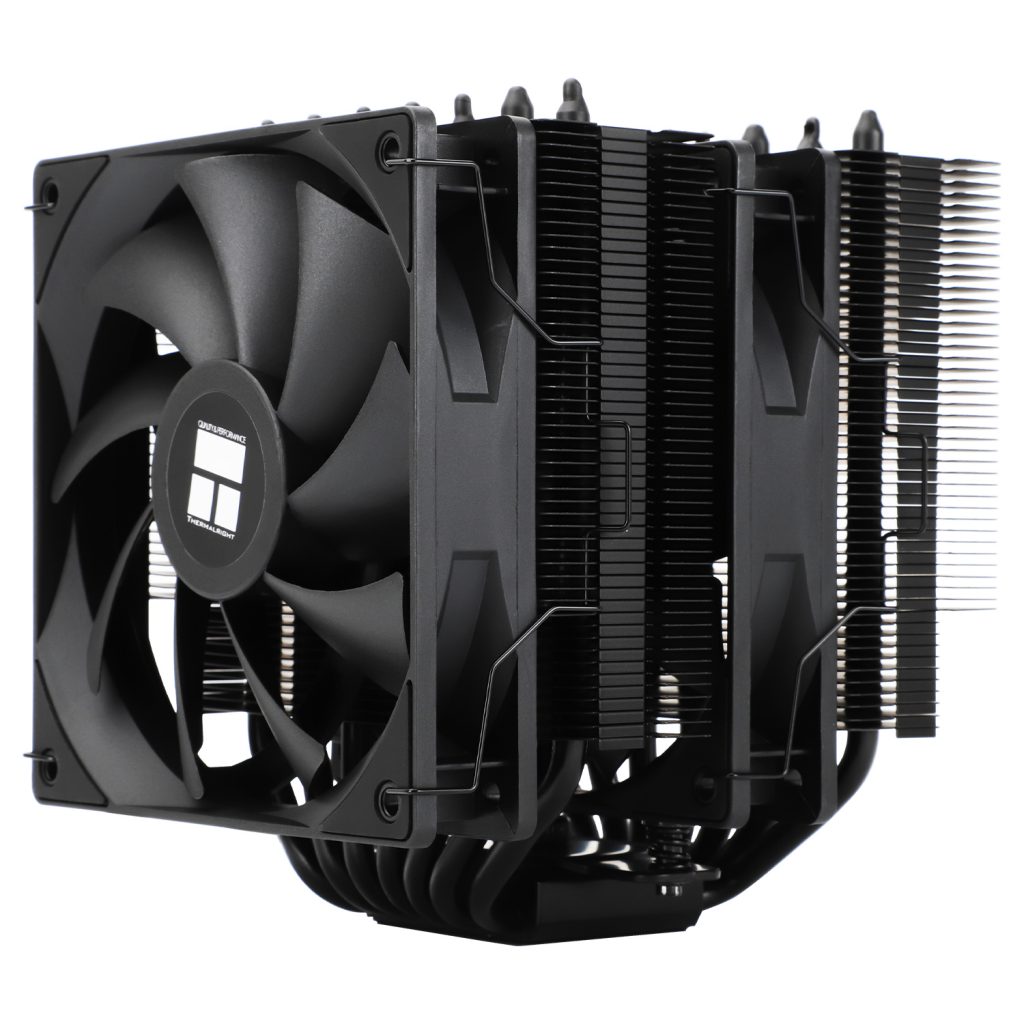
But cooled with this which I'd have to buy, it has good reviews but there are so many themalright variants I'm sure the review I saw was for the phantom spirit EVO not se version:
[*] 1 x Thermalright Phantom Spirit 120 SE Black CPU Air Cooler (SKU: COO-TLR-03291) = £33.95
Same review put this one in second place, but it was the Phantom Spirit 120 evo which beat it not the SE so I'm confused..
[*] 1 x Thermalright Peerless Assassin 120 SE CPU Cooler - 120mm (SKU: COO-TLR-02665) = £29.99
 
I'm taking the morning before ordering, My last decision is between mATX or ATX.
Be aware. The Corsair RAM doesn't show on the compatibility list for the MSI motherboard. I found the Corsair RAM I bought last week didn't work well with my X870e MSI board. I had to swap to Kingston stuff. The Corsair RAM I bought wasn't on the MSI compatibility list either so my fault when ordering. I just assumed it would be fine.
 
Last edited:
Be aware. The Corsair RAM doesn't show on the compatibility list for the MSI motherboard. I found the Corsair RAM I bought last week didn't work well with my X870e MSI board. I had to swap to Kingston stuff. The Corsair RAM I bought wasn't on the MSI compatibility list either so my fault when ordering. I just assumed it would be fine.
Why would corsair ram not work on a specific mobo?
 
Be aware. The Corsair RAM doesn't show on the compatibility list for the MSI motherboard. I found the Corsair RAM I bought last week didn't work well with my X870e MSI board. I had to swap to Kingston stuff. The Corsair RAM I bought wasn't on the MSI compatibility list either so my fault when ordering. I just assumed it would be fine.
Why would corsair ram not work on a specific mobo?
Yeah I have to echo Jonney's question. I don't think it's all Corsair RAM, it's probably just a model of RAM made by Corsair that doesn't work.

Most RAM these days is just a rehash of OEM modules with a branded heatsink, some stickers and marketing the only difference.

If you took any RAM kit of 6000CL30 (for example), there's a solid chance it's using the same RAM chips on the same or similar PCB and your system won't notice the difference.

Trying to install 6400 MT/s RAM on any AMD system, for example, probably won't work, regardless of the brand and or how much marketing BS they add.

There are also other factors such as motherboard PCB layer count (higher is often better), BIOS version, CPU IMC quality and so on.
 
Why would corsair ram not work on a specific mobo?
I'm just explaining my fresh experience in this regard. I bought RAM that wasn't on the motherboards (MSI motherboard) compatibility list. When I tried to use it it "re-learned" it each boot, it would default back to standard timings and at two points I thought the system was gubbed with being stuck in a boot loop.

Swapped out the RAM and bosh, problems gone and running at claimed 6000 speed at CL30.
 
I'm just explaining my fresh experience in this regard. I bought RAM that wasn't on the motherboards (MSI motherboard) compatibility list. When I tried to use it it "re-learned" it each boot, it would default back to standard timings and at two points I thought the system was gubbed with being stuck in a boot loop.

Swapped out the RAM and bosh, problems gone and running at claimed 6000 speed at CL30.
Right but your statement said Corsair RAM which states all RAM by Corsair and is factually incorrect.

Your experience is that of one person and doesn’t mean that as a whole, that is always the case.

This is why you never say buy or don’t buy a brand because 1) you may have had a good or bad experience but that doesn’t mean everyone has and 2) all brands make good and bad products within their lineup so unless you’ve tested all of them, you can vouch for that brand as a whole.

You need to speak to specific product models and reliable reviews or data on said product model.

Cool?
 
Right but your statement said Corsair RAM which states all RAM by Corsair and is factually incorrect.

Your experience is that of one person and doesn’t mean that as a whole, that is always the case.

This is why you never say buy or don’t buy a brand because 1) you may have had a good or bad experience but that doesn’t mean everyone has and 2) all brands make good and bad products within their lineup so unless you’ve tested all of them, you can vouch for that brand as a whole.

You need to speak to specific product models and reliable reviews or data on said product model.

Cool?
I quoted the post where he included a link to the Corsair RAM in question. I didn't say ALL Corsair RAM bud. You're jumping to conclusions. Try to learn how to read forums before you start criticizing.

I literally copied the RAM in his post into the MSI motherboard compatibility tool and it wasn't on it. Done it for the Gigabyte board to. Fudge trying to help anyone out on here. You can do one bud.
 
Last edited:
I quoted the post where he included a link to the Corsair RAM in question. I didn't say ALL Corsair RAM bud. You're jumping to conclusions. Try to learn how to read forums before you start criticizing.

I literally copied the RAM in his post into the MSI motherboard compatibility tool and it wasn't on it. Done it for the Gigabyte board to. Fudge trying to help anyone out on here. You can do one bud.
RELAX.

we have a point. RAM no matter which brand should work on any mobo. I been buildiing pc's since the dawn of time and never came across a specific brand that dont work on a mobo...

Thats like saying a corsaid nvme m.2 pci gen 4 ssd doesnt work lol
 
RELAX.

we have a point. RAM no matter which brand should work on any mobo. I been buildiing pc's since the dawn of time and never came across a specific brand that dont work on a mobo...

Thats like saying a corsaid nvme m.2 pci gen 4 ssd doesnt work lol

Thank you, I'm sure N0ddie is just trying to help and I really appreciate both of your help. I'm also sure if there was a general issue with it we'd hear more about corsair incompatibility with msi or x870e etc. But it's still worth me considering it. A quick google shows he isn't the only person to have been affected by this. Having said that my friend has just built a 78003xd on a msi board with out any issues with the ram. So I may change my ram or board choice just to be sure. A quick google shows people complaining that MSI have historically been fussier about ram but I'm sure it's only a percentage. The couple of threads I've read seem to suggest it was a bios updated needed.

Fudge about and find out eh.

Ask for advice then don't take it? Fine by me bud.

Please try to calm down and thank you both for trying to help me!

N0ddie, can I just check it was the exact same model of expo corsair ram? I think you said your board was a x870e chipset yeah? I'm just looking for differences. Did you check the ram wasn't faulty? I know it like almost never happens, but it's odd, and if the issue was that the bios reset the timings each start up that is odd.

Any thoughts on the cooler issue though? lol
 
Fudge about and find out eh.

Ask for advice then don't take it? Fine by me bud.
Do you have the exact model code corsair you had?

It looks like all the CMKXXXXXXXXC30 ones, the ones 'tuned for ryzen' aren't on the supported list. Trying to decide if I want to get a different brand, or a different board. :(
 
It is weird like the RBG Version of the chip is supported but the non RBG isn't!

Looks like if I want to stay at 6000mhx cl30 I have to pick much more expensive corsair ram or team group. :(
 
Thank you, I'm sure N0ddie is just trying to help and I really appreciate both of your help. I'm also sure if there was a general issue with it we'd hear more about corsair incompatibility with msi or x870e etc. But it's still worth me considering it. A quick google shows he isn't the only person to have been affected by this. Having said that my friend has just built a 78003xd on a msi board with out any issues with the ram. So I may change my ram or board choice just to be sure. A quick google shows people complaining that MSI have historically been fussier about ram but I'm sure it's only a percentage. The couple of threads I've read seem to suggest it was a bios updated needed.


Please try to calm down and thank you both for trying to help me!

N0ddie, can I just check it was the exact same model of expo corsair ram? I think you said your board was a x870e chipset yeah? I'm just looking for differences. Did you check the ram wasn't faulty? I know it like almost never happens, but it's odd, and if the issue was that the bios reset the timings each start up that is odd.

Any thoughts on the cooler issue though? lol
Yea i am not sure what is wrong with Noddie. He/she got triggered rather easily on something that was minor and trivia.
There are loads of corsair modules supported but the one I have listed isn't one of them. In fact I have to spend quite a bit more to get 6000mhz c30 with corsair and be on the approved list...
Are you shooting fo 6000mhz? is this because you want to OC? if you are not doing OC or nothing to drastic, then any 3000mhz ddr5 ram with low C is good enough.

From your research about compatible rams, it seems as its just a MSI thing and quite random? As said, i been building pc's since Windows 3.1 and trust me, i aint ever heard of a mobo not being compatible with a speciic brand/ram.It is one of the most universal component you can fit in.
 
The mATX boards I'm considering are these two. I just don't want one where the PCIex16 or the m2 are taking lanes or whatever it is from the cpu some descriptions like above seem to tell me when they are, (some also say from Chipset and some say nothing) Just wondering if there were any last thoughts or advice?
[*] 1 x Asus TUF GAMING B850M-PLUS WIFI (Socket AM5) DDR5 Micro-ATX Motherboard (SKU: MOT-ASU-03846) = £250.00
[*] 1 x Gigabyte B850M GAMING X WIFI6E (Socket AM5) DDR5 Micro ATX Motherboard (SKU: MOT-GIG-03861) = £184.99

The ATX board is clearly more feature rich:

[*] 1 x MSI MAG B850 TOMAHAWK MAX WIFI (AMD AM5) B850 ATX Motherboard (SKU: MOT-MSI-03993) = £234.99
From what I can see:

B850M Gaming X:
- Uses all 8 of the CPU's spare lanes for the M.2 slots (4x PCI-E 5.0, 4x PCI-E 4.0).
- No lane sharing with the GPU.
- USB4 is not present.

TUF B850M-Plus:
- Uses all 8 of the CPU's spare lanes for the M.2 slots (4x PCI-E 5.0, 4x PCI-E 4.0).
- It also uses 4 chipset lanes for a third M.2 slot.
- No lane sharing with the GPU.
- USB4 is not present.

B850 Tomahawk Max:
- Uses all 8 of the CPU's spare lanes for the M.2 slots (8x PCI-E 5.0).
- It also uses 6 chipset lanes for a third (2 lane) and fourth (4 lane) M.2 slot.
- No lane sharing with the GPU.
- USB4 is not present.

I'd strongly recommend checking the manual of your chosen board, since I only looked at the manual briefly of the Tomahawk.
 
Last edited:
Back
Top Bottom