• Notice regarding image hosts and attachments. See here.

browser issues and sluggish start up

Associate
Joined
24 Jul 2008
Posts
435
Good day everybody.

Cannot believe in 2026 i am here asking questions about this but here I am I feel like I've been transported back 20-25 years when you'd try a defrag etc.

I am at my wits end here and finally decided to try here for some advice regards some issues i have been experiencing the last few weeks.

Firstly a slow start up which i have disabled all non important app launches which has seen some improvement but this might be unrelated

I am serious struggling with certain websites not loading or loading slow/partially, my preferred browser is chrome and i want to continue with this.

I tend to start my day opening the same browsers and go through them one by one with my morning coffee Gmail , hotukdeals , amazon , Facebook etc

I am finding some websites do not load amazon and Facebook don't the odd thing is when i turn surf shark on they do load

Now i know people might say just leave it on however i find some pages don't load when i have VPN enabled so ATM i am constantly turning VPN on and off to access one site to another.

I have reset chrome, updated windows and chrome too, rest the ipconfig's etc and checked DNS settings too.

I am connected via ethernet.

Any suggestions please do

 
Leave vpn off while troubleshooting.
Turn off all browser extensions except ublock origin and password manager if you use one.
Run speedtest.net post result here.
Check task manager for cpu and memory usage.
Instead of saying "slow" which is subjective, time it and post the time here.
 
Facebook took 2mins and 10 seconds to load up

once it was loaded post were displayed but no media had loads pictures etc were still spinning and loaded a minute later.

really unsure what all that Dell stuff , i only have an alienware monitor

 
Last edited:
Order task manager by CPU descending. Post screenshot.

Then switch to the Performance tab, click on CPU, right click the graph and change to show logical processors. Post screenshot.
 
Try a different dns server.

Disable ad blockers to test sometimes they stop sites opening.

Check a site like down detector that the site you are tryig to access is working okay.

Try a different browser.
 
I have 2 theories.

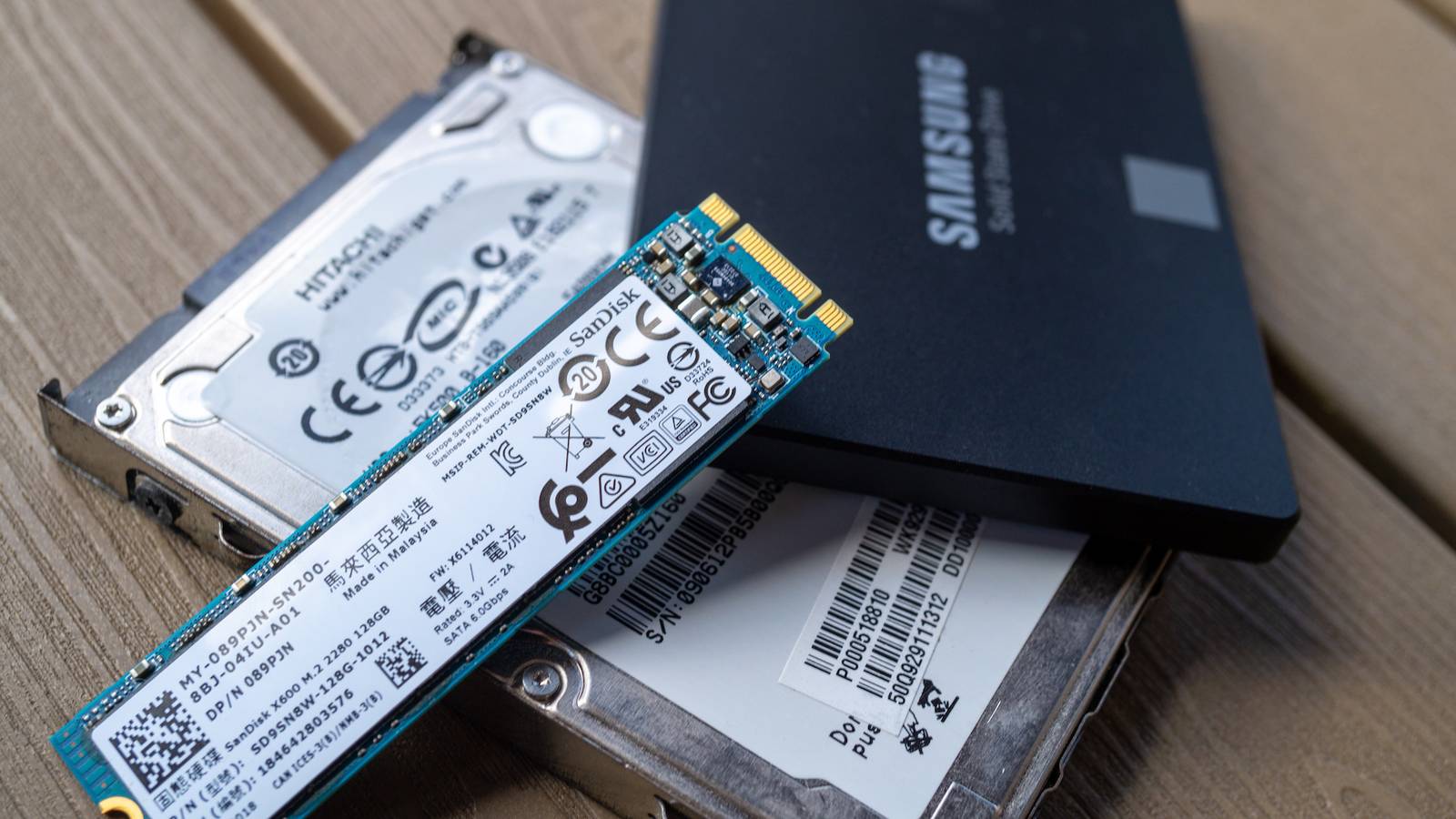
1) you have an HDD and if something was using it which you don't expect then it would feel like the defragging days Vs using the nvme drive.

2) internet and hardware otherwise seems fine so I'm thinking it's a software issue. But I don't know what exactly. So I'd start with a fresh windows install.
 
Now i know people might say just leave it on however i find some pages don't load when i have VPN enabled so ATM i am constantly turning VPN on and off to access one site to another.

I am finding some websites do not load amazon and Facebook don't the odd thing is when i turn surf shark on they do load
It sounds like your VPN is messing with your network settings.

A VPN can cause slow browsing/loading problems.
 
It sounds like your VPN is messing with your network settings.

A VPN can cause slow browsing/loading problems.
I actually agree with you.

Currently i have turned it off and exited it, its not running at all.

I am still getting the issues, but if i turned it on and connect to a random uk VPN it works straight away.
 
It sounds like your VPN is messing with your network settings.

A VPN can cause slow browsing/loading problems.
True, but OP says the VPN *fixes* his issue. This sounds more like bad DNS or (perhaps more likely) a failed IPv6 link — both of which would be resolved by switching to a different network (VPN). If it is an IPv6 issue, the browser defaults to IPv6 first and struggles or fails, and then falls back to IPv4 and everything works again... eventually.

OP, task manager tells you nothing of interest. Load dev tools in Chrome, click the Network tab and load a problematic site. Do other devices on your network have this issue, or just the PC?

Change your DNS provider (try 9.9.9.9), and if that doesn't work try disabling IPv6 temporarily. Also check you don't have encrypted DNS enabled in Chrome, and temporarily disable all extensions except your ad blocker. You might also want to load Edge and enable its encrypted DNS set to Cloudflare (built in to settings already), and see if that fixes the issue. Worst case, uninstall the VPN app and test again. You can always reinstall once it's proven not the issue.

- Network layer
- DNS
- Different browser
- VPN

Then see how the land lies.
 
Last edited:
Did you say you have sluggish startup too, ie, switching on the PC?
Regarding browser issues, worth checking if anyone else reported for your ISP. After years with VF broadband I started having issues with certain sites. VF couldn't resolve it other than to suggest upgrading to full fibre, which I did, but with a different ISP to ensure wouldn't have the same issue if VF were throttling or shaping network performance for certain sites or users, or if had routing issues.
 
Last edited:
You still haven't said if you’ve tried a different DNS server I'm using Technium pointing to Cloudflares DNS over https server and get the occasional server not responding glitch.

Also have you tried disabling ipv6 on your NIC?
 
Last edited:
Firstly i can i just thank everybody that has taken the time to reply and offer suggestions it really means a lot.

However i have exhausted all of these options and im still having trouble sadly.

I will uninstall the VPN and try again as my next step.
 
Back
Top Bottom