Drives advice

Soldato
Joined
18 Feb 2007
Posts
13,682
Location
London
Hello

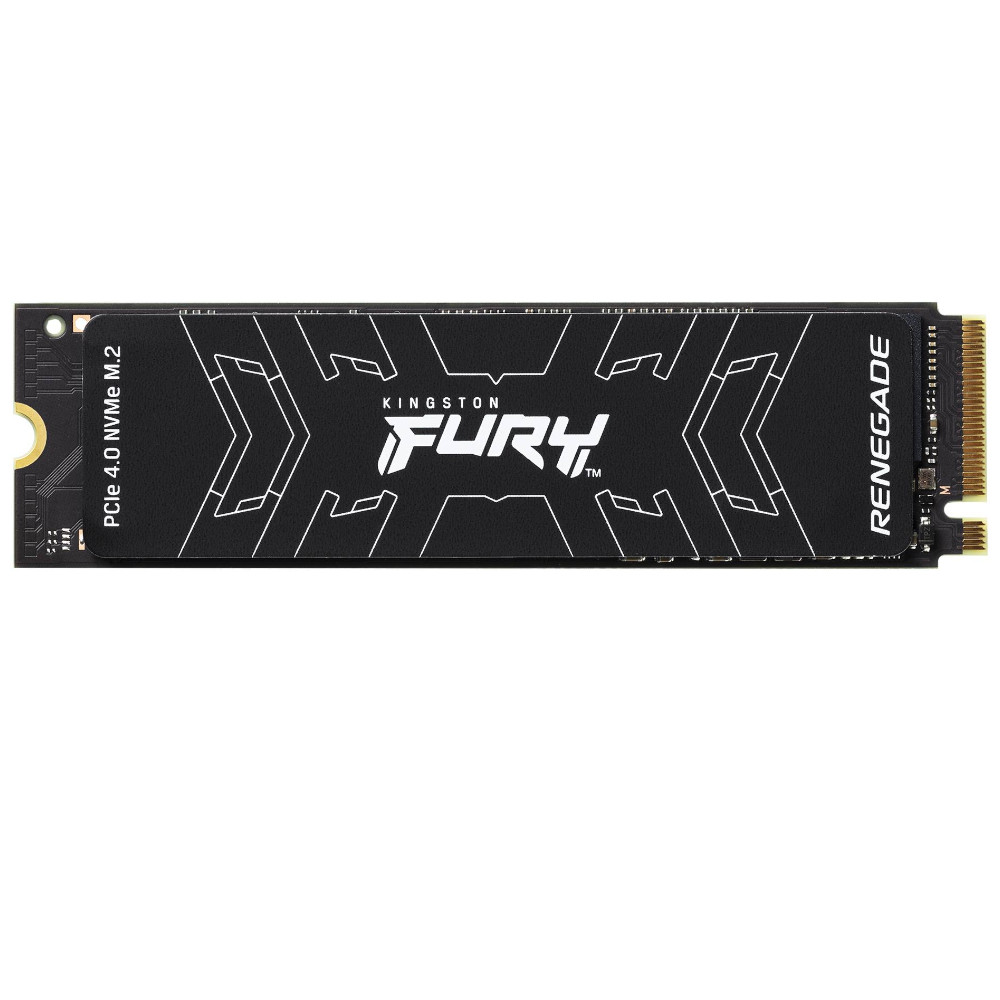
I built my pc in January and currently just have 1 SSD, think its a crucial t500 2tb, Im wondering if I should get a 2nd ssd for my games, I wouldn't say I install lots of games really just I read that its a good idea to have separate drives in case of the need to reinstall windows or some other issue, thus not losing all your games as well.
I know you can partition a drive I think, but I would rather just buy another 2tb ssd for games.

Do most on here have their games on a different drive to the OS?

If I get another drive any particular one to look at for games, I see most 2tb drives are around the £100-140 point.

 
Yeah, both my main and secondary rig has a second drive installed purely used as a game/program "read only" drive really. If there's anything currently hitting the boot drive like updates or anything, it won't impact on the game storage drive being read at (near) full speeds.

The other thing is of course, if something were to happen to the boot drive and it needs to be sent for repair or needs to be totally formatted and reinstalled from scratch to reuse, at least you won't need to reinstall all the games again that way. Or if the boot drive needs to be replaced physically (for repair, etc), you can take the secondary drive and reuse (temporarily) as a boot drive to reinstall onto to get your rig back up again as well.

So that's why I have a preference for a second physical drive over just partitioning a space out from the main boot drive.
 
If I do get a 2nd m.2 drive, my motherboard is an msi x670e tomahawk, it has 4 m.2 slots in total, would it matter what slot I placed it in, my gpu might be hindering the m.2 slot 2, not checked, so could I just connect it into m2 slot 3 or 4?
 
Last edited:
Looking at the manual for your board, it should be OK to install under any of the slots on that motherboard (and retain full speeds) and it'll be fine to place the motherboard SSD heatsinks on top. You don't need to fit it under the one under the GPU section.
 
Looking at the manual for your board, it should be OK to install under any of the slots on that motherboard (and retain full speeds) and it'll be fine to place the motherboard SSD heatsinks on top. You don't need to fit it under the one under the GPU section.

I think it’s only m2 slot 4 that shares bandwidth with another slot (if it’s in use as well).

I need to look but I will likely use slot 3, unless there is enough space to get to slot 2 with the gpu close.
 
Last edited:
Having a OS only drive is useful, although I'm using a 500GB SSD with Windows and a few games.

if it crashes the OS I'd probably boot up from linux stick copy data across to NAS or another drive then do fresh install.
 
Just a thought but those that have their games on a different drive to the OS, do you keep the steam and Xbox apps on the OS drive or install them on the drive with the games?
I doubt it matters, was just curious.
 
Back
Top Bottom