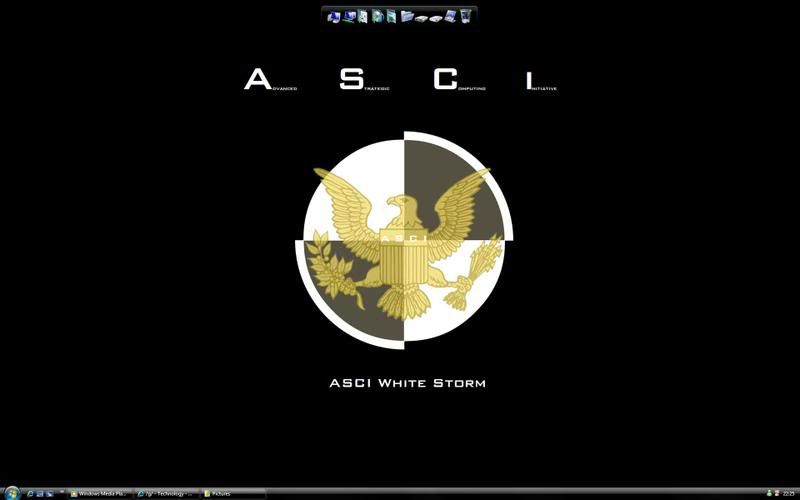
Just installed objectdock, added iTunes, which looks fine when you hoover over it. Added utorrent and chrome, and when you hoover over these the icon isnt very sharpe, it looks like the resolution is incorrect. :S
Just installed objectdock, added iTunes, which looks fine when you hoover over it. Added utorrent and chrome, and when you hoover over these the icon isnt very sharpe, it looks like the resolution is incorrect. :S
If you go to www.objectdock.com and then click on Get More Icons in the new window in the top right hand corner is a search so if you search for say UTorrent then it'll list the icons in full res so you can choose which you want.
If you go to www.objectdock.com and then click on Get More Icons in the new window in the top right hand corner is a search so if you search for say UTorrent then it'll list the icons in full res so you can choose which you want.
You click on the icon and download it - it will normally be zip file so extract the file to c:\documents and settings\username\my documents\object dock\images or somewhere around there (theres a folder in my documents with all the icons in so I like to use the same structure - realistically it can be anywhere).
Then right click on the icon click Dock Entry Properties then click Change Image at the bottom and then choose the one you unzipped earlier.
You can also change the hover over text (i.e. to UT or whatever) by editing the title at the top.
This site uses cookies to help personalise content, tailor your experience and to keep you logged in if you register.
By continuing to use this site, you are consenting to our use of cookies.