


I think that's just an assumption, you can swap the supplied router with no issues.
-
Notice regarding image hosts and attachments. See here.
You are using an out of date browser. It may not display this or other websites correctly.
You should upgrade or use an alternative browser.
You should upgrade or use an alternative browser.
YouFibre
- Thread starter oldestgregg
- Start date
More options
Thread starter's posts
There's no lock in with the router, you can just replace it with your own. Likely you'll need to wait up to an hour for the DHCP lease to refresh (at YouFibre's end) before it comes online, and an ONT restart won't hurt either.Hi fellow YouFibrerers. I joined YouFibre a few months ago. It was great to get a fresh cable run to the first floor of my house and I'm seeing very close to 1000Mbps up and down on a wired connection. What I'd really like to do is replace the supplier modem/router with something else so I can do stuff like run internal DNS with pihole and perhaps do more exciting things too. So, initially, it'd be great to hear people's experience of getting YouFibre to allow a change of modem/router (I assume they have currently locked the line to their supplied router's mac address). Cheers.

Ah so that’s the limitation, thanks. We haven’t used the landline yet but the plan was to hook it up at some point.I swapped my router in with no issues, performance was slightly better, but you can only use their landline services with their router and we still like a landline.
Last edited:
Customer service did say that they would send me out an adaptor so I can use my own gear and remove their router but as with every dealing I have had with YouFibre, it's all chat and no action, it never arrived.
Very Poor Customer service generally, worst I have experienced, you're lucky if they even respond.
You can take someone else phone service and ditch their router if you really want to, this is probably the best course of action.
I will do this at some point, but most VOIP services I have found seem to be a terrible deal for what I need.
Very Poor Customer service generally, worst I have experienced, you're lucky if they even respond.
You can take someone else phone service and ditch their router if you really want to, this is probably the best course of action.
I will do this at some point, but most VOIP services I have found seem to be a terrible deal for what I need.
Last edited:

Soldato
- Joined
- 10 Oct 2006
- Posts
- 3,811
The standard router is poor but it does allow you to change the DNS settings so you can use pihole with it.
So as a final attempt to improve WiFi performance with the YouFibre router I'd like to just turn off (or rename and not use) the 5GHZ band and have everything connect to the 2.4GHZ, but as far as I can tell there is no way to do either of these thing in the base station settings. Am I missing something?
Longer term I want to replace the Router with a gateway like one of these https://www.omadanetworks.com/uk/business-networking/omada-router-wired-router/ and run cat-6 and WiFi access points, but that's a little pricey to do right now.
Longer term I want to replace the Router with a gateway like one of these https://www.omadanetworks.com/uk/business-networking/omada-router-wired-router/ and run cat-6 and WiFi access points, but that's a little pricey to do right now.
Last edited:
Looks like Netomnia is getting ready to merge Brsk and YouFibre into one standalone retail ISP brand going forward - https://www.ispreview.co.uk/index.p...k-broadband-isp-brand-brsk-into-youfibre.html
YouFibre will be the chosen brand name. Hopefully this will improve things going forward, especially with customer service. I really hope though that this isn't them starting to organise and make preparations to merge with CityFibre or VMO2 like what was rumoured last year.
YouFibre will be the chosen brand name. Hopefully this will improve things going forward, especially with customer service. I really hope though that this isn't them starting to organise and make preparations to merge with CityFibre or VMO2 like what was rumoured last year.
Youfibre uses a grandsteam ATA to provide VOIP services when the standard router is not fitted, for example with the eero, all service engineers have them in the van and although I think the end goal is to stop using them at the moment is available. Just give them another call.Customer service did say that they would send me out an adaptor so I can use my own gear and remove their router but as with every dealing I have had with YouFibre, it's all chat and no action, it never arrived.
Very Poor Customer service generally, worst I have experienced, you're lucky if they even respond.
You can take someone else phone service and ditch their router if you really want to, this is probably the best course of action.
I will do this at some point, but most VOIP services I have found seem to be a terrible deal for what I need.

Hopefully this will improve things going forward, especially with customer service.
I really hope so, customer service has been down the pot with them the last few months... Largely unhelpful and uncaring.
I wouldn't say that service is likely to improve. They're doing what all companies do when they grow - the customer volume is too high and the type of user is no longer the tech enthusiast so they backfill CS roles with generic flowchart followers and hope that it can pick off 90% of problems.

My setup, was the arris router on a 1gb connection in bridge mode, and hooked upto linksys velop mesh system.....constant drop outs in the wifi.
Couldn't figure out what was going on...eventually had engineer round who suggested shifting to the newer sagecom wifi 7 router and see how that worked.
Done that, and now no drop outs but the sagecom router seems very locked down, so i think i will shift over to a unifi express 7. I also have the phoneline, which they have provided a grandstream device to get that working via ethernet when i do switch routers. customer service ranges from great to horrendous. Depends who you get on the other side.
Couldn't figure out what was going on...eventually had engineer round who suggested shifting to the newer sagecom wifi 7 router and see how that worked.
Done that, and now no drop outs but the sagecom router seems very locked down, so i think i will shift over to a unifi express 7. I also have the phoneline, which they have provided a grandstream device to get that working via ethernet when i do switch routers. customer service ranges from great to horrendous. Depends who you get on the other side.

Looks like the deal is progressing - I’m absolutely gutted.
 www.ispreview.co.uk
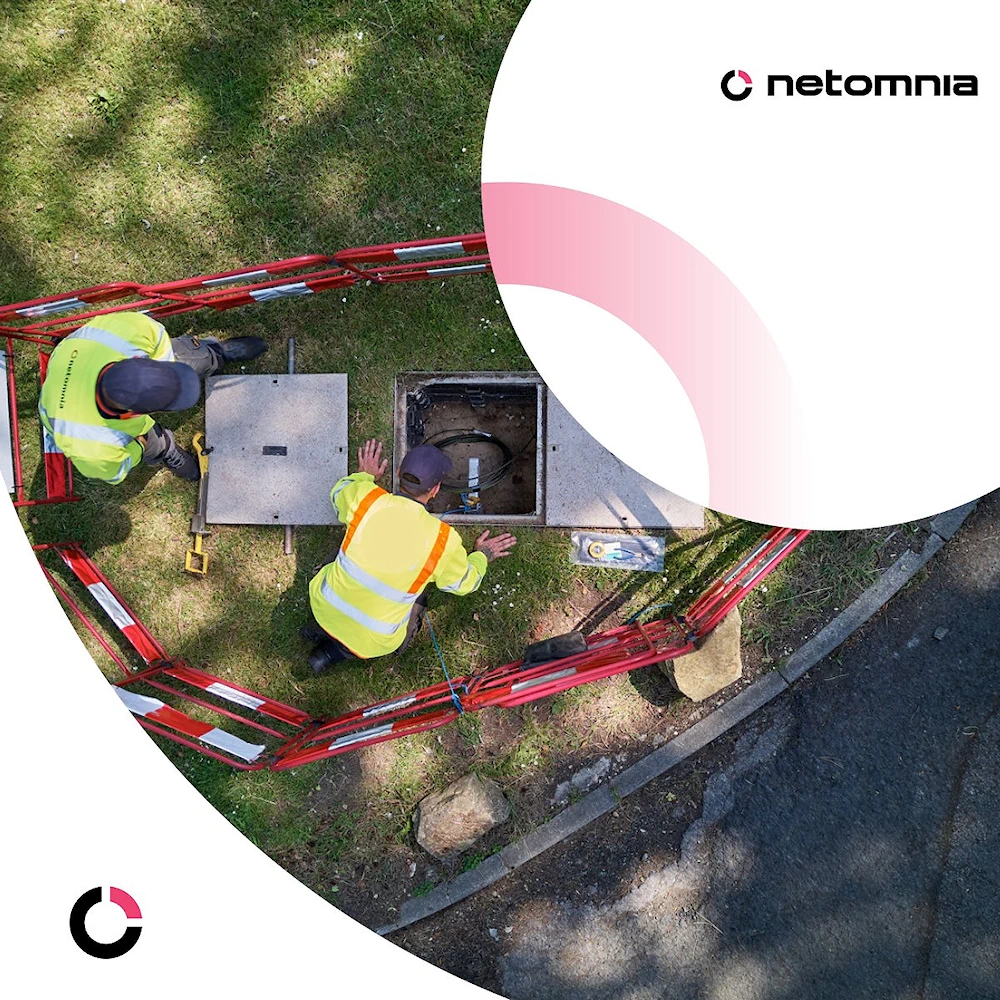
Virgin Media O2 UK's Owners Close in on £2bn Broadband Deal for Netomnia
European telecoms giants Telefónica and Liberty Global, the joint owners of Virgin Media and O2 in the UK, have reportedly now joined with private equity firm
www.ispreview.co.uk
Paying £714 per potentially connectable customer (£4500 per live customer) feels like a big overspend, and there's only one way they're getting that investment back. Even if everybody is paying £35 per month that's over ten years of revenue that VM have paid per live customer to buy the network.
Even if the proposed purchase is agreed between VMO2 and Netomnia it would still need to approval of the CMA and I think it could be a struggle to get it.
I wouldn’t be a fan and would have serious reservations about the deal.
I’d rather see a CityFibre and Netomnia merger which I think would be better for the consumer and have far less network overlap when compared to VMO2.
I wouldn’t be a fan and would have serious reservations about the deal.
I’d rather see a CityFibre and Netomnia merger which I think would be better for the consumer and have far less network overlap when compared to VMO2.
I really hope it won't but you're probably right that it will. To my eyes it's bad for competition and consumers to have Openreach and Virgin Media O2 as the only big companies who own and operate the fibre infrastructure in the UK.The CMA won't care, it will be waved through
It's just a rubbish message to send to altNETs that if you get to big you'll just be acquired.
I really hope it won't but you're probably right that it will. To my eyes it's bad for competition and consumers to have Openreach and Virgin Media O2 as the only big companies who own and operate the fibre infrastructure in the UK.
It's just a rubbish message to send to altNETs that if you get to big you'll just be acquired.
The owners don't have to allow themselves to be bought. But they will want the bag of cash.
If the Vodafone and Three merger got past then this will without anyone even thinking.
All these remaing altnets should just rename themsevles to "Buy us out Fibre" because that's all this is now.
It got me thinking and I hope I'm being way too cynical here. Is the fibre broadband industry just a money laundering operation? Sink a ridiculous amount of money in to supply a couple hundred thousand premises with crippling debt but it doesn't matter because you'll get bought anyway and then the money washes itself. Netomnia got "extra investment" of £300 million at the start of September: https://www.ispreview.co.uk/index.p...-debt-to-boost-uk-fttp-broadband-rollout.html and by the end of October had already started talks to get acquired by Virgin Media: https://www.datacenterdynamics.com/en/news/virgin-media-o2-in-talks-to-acquire-netomnia-report/
Tell me that doesn't smell of money laundering. "Hey guys let's get £300 million investment to build more of the network!"... next month after getting that investment... "actually let's sell".
All these remaing altnets should just rename themsevles to "Buy us out Fibre" because that's all this is now.
It got me thinking and I hope I'm being way too cynical here. Is the fibre broadband industry just a money laundering operation? Sink a ridiculous amount of money in to supply a couple hundred thousand premises with crippling debt but it doesn't matter because you'll get bought anyway and then the money washes itself. Netomnia got "extra investment" of £300 million at the start of September: https://www.ispreview.co.uk/index.p...-debt-to-boost-uk-fttp-broadband-rollout.html and by the end of October had already started talks to get acquired by Virgin Media: https://www.datacenterdynamics.com/en/news/virgin-media-o2-in-talks-to-acquire-netomnia-report/
Tell me that doesn't smell of money laundering. "Hey guys let's get £300 million investment to build more of the network!"... next month after getting that investment... "actually let's sell".
Last edited: